

In a world where personalization is key, animated wallpapers offer a unique way to express your style and creativity on your devices. If you're looking to add a dynamic flair to your desktop or mobile screen, Wallpaper Alive is the perfect tool for you. This beginner's guide will walk you through the process of creating stunning animated wallpapers, ensuring that you can transform your screens into captivating canvases.
What is Wallpaper Alive?
Wallpaper Alive is an innovative application that allows users to create animated wallpapers for both desktop and mobile devices. With a user-friendly interface and a variety of features, it enables you to bring your static images to life. Whether you want to add subtle movements or vibrant animations, Wallpaper Alive has the tools you need to make your wallpapers stand out.
Getting Started with Wallpaper Alive
1. Download and Install the App
To begin your journey, you'll need to download Wallpaper Alive. The app is available for both Windows and Android devices. Simply visit the official website or your device's app store to download and install the application.
2. Explore the Interface
Once installed, open the app and take a moment to familiarize yourself with its layout. The main features include:
- Gallery: Browse through existing animated wallpapers.
- Create: Start a new project to design your wallpaper.
- Settings: Adjust preferences for performance and appearance.
Creating Your First Animated Wallpaper
3. Choose Your Base Image
To create an animated wallpaper, select a base image that resonates with your style. You can choose from your personal collection or explore the app's gallery for inspiration. High-resolution images work best, ensuring that your wallpaper looks crisp and clear.
4. Add Animation Effects
After selecting your image, it's time to add animation effects. Wallpaper Alive offers a range of options, including:
- Parallax Effects: Create depth by moving layers at different speeds.
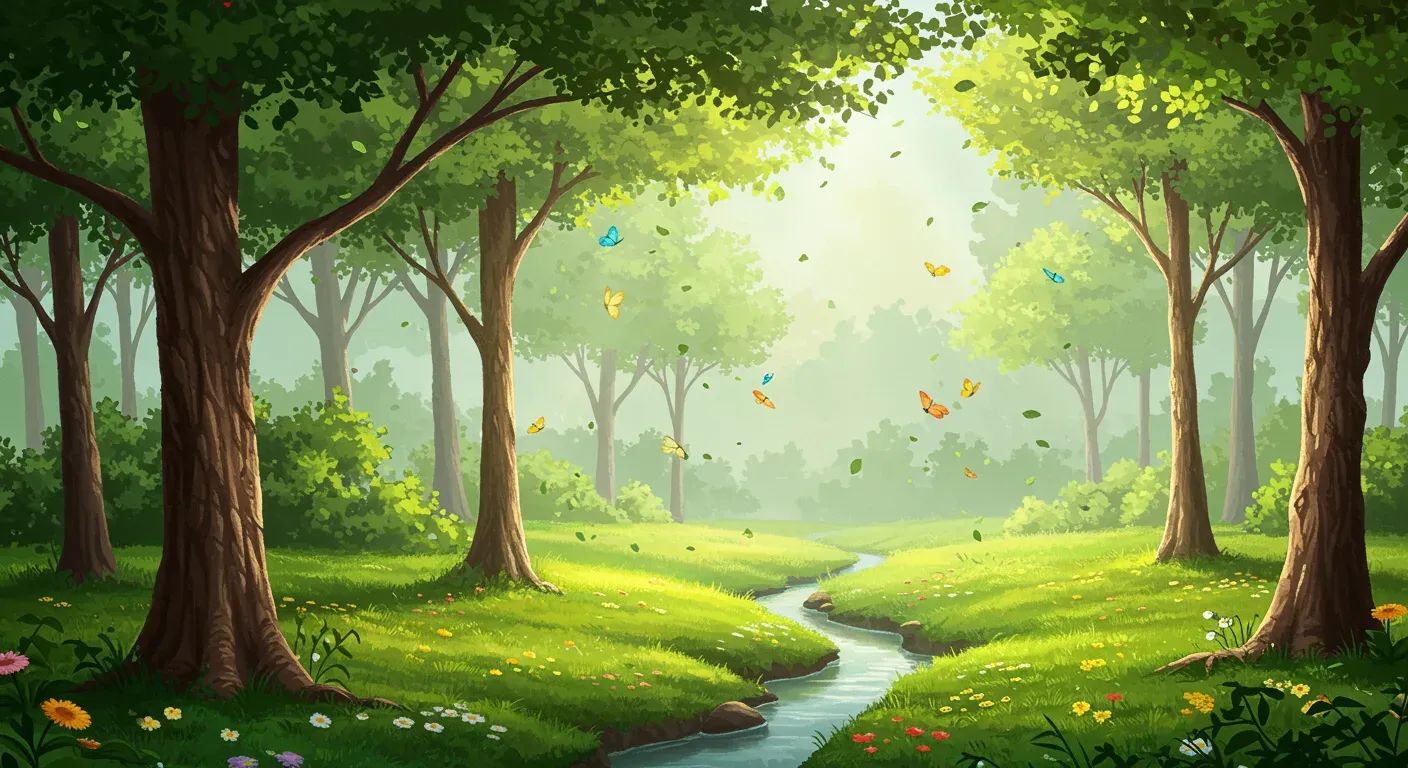
- Particle Effects: Add elements like falling leaves or drifting snow.
- Custom Animations: Use the timeline feature to craft unique animations.
Experiment with different effects to find the perfect combination that enhances your image without overwhelming it.
Ethical Considerations in Wallpaper Design
When creating animated wallpapers, it's essential to consider the ethical implications of your designs. Always use images that you have the rights to or are in the public domain. If you're incorporating elements from other creators, ensure you have their permission or give proper attribution. This not only respects the original creator's work but also fosters a community of creativity and collaboration.
Saving and Setting Your Wallpaper
5. Export Your Creation
Once you're satisfied with your animated wallpaper, it's time to save it. Wallpaper Alive allows you to export your creation in various formats suitable for different devices. Choose the appropriate resolution and format, and save your masterpiece.
6. Set Your Wallpaper
Finally, set your newly created animated wallpaper as your desktop or mobile background. Enjoy the vibrant visuals and the unique personality it brings to your device!
As technology continues to evolve, the possibilities for animated wallpapers will only expand. With tools like Wallpaper Alive, users can expect new features and enhancements that will make the creation process even more accessible and exciting. Whether for personal use or to share with the community, animated wallpapers are a fantastic way to showcase your creativity.
In conclusion, creating animated wallpapers with Wallpaper Alive is a fun and rewarding experience. By following this beginner's guide, you can easily transform your screens into dynamic expressions of your style. So, unleash your creativity and start animating today!