




One Model, Any Material Direction
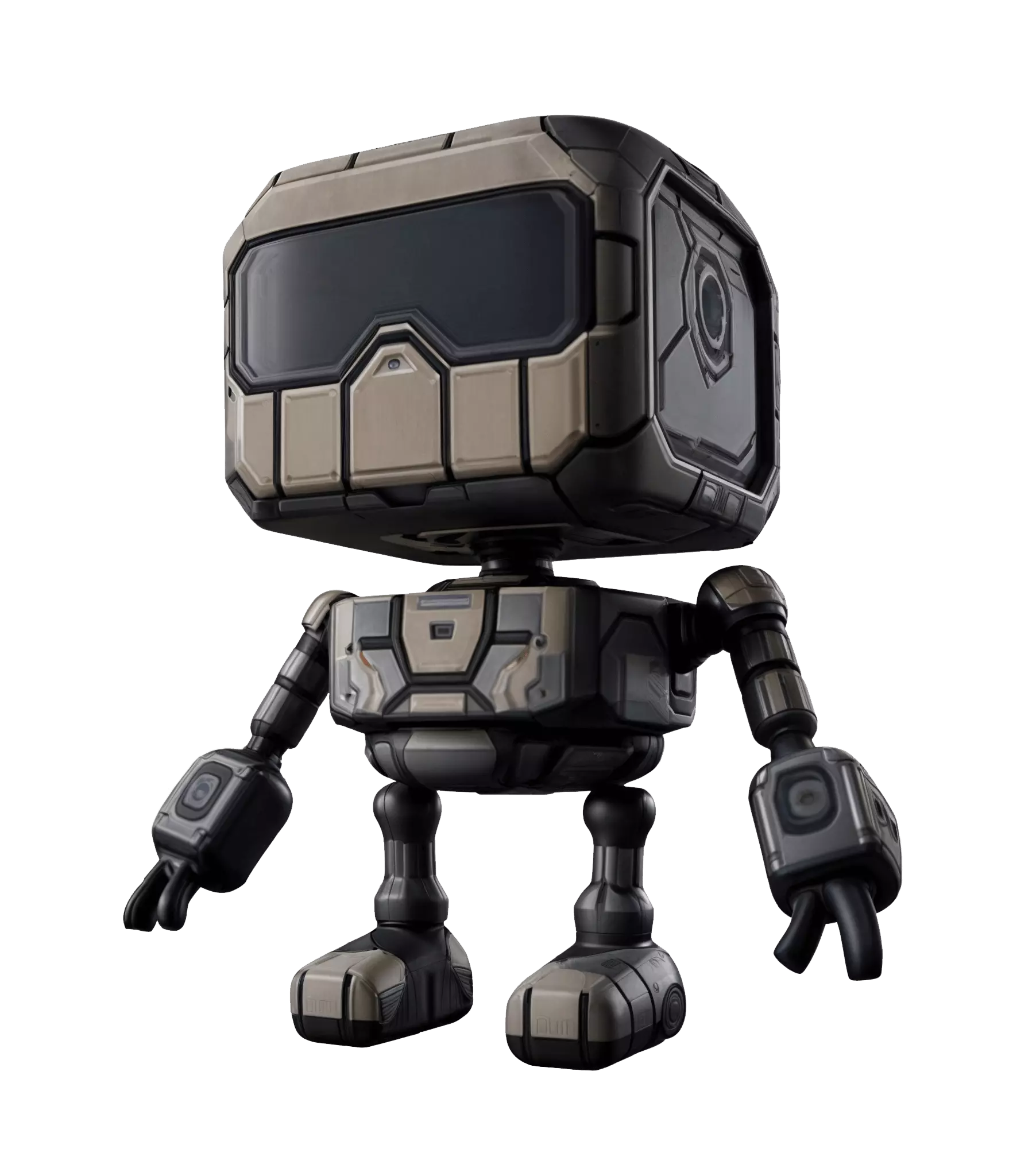
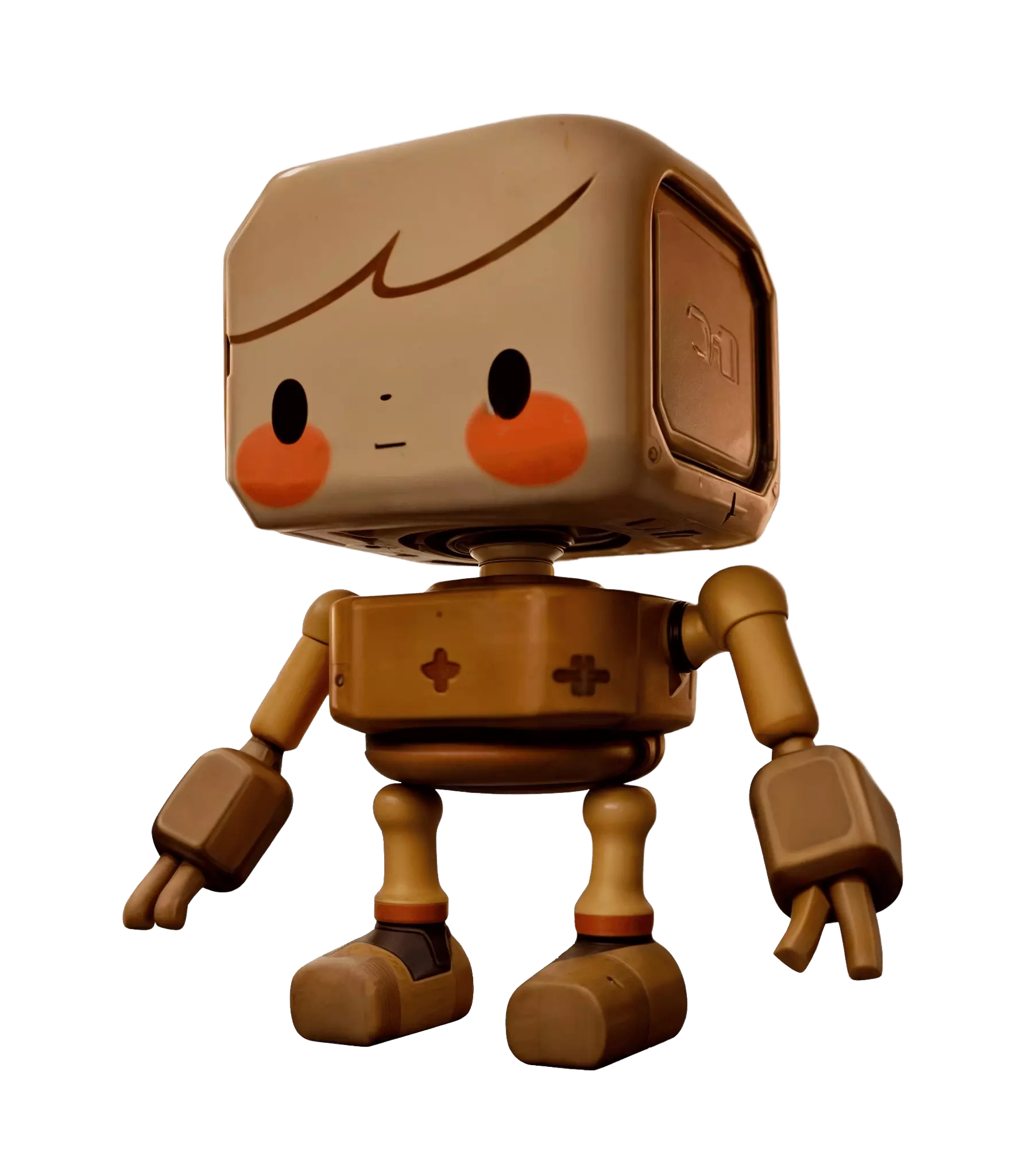
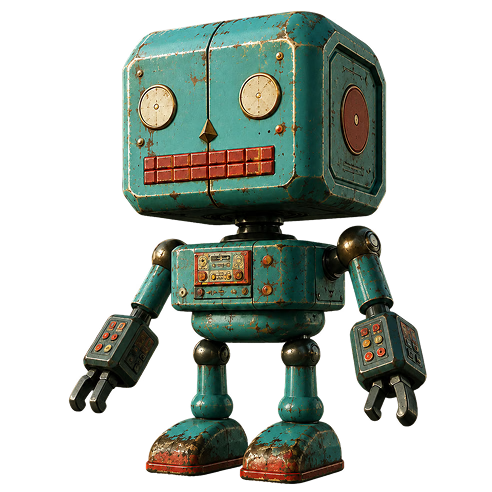
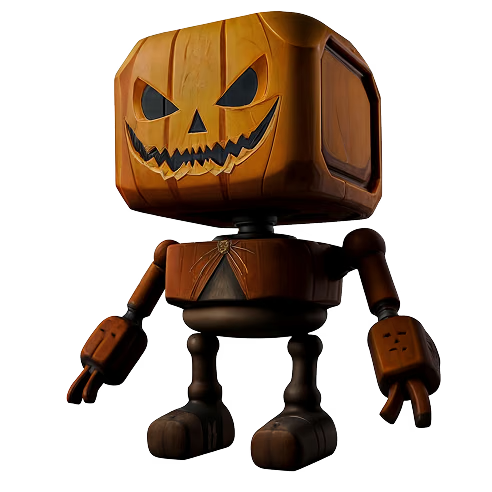
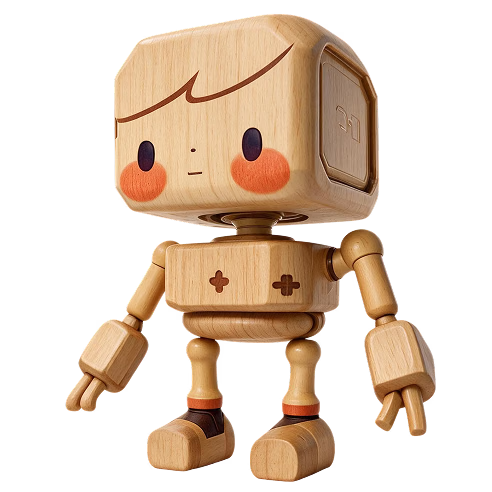
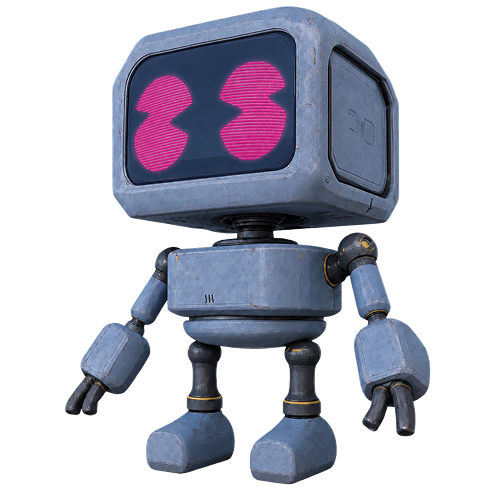
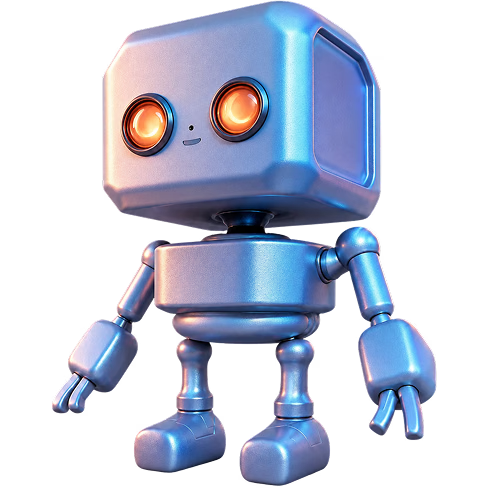
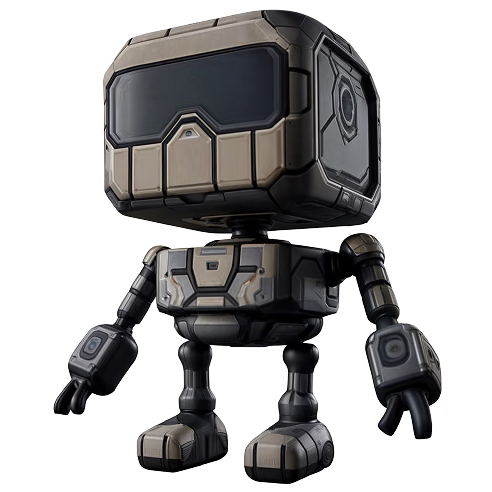
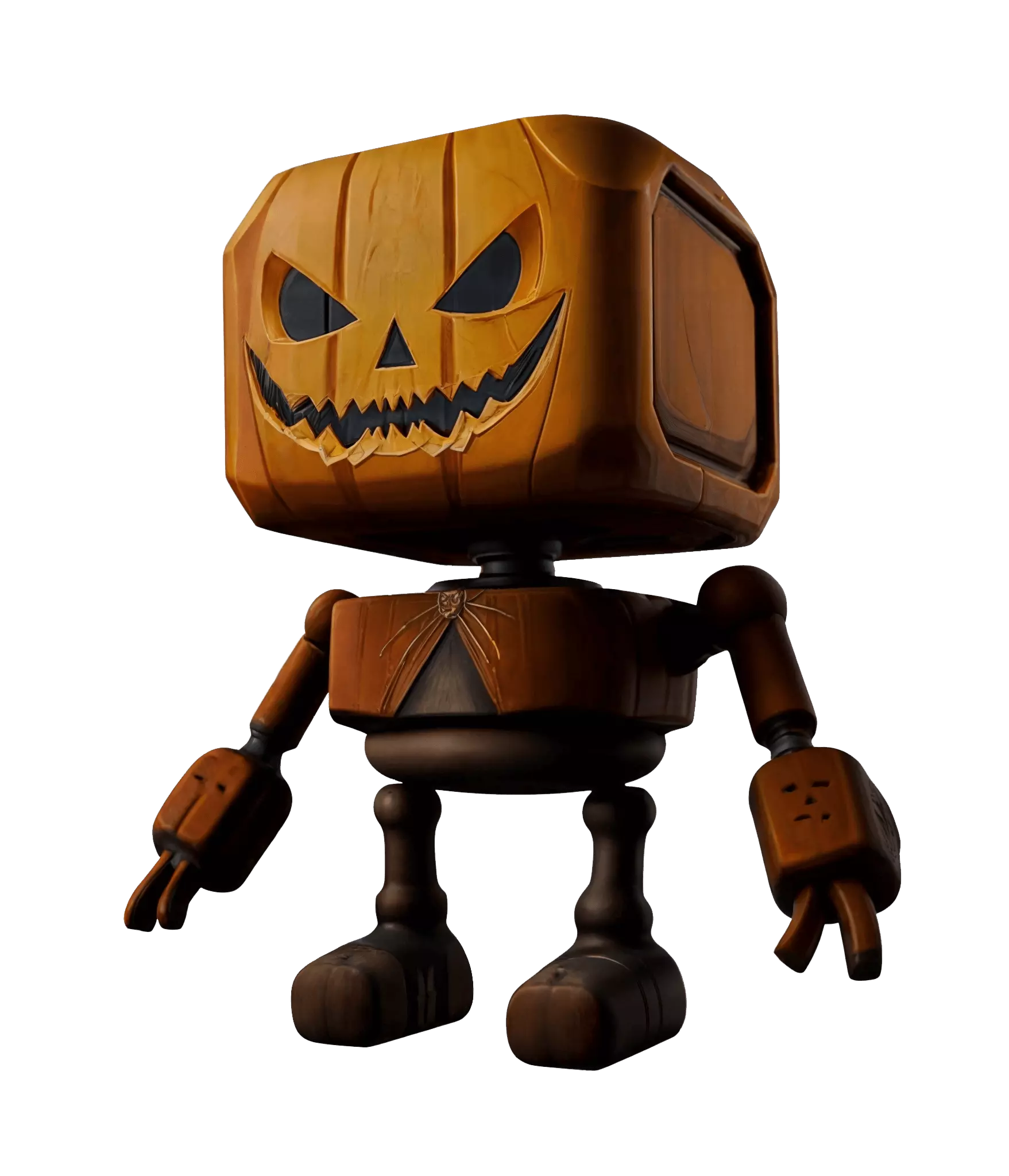
The same untextured robot, retextured three ways by swapping only the reference image - real inputs and outputs from the OmniCraft Texture tool.
Turn any photo, render, or concept image into a crisp HD, 2K, or 4K version with real recovered detail. Free to start - no installs, right in your browser.


OmniCraft AI Texture Generator turns a compatible gray mesh and one reference image into a high-quality textured asset with maps up to 12K.
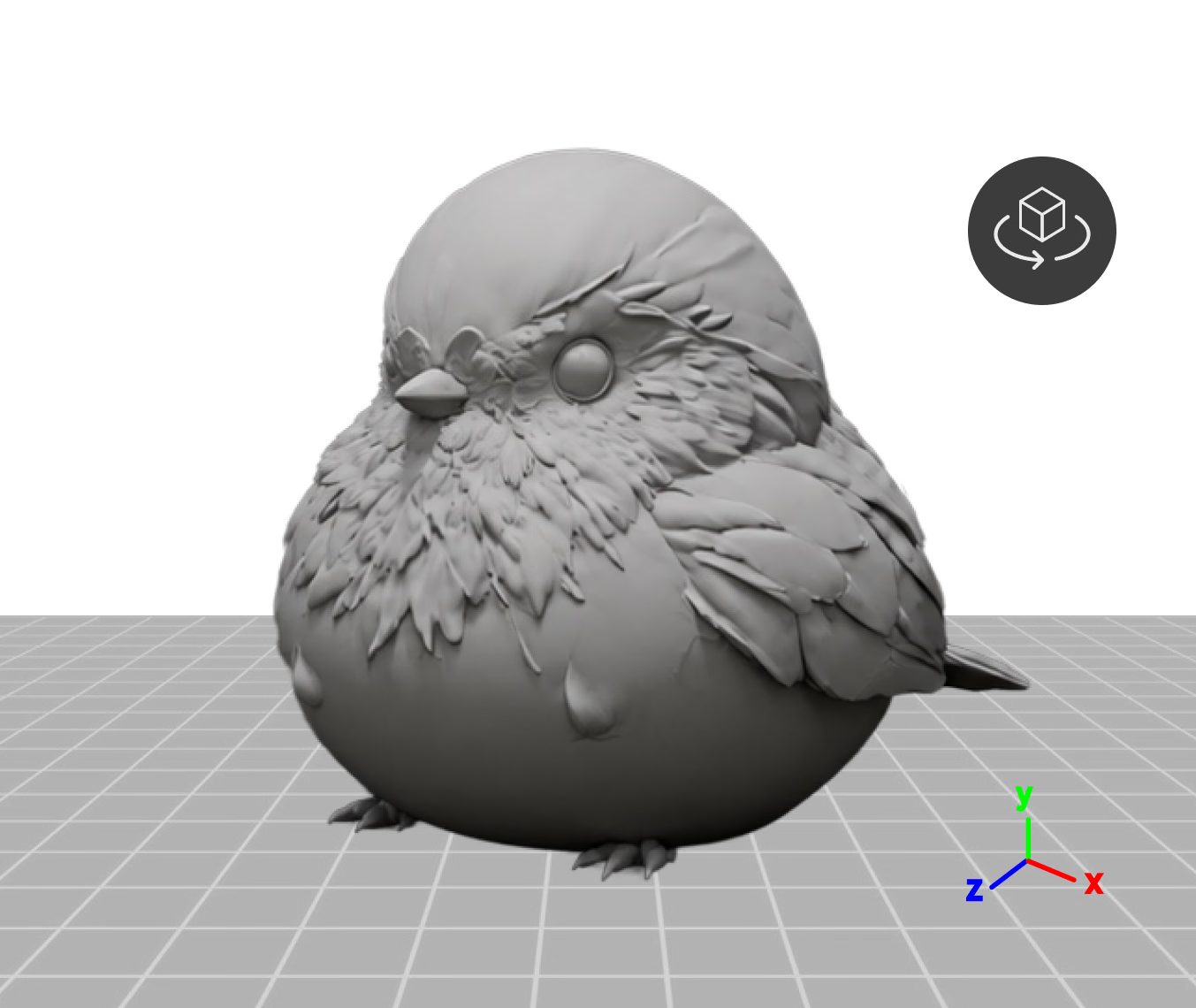
Drop in a mesh up to 150MB and check it in a live 3D preview- rotate on the X, Y, or Z axis to set the orientation before texturing.
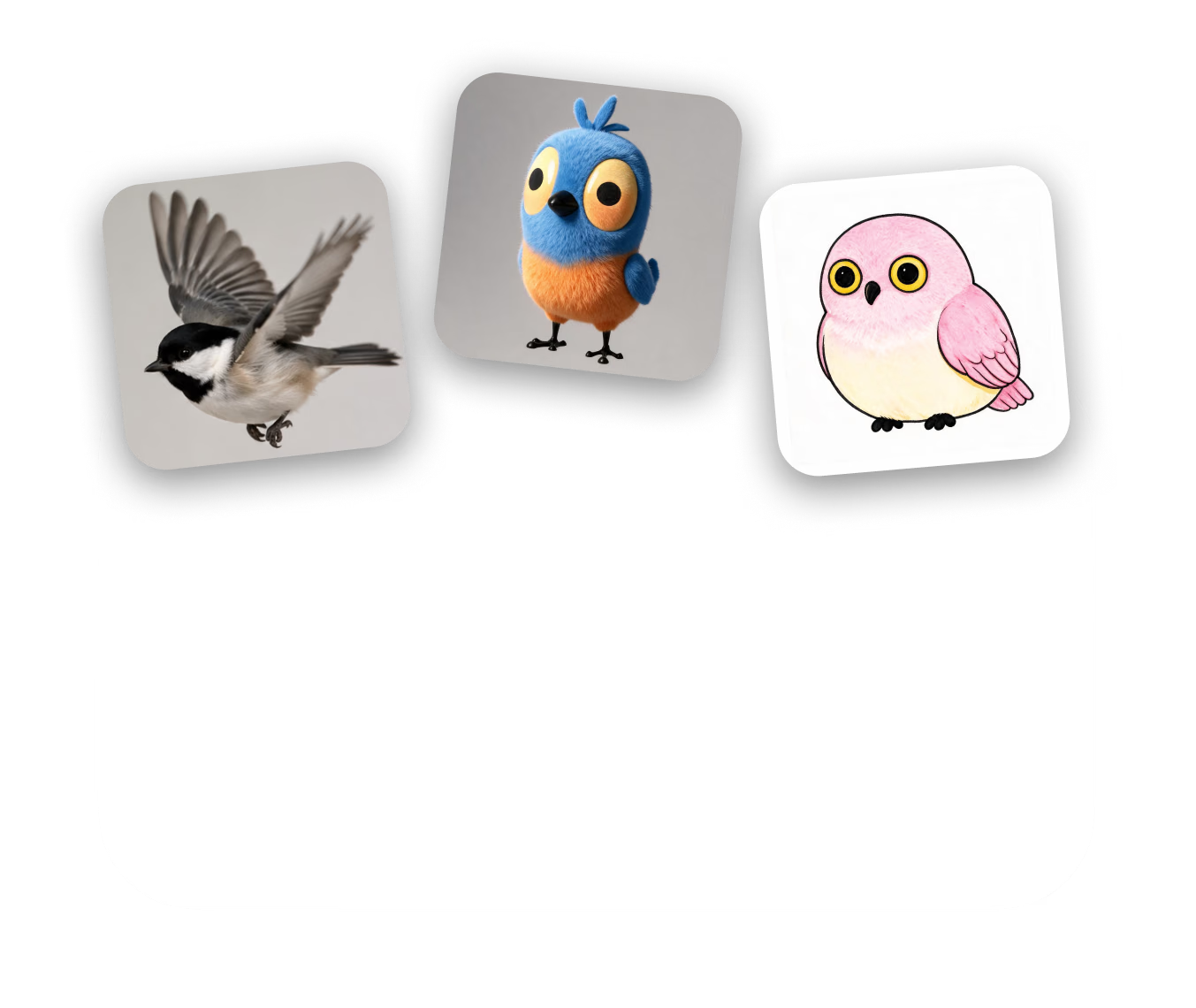
One image sets the direction - its material, colors, and mood drive the texture. Attach up to three references, each with its own history.
Pick a Gen-2.5 speed preset (~4-40s), compare takes in PBR, Shaded, or Toon view, then export as OBJ, FBX, GLB, USDZ, or STL.
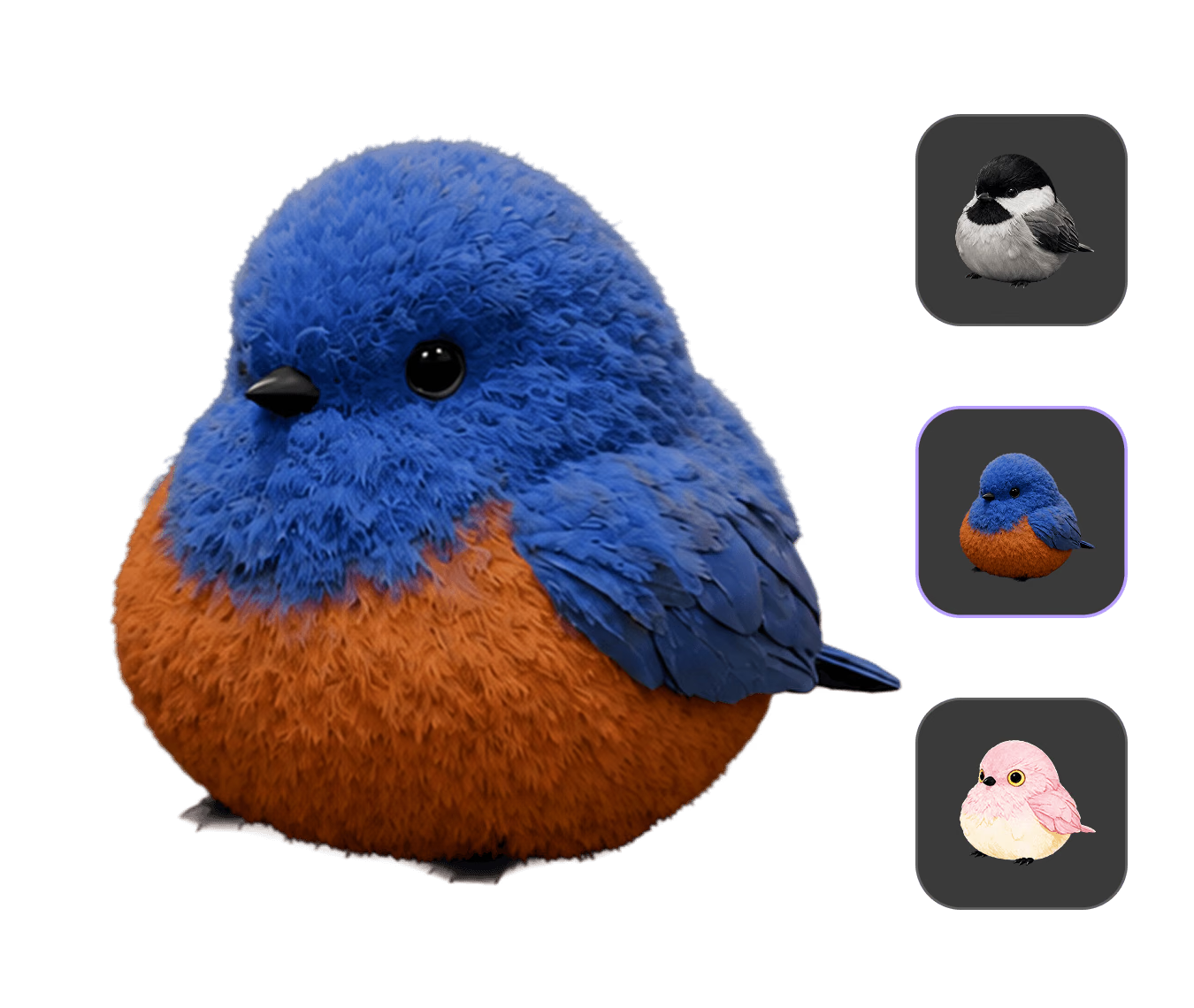
The same untextured robot, retextured three ways by swapping only the reference image - real inputs and outputs from the OmniCraft Texture tool.
Create high-quality textured 3D assets for supported creative workflows.
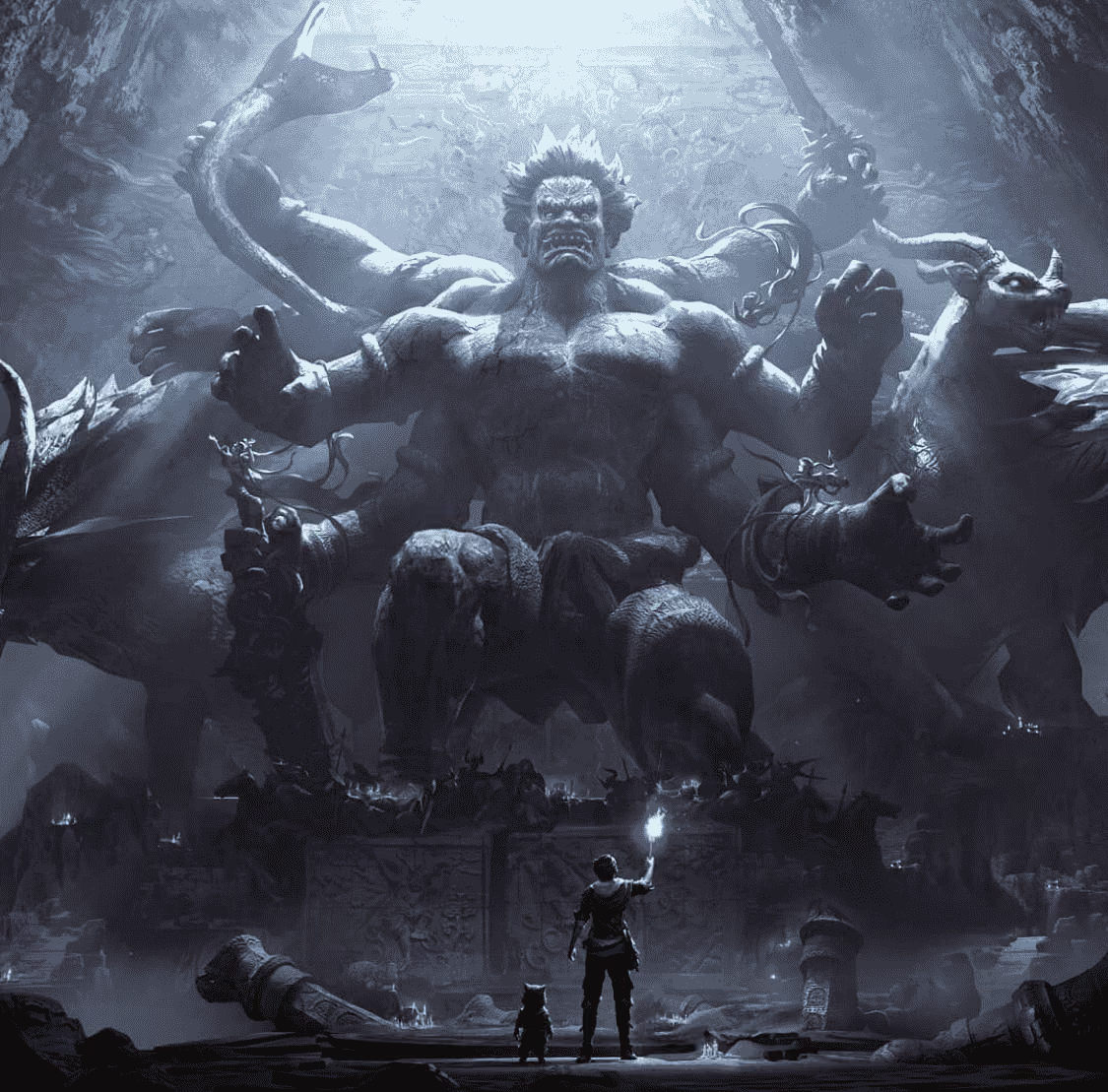
OmniCraft AI Texture Generator creates high-quality PBR and stylized textures up to 12K for props, characters, and modular kits, with flexible exports for supported real-time workflows.
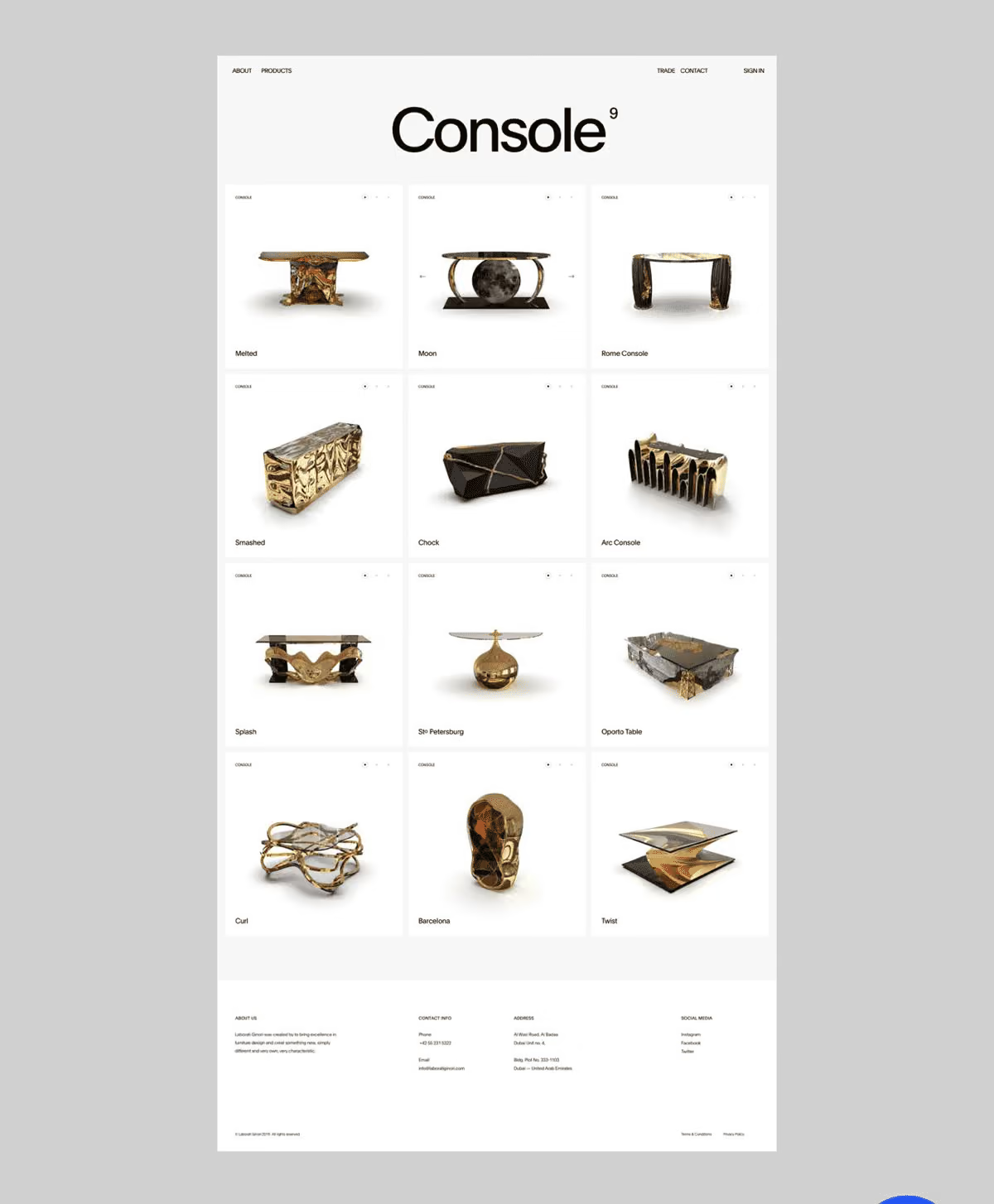
Explore colorways and material finishes on one product mesh — swap a reference photo to test leather, metal, or fabric directions before committing to a studio render.
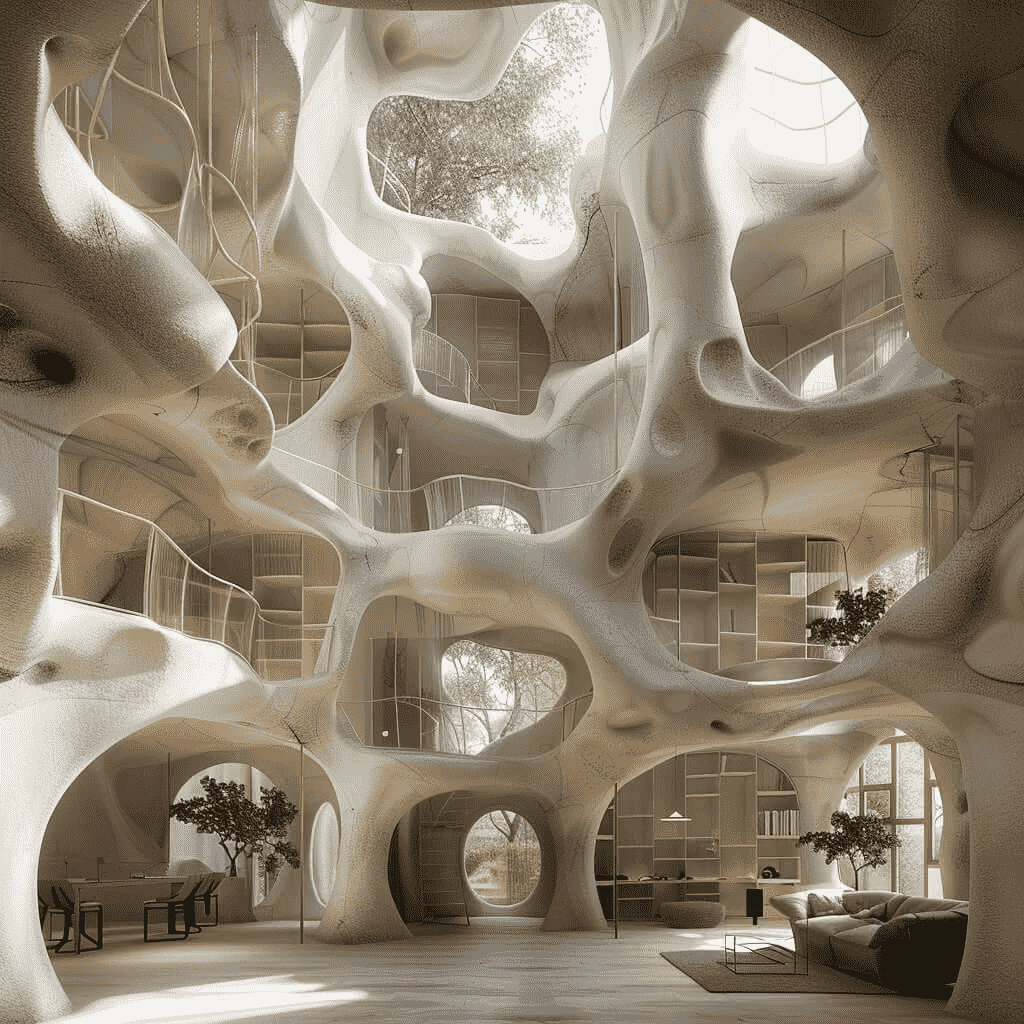
Feed in illustrations or hand-painted references and get toon-friendly surfaces back — then check them in the dedicated Toon view mode before export.
OmniCraft AI Texture Generator applies high-quality PBR or stylized textures up to 12K to compatible 3D assets, with flexible export for supported workflows.
Every option below exists in the tool today — speed presets, sliders, version history, and pack settings, all reachable from the same screen.
Choose how much compute each pass gets: Extreme-Low (~4s), Low (~9s), Medium (~20s), or High (~40s) — or switch to the Legacy pipeline when you want the previous texture behavior.
OmniCraft AI Texture Generator offers flexible material controls, seed-based exploration, and high-resolution PBR texture output up to 12K.
Every generation renders onto your mesh with diffuse, normal, and PBR maps applied, then lands in a history rail with thumbnails — jump back to any earlier take at any time.
Choose Shaded and/or PBR material sets with texture maps up to 12K, plus convenient export options for supported workflows.