AI Anime 3D Model Generator

Generate anime characters and props as editable, textured 3D models. A character sheet or prompt in, a clean readable silhouette out — export FBX, GLB, OBJ or STL.

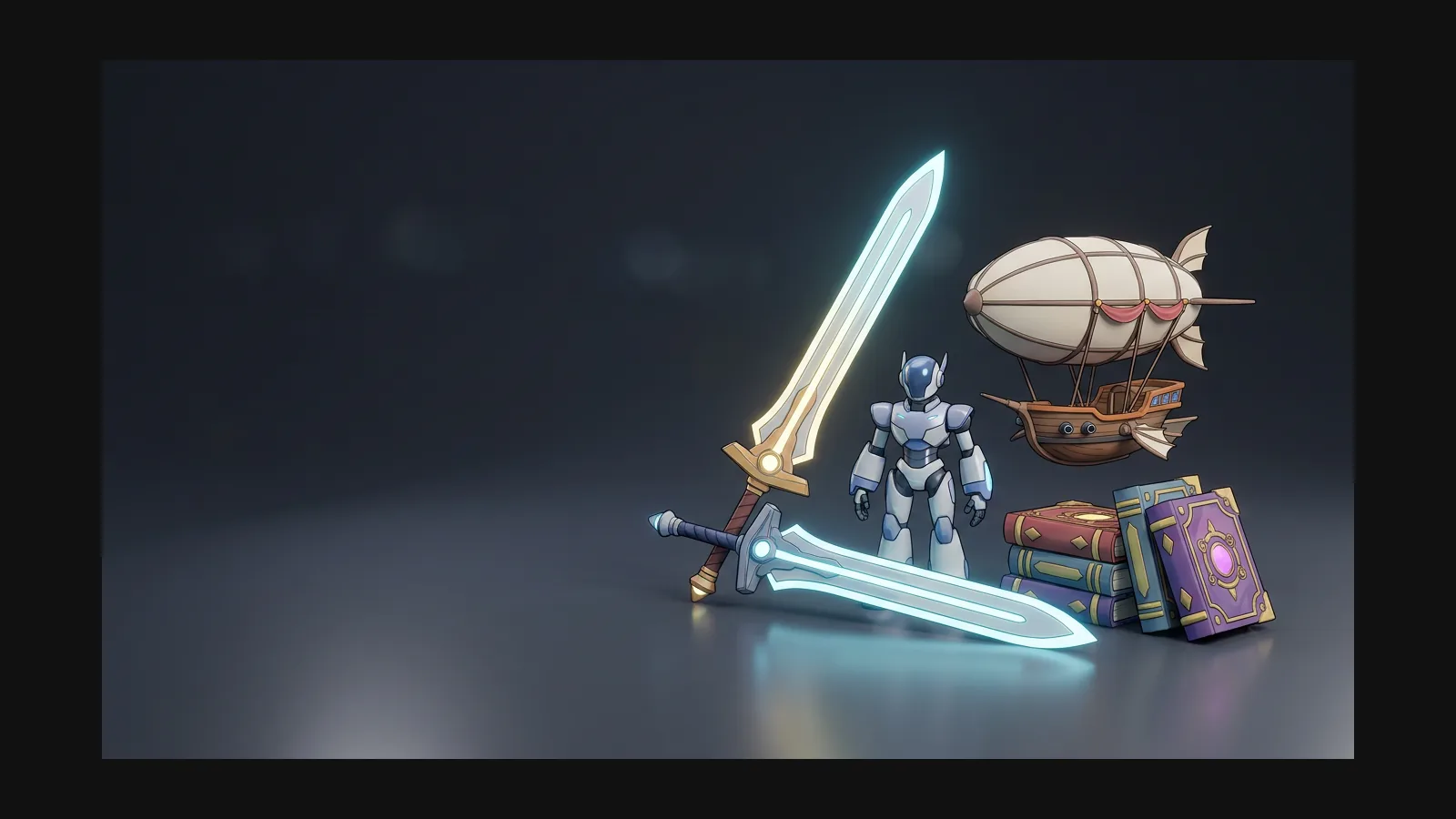
Anime 3D model generator hero image

What makes a 3D model read as anime

Big eyes and flat color do the work in 2D. In 3D, anime reads through a clean silhouette, chunky hair clumps and albedo that stays flat while normal maps stay calm. Rodin picks these cues up from the reference — the sheet you feed it matters more than any setting.

Character design workflows

How to make an anime 3D model from a character sheet

Four steps from reference to export — the Remix preset covers you when there is no art yet.

  1. Reference
    OmniCraft Remix prompt panel converting a reference image with the Anime preset

    Start from a sheet — or make one with Remix

    A front or three-quarter view with a readable silhouette is enough. No art yet? The Anime preset in OmniCraft Remix restyles any photo into an anime reference on a clean white background.

    Remix · Anime preset
  2. Generate
    Rodin generating an anime 3D character model from the reference sheet

    Let Rodin build the character

    Rodin returns the full figure — hair blocks, costume, props — as an editable, textured mesh that keeps the palette and proportions of your sheet.

    textured mesh in minutes
  3. Refine
    Matcap silhouette check on an anime character in the OmniCraft Mesh Editor

    Check the silhouette, then remesh

    Spin the model in matcap view to judge hair clumps and costume volumes, then remesh to your polycount target in the OmniCraft Mesh Editor.

    matcap · wireframe · remesh
  4. Export
    Exporting an anime 3D model as FBX, GLB, OBJ or STL

    Pick the format for the job

    FBX heads to rigging for games and VTuber work, GLB to web viewers and AR, STL to the printer for figures. PBR maps travel with the mesh.

    FBX · GLB · OBJ · STL

Anime prompt recipes

Copy a prompt, swap the subject, keep the style words — the style words are what hold the look.

Chibi figure for printing

“chibi anime girl in school uniform, oversized head, chunky twin-tails, flat pastel palette, full body, A-pose, white background” — chunky shapes survive the printer; export STL and check wall thickness.

Game-ready hero

“anime swordsman, spiky navy hair, cel-inspired flat colors, oversized greatsword on back, T-pose, character turnaround” — calling out the T-pose saves a repose round before rigging.

Ghibli-soft companion

“anime forest spirit creature, Ghibli-inspired soft palette, rounded silhouette, floating scarf, full body, white background” — soft palettes need calm roughness; repaint with the texture tool if highlights turn glossy.

VTuber base mesh

“anime idol girl, short bob with hair clips, bright stage outfit, clean front view, A-pose, flat shading” — export FBX and rig in your avatar toolchain; Hyper3D handles the mesh and maps.

Trusted by Creators Building Real 3D Assets

Creators use Hyper3D to turn anime references and prompts into editable, export-ready 3D models for real workflows.

AI 3D just hit a new threshold. Rodin Gen-2.5: Geometry in ~4s, full model in ~5s, 10M+ polygons, clean structure, production-ready outputs. This is the moment AI 3D becomes an actual pipeline tool.

Sabir Hussain

Sabir Hussain

AI & Tech Enthusiast

Tested Rodin Gen-2.5 from Hyper 3D. Cleaner meshes, sharper surface detail, stronger multi-angle coherence. The results feel much closer to something you’d actually keep iterating on inside a real workflow.

BubbleBrain

BubbleBrain

AI Enthusiast

Rodin Gen 2.5 is a game-changer. 10M+ polygons, 3D-native textures, and seriously good results on complex high-poly models. Production-ready assets just got a lot closer.

Lagerskoy

Lagerskoy

Hunter & Builder

Anime 3D model generator FAQ

Hair, eyes, figures, avatars — the questions anime creators actually ask before generating.

Can I generate an anime 3D model from one drawing?

Yes. Image to 3D works from a single front or three-quarter view. Silhouette clarity beats resolution — if the hair clumps and costume read at thumbnail size, they will read in 3D.

How do I stop the result drifting semi-realistic?

Control the reference, not just the prompt. Flat-shaded art produces flatter albedo; photos pull toward realism. The Anime preset in [OmniCraft Remix](https://hyper3d.ai/workspace/omnicraft/remix) normalizes any input into an anime-style sheet before you generate.

Can I 3D print an anime figure from the model?

Yes — export STL, then check wall thickness on thin parts like twin-tails, scarves and blade tips before slicing. The 3D printing guide covers tolerances and supports.

Does this work for VTuber or VRChat avatars?

It covers the modeling half. Export FBX with PBR maps, then rig and add blendshapes in your avatar toolchain — Hyper3D generates the mesh and textures but does not rig.

How are hair and eyes handled?

Hair comes out as sculpted clumps rather than strand cards, which suits figures and stylized game models. Eyes are painted into the base color map — repaint them with the AI texture generator to change the design without touching geometry.

What belongs in an anime prompt?

Subject first, then proportions, hair, palette, pose, background: “anime knight girl, oversized pauldrons, silver twin-tails, flat cool palette, T-pose, white background.” Keep the style words identical across a set so your characters match each other.

Your anime character is one sheet away

Upload a character sheet or start from a prompt — Rodin returns an editable anime 3D model you can remesh, repaint and export.