




Minimalist 3D Models with Clean Geometry
Clean silhouettes, quiet materials, nothing extra. Generate minimalist 3D models for product mockups, UI scenes, and 3D icons from one prompt or image.


Less geometry, more intention
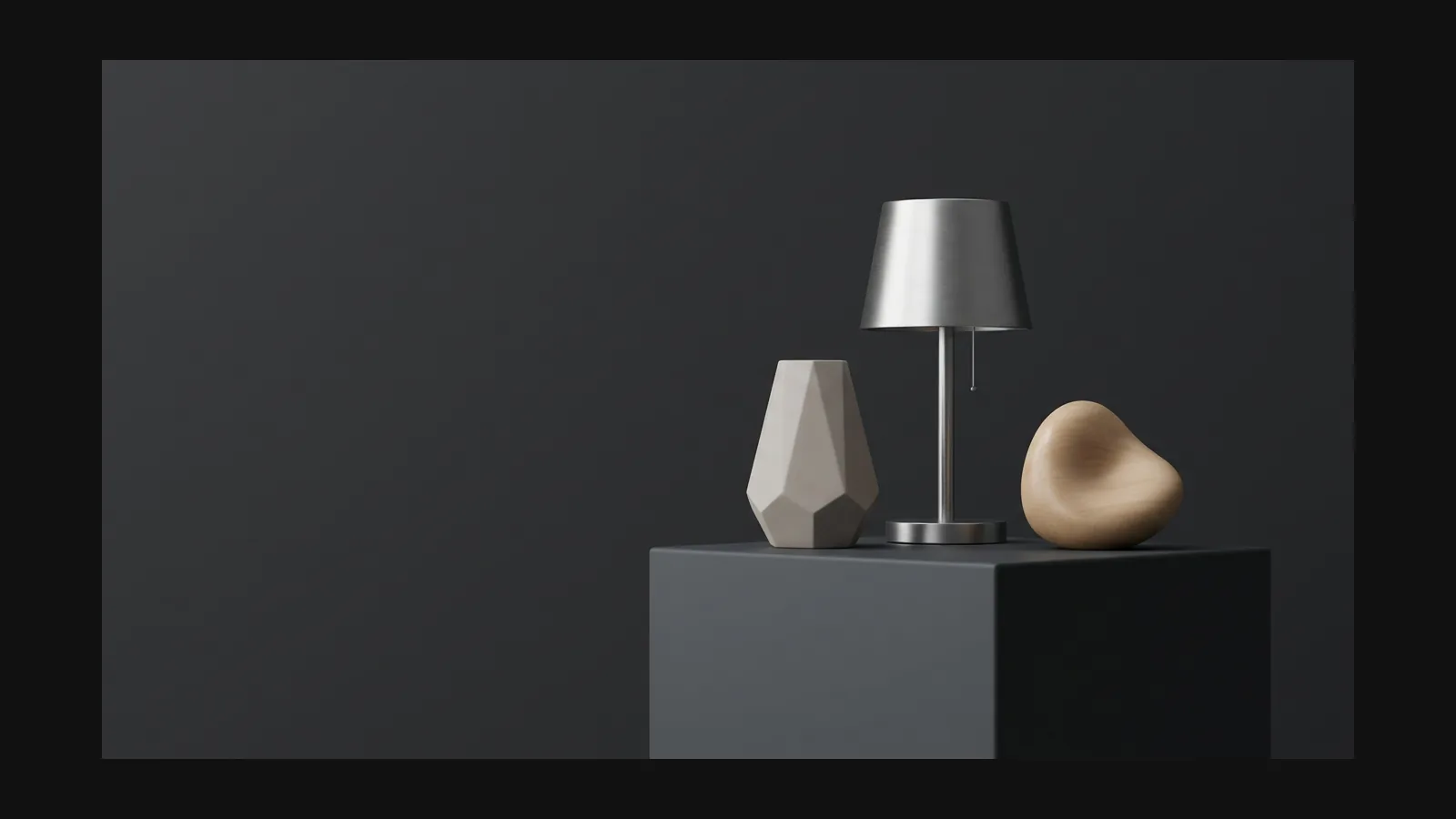
Minimalist 3D reads as calm because everything earns its place: one strong silhouette, soft chamfered edges, two or three muted tones, matte materials. In Rodin that restraint starts in the prompt — name the object and material, then say what to leave out.
How to generate minimalist 3D models
Three steps from an idea to a light, clean asset your mockup can actually load.
- Step 1 — Direct

Prompt for restraint
Try: "matte ceramic desk lamp, smooth rounded body, single color, minimalist product design, no ornament". Or upload a product render as the reference.
- Step 2 — Generate

Rodin keeps the shape quiet
Rodin builds the mesh and textures it with PBR materials. With a restrained prompt, surfaces stay smooth and low-frequency instead of picking up noisy detail.
- Stage 3 — Set the Target Polygon Count

Clean Minimalist Topology and Flexible Export
Rodin starts with clean topology. Choose a target polygon count during generation, add LODs if useful, and export the high-quality minimalist asset in the standard 3D format that fits a web or AR workflow.
Where clean geometry earns its keep
Four places a quiet, light model outperforms a detailed one.
Product & device mockups

Product & device mockups
Drop a generated model into a hero banner or landing mockup where clean geometry photographs well from any angle. The e-commerce guide covers embedding it.
3D icons & UI illustrations

3D icons & UI illustrations
Rodin supports fixed seeds, reproducible results, and consistent asset generation. Shared references and style controls are optional ways to further direct a series.
Brand scenes & web visuals

Brand scenes & web visuals
A few matte primitives in brand colors carry a whole landing page. Generate them once, recolor with the texture tools, reuse across campaigns.
Minimalist 3D models, answered
Prompting, polycounts, and export choices for clean-geometry work.