
AI Industrial 3D Model Generator

Rodin generates clean topology across supported workflows. OmniCraft separately provides optional retopology, voxel remeshing, decimation, and smoothing controls for creative changes or destination-specific optimization.
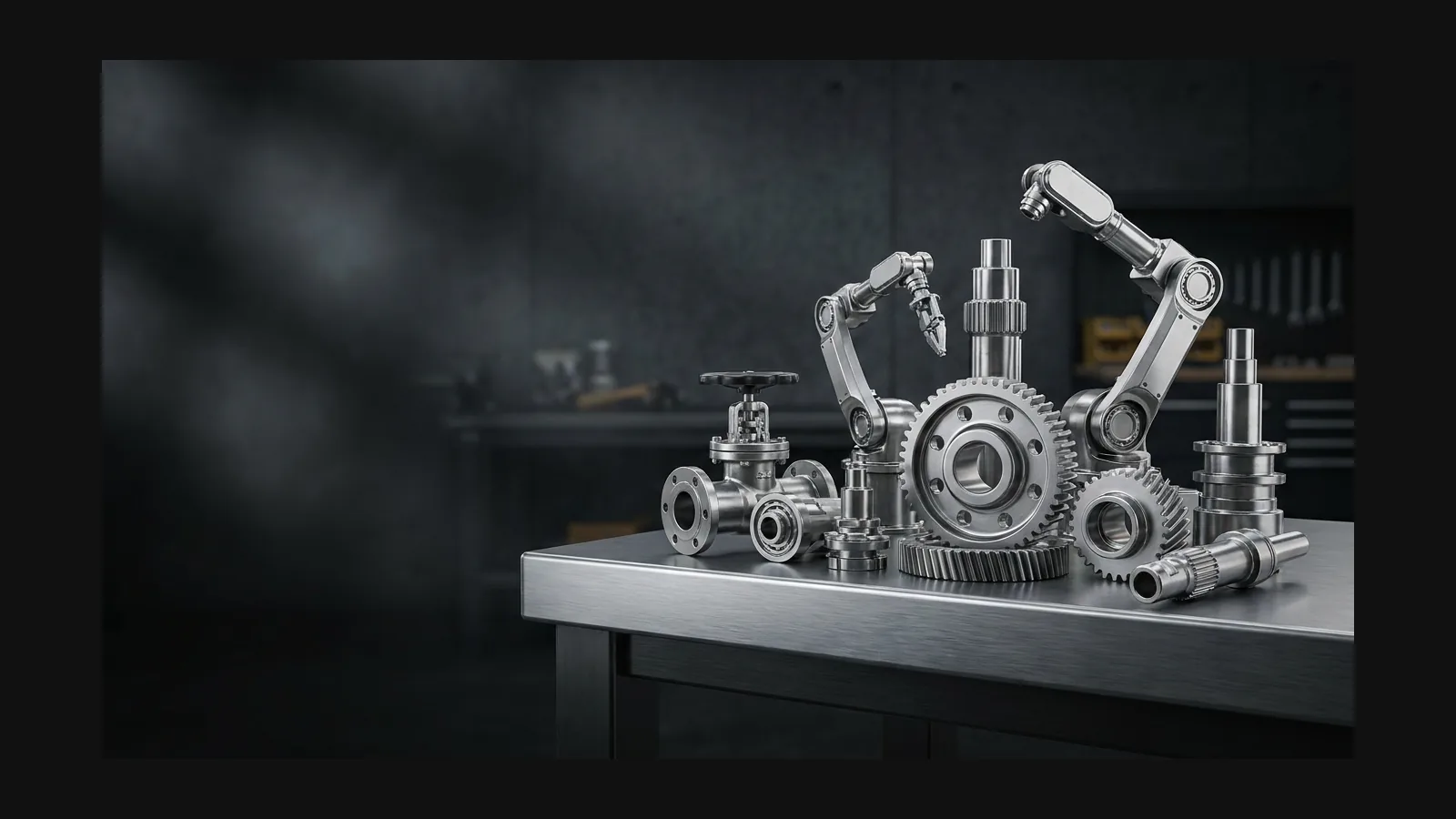
Industrial 3D model generator hero image

Clean, Editable Hard-Surface Geometry

Industrial assets live or die on their geometry. These are the defaults Rodin hands you before you touch a single vertex.

Watertight, closed meshes

Models generate as closed, manifold meshes, so you can boolean, bevel, or slice them for print without patching holes first.

Target Polygon Count and Optional Mesh Controls

Rodin lets you choose a target polygon count at generation, with options up to 10 million polygons, and optionally generate LODs for the asset.

Complete PBR Materials

Rodin represents steel, cast iron, powder coat, and anodized aluminum with physically accurate metallic and roughness materials for convincing results under engine lighting.

Flexible export for supported 3D workflows

OBJ and FBX for Blender, Maya, Unreal, and Unity; GLB for web viewers; USDZ for AR; STL when a bracket needs to exist in the real world.

From factory floor to sci-fi corridor

One prompt vocabulary covers the whole spectrum. On the grounded end: gearboxes, valve manifolds, hydraulic presses, conveyor sections — the same hardware engineers mock up for design reviews. On the imagined end: cargo crates, airlock doors, greeble panels, and the utilitarian ship interiors environment artists kitbash by the dozen. The cues that make both work are identical: visible fasteners, honest function, and a finish that says how the object gets used.

Industrial prompt recipes

Four starting points that reliably produce hard-surface geometry. Keep the quoted text, swap the subject, and stay specific about fasteners and finish.

The valve manifold

“An industrial valve manifold with four red handwheels, flanged steel pipes, bolted joints, chipped gray paint, and oil stains.” Rodin captures fasteners, surface wear, and material detail in geometry and PBR materials.

The sci-fi cargo crate

“A utilitarian sci-fi cargo crate with recessed handles, stenciled markings, riveted olive-drab panels and a keypad latch.” Stencils and rivets keep it grounded for game environments instead of drifting into fantasy.

The control console

“A 1970s industrial control console with rows of toggle switches, analog gauges, warning labels and a scuffed steel frame.” Cold-war-era machinery overlaps with the Retro style page — borrow its decade cues freely.

The robot arm

A six-axis factory robot arm with cable bundles, hydraulic pistons, safety-orange housing, worn decals, and a matte finish. Rodin captures the joint housings and fine surface detail.

Finish it like a machinist

Rodin generates nearly ready-to-use 3D models. OmniCraft is a separate, optional toolkit for editing compatible 3D assets and creating workflow-specific variations.

Mesh editor

Mesh editor

Rodin generates clean topology across supported workflows. OmniCraft separately provides optional retopology, voxel remeshing, decimation, and smoothing controls for creative changes or destination-specific optimization.

AI texture generator

AI texture generator

OmniCraft can regenerate PBR materials for the same mesh to match a new powder-coated finish or an aged, rusted look.

Format converter

Format converter

Move between OBJ, FBX, GLB, STL, and USDZ when the pipeline downstream is pickier than the artist.

Industrial 3D model generator FAQ

Explore high-quality industrial 3D workflows with Rodin, plus Sim Ready—available now for movable, simulation-ready assets with real-world scale and physical properties.

What is an AI industrial 3D model generator?

Rodin turns text prompts or reference photos into high-quality industrial 3D assets with PBR materials for concept visualization.

Is Sim Ready available for simulation workflows?

Yes. Sim Ready is available now and ready to use in supported simulation workflows.

Are the meshes printable?

Yes—Rodin delivers watertight, high-quality, 3D-printing-ready assets at a stable real-world scale. Start with Image to STL, and explore the 3D printing page for the complete workflow.

How does Rodin support target polygon counts and LODs?

Rodin lets users specify a target polygon count during generation and optionally generate LODs for the intended workflow.

How do I steer between realistic factory and sci-fi looks?

Vocabulary. “Cast iron, oil stains, safety-yellow paint” anchors an asset in the real world; “brushed titanium, recessed panel lines, status LEDs” pushes it toward sci-fi utilitarian. Keep fasteners visible in both — rivets and bolts are what stop sci-fi from becoming fantasy.

Can I edit the mesh after generation?

Rodin generates clean topology across supported workflows. OmniCraft separately provides optional retopology, voxel remeshing, decimation, and smoothing controls for creative changes or destination-specific optimization.

Which formats can I export?

GLB and USDZ for web and AR viewers, OBJ and FBX for engines and DCC tools, STL for printing. Start from Image to 3D or Text to 3D and pick the format at export time.

Generate your first industrial 3D model

Rodin generates clean topology across supported workflows. OmniCraft separately provides optional retopology, voxel remeshing, decimation, and smoothing controls for creative changes or destination-specific optimization.