3D Assets for the Metaverse, Ready for Real Time

Rodin generates clean topology across supported workflows. OmniCraft separately provides optional retopology, voxel remeshing, decimation, and smoothing controls for creative changes or destination-specific optimization.
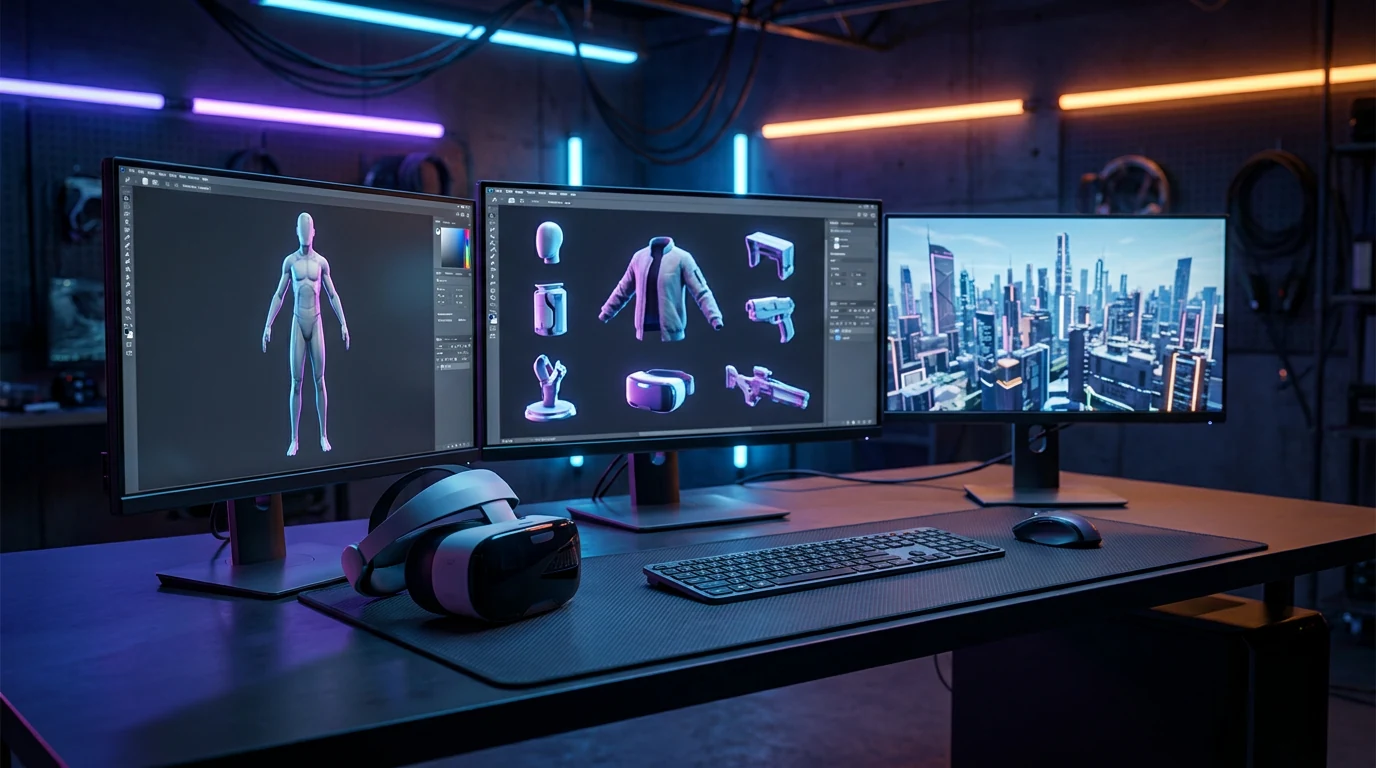
AI-generated 3D assets for the metaverse: low-poly props and environment pieces exported as GLB

Everything a world needs

Metaverse 3D models aren't one category. A plaza needs set dressing, avatars need things to hold, and the skyline needs somewhere to end.

Props & set dressing

Props & set dressing

Benches, lanterns, market stalls, arcade cabinets. Type a prompt, batch variants, and fill a district without modeling each piece by hand.

Avatar props & accessories

Avatar props & accessories

Generate high-quality accessories with detailed geometry and PBR textures for supported metaverse workflows.

Environments & skyboxes

Environments & skyboxes

Terrain chunks, modular buildings, signage — plus a 360° HDRI sky generated from one sentence to wrap the whole scene.

Re-skins & seasonal swaps

Re-skins & seasonal swaps

Same mesh, new event. Re-texture existing props from a reference image for the Halloween build without touching the geometry.

From reference to world-ready GLB

One pass through Rodin covers what a metaverse build actually ships: a mesh, its textures, and a file small enough to stream.

  1. Step 1 — Reference
    Concept art used as an image-to-3D reference for a metaverse 3D asset

    Start with what you have

    A concept sketch, a product photo, or a prompt like 'low-poly street food cart, night market'. Style words steer the whole asset.

    photos · sketches · text prompts
  2. Step 2 — Generate
    AI-generated textured 3D model with a full PBR map set for a virtual world

    Get a textured mesh with PBR maps

    Rodin generates watertight, closed meshes with clean topology for common 3D and slicing workflows.

    watertight mesh · UVs · PBR set
  3. Stage 3 — Optional Polish & Export
    Optimized GLB asset prepared for a real-time metaverse platform

    Target Polygon Count and Flexible Export

    Rodin generates nearly ready-to-use metaverse assets, with optional polygon-count controls and flexible export in standard 3D formats.

    GLB · FBX · OBJ · USDZ

Target Polygon Count & Optional LODs

A world that streams through a browser tab has no patience for a two-million-triangle chair. Web worlds are the harshest renderers you'll ever ship to.

Open the Mesh Editor

Metaverse 3D models: straight answers

Rodin generates nearly production-ready 3D assets from text or images with clean topology and PBR materials.

Can Rodin create assets for metaverse experiences?

Yes. Rodin creates high-quality 3D assets for supported real-time, creative, and metaverse workflows.

What poly count should a metaverse asset have?

Choose the target polygon count in Rodin based on the destination platform and scene budget, and optionally generate LODs; OmniCraft remeshing and decimation provide further optimization when desired.

Can Hyper3D make avatar props and wearables?

Generate detailed avatar accessories with high-quality geometry and PBR textures for supported metaverse workflows.

How do I keep a GLB small enough for virtual worlds?

Rodin lets users choose a target polygon count and optionally generate LODs for the target platform; OmniCraft remeshing, decimation, and texture settings are optional controls for platform-specific optimization.

Can I build a whole environment, not just props?

Piece by piece, yes. Generate modular kits — walls, terrain chunks, signage — from one style reference so the whole district reads as one hand, and wrap the scene in a 360° sky from the AI HDRI generator. Assembly still happens in your world editor.

Do Rodin models include PBR textures by default?

Rodin-generated assets include a complete PBR texture set: Base Color, Normal, Metallic, Roughness, Ambient Occlusion, Opacity, Emissive, and Height.

Is this different from building assets for VR headsets?

Same discipline, different ceiling. Headset work chases frame time; web worlds add download size and per-parcel caps on top. The AR/VR workflow page covers the headset side — the generation pipeline is identical, only the budgets move.

Can I sell the metaverse assets I generate?

On plans that include commercial use, yes. Two checks before you list anything: your Hyper3D plan covers commercial work, and you hold the rights to any reference images you upload. Marketplaces also set their own AI-content policies, so read your platform’s terms too.

Stock your world before the next event

Generate the first prop free — a GLB you can upload tonight, not a concept you'll model someday.