Free AI Image Generator
Create Images from Text

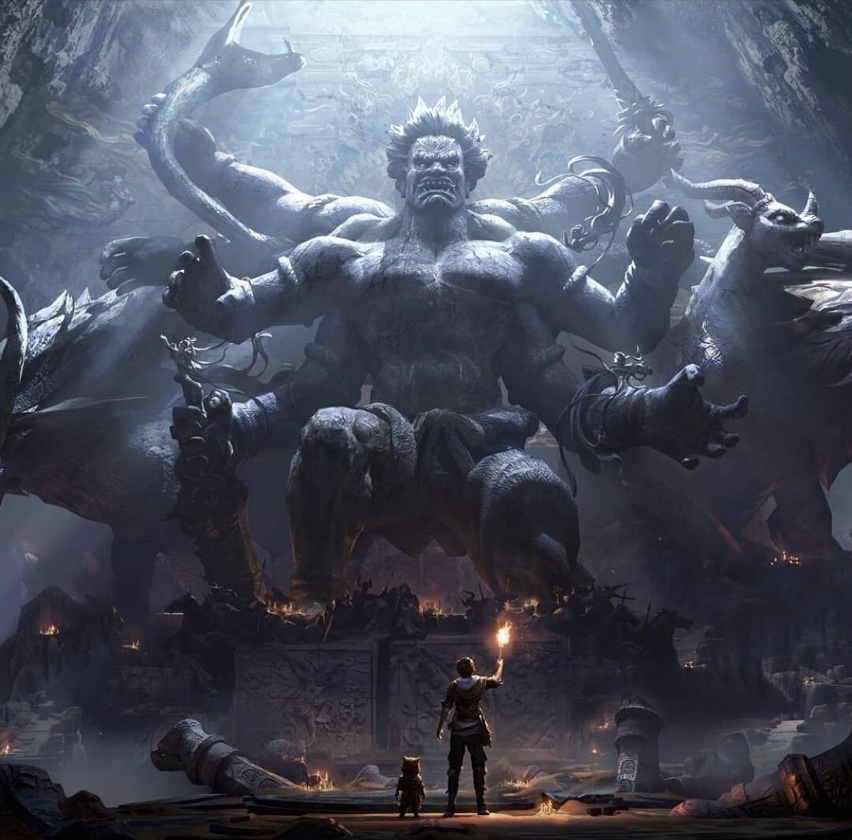
Create AI images from text prompts for concept art, product ideas, game references, and image-to-3D source visuals. Hyper3D helps turn words into production-ready visual directions.

How to Generate AI Images From Text

Use prompts to explore visual ideas, then carry the strongest images into 3D creation or production design.

1

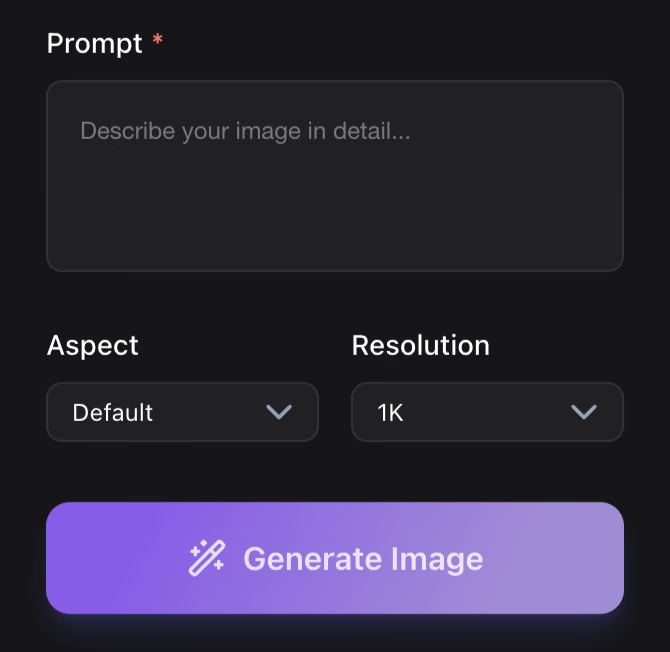
Describe the Image

Write the subject, material, style, lighting, camera angle, and intended use. Clear prompts make better concept images and 3D references.
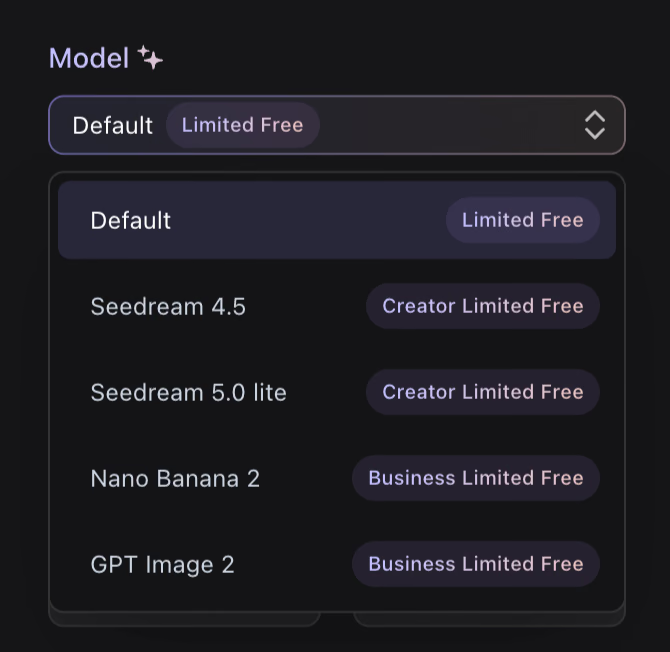
Write a prompt for AI image generation
2

Generate Visual Directions

Create multiple directions for characters, props, products, environments, icons, or campaign visuals before choosing the strongest result.
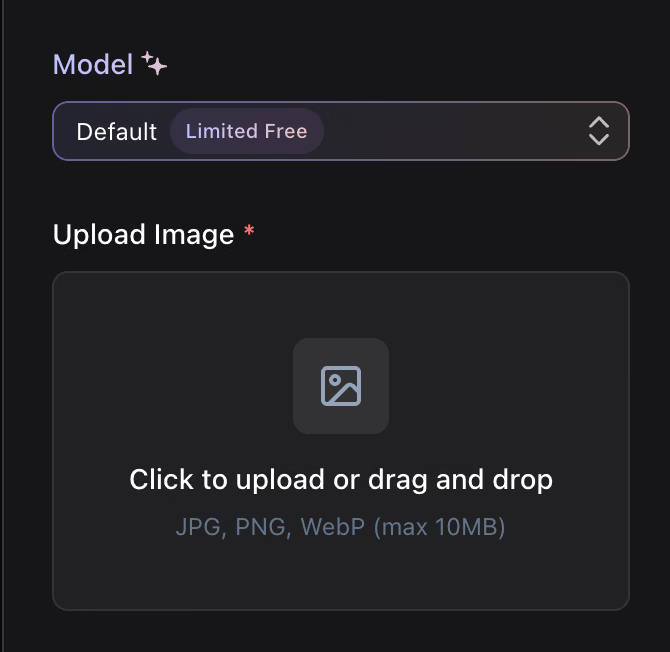
Generate AI image variations from text
3

Download or Continue to 3D

Use the image in mood boards, briefs, product reviews, or as a clear source reference for Hyper3D Image to 3D workflows.
Use AI images as references for 3D generation

Why Choose Hyper3D for AI Image Generation?

Hyper3D image generation is built for creators who want images that are useful beyond a single preview: concepting, prompt iteration, 3D-ready references, and production handoff.
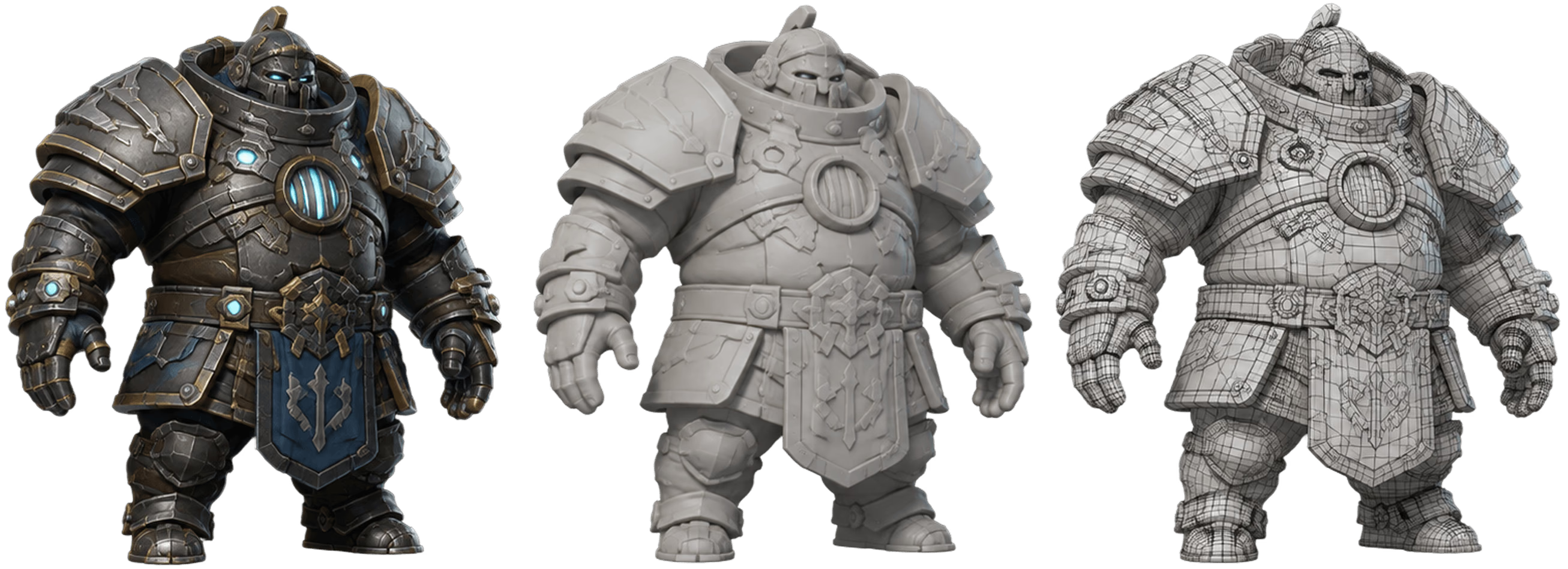
Why Choose Hyper3D for AI Image Generation? visual

Prompt Examples for Better AI Images

Start with structured prompts that describe the asset, style, material, view, and purpose. Clear prompts create stronger images.

AI image prompt examples visual

What Can You Build With AI Images?

Use prompt-generated visuals when you need sharper creative direction before 3D production.

Concept Art
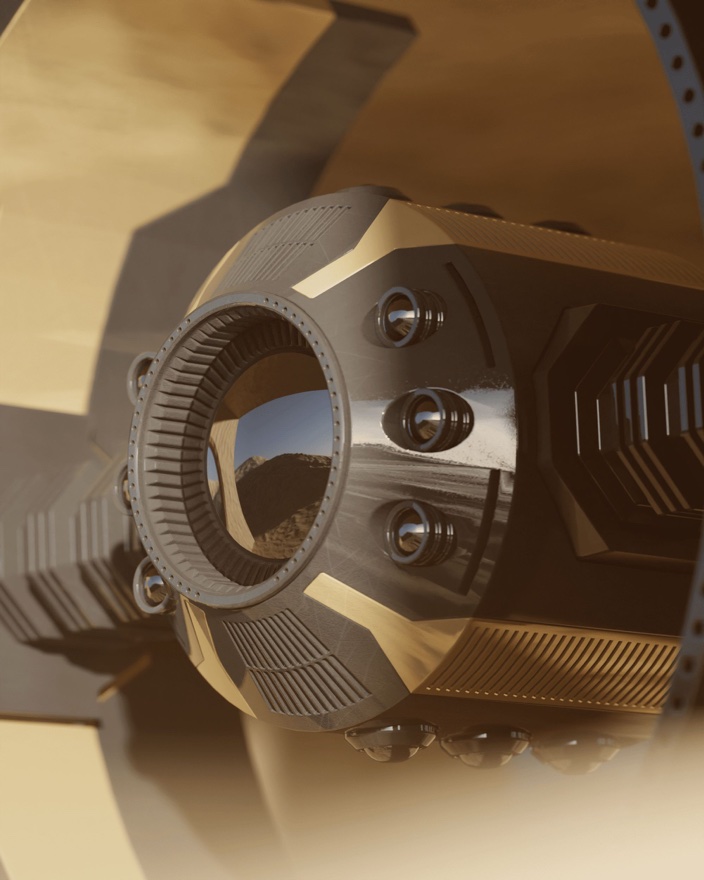
Generate characters, props, locations, and mood boards for creative reviews and early visual exploration.

3D Asset References
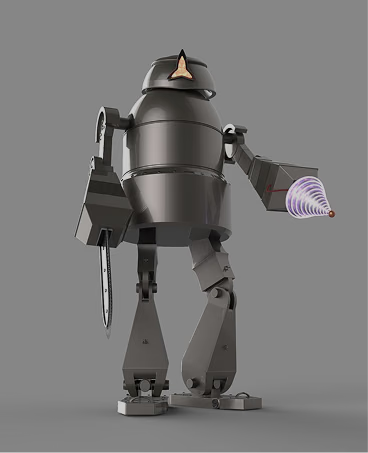
Create front-facing, clean-background, or style-specific references before converting images into 3D models.

Game Design

Explore item icons, NPC portraits, props, environments, and visual directions for game production teams.

Product and Marketing
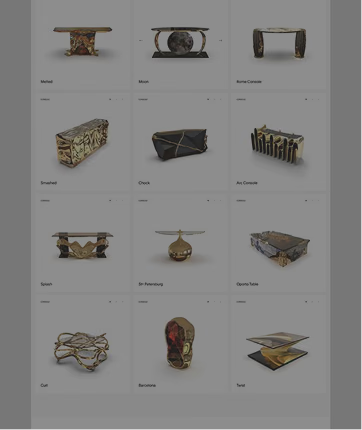
Create campaign visuals, product style frames, launch concepts, and e-commerce creative directions faster.

Frequently Asked Questions

Answers for creators and teams evaluating Hyper3D feature workflows.

What is Hyper3D's AI image generator?

It is a text-to-image workflow for creating concept art, product visuals, game references, and clean source images that can support 3D creation.

Can AI-generated images become 3D model references?

Yes. Images created with clear silhouettes, simple backgrounds, and front or multi-view composition can become strong references for image-to-3D workflows.

What should I include in an AI image prompt?

Include the subject, style, material, lighting, view angle, background, and intended use. Specific prompts tend to produce more useful creative directions.

Can I use AI images for product or game ideation?

Yes. Prompt-generated images are useful for mood boards, props, character concepts, product directions, icons, and visual exploration before 3D production.

Do I need to download software?

No. Hyper3D feature workflows are designed to run in the browser so creators can generate, review, and continue into downstream 3D creation without a heavy setup.

How do I make AI images more useful for 3D generation?

Use a clear subject, neutral background, readable silhouette, consistent lighting, and camera angles such as front, side, or three-quarter view.

Can I generate product-style images from text prompts?

Yes. Hyper3D prompts can describe materials, colorways, lighting, product categories, and studio-style views for product exploration and creative review.

What prompt styles work well for game assets?

Prompts for props, weapons, icons, creatures, stylized characters, low-poly objects, and environment details work best when they include style, material, scale, and view angle.

Can I continue from AI image generation into image-to-3D?

Yes. The page is designed around a connected workflow where a strong generated image can become a reference or source image for Hyper3D Image to 3D.

Is the AI image generator useful before manual 3D modeling?

Yes. It helps teams align on visual direction, mood, materials, and proportions before spending time on modeling, sculpting, texturing, or review cycles.

Try Hyper3D's AI Image Generator

Start with a prompt, generate a visual direction, and use the result as concept art, production reference, or a source for 3D creation.