
AI Cel-Shaded 3D Model Generator

Generate 3D models built for toon shading: flat color zones, calm surfaces, strong silhouettes. Preview in Toon view, then export to your engine’s cel shader.
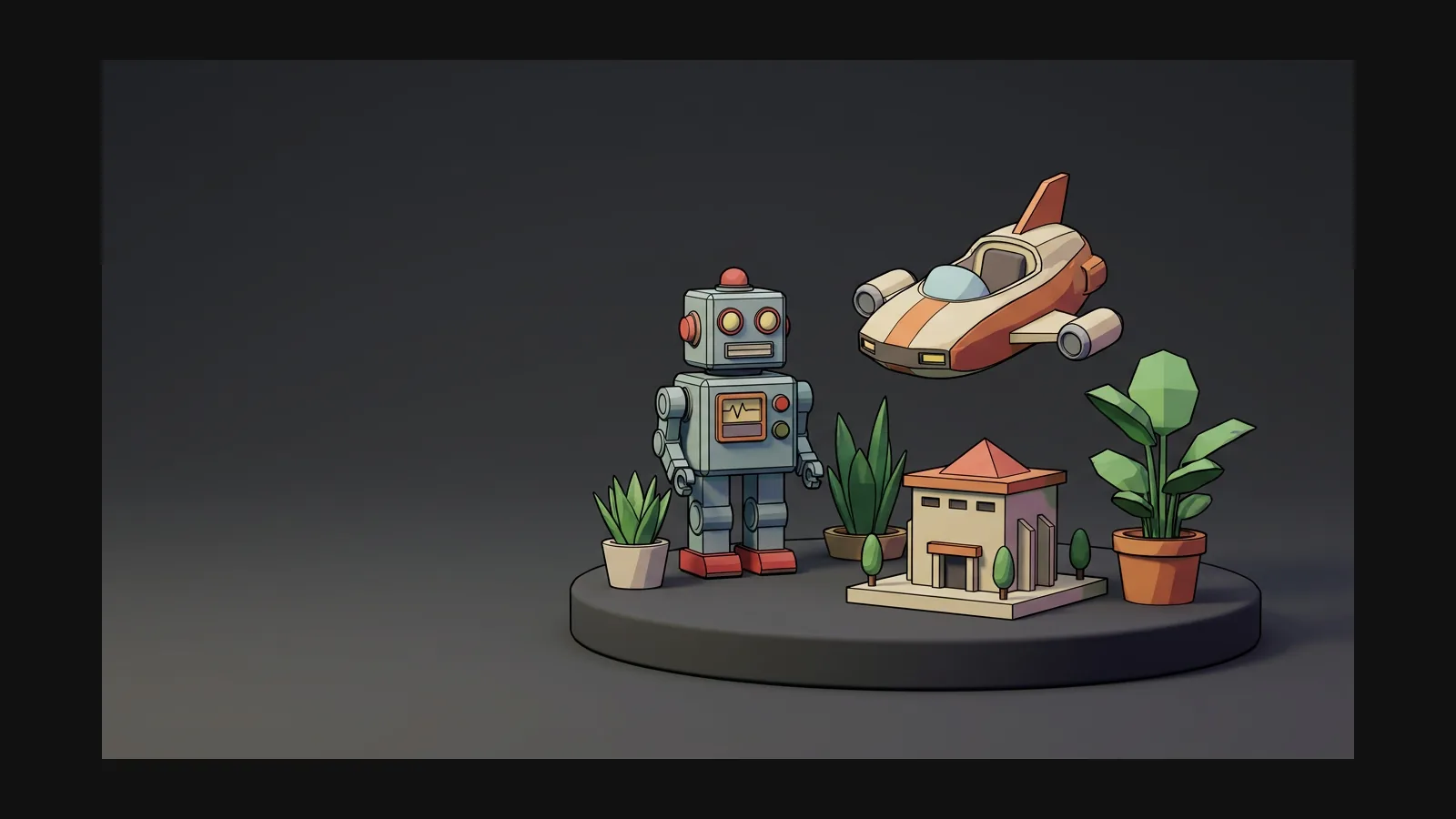

Cel-Shaded 3D model generator hero image

Preview in Toon view before your engine does

AI texture generator

Five rules of the cel-shaded look

Cel shading punishes noise and rewards restraint. These five rules keep a generated model shader-friendly.

Clean, Consistent Albedo

A cel-shaded model reads as a few large fields of color, not gradients. Prompt with “flat colors, two-tone shading, no gradients” and keep the base color map clean.

Leave the banding to the shader

Rodin delivers clean, consistent textures with stable UV coverage.

High-Quality Normal Maps

Noisy normals shatter clean tone bands into speckle. Micro-detail belongs in realistic assets — for cel work, smooth surfaces and let the silhouette talk.

Outlines are geometry or post

Ink lines come from an inverted-hull pass or a post-process edge filter in the engine. Export FBX or GLB and let Unity, Unreal, Godot or Blender Freestyle draw them.

How to build a cel-shaded 3D asset

A streamlined two-step workflow: generate a flat-colored base model, then shape its look with high-quality texture tools.

  1. Generate
    Generating a flat-colored cel-shaded 3D base model from a prompt or illustration

    Generate a flat-colored base model

    Prompt the visual style directly—for example: “cel-shaded sci-fi courier girl, flat two-tone colors, bold silhouette, white background”—or use a flat-shaded illustration with Image-to-3D. Select A-pose or T-pose separately in Rodin's generation settings if desired.
    text or image to 3D
  2. Retexture
    Flat diffuse color map generated for a cel-shaded 3D model in the OmniCraft texture tool

    Flatten the maps in the texture tool

    Rodin generates nearly ready-to-use 3D models. OmniCraft is a separate, optional toolkit for editing compatible 3D assets and creating workflow-specific variations.

    flat diffuse · calm normals

Cel-shaded 3D model generator FAQ

Shaders, outlines, formats and conversions — the technical half of the toon look, answered.

Does Hyper3D have a toon shader built in?

Yes. The Hyper3D model viewer includes a Toon render mode for cel-shaded preview alongside PBR, Shaded, Geometry, and Wireframe views.

What makes a texture cel-shading friendly?

Clean, consistent textures with stable UV coverage provide a strong foundation for cel-shaded looks and clear, controllable color areas.

Cel-shaded vs anime style — aren’t they the same?

Close cousins, different layers. Anime is an art direction — character conventions, palettes, proportions. Cel shading is the rendering technique that anime often uses, but it also powers western comic looks and technical illustration. You can cel-shade a cartoon fire hydrant.

How do I get the ink outlines?

In the engine, not in the mesh. Unity and Godot use an inverted-hull pass or a post-process edge filter; Unreal has post-process outline materials; Blender ships Freestyle. Export FBX or GLB and keep the geometry clean so edge detection has clean creases to find.

Can I convert an existing model to the cel look?

Yes. OmniCraft AI Texture Generator can create a cel-shaded texture variation for a compatible existing mesh.

Can I use cel-shaded assets in Unity, Unreal, and Blender toon workflows?

Yes. Export high-quality cel-shaded assets in widely used 3D formats for supported Unity, Unreal, and Blender workflows.

Flat colors in, toon-ready mesh out

Generate the model, keep the maps flat, verify in Toon view — then hand your engine a mesh its cel shader will love.