AI Cel-Shaded 3D Model Oluşturucu

Generate 3D models built for toon shading: flat color zones, calm surfaces, strong silhouettes. Preview in Toon view, then export to your engine’s cel shader.
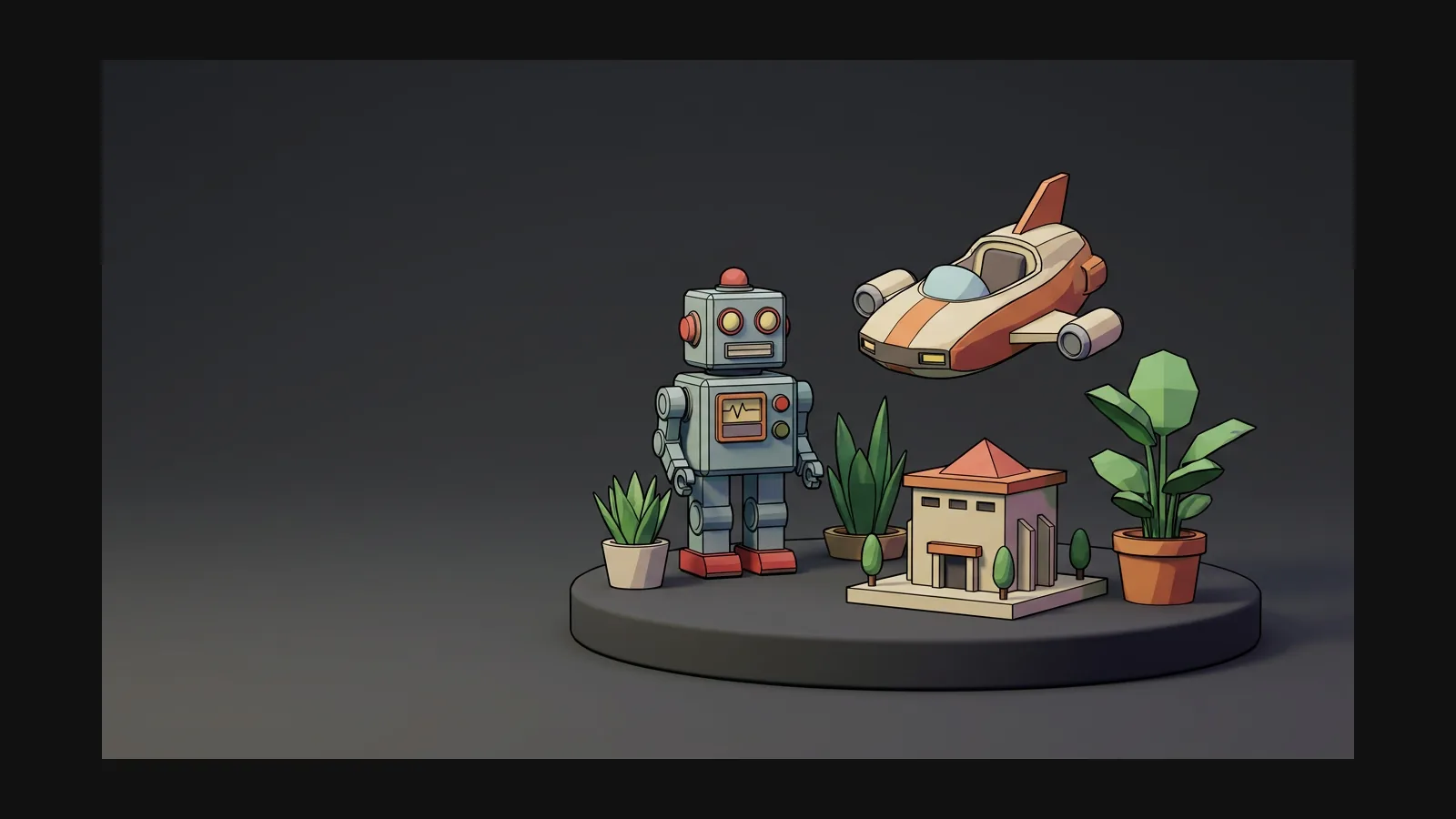

Cel-Shaded 3D model generator hero image

Motorunuzdan önce Toon görünümünde inceleyin

Cel shading is half texture, half renderer. Hyper3D’s model viewer ships a Toon render mode alongside PBR, Shaded, Geometry and Wireframe — flip it on to see whether your color zones and silhouette hold up under banded lighting before the asset ever reaches a game engine.

AI texture generator

Cel-shading görünümünün beş kuralı

Cel shading punishes noise and rewards restraint. These five rules keep a generated model shader-friendly.

Flatten the albedo zones

A cel-shaded model reads as a few large fields of color, not gradients. Prompt with “flat colors, two-tone shading, no gradients” and keep the base color map clean.

Leave the banding to the shader

The tone steps come from your engine’s ramp, not from the texture. Baked-in shadows fight the shader — a clean, evenly lit base color map is the whole trick.

Keep normal maps calm

Noisy normals shatter clean tone bands into speckle. Micro-detail belongs in realistic assets — for cel work, smooth surfaces and let the silhouette talk.

Outlines are geometry or post

Ink lines come from an inverted-hull pass or a post-process edge filter in the engine. Export FBX or GLB and let Unity, Unreal, Godot or Blender Freestyle draw them.

Silhouette beats surface detail

Toon lighting flattens interior forms, so the outline carries the design. Judge every generation by its silhouette first — spin it in the viewer’s Geometry mode to check.

Cel-shading 3D asset nasıl yapılır

Three steps: generate flat, keep the maps clean, verify in Toon view before export.

  1. Generate
    Generating a flat-colored cel-shaded 3D base model from a prompt or illustration

    Generate a flat-colored base model

    Prompt for the look directly: “cel-shaded sci-fi courier girl, flat two-tone colors, bold silhouette, T-pose, white background” — or feed Image to 3D a flat-shaded illustration.

    text or image to 3D
  2. Retexture
    Flat diffuse color map generated for a cel-shaded 3D model in the OmniCraft texture tool

    Flatten the maps in the texture tool

    If the base color carries gradients or baked light, regenerate it in the OmniCraft texture tool from a flat-color reference — the diffuse map should look like a paint-by-numbers sheet.

    flat diffuse · calm normals
  3. Toon-check & export
    Checking a cel-shaded 3D model in Toon view before exporting GLB or FBX

    Flip to Toon view, then ship it

    Switch the viewer to Toon render mode to sanity-check bands and silhouette, then export GLB or FBX and plug the model into your engine’s toon or ramp shader.

    Toon view · GLB · FBX

Gerçek 3D varlıklar üretenlerin güvendiği

Yaratıcılar Hyper3D ile Cel-Shaded referansları ve promptları düzenlenebilir 3D modellere dönüştürür.

AI 3D just hit a new threshold. Rodin Gen-2.5: Geometry in ~4s, full model in ~5s, 10M+ polygons, clean structure, production-ready outputs. This is the moment AI 3D becomes an actual pipeline tool.

Sabir Hussain

Sabir Hussain

AI & Tech Enthusiast

Tested Rodin Gen-2.5 from Hyper 3D. Cleaner meshes, sharper surface detail, stronger multi-angle coherence. The results feel much closer to something you’d actually keep iterating on inside a real workflow.

BubbleBrain

BubbleBrain

AI Enthusiast

Rodin Gen 2.5 is a game-changer. 10M+ polygons, 3D-native textures, and seriously good results on complex high-poly models. Production-ready assets just got a lot closer.

Lagerskoy

Lagerskoy

Hunter & Builder

Cel-shading 3D model oluşturucu SSS

Shaders, outlines, formats and conversions — the technical half of the toon look, answered.

Does Hyper3D have a toon shader built in?

For preview, yes: the model viewer includes a Toon render mode next to PBR, Shaded, Geometry and Wireframe. The shipping look comes from your engine’s toon shader — Hyper3D’s job is delivering a mesh and maps that survive it.

What makes a texture cel-shading friendly?

Flat color zones, no baked shadows or highlights, restrained normal detail. The engine ramp adds the banding — anything pre-painted into the maps doubles up and looks muddy.

Cel-shaded vs anime style — aren’t they the same?

Close cousins, different layers. Anime is an art direction — character conventions, palettes, proportions. Cel shading is the rendering technique that anime often uses, but it also powers western comic looks and technical illustration. You can cel-shade a cartoon fire hydrant.

How do I get the ink outlines?

In the engine, not in the mesh. Unity and Godot use an inverted-hull pass or a post-process edge filter; Unreal has post-process outline materials; Blender ships Freestyle. Export FBX or GLB and keep the geometry clean so edge detection has clean creases to find.

Can I convert an existing model to the cel look?

Often, yes. Upload the mesh to the [OmniCraft texture tool](https://hyper3d.ai/workspace/omnicraft/texture) and regenerate the maps from a flat-color reference. If the geometry itself is noisy, remesh it first — cel lighting exposes every bump.

Which formats fit Unity, Unreal and Blender toon setups?

FBX is the safe default for Unity and Unreal material pipelines; GLB suits Godot, three.js and quick previews; OBJ works when you only need geometry for a custom shader. All export straight from Hyper3D with the PBR maps attached.

Düz renkler girer, toon-hazır mesh çıkar

Generate the model, keep the maps flat, verify in Toon view — then hand your engine a mesh its cel shader will love.