Ücretsiz Yapay Zeka Görsel Remix
Referansları istemlerle birleştirin

En fazla üç referans yükleyin, her birini @bahsetme ile etiketleyin ve tek istemle birleşik bir görsel üretin. Tarayıcıda ücretsiz başlayın, sonucu PNG olarak indirin.

Image Remix Blend references
Prompt-guided editing
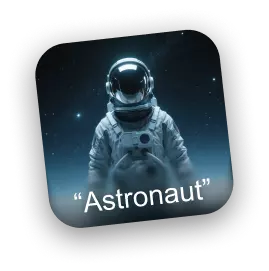
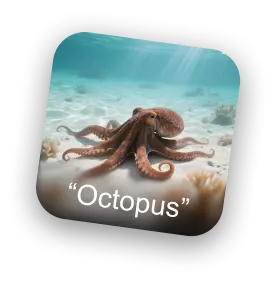
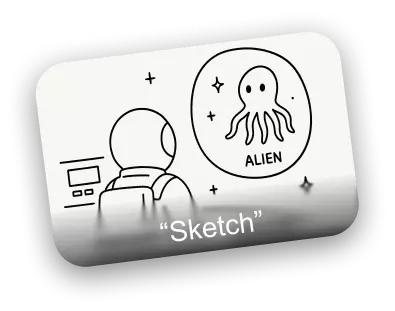
Astronaut reference image Octopus reference image Sketch composition reference
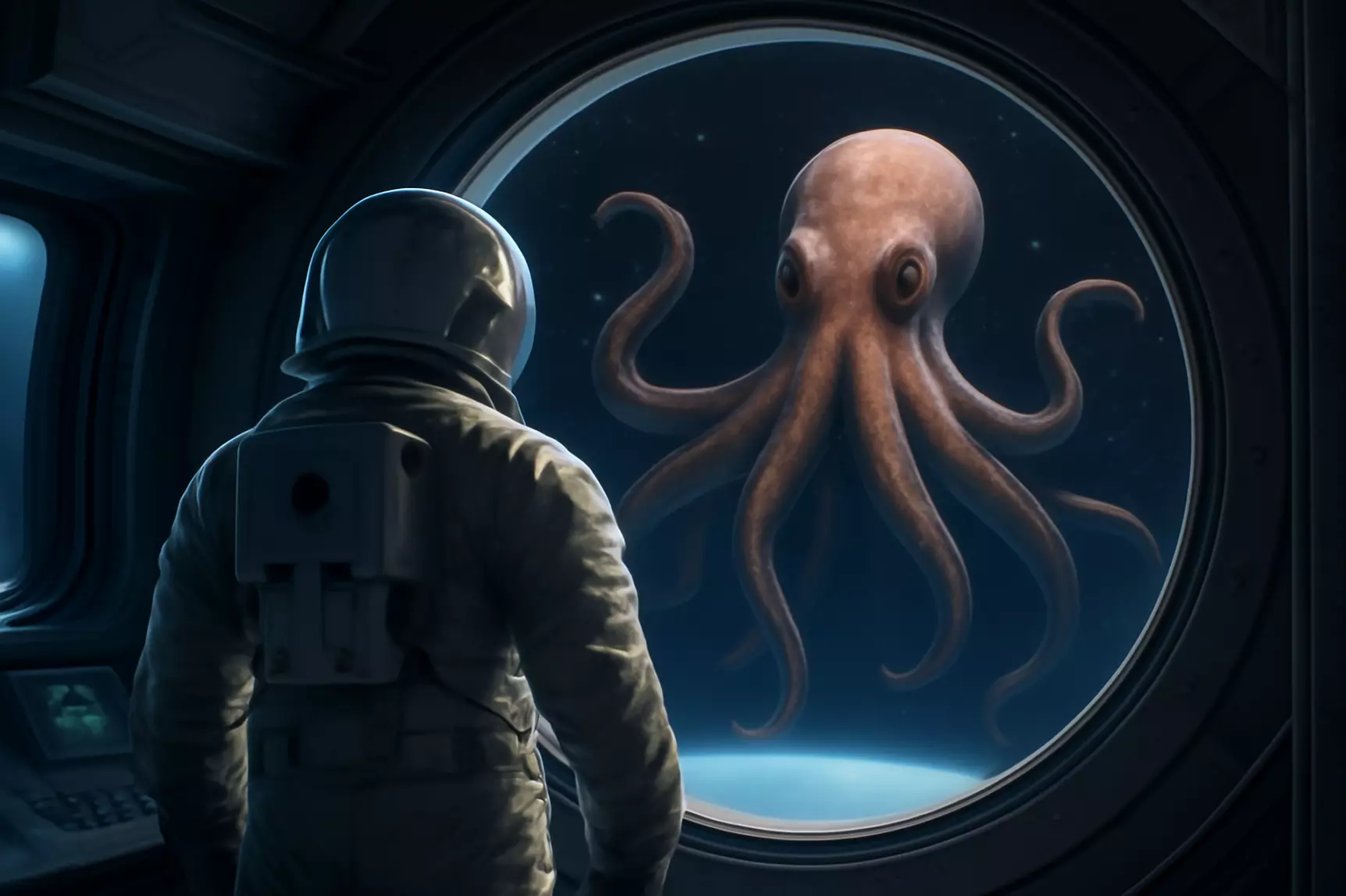
AI remixed astronaut and octopus scene
Composed result
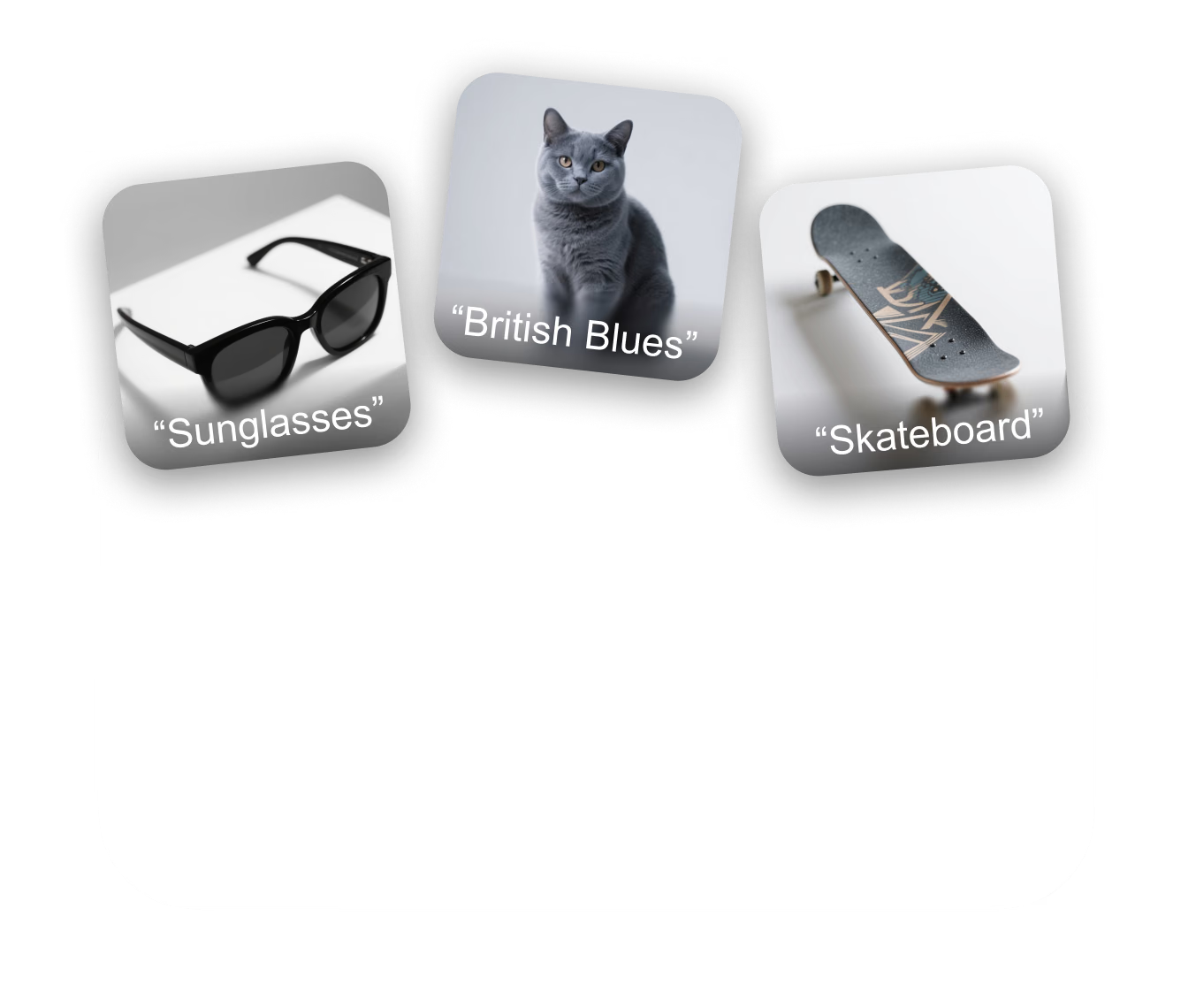
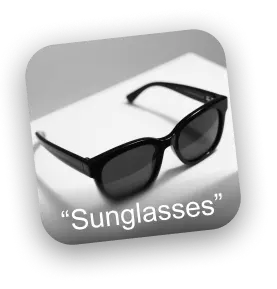
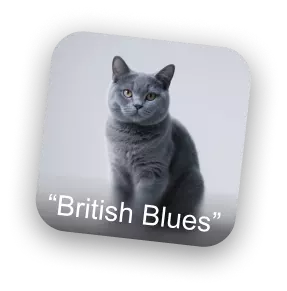
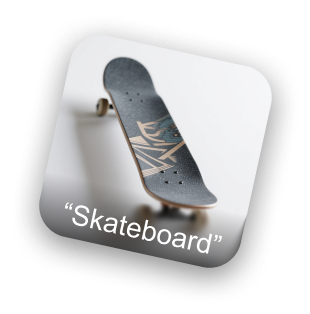
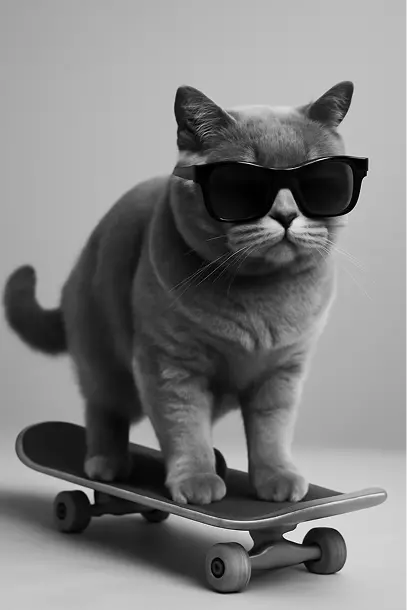
Sunglasses reference image British blue cat reference image Skateboard reference image
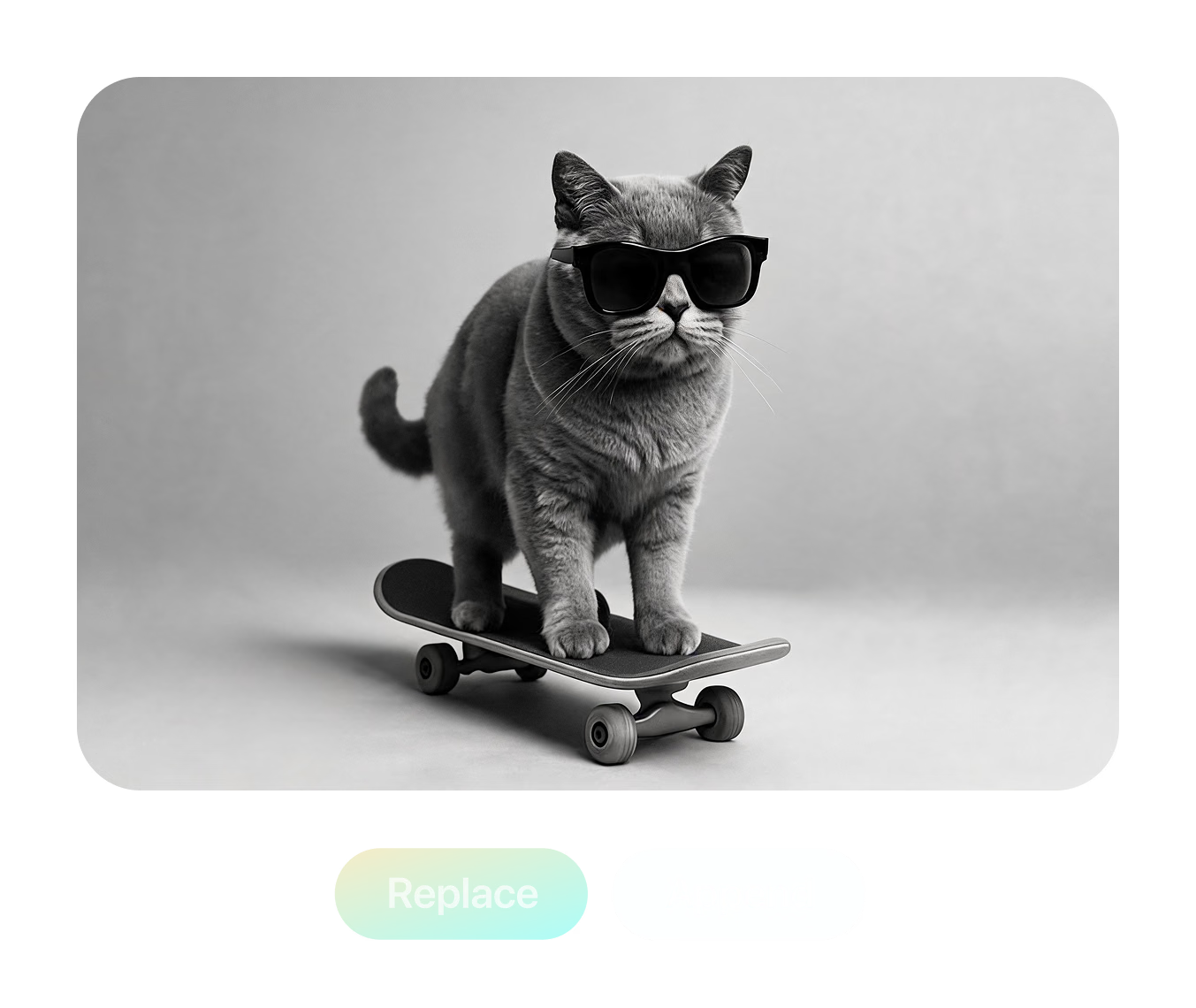
AI remixed cat wearing sunglasses on a skateboard
Edited result
Prompt

Merge @Astronaut and @Octopus into one scene, following @Sketch composition.

Üç adımda remix

Remix çalışma alanındaki akışın aynısı — yükleyin, @bahsetme ile istem yazın, üretin, karşılaştırın ve indirin.

  1. Adım 1 — Yükleme
    Remix upload panel with a named IMG_1 reference slot and two empty add-image slots

    En fazla üç referans ekleyin

    Click or drag JPG, PNG, or WebP files into the three slots. Each reference gets an editable name like IMG_1 — rename it to "Astronaut" or "Sketch".

    JPG / PNG / WebP · ≤3 MB each
  2. Adım 2 — İstem
    Prompt naming three references with @mentions: merge @Astronaut and @Octopus following @Sketch

    İstemi her görsele yöneltin

    Type @ to mention any reference by name and give it a role — which subject to keep, which style to copy, which layout to follow — or start from a preset.

    @Astronaut · @Octopus · @Sketch
  3. Adım 3 — Üretim
    Result panel with comparison thumbnails, style preset chips, and Redo and Replace buttons

    Üretin, karşılaştırın, indirin

    Generate the remix, rate results, re-roll with the same prompt, or refine the winner in Edit mode — then download the finished image as a PNG.

    PNG output · re-roll · Edit mode

Üç referans, tek istem, tek sahne

This scene ships with the tool as a live demo: an "Astronaut" photo, an "Octopus" photo, and a hand-drawn "Sketch" that defines the layout. The prompt names each reference with an @mention and asks Remix to merge the two subjects into a single scene while strictly following the sketch composition — the finished image is what you see here.

Bu remixi dene
Bu remixi dene

Prompt used in the tool: "Please merge image @Astronaut and @Octopus into a single scene, strictly following the composition and layout described in @Sketch."


Her remixin arkasında gerçek kontroller

Aşağıdakilerin tümü bugün araçta mevcut — iki üretim modu, yuva içi metinden görsele ve 3D uyumlu çıktılar için ayarlanmış hazır ayar kitaplığı.
Multi-Reference Gen Mode

Multi-Reference Gen Mode

Blend up to three reference images in one generation. @mention each image to assign its role — merge subjects from two photos while a third sketch controls the composition and layout.

Conversational Edit Mode

Conversational Edit Mode

Load one image and edit it turn by turn — type an instruction, get a new version, and keep refining. Each result stacks into a scrollable history you can compare and branch from.

Turbo Gen References

Turbo Gen References

Missing a reference? Type a description into any empty image slot and Turbo Gen creates one from text on the spot — no need to leave the workspace to hunt for source material.

3D-Ready Style Presets

3D-Ready Style Presets

One-click prompts built for 3D workflows: Collectible figurine, Sculptural, Cinematic, four-view Turnaround, Back-view, Side-view, Clay, Anime, Brick, Voxel, and Toy — most tuned to output clean white backgrounds ready for image-to-3D.

Yapay Zeka Görsel Remix —
Sık Sorulan Sorular

What is AI Image Remix?

Remix is a browser tool in Hyper3D's OmniCraft suite that regenerates images from your references. Upload up to three images, describe the blend or edit in plain language, and generate a new image — merging subjects, transferring styles, changing viewpoints, or restyling entirely.

How many reference images can I use?

Gen mode accepts up to three reference images at once, in JPG, JPEG, PNG, or WebP format. Uploads are compressed automatically, with a 3 MB per-file limit after compression. Edit mode works on a single image at a time.

How do @mentions work in the prompt?

Every uploaded image gets a name — IMG_1, IMG_2, IMG_3 by default — and you can rename each one, for example to "Astronaut" or "Sunglasses". Typing @ in the prompt opens a picker so you can assign each image a role: which subject to keep, which style to copy, which layout to follow.

What's the difference between Gen and Edit mode?

Gen mode combines up to three references into a new image from a single prompt. Edit mode is conversational: load one image, type an instruction, get a revision, and keep iterating — the whole edit history is preserved so you can step back to any version.

What is Turbo Gen?

Turbo Gen is a text-to-image shortcut built into the upload slots. If you don't have a reference on disk, type a description into an empty slot and Remix generates one for you, which then behaves like any uploaded image — you can name it, @mention it, and remix it.

Which style presets are included?

Multi-image presets cover Fuse (combine subjects), Style (transfer style between images), and Layout (regenerate one image following the layout of another). Single-image presets include Collectible figurine, Sculptural, Cinematic, four-view Turnaround, Back-view, Side-view, Clay, Anime, Brick, Voxel, and Toy — most designed to output clean white backgrounds.

What format are the results, and can I download them?

Generated images preview directly in the workspace and download as PNG files with one click. You can rate each result with thumbs up or down, regenerate with the same prompt, or continue refining a result in Edit mode.

Is AI Image Remix free to use?

You need a free Hyper3D account to generate. Remix generation is included for subscribers, while other accounts spend account credits per generation. If your balance runs out you can top up or subscribe at any time — browsing the workspace and demos costs nothing.

Can I use remixed images for 3D generation?

Yes — that's a core workflow. Presets like Turnaround, Back-view, Side-view, and the white-background styles are designed to produce clean source images for image-to-3D generation with Rodin, and remixed concepts feed directly into the rest of the OmniCraft toolset.

Gerçek 3D varlıklar üreten yaratıcılar tarafından güveniliyor

Prodüksiyon ekipleri Hyper3D ile görsel referansları ve istemleri daha hızlı şekilde düzenlenebilir, dışa aktarmaya hazır 3D modellere dönüştürür.

AI 3D yeni bir eşiğe ulaştı. Rodin Gen-2.5 hızlı geometri, high-poly desteği, temiz yapı ve prodüksiyona hazır çıktılar sunuyor.

Sabir Hussain

Sabir Hussain

Yapay zeka ve teknoloji meraklısı

Daha temiz meshler, daha keskin yüzey detayları ve güçlü çok açılı tutarlılık. Sonuçlar gerçek bir iş akışında geliştirilecek kadar iyi.

BubbleBrain

BubbleBrain

Yapay zeka meraklısı

AI 3D yeni bir eşiğe ulaştı. Rodin Gen-2.5 hızlı geometri, high-poly desteği, temiz yapı ve prodüksiyona hazır çıktılar sunuyor.

Sabir Hussain

Sabir Hussain

Yapay zeka ve teknoloji meraklısı

Daha temiz meshler, daha keskin yüzey detayları ve güçlü çok açılı tutarlılık. Sonuçlar gerçek bir iş akışında geliştirilecek kadar iyi.

BubbleBrain

BubbleBrain

Yapay zeka meraklısı

AI 3D yeni bir eşiğe ulaştı. Rodin Gen-2.5 hızlı geometri, high-poly desteği, temiz yapı ve prodüksiyona hazır çıktılar sunuyor.

Sabir Hussain

Sabir Hussain

Yapay zeka ve teknoloji meraklısı

Referansları
yeni görsellere dönüştürün

Referansları yükleyin, tek bir istem yazın ve üretime hazır PNG dosyalarını indirin — en iyi kareyi doğrudan görüntüden 3D üretimine gönderin. Tasarım yazılımı gerekmez.