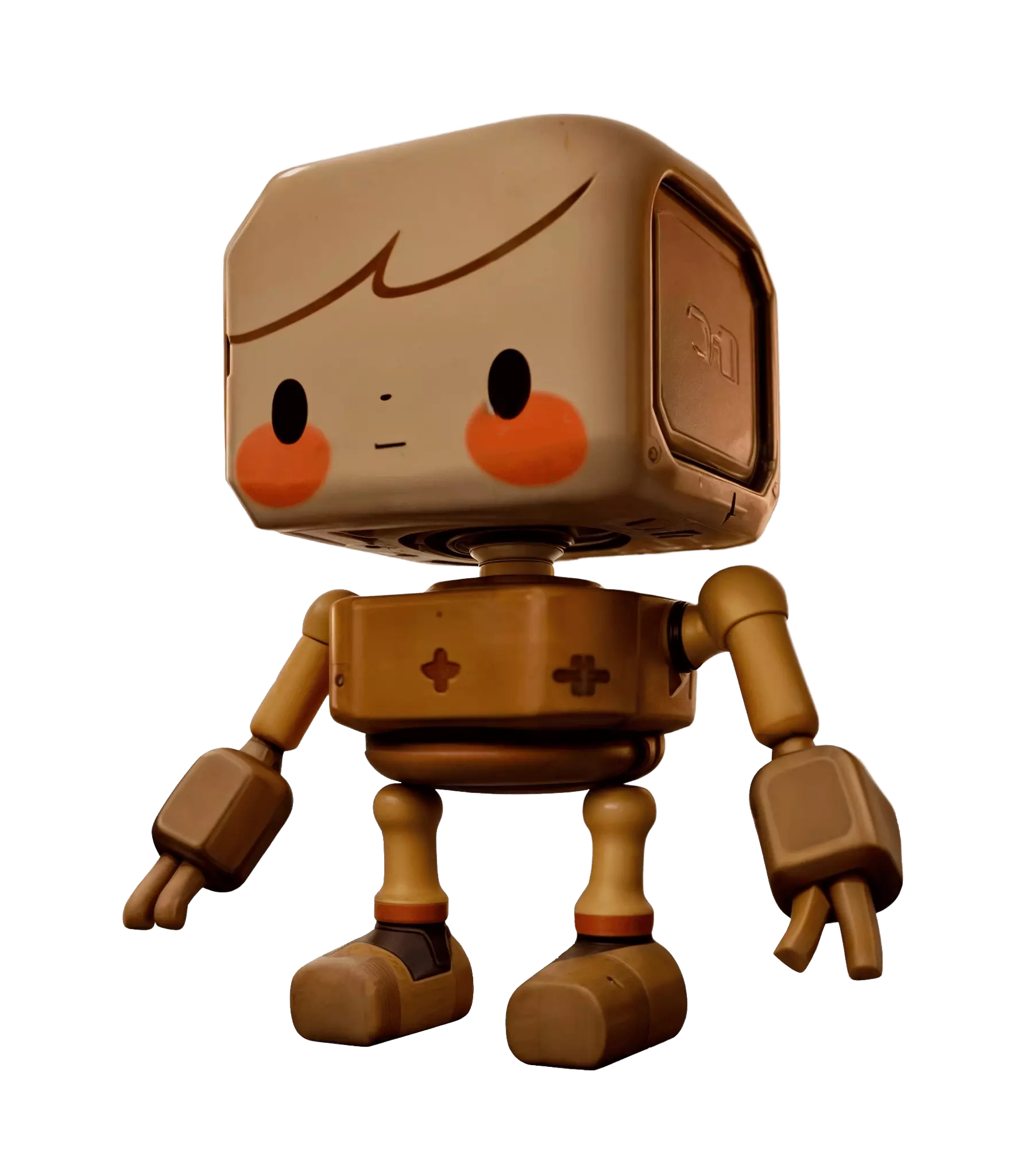
AI Çizgi Film 3D Model Oluşturucu

Rounded silhouettes, oversized details, bright matte color — generate cartoon characters, props and vehicles as textured 3D models from a doodle or a prompt.
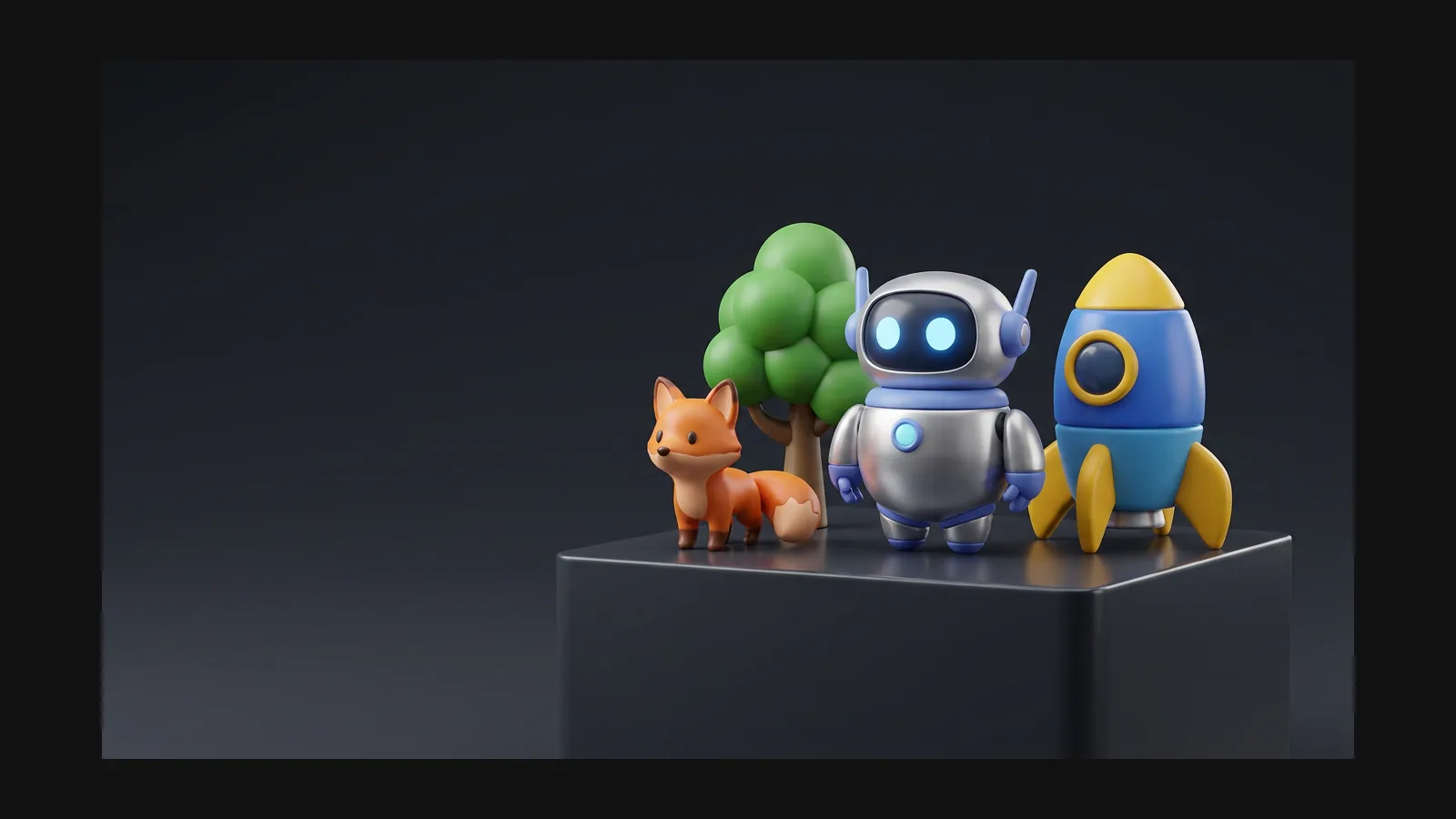
Çizgi Film 3D model generator hero image

Bir çizgi film 3D modelinin anatomisi

Three traits carry the whole look. Name them in the prompt and Rodin bakes them into the mesh and maps.

Rounded silhouette

Nothing in a cartoon world is sharp — every edge looks slightly inflated. Try: “cartoon treasure chest, chunky proportions, rounded edges, gold trim, game prop, white background”.

Exaggerated proportions

Oversize whatever matters — heads, hands, wheels — and shrink the rest. Try: “cartoon wizard cat, big head small body, chunky staff, saturated purple palette, full body, A-pose”.

Bright, matte color

Saturated albedo, high roughness, almost no surface noise — the toy-plastic recipe. Try: “cartoon watering can, cherry red body, soft yellow spout, matte plastic look, white background”.

Proplar çizgi filmin hızlı şerididir

A cartoon prop needs no rig, no blendshapes, no retopo drama — a chunky doodle becomes a chunky mesh with matte, saturated maps. Batch-generate crates, plants, food carts and furniture with the same style words, and a whole level set stays visually consistent.

Game asset workflows

Sağlam çizgi film 3D modelleri için altı kural

What separates a charming toy-like asset from a blob with eyes — learned the hard way, written down here.

Bevel is your friend

Ask for “rounded edges, chunky proportions” in the prompt so softness is baked into the mesh — far cheaper than beveling hundreds of edges afterwards.

Exaggerate in the reference, not the mesh

Push proportions in the drawing — or run a photo through the Toy or Clay preset in OmniCraft Remix — before generating. Stretching a finished mesh never looks as good.

Saturate the albedo, raise the roughness

Bright flat color plus a matte finish reads as toy plastic. If the maps come out too glossy, regenerate them with the [AI texture generator](/tr/features/omnicraft/ai-texture-generator).

Keep the polycount mid-range

Cartoon curves need enough polygons to stay round — visible faceting breaks the illusion. If you want facets on purpose, that is [low poly](/tr/styles/low-poly), a different page entirely.

One silly detail per asset

An oversized keyhole, a crooked chimney, a single giant rivet — one named gag anchors the personality. Put it in the prompt explicitly or it will not appear.

Export GLB for web toys, FBX for engines

A GLB with baked PBR maps stays light enough for product pages and web games; FBX carries the same asset into Unity or Unreal. USDZ covers AR quick-looks on iOS.

Çizgi film 3D model oluşturucu SSS

Shape language, recolors and prompt structure — answered before you spend a single generation.

How do I get the rounded, toy-like look?

Two levers. In the prompt: “chunky, rounded, oversized, matte plastic”. In the reference: run your sketch or photo through the Toy or Clay preset in [OmniCraft Remix](https://hyper3d.ai/workspace/omnicraft/remix) so the input already has the shape language you want.

Characters or props — which works better?

Props are nearly drop-in: generate, remesh, export. Characters benefit from an A-pose reference and a rigging pass afterwards — the character design guide walks through that pipeline.

What does a good cartoon prompt look like?

Shape words plus color words plus one gag: “cartoon burger food truck, rounded body, oversized wheels, bright teal and yellow, giant ketchup bottle on the roof, white background”. Text to 3D rewards that kind of specificity.

Can I recolor a cartoon model without regenerating it?

Yes. Keep the mesh and repaint the maps with the AI texture generator — same rubber duck, five colorways. Handy for merch variants and seasonal skins.

Cartoon, anime, cel-shaded — what’s the difference?

Cartoon is a shape language: rounded, exaggerated, gag-driven. Anime is an art direction with its own character conventions. Cel-shaded is a shading technique that can sit on top of either. Pick the page that matches the part you are deciding.

Gerçek 3D varlıklar üretenlerin güvendiği

Yaratıcılar Hyper3D ile Çizgi Film referansları ve promptları düzenlenebilir 3D modellere dönüştürür.

AI 3D just hit a new threshold. Rodin Gen-2.5: Geometry in ~4s, full model in ~5s, 10M+ polygons, clean structure, production-ready outputs. This is the moment AI 3D becomes an actual pipeline tool.

Sabir Hussain

Sabir Hussain

AI & Tech Enthusiast

Tested Rodin Gen-2.5 from Hyper 3D. Cleaner meshes, sharper surface detail, stronger multi-angle coherence. The results feel much closer to something you’d actually keep iterating on inside a real workflow.

BubbleBrain

BubbleBrain

AI Enthusiast

Rodin Gen 2.5 is a game-changer. 10M+ polygons, 3D-native textures, and seriously good results on complex high-poly models. Production-ready assets just got a lot closer.

Lagerskoy

Lagerskoy

Hunter & Builder

Komik çiz, 3D olarak teslim et

A doodle, a prompt, or a photo through the Toy preset — Rodin turns it into a rounded, textured cartoon 3D model ready for GLB or FBX export.