




Bevel is your friend
Ask for “rounded edges, chunky proportions” in the prompt so softness is baked into the mesh — far cheaper than beveling hundreds of edges afterwards.
Rounded silhouettes, oversized details, bright matte color — generate cartoon characters, props and vehicles as textured 3D models from a doodle or a prompt.
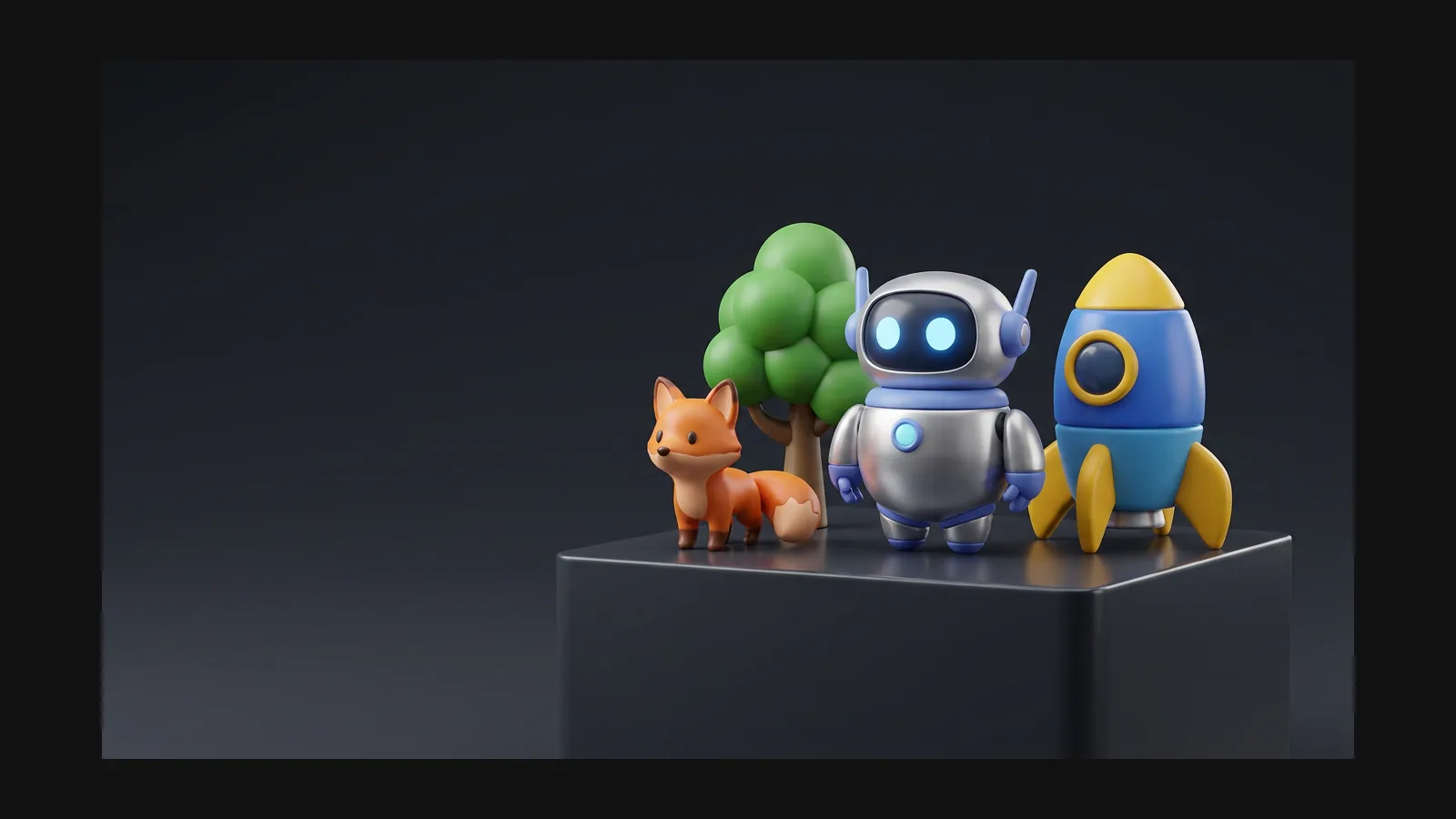
Three traits carry the whole look. Name them in the prompt and Rodin bakes them into the mesh and maps.
Nothing in a cartoon world is sharp — every edge looks slightly inflated. Try: “cartoon treasure chest, chunky proportions, rounded edges, gold trim, game prop, white background”.
Try: “cartoon wizard cat, big head, small body, chunky staff, saturated purple palette, full body.” Select A-pose separately in Rodin's generation settings if desired.
Saturated albedo, high roughness, almost no surface noise — the toy-plastic recipe. Try: “cartoon watering can, cherry red body, soft yellow spout, matte plastic look, white background”.
Rodin supports fixed seeds, reproducible results, and consistent asset generation. Shared references and style controls are optional ways to further direct a series.
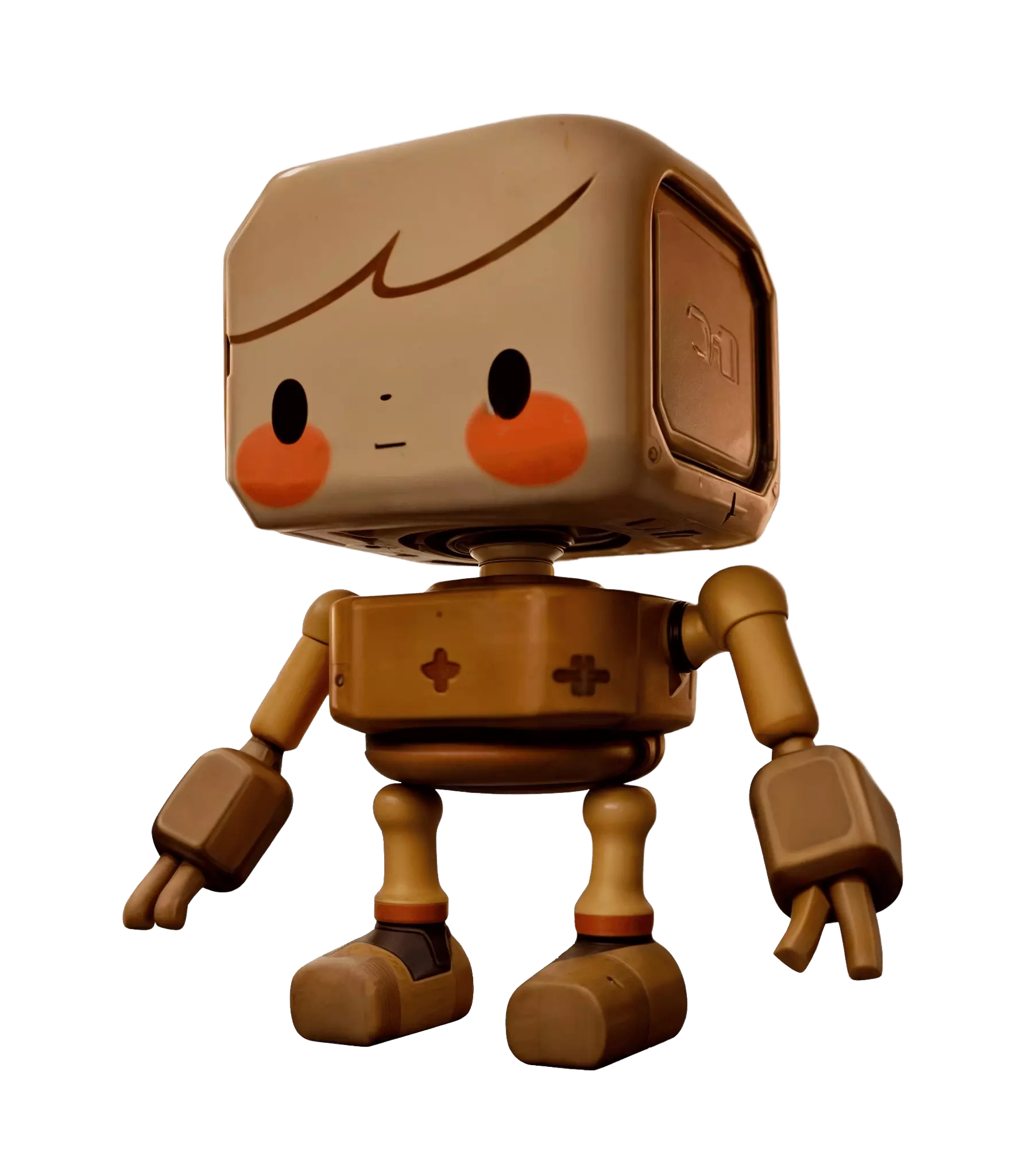
What separates a charming toy-like asset from a blob with eyes — learned the hard way, written down here.
Ask for “rounded edges, chunky proportions” in the prompt so softness is baked into the mesh — far cheaper than beveling hundreds of edges afterwards.
Rodin can generate exaggerated cartoon proportions directly from text or a reference image; OmniCraft Remix and later geometry edits are optional creative controls.
Rodin generates nearly ready-to-use 3D models. OmniCraft is a separate, optional toolkit for editing compatible 3D assets and creating workflow-specific variations.
Cartoon curves need enough polygons to stay round — visible faceting breaks the illusion. If you want facets on purpose, that is [low poly](/ar/styles/low-poly), a different page entirely.
Rodin can generate a complete form from a concise prompt; add descriptions when you want more precise creative control over a signature detail.
Export high-quality baked PBR assets in widely used 3D formats for supported web, real-time, and AR workflows.


Shape language, recolors and prompt structure — answered before you spend a single generation.