نماذج 3D مسطحة من رسومك التوضيحية

Flat design, one dimension up. Turn illustrations, icons, and vector logos into flat-shaded 3D models with solid fills and crisp edges — prompt or image in.
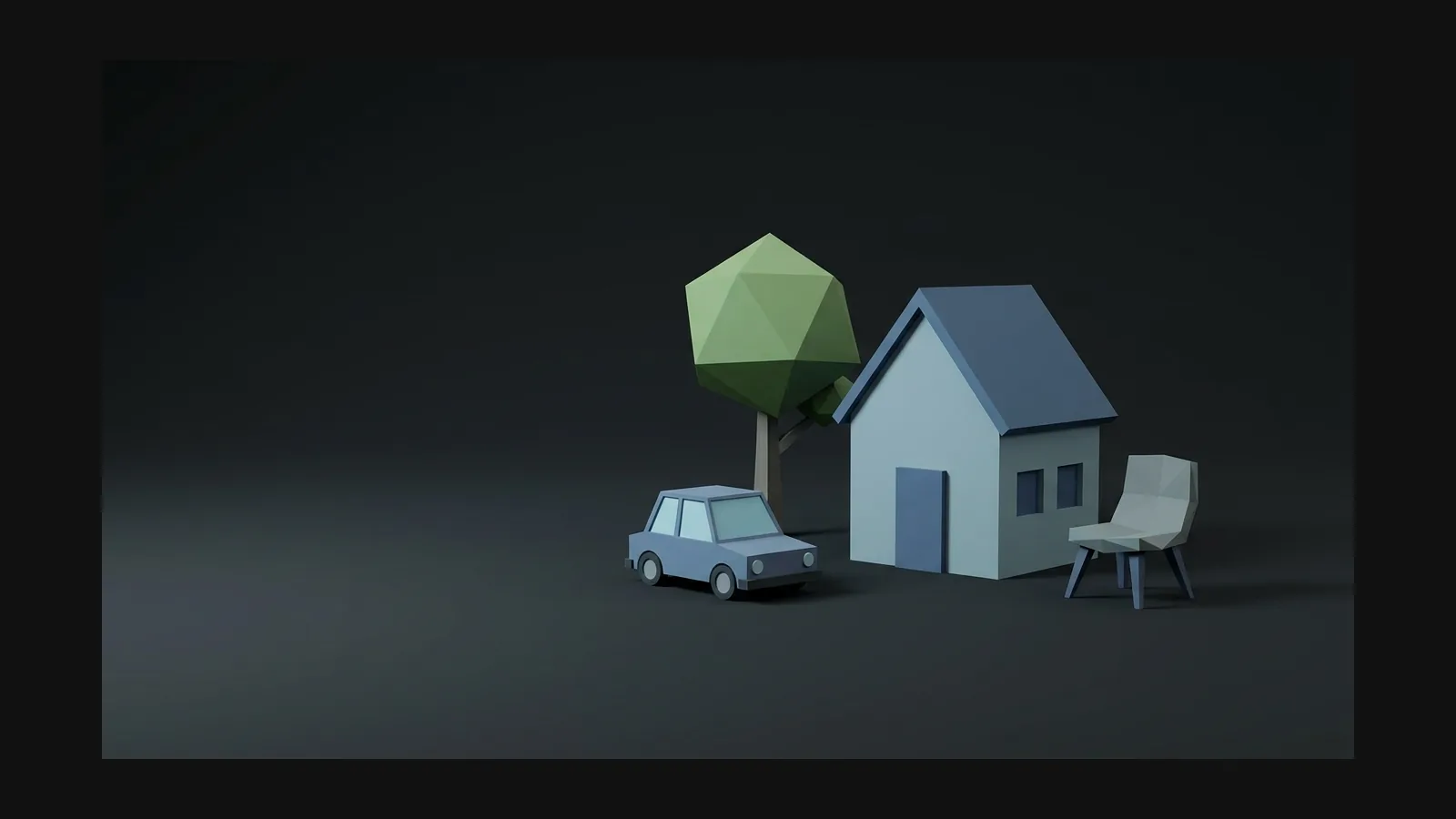
مسطحة 3D model generator hero image

كيف تصنع نماذج 3D بتظليل مسطح

Turn flat 2D artwork into high-quality 3D assets while preserving its defining silhouette, proportions, color blocks, and overall style.

  1. Step 1 — Reference
    Uploading a flat design illustration to generate a 3D model

    Start from the illustration

    Upload the flat artwork itself — icon, character, spot illustration. No image? Prompt it: "delivery van, flat design illustration style, solid color fills, no gradients, simple geometric shapes".

    PNG · JPG · text prompt
  2. Step 2 — Generate
    AI generating a flat-shaded 3D model with solid color fills

    Keep the shading flat

    Rodin builds the mesh and textures it so color reads as solid fills, not painterly gradients. Repeat "flat color" and "no gradients" in the prompt if a material starts to shade.

    textured mesh · PBR maps
  3. Step 3 — Ship
    Exporting a flat-shaded 3D model as GLB, FBX, or OBJ

    Export it like an illustration

    Create lightweight flat-style assets with compact textures and flexible exports for supported web, marketing, and real-time workflows.

    GLB · FBX · OBJ

عدة أدوات المظهر المسطح

Flat is a discipline, not a filter. Four habits that keep generated models looking like your 2D art.

عدة أدوات المظهر المسطح visual

من شعار SVG إلى 3D بخطوة واحدة

Vecto3D, the free OmniCraft tool, extrudes any SVG into a 3D model in the browser: drop the file, set depth and bevel, export. Logos, icon sets, and lettering keep their exact vector outlines — the fastest route from flat brand art to a spinning 3D mark.

Open Vecto3D
Open Vecto3D

نماذج 3D مسطحة: إجابات واضحة

Flat vs. low poly vs. cel shading, gradient control, and the formats that keep files small.

What's the difference between flat and low-poly 3D?

Low poly is a geometry budget; flat is a shading language. A low poly model can carry realistic textures, while a flat model can be dense but painted in solid fills. They pair well: low-poly geometry plus flat colors is the classic mobile-game look.

How is flat shading different from cel shading?

Cel shading keeps lighting — it just quantizes it into bands, usually with outlines. Flat shading removes lighting cues from the texture entirely: one color per surface. If you want the anime-adjacent banded look, start from the cel-shaded guide instead.

How do I stop gradients from creeping into the texture?

Describe flat color fills and a limited palette in Rodin; OmniCraft AI Texture Generator can optionally create additional flat-palette texture variants.

Can I build a full isometric scene from flat models?

Yes — that is the natural endgame. Generate props one at a time with a shared palette, keep polycounts low, and assemble in your engine. The isometric guide covers camera setup, and the game development page covers engine import.

Which formats work best for web and game engines?

Export lightweight flat-style assets in widely used 3D formats for supported browser, creative, and real-time workflows.

أضِف بُعدًا ثالثًا لفنك المسطح

Generate a flat 3D model from your illustration, or extrude an SVG in Vecto3D — either way, your style stays yours.