




Flat-Shaded 3D Models from Your Illustrations
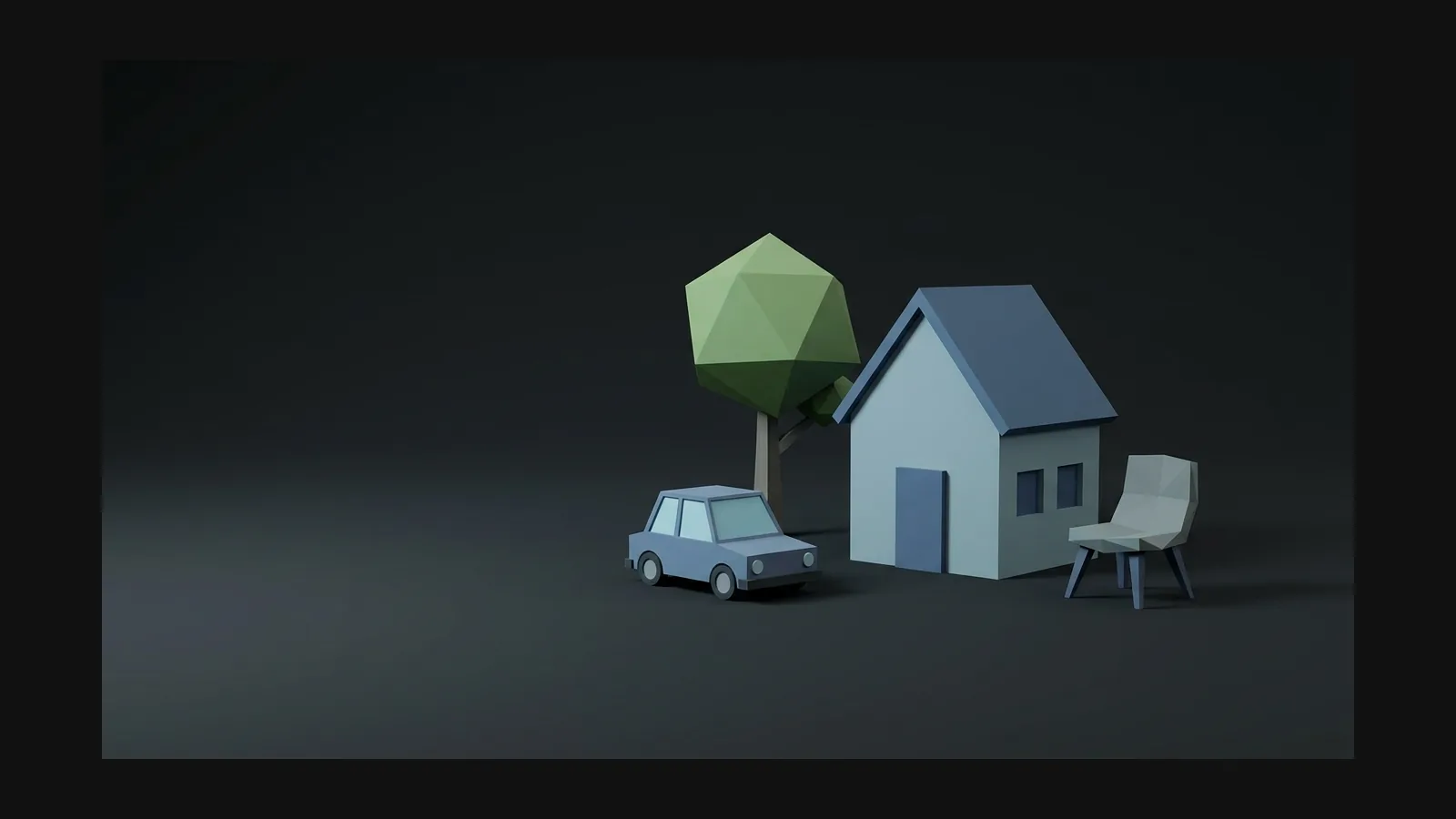
Flat design, one dimension up. Turn illustrations, icons, and vector logos into flat-shaded 3D models with solid fills and crisp edges — prompt or image in.
How to make flat-shaded 3D models
Turn flat 2D artwork into high-quality 3D assets while preserving its defining silhouette, proportions, color blocks, and overall style.
- Step 1 — Reference

Start from the illustration
Upload the flat artwork itself — icon, character, spot illustration. No image? Prompt it: "delivery van, flat design illustration style, solid color fills, no gradients, simple geometric shapes".
- Step 2 — Generate

Keep the shading flat
Rodin builds the mesh and textures it so color reads as solid fills, not painterly gradients. Repeat "flat color" and "no gradients" in the prompt if a material starts to shade.
- Step 3 — Ship

Export it like an illustration
Create lightweight flat-style assets with compact textures and flexible exports for supported web, marketing, and real-time workflows.


The flat-look toolkit
Flat is a discipline, not a filter. Four habits that keep generated models looking like your 2D art.
From SVG logo to 3D in one step
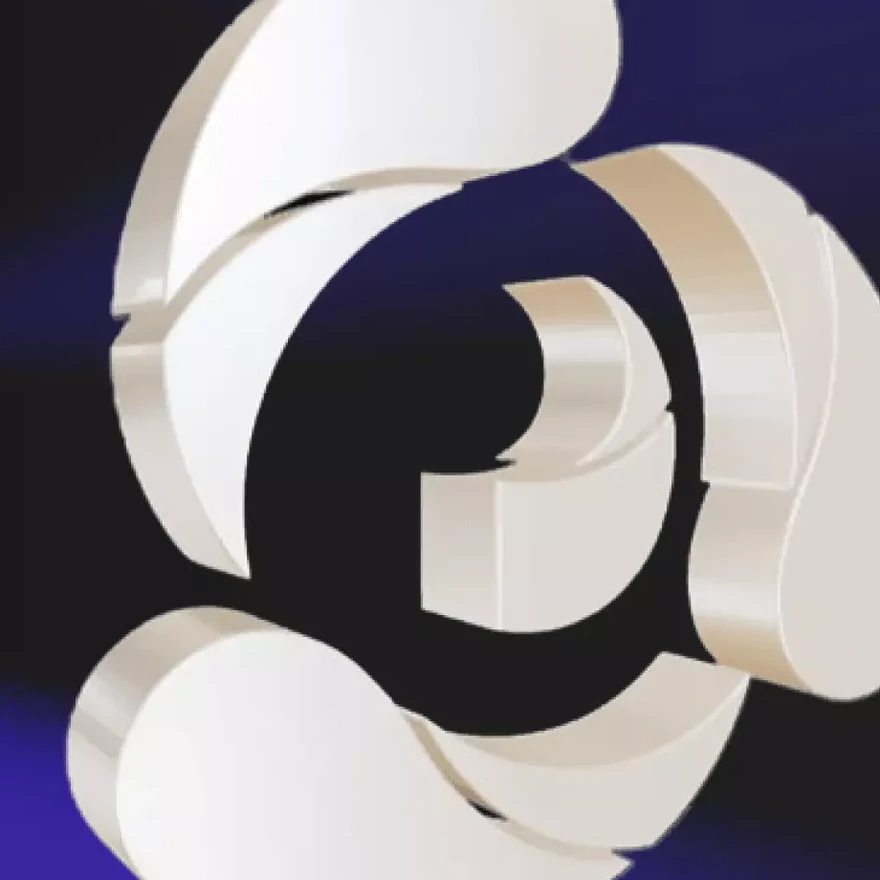
Vecto3D, the free OmniCraft tool, extrudes any SVG into a 3D model in the browser: drop the file, set depth and bevel, export. Logos, icon sets, and lettering keep their exact vector outlines — the fastest route from flat brand art to a spinning 3D mark.
Flat 3D models, sharp answers
Flat vs. low poly vs. cel shading, gradient control, and the formats that keep files small.