Blend References
with Prompts

Upload up to three references, @mention each one, and generate a single blended image from one prompt. Free to start in your browser - results download as PNG.
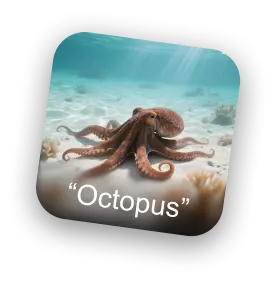
Reference image one
Reference image two
Reference image three
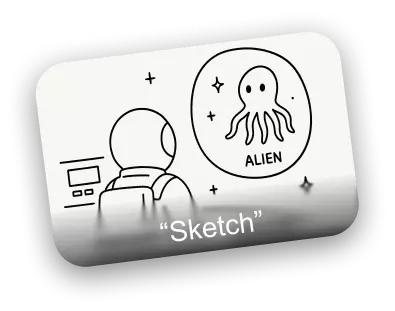
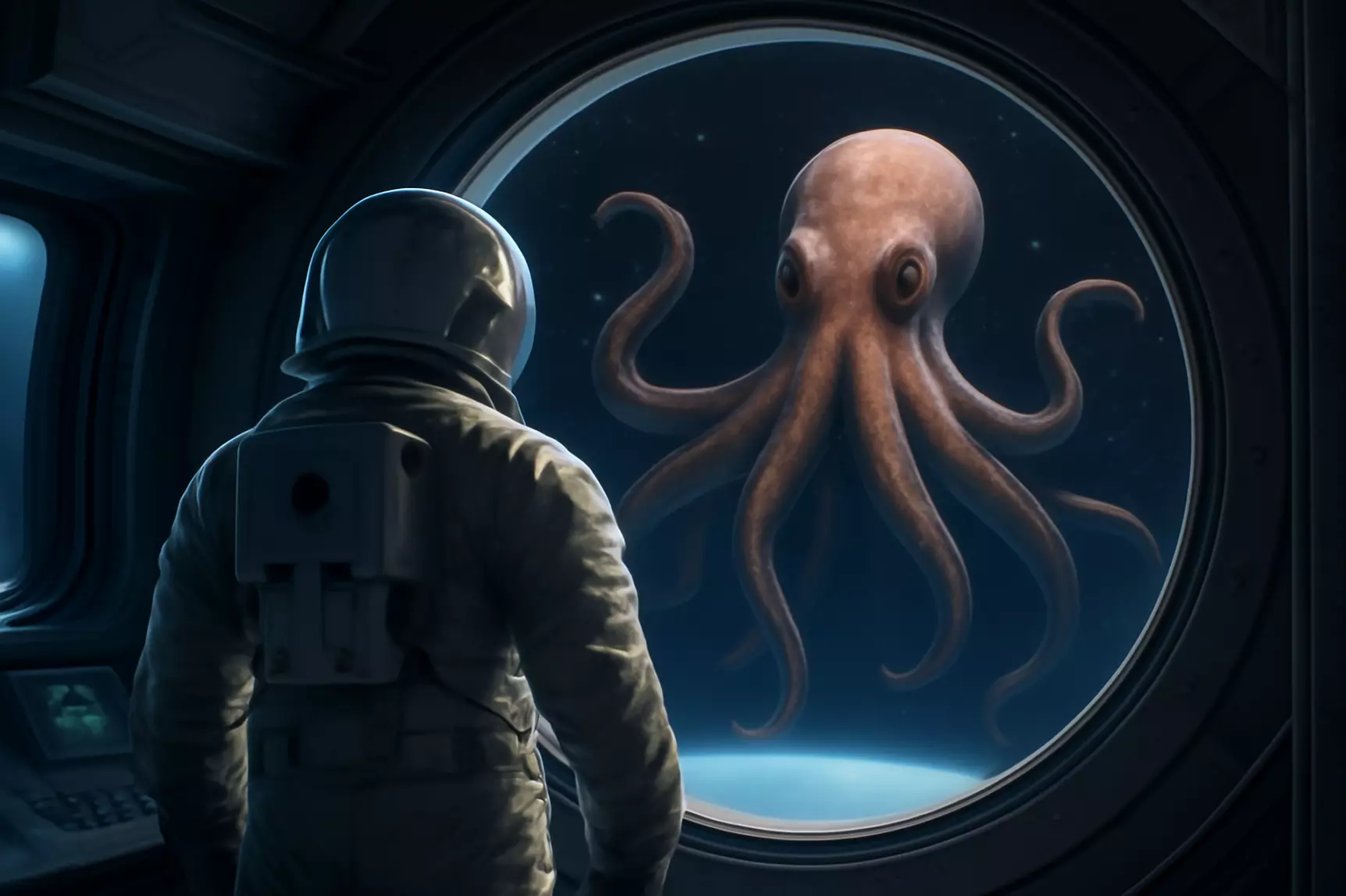
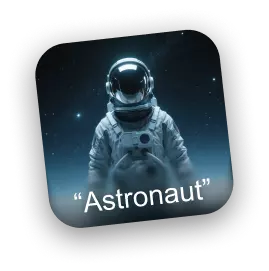
Please merge image @Astronaut and @Octopus into a single scene, strictly following the composition and layout described in @Sketch.

Remix in Three Steps

The exact flow you will see in the Remix workspace - upload, prompt with @mentions, then generate, compare, and download.

1

Add Up to Three References

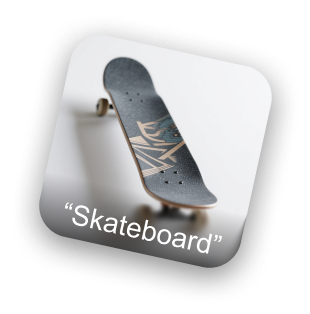
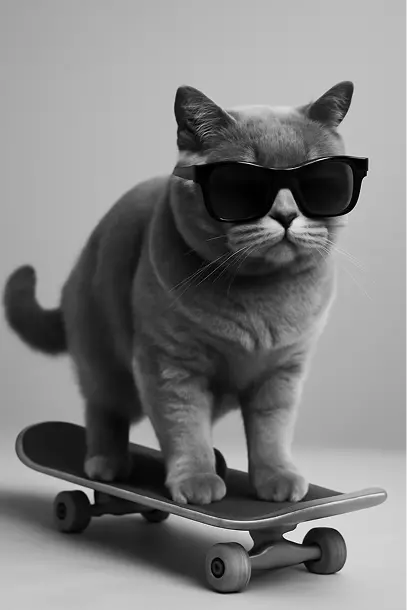
Click or drag JPG, PNG, or WebP files into the three slots. Each reference gets an editable name like IMG_1 - rename it to "sunglasses" or "skateboard".
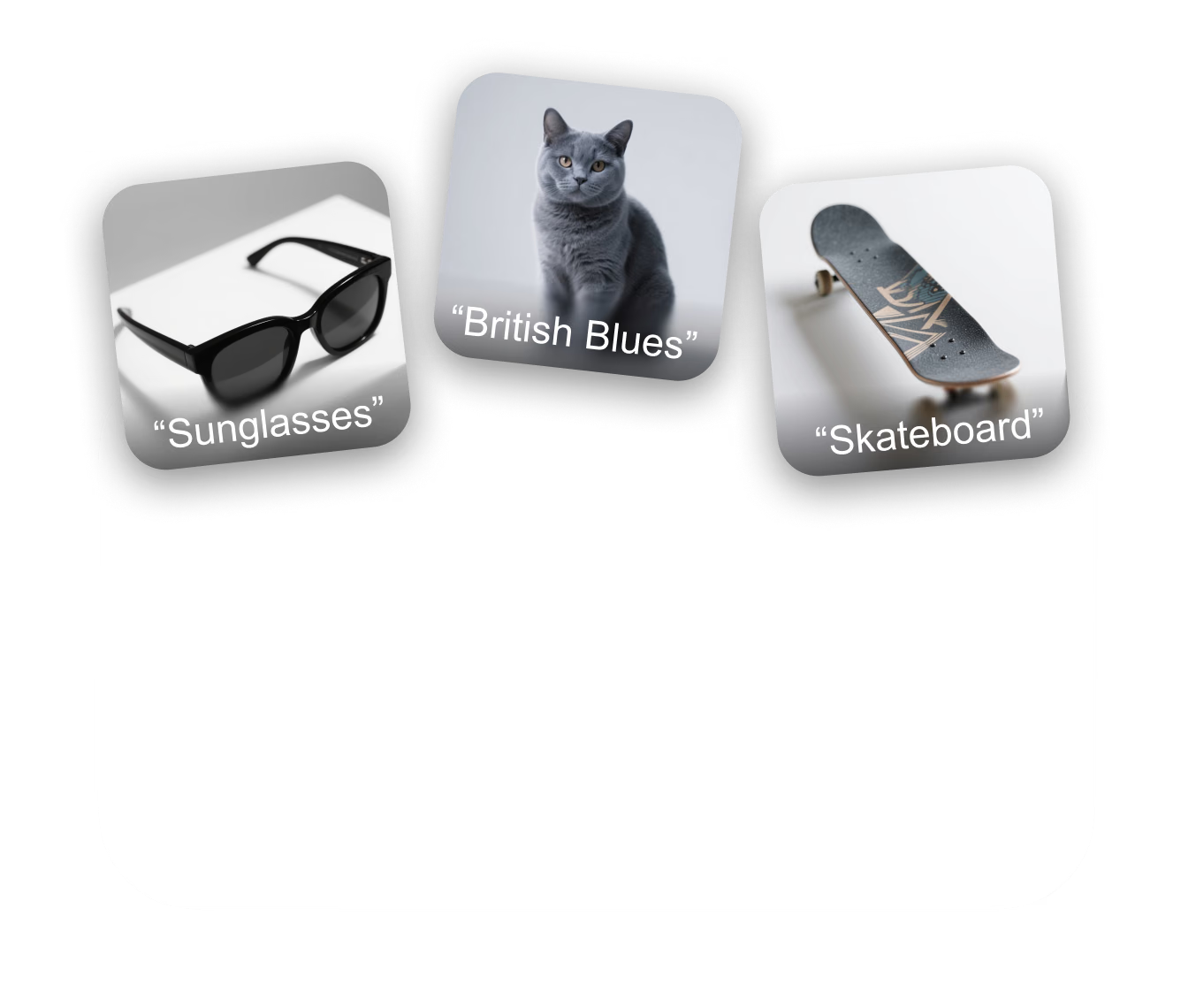
Add up to three reference images for the remix
2

Point Your Prompt at Each Image

Type @ to mention any reference by name and give it a role - which subject to keep, which style to copy, which layout to follow - or start from a preset.

Use @mentions to assign each reference image a role
3

Generate, Compare, Download

Generate the remix, rate results, re-roll with the same prompt, or refine the winner in Edit mode - then download the finished image as a PNG.
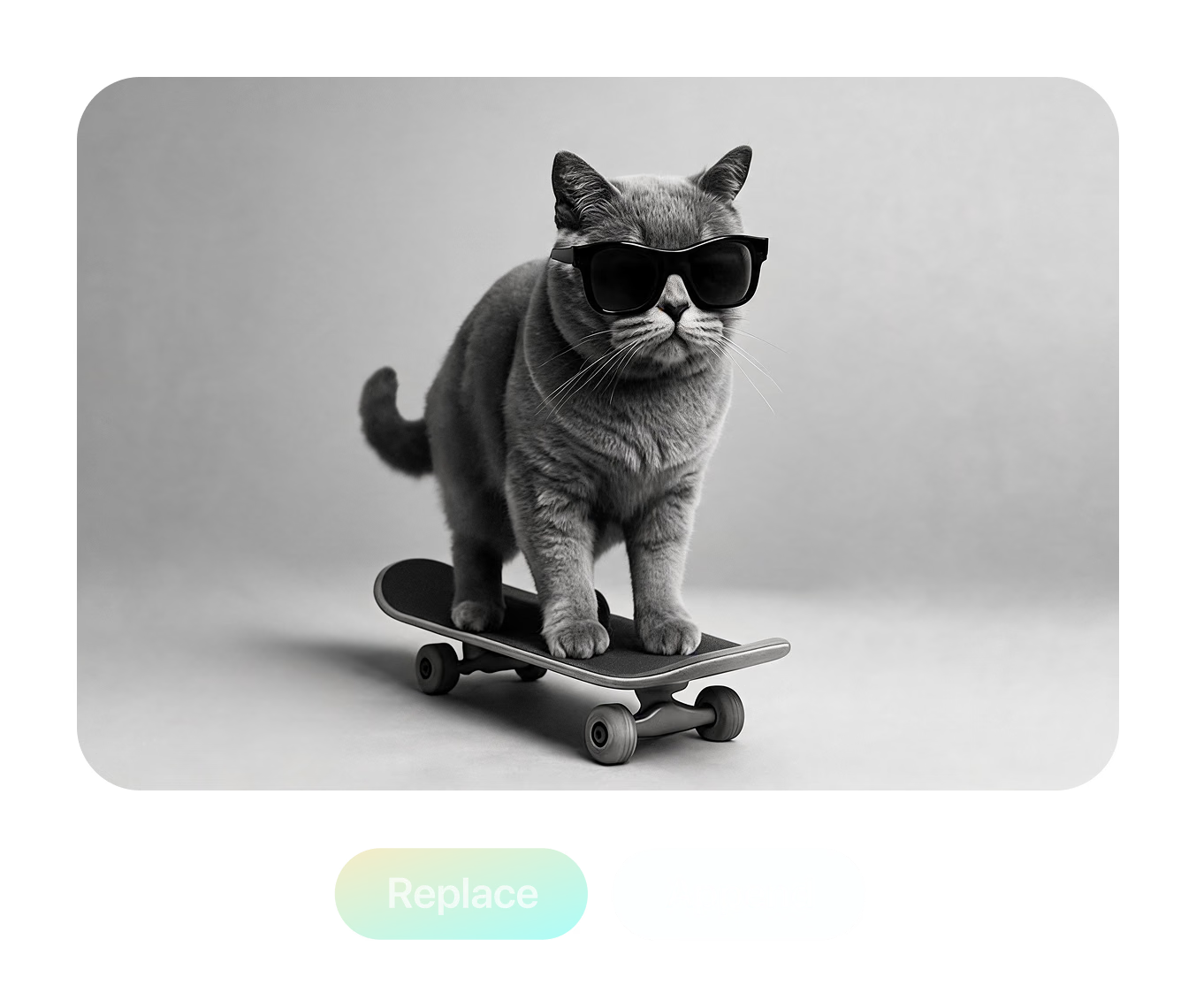
Generate, compare, and download remix results

Three References, One Prompt, One Scene

This scene ships with the tool as a live demo: an "Astronaut" photo, an "Octopus" photo, and a hand-drawn "Sketch" that defines the layout. The prompt names each reference with an @mention and asks Remix to merge the two subjects into a single scene while strictly following the sketch composition — the finished image is what you see here

Try This Remix
Try This Remix

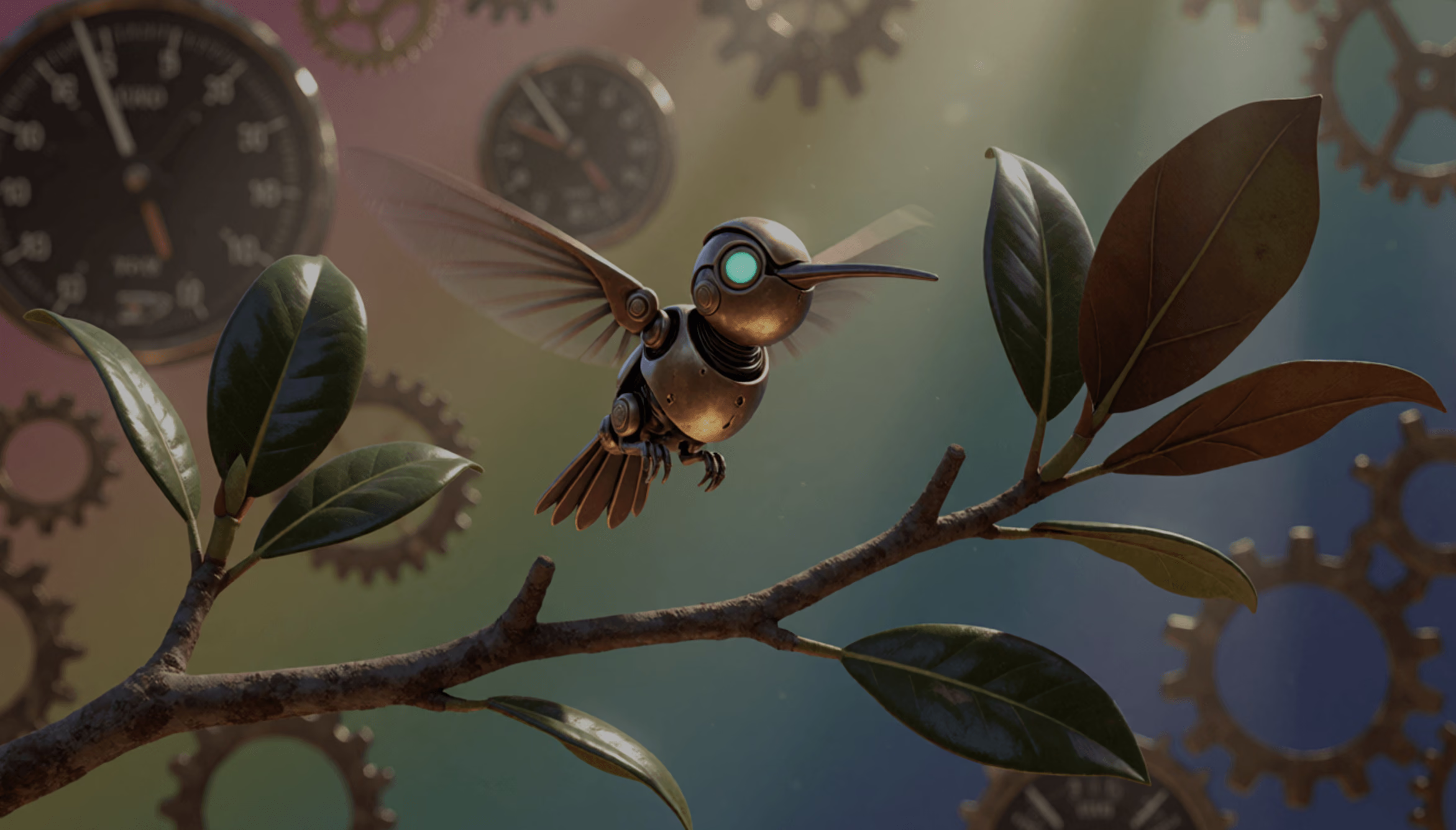
"Weave @Hummingbird, @MechanicalClock, and @Branch into one elegant vision. The hummingbird flies in the foreground, while mechanical clocks drape the background in a soft, ethereal glow"

Real Controls Behind Every Remix

Everything below exists in the tool today — two generation modes, in-slot text-to-image, and a preset library tuned for 3D-ready outputs.
Multi-Reference Gen Mode

Multi-Reference Gen Mode

Blend up to three reference images in one generation. @mention each image to assign its role — merge subjects from two photos while a third sketch controls the composition and layout
Conversational Edit Mode

Conversational Edit Mode

Load one image and edit it turn by turn — type an instruction, get a new version, and keep refining. Each result stacks into a scrollable history you can compare and branch from
Turbo Gen References

Turbo Gen References

Missing a reference? Type a description into any empty image slot and Turbo Gen creates one from text on the spot — no need to leave the workspace to hunt for source material
3D-Ready Style Presets

3D-Ready Style Presets

One-click prompts built for 3D workflows: Collectible figurine, Sculptural, Cinematic, four-view Turnaround, Back-view, Side-view, Clay, Anime, Brick, Voxel, and Toy — most tuned to output clean white backgrounds ready for image-to-3D

AI Image Remix —
Frequently Asked Questions

What is AI Image Remix?

Remix is a browser tool in Hyper3D's OmniCraft suite that regenerates images from your references. Upload up to three images, describe the blend or edit in plain language, and generate a new image — merging subjects, transferring styles, changing viewpoints, or restyling entirely.

How many reference images can I use?

Gen mode accepts up to three reference images at once, in JPG, JPEG, PNG, or WebP format. Uploads are compressed automatically, with a 3 MB per-file limit after compression. Edit mode works on a single image at a time.

How do @mentions work in the prompt?

Every uploaded image gets a name — IMG_1, IMG_2, IMG_3 by default — and you can rename each one, for example to "Astronaut" or "Sunglasses". Typing @ in the prompt opens a picker so you can assign each image a role: which subject to keep, which style to copy, which layout to follow.

What's the difference between Gen and Edit mode?

Gen mode combines up to three references into a new image from a single prompt. Edit mode is conversational: load one image, type an instruction, get a revision, and keep iterating — the whole edit history is preserved so you can step back to any version.

What is Turbo Gen?

Turbo Gen is a text-to-image shortcut built into the upload slots. If you don't have a reference on disk, type a description into an empty slot and Remix generates one for you, which then behaves like any uploaded image — you can name it, @mention it, and remix it.

Which style presets are included?

Multi-image presets cover Fuse (combine subjects), Style (transfer style between images), and Layout (regenerate one image following the layout of another). Single-image presets include Collectible figurine, Sculptural, Cinematic, four-view Turnaround, Back-view, Side-view, Clay, Anime, Brick, Voxel, and Toy — most designed to output clean white backgrounds.

What format are the results, and can I download them?

Generated images preview directly in the workspace and download as PNG files with one click. You can rate each result with thumbs up or down, regenerate with the same prompt, or continue refining a result in Edit mode.

Is AI Image Remix free to use?

You need a free Hyper3D account to generate. Remix generation is included for subscribers, while other accounts spend account credits per generation. If your balance runs out you can top up or subscribe at any time — browsing the workspace and demos costs nothing.

Can I use remixed images for 3D generation?

Yes. OmniCraft AI Image Remix creates optional turnaround, side, back, and clean-background image variations that can be used as references for Rodin Image to 3D. Rodin also works from a single image.

Turn References into
New Images

Upload references, write one prompt, and download production-ready PNGs — then send the strongest frame straight into image-to-3D. No design software required.