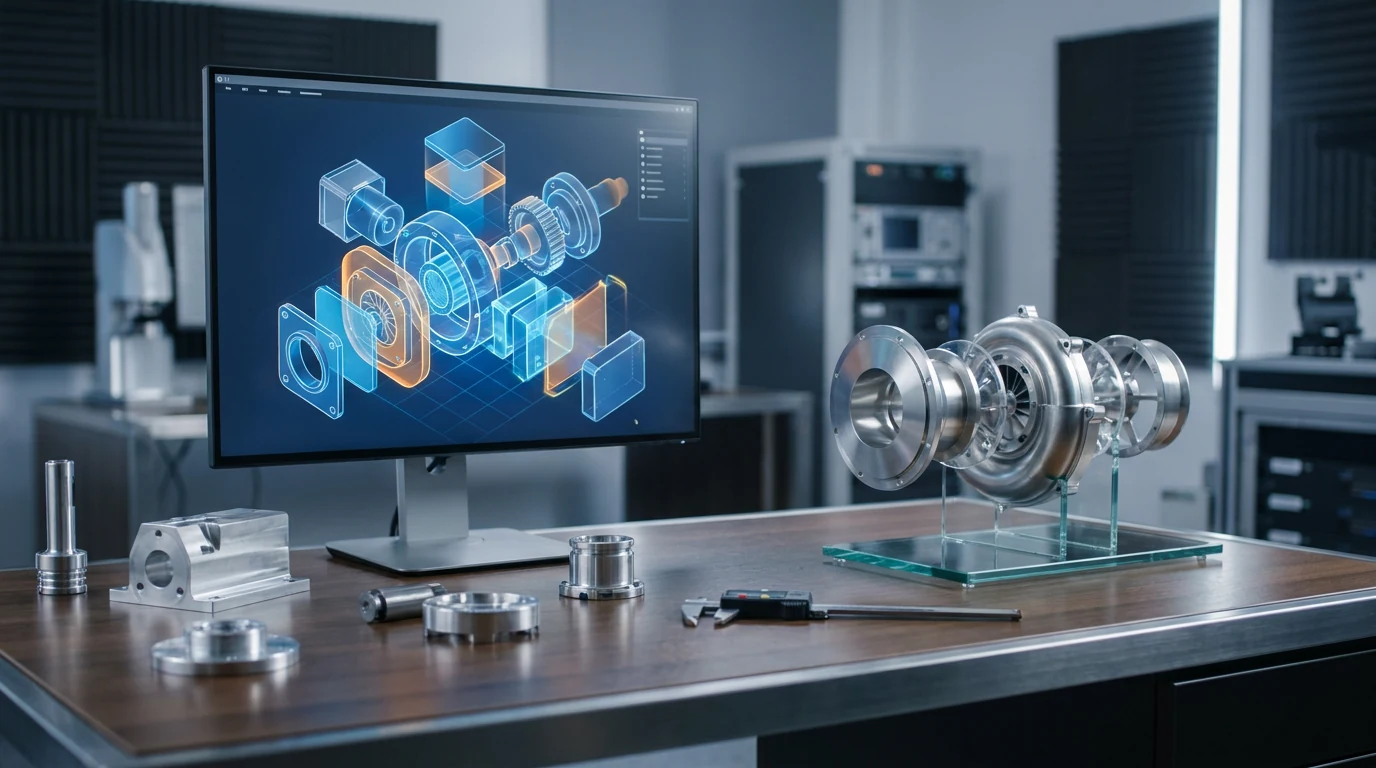
AI 3D Model Generator for Mechanical Engineering

Generate Mechanical Engineering 3D assets from photos, sketches, references, or prompts, then export editable models for production, review, AR, web, or marketplace workflows.

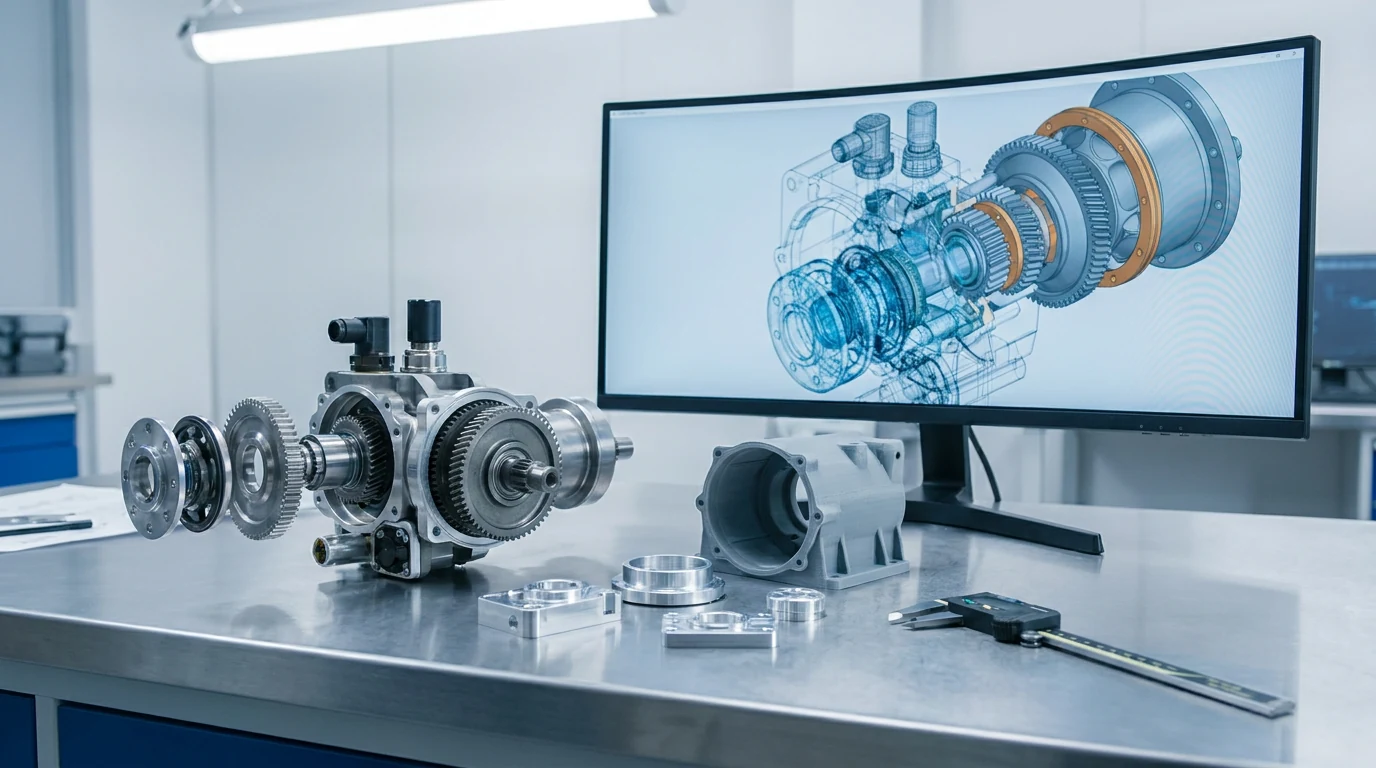
AI 3D Model Generator for Mechanical Engineering visual

How to create Mechanical Engineering 3D assets

Move from references or prompts to editable 3D models with clean export paths and format-specific workflows.

1

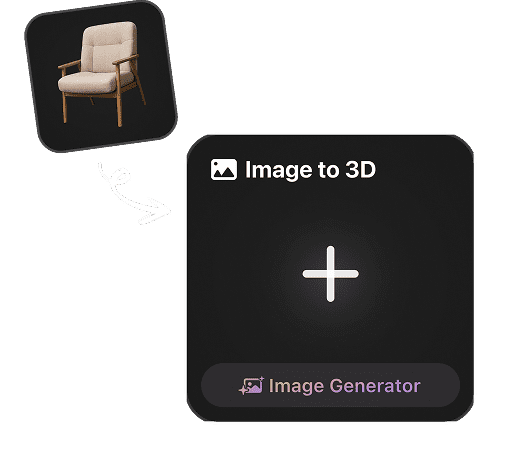
Upload a reference or prompt

Start with photos, sketches, product references, concept art, or a concise Mechanical Engineering brief.

2

Generate the 3D model

Create a textured 3D model with usable form, material direction, topology guidance, and reviewable detail.

3

Preview, optimize, and export

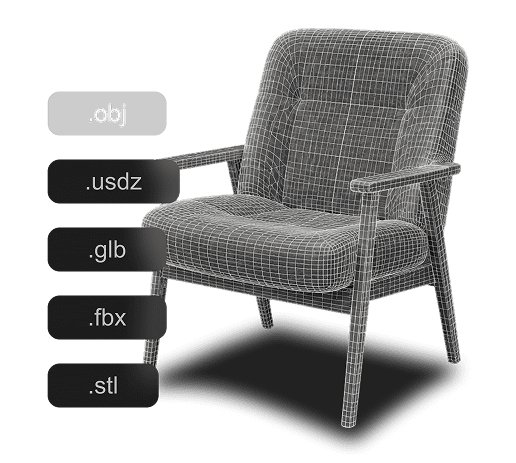
Check scale, surfaces, and file weight, then export GLB, USDZ, OBJ, FBX, or STL as needed.

A faster Mechanical Engineering 3D workflow

Use Hyper3D to turn Mechanical Engineering ideas into editable assets for production, presentation, commerce, printing, or real-time pipelines.

Creative intake

Collect references, goals, constraints, and target formats before generation.

Controlled generation

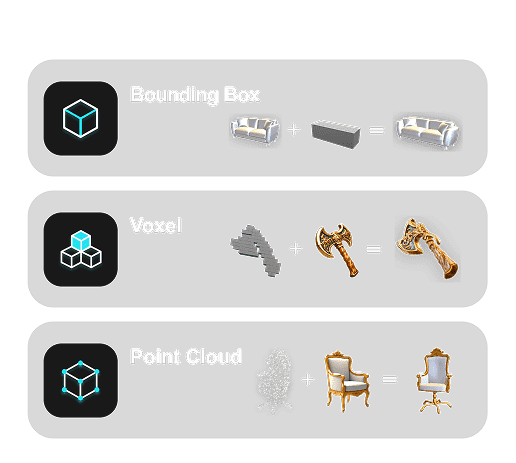
Generate Mechanical Engineering model drafts with the right balance of speed, detail, topology, and materials.

Format handoff

Export the model for web, AR, engines, DCC tools, printing, review, or marketplace delivery.

Production refinement

Refine geometry, texture quality, scale, and file weight before final publishing or production.

Trusted by Creators Building Real 3D Assets

Creators use Hyper3D to turn references and prompts into editable, export-ready 3D models for real workflows.

AI 3D just hit a new threshold. Rodin Gen-2.5: Geometry in ~4s, full model in ~5s, 10M+ polygons, clean structure, production-ready outputs. This is the moment AI 3D becomes an actual pipeline tool.

sabir hussain

sabir hussain

AI & Tech Enthusiast

Tested Rodin Gen-2.5 from Hyper 3D. Cleaner meshes, sharper surface detail, stronger multi-angle coherence. The results feel much closer to something you’d actually keep iterating on inside a real workflow.

BubbleBrain

BubbleBrain

AI Enthusiast

Rodin Gen 2.5 is a game-changer. 10M+ polygons, 3D-native textures, and seriously good results on complex high-poly models. Production-ready assets just got a lot closer.

lagerskoy

lagerskoy

Hunter & Builder · 124 likes

Mechanical Engineering 3D generation FAQ

Questions about using Hyper3D for Mechanical Engineering 3D asset generation, exports, editing, and production workflows.

Can Hyper3D create 3D assets for Mechanical Engineering?

Yes. Hyper3D can generate Mechanical Engineering 3D model drafts from images, sketches, references, or text prompts.

Can I use image references and prompts?

Yes. Clear photos, sketches, style references, product images, and concise prompts help guide the final 3D output.

Can generated assets be used commercially?

Hyper3D is built for professional workflows. Review your account terms, source rights, and project requirements before publishing final assets.

Do generated models need cleanup?

Often yes. Review topology, scale, material quality, file size, and platform requirements before production use.

Which formats should I export for Mechanical Engineering?

GLB and USDZ are useful for web and AR. OBJ and FBX support DCC and engine workflows, while STL, 3MF, or DXF can support printing or fabrication when relevant.

Can I connect this with other Hyper3D tools?

Yes. Use format-specific image-to tools and Hyper3D editing workflows to prepare models for your pipeline.

Start generating 3D assets for Mechanical Engineering

Create your first Mechanical Engineering 3D model with Hyper3D, then export it for review, production, AR, web, or marketplace workflows.