
AI Pixel Art 3D Model Generator

Give 3D models the retro game look: low-res textures, chunky silhouettes, limited palettes. Generate from a prompt or sprite, export GLB, OBJ, or FBX.

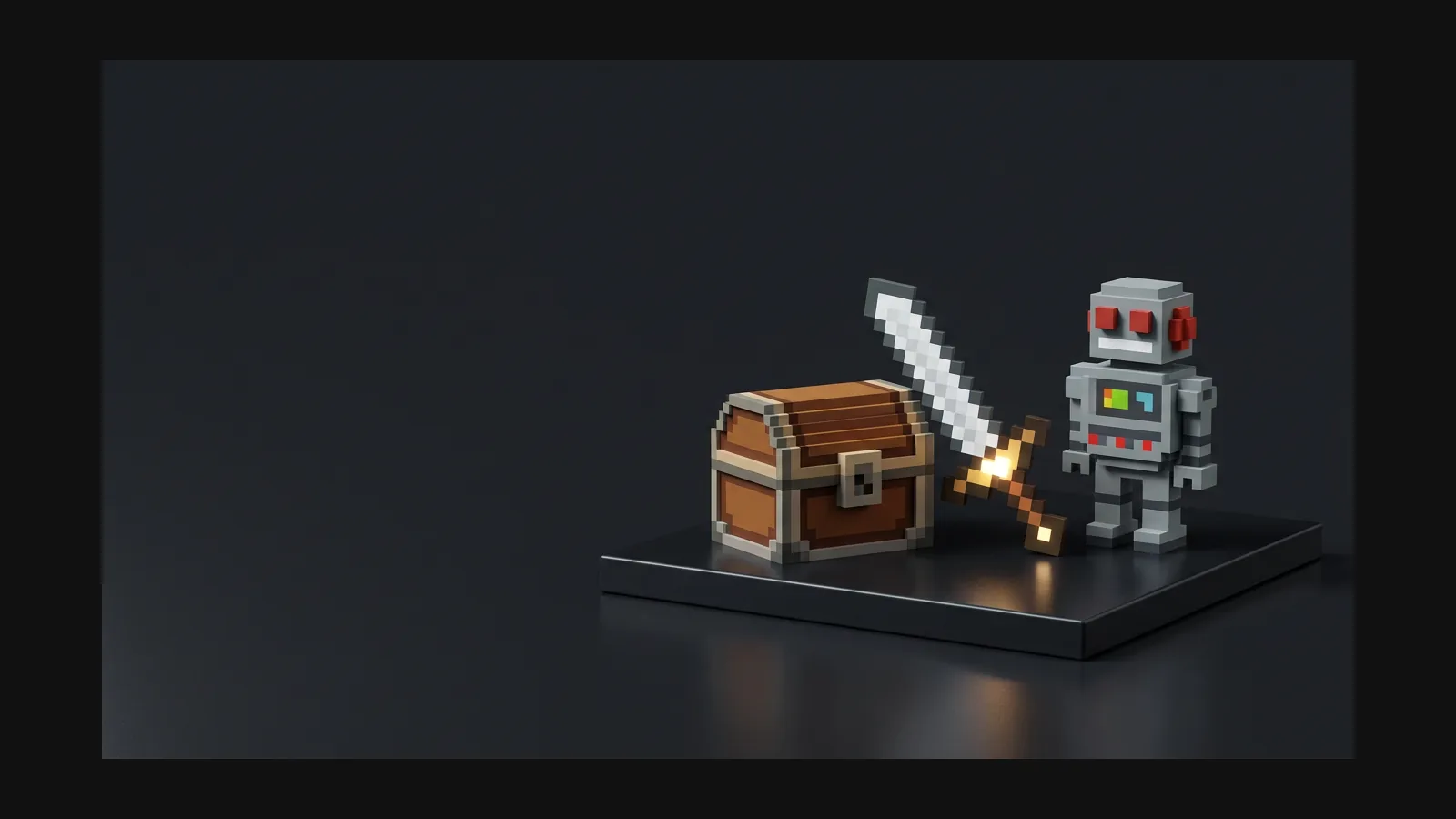
Pixel Art 3D model generator hero image

What pixel art means in 3D

Searchers mean two different things by it — and both are real workflows in Rodin. Pick your route before you write the first prompt.

Route 1 — Retro textures on real meshes

The PS1-demake look: a normal 3D mesh wearing a low-resolution, limited-palette texture. Prompt for 'pixelated texture, 16-color palette, dithered shading' and finish in-engine with point (nearest-neighbor) filtering so the pixels stay crisp instead of blurring.


Route 2 — Blocky, voxel-adjacent forms

Pixels extruded into space: chunky geometry where every step reads like a screen pixel. Prompt 'built from square steps, pixel-art proportions' or go all the way cube with the dedicated [voxel style](/styles/voxel) — the two pages share tricks but target different silhouettes.

What there is not — a pixelate button

Rodin can generate vintage and pixel-art-style 3D assets from a prompt or reference image; OmniCraft is a separate, optional tool for creating additional palette and texture variants.

Pixel art 3D prompt recipes

Anchor every prompt to an era or a sprite, cap the palette, and ask for the flaws on purpose — clean is the enemy of retro.

PS1-style diorama

PS1-style diorama

"retro potion shop interior, PS1-era 3D, low-resolution pixelated textures, 16-color palette, dithered shadows, chunky proportions" — the era anchor does the heavy lifting; keep it in every prompt of the set.

Sprite brought into 3D

Sprite brought into 3D

Upload your 2D item sprite as the image reference, then prompt: "the same sword as the sprite, 3D, faceted blade, flat pixel-style colors, no gradients". The mesh inherits the sprite's palette and attitude.

Demake a modern subject

Demake a modern subject

"1998 racing game car, pixelated livery texture, visible texture seams, low-res decals, boxy body, era-accurate jank" — deliberate imperfection sells the period. More era cues live on the [retro style page](/styles/retro).

How to create pixel art style 3D models

Reference, generate, export — with the retro finish locked in by one engine setting at the end.

1

Start from a sprite or an era prompt

A 2D sprite you already use in-game is the strongest reference: the generated mesh inherits its palette and proportions. No sprite? Anchor the prompt to an era — PS1, SNES-inspired, 1998 arcade.

Upload a sprite or write a retro prompt step
2

Generate, then squint

Rodin creates crisp, palette-driven pixel-art textures with clean, consistent UV coverage.

AI generates the retro pixel-style 3D model step
3

Export and set point filtering

Rodin creates crisp, palette-driven pixel-art 3D assets with flexible export for supported real-time and creative workflows.

Export retro 3D model with point filtering settings step

Pixel art 3D model generator FAQ

Honest answers about textures, filtering, prerendered sprites, and where the style ships.

Is this real pixel art or a 3D imitation?

It is 3D wearing pixel art's clothes — and that is exactly what retro-style 3D games do. Your models are real meshes with real depth; the pixel-art read comes from low-res textures, capped palettes, and point filtering. If you want flat 2D sprites instead, a 3D generator is the wrong tool, and we would rather say so.

How do I get pixelated textures on my model?

Describe a low-resolution pixel palette and visible dithering in the prompt; OmniCraft AI Texture Generator can optionally create additional pixel-style texture variants.

Pixel art 3D or voxel — which page should I be on?

If the pixels live in the texture — a normal-shaped model with a retro skin — stay here. If the pixels are the geometry — everything visibly built from cubes, MagicaVoxel-style — you want the voxel page. For faceted-but-smooth-textured economy, that is low poly.

Can I use these assets in a 2D game?

Yes — the classic prerender trick. Generate the 3D model once, render it from fixed angles, and export the shots as sprite frames: eight rotations of a character, or one angled view of every prop. Donkey Kong Country built an era on this. An isometric camera setup is the usual companion.

Which formats do retro-focused engines want?

Rodin offers GLB, FBX, and OBJ as flexible export choices for modern real-time and creative workflows. Its crisp, palette-driven style keeps the result distinctly retro.

Who actually ships games with this look?

A thriving corner of indie: PS1-horror, boomer shooters, cozy demakes, and game-jam entries where one person is the whole art department. That last case is where generation helps most — a jam weekend has no room for hand-painting twenty textures. See the game development workflow for batching an asset list.

Build your retro 3D asset today

Prompt the era, cap the palette, set point filtering — and ship something that looks like 1998 and runs like 2026.
