




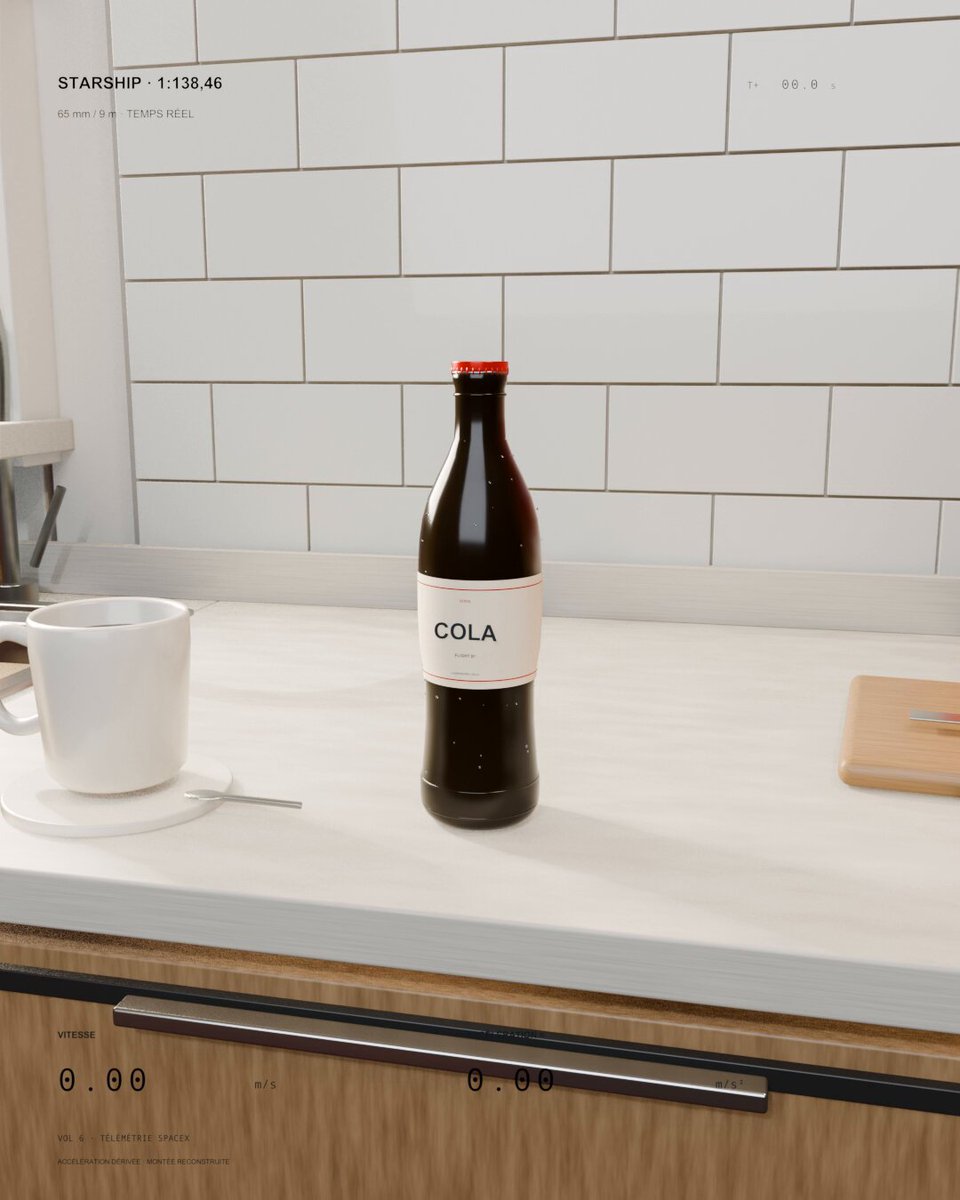
GPT-6.1 Sol
Soda Bottle Rocket Launch
A kitchen soda bottle launches like a miniature Starship. Sol 6.1 was asked to scale real flight speed and acceleration to the bottle and keep everyday objects visible for scale.
HYPER3D / CREATIVE INSPIRATION
A starting point for your next game, scene or interactive world. Explore real projects, find a prompt, and make it your own.


Unable to update the order. Please try again.
A kitchen soda bottle launches like a miniature Starship. Sol 6.1 was asked to scale real flight speed and acceleration to the bottle and keep everyday objects visible for scale.
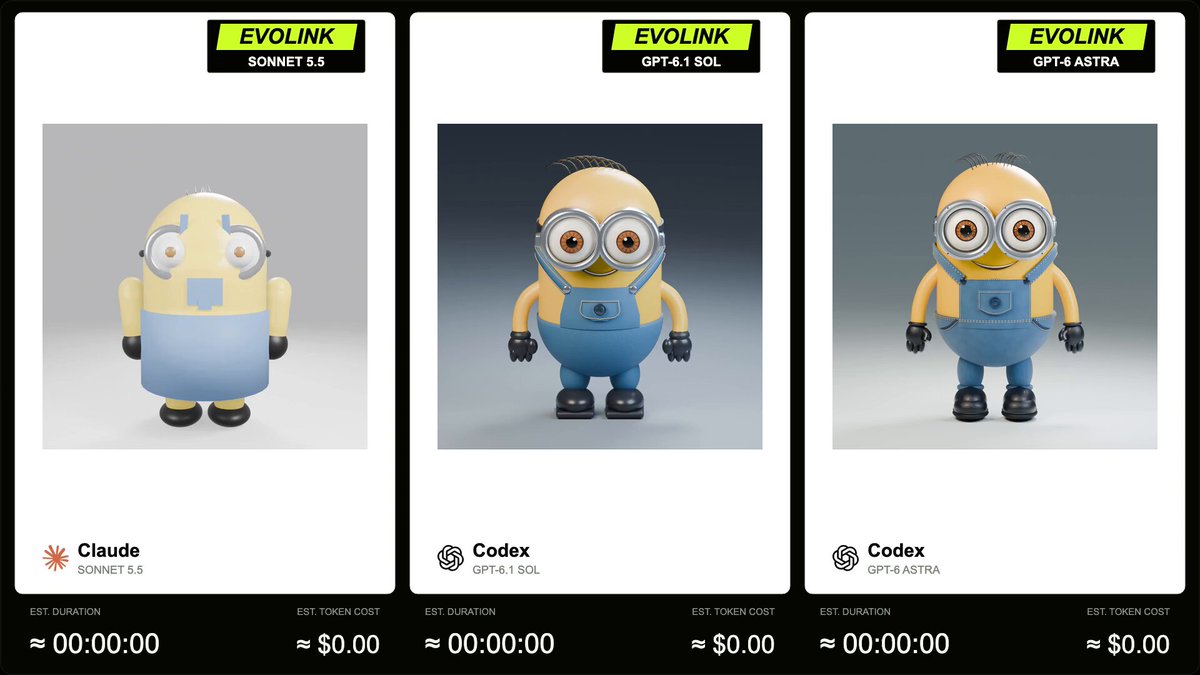
EvoLink compares GPT-6.1 Sol, Sonnet 5.5 and GPT-6 Astra on a Blender Minion model with a 5-second, square, 360-degree turntable animation. The author supplies the full prompt in a reply.
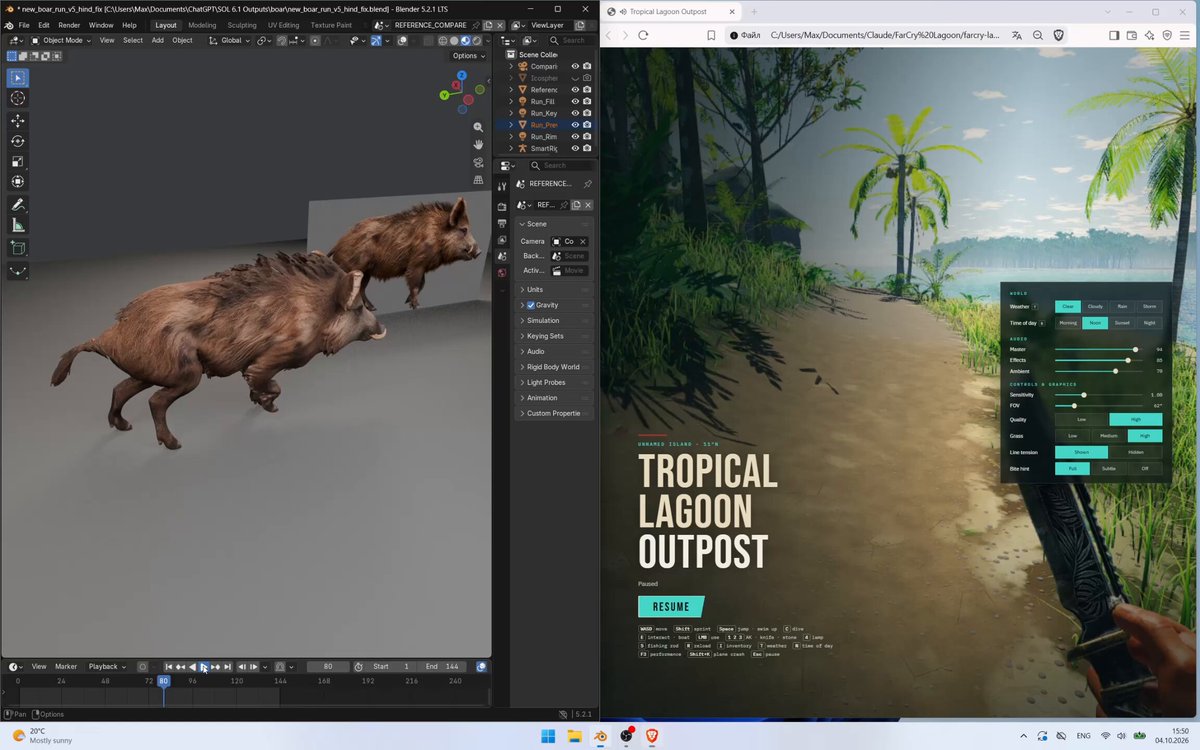
A Meshy-rigged boar is refined in Blender against a synchronized video reference over five iterations. The public prompt specifies a 144-frame, 24 fps comparison and detailed gait and contact checks.
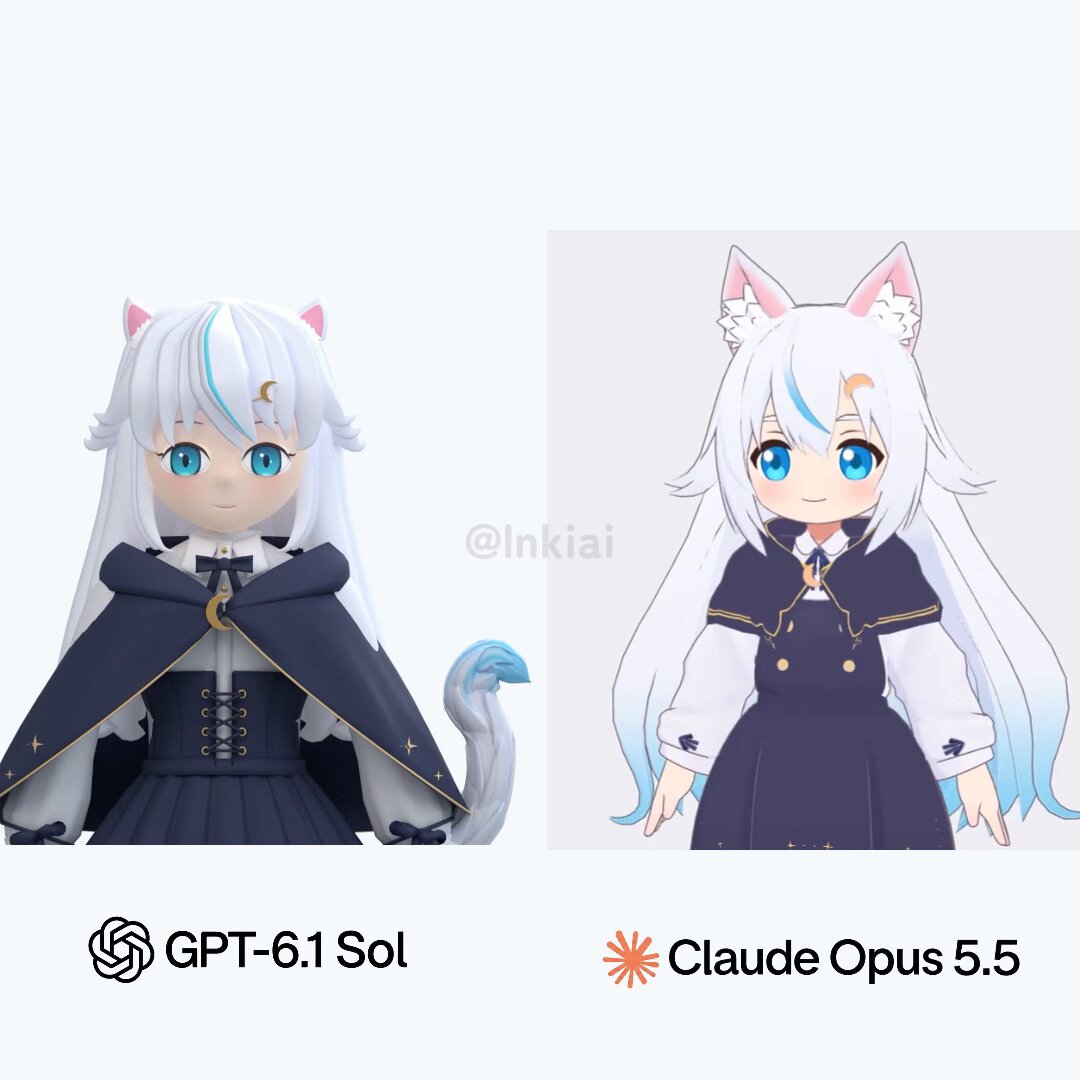
The post compares Codex with GPT-6.1 Sol, which creates a model from scratch in Blender, and Claude Code with Opus 5.5, which proposes combining and modifying existing models and parts.
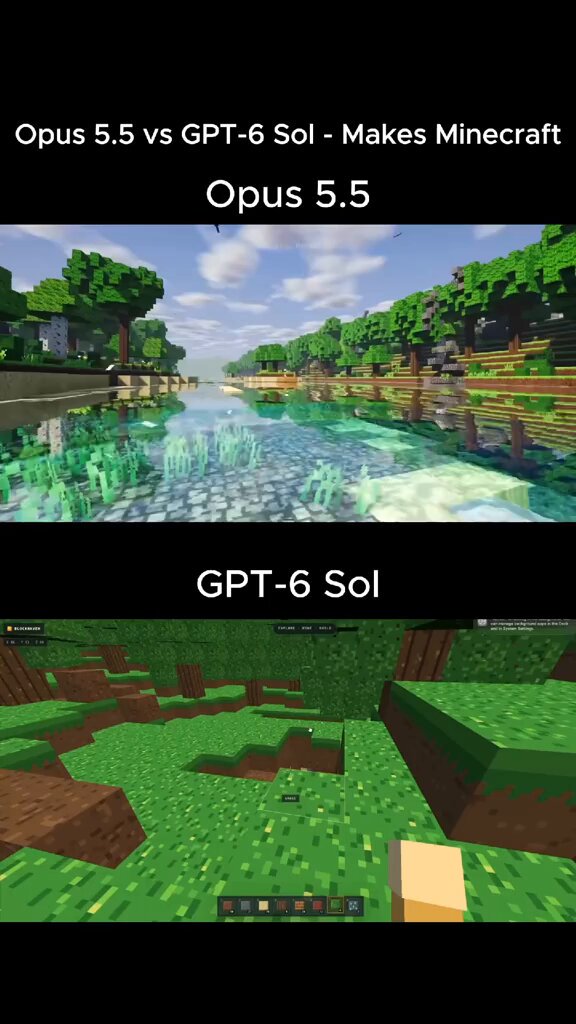
A side-by-side test using the same short prompt: Opus 5.5 produced explorable open water, a village, a beach and a working HUD, while GPT-6 Sol returned a cramped, dark cave.
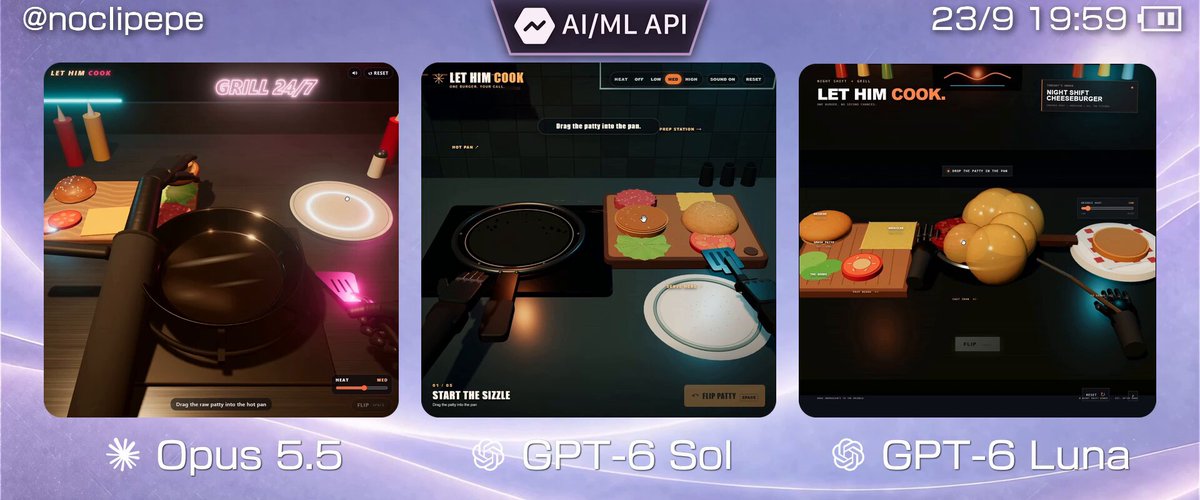
The same prompt is tested with Opus 5.5, GPT-6 Sol and GPT-6 Luna, comparing generation time, cost and the visual result of a first-person burger-making simulator.
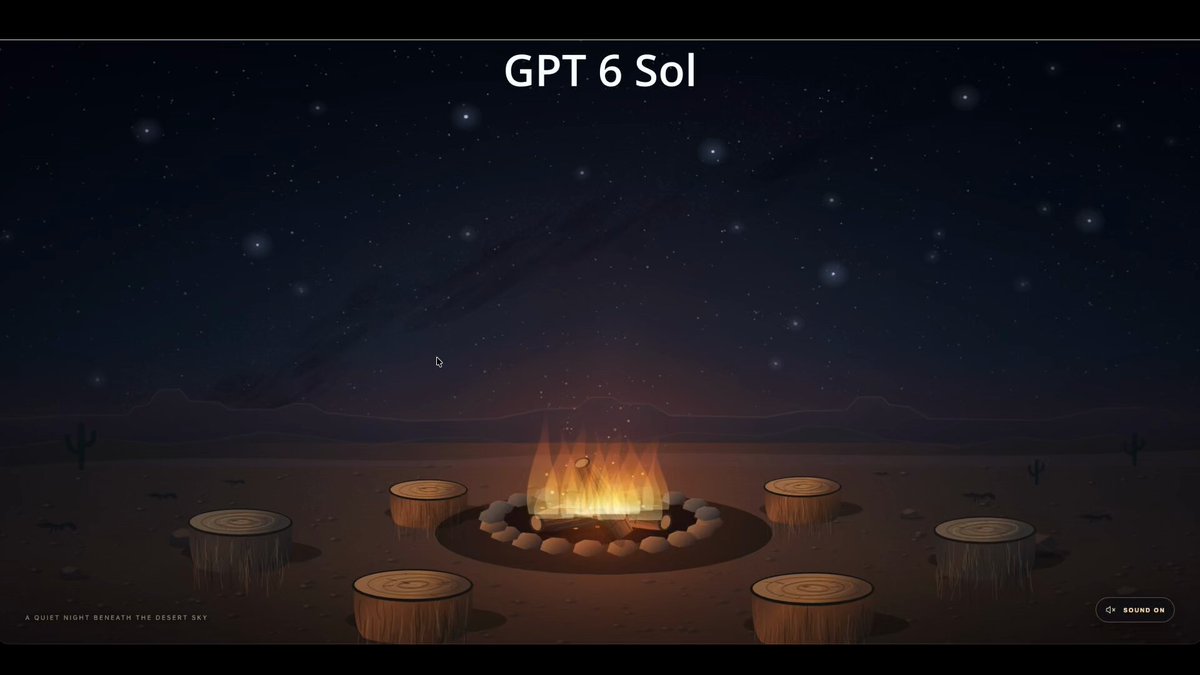
A one-shot test using a simple campfire scene. GPT-6 Sol produced a basic result quickly, while Opus 5.5 took longer but delivered more detailed rendering, a 360-degree camera and spatial audio that changes with the viewing angle.
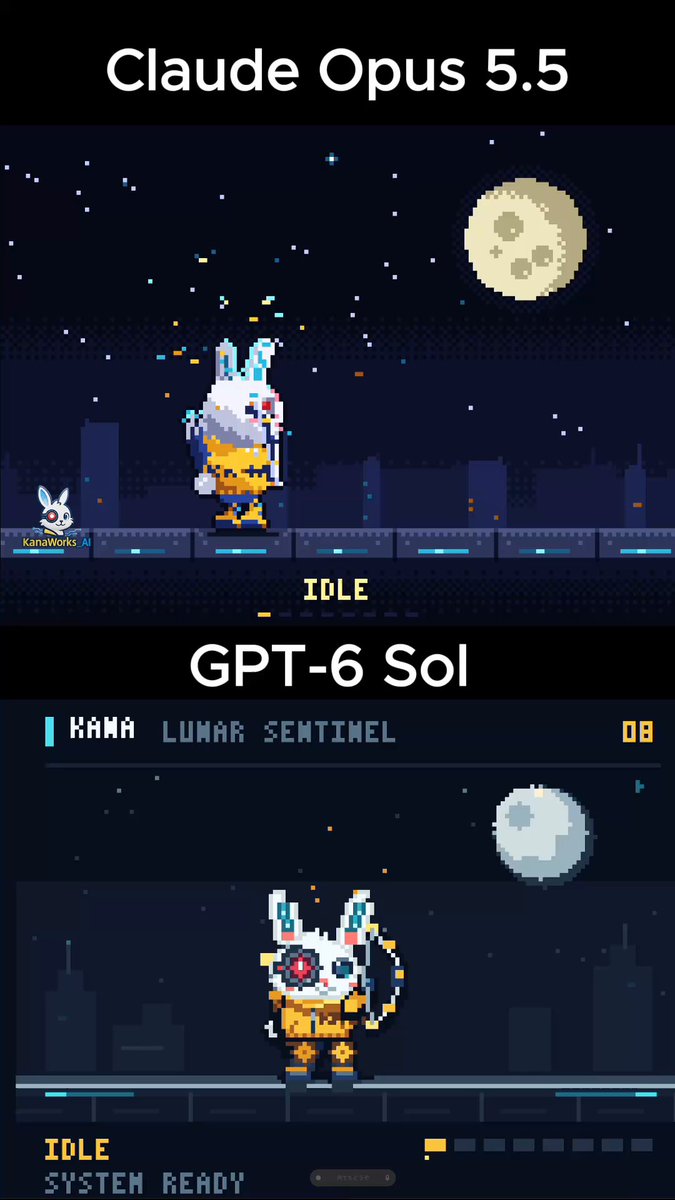
Compare Claude Opus 5.5 and GPT-6 Sol through a code-generated pixel rabbit archer with eight actions, procedural particles and a night scene.

A JavaScript-generated animated short about townspeople asking an AI for help and a girl asking what it likes, with generated frames and music.
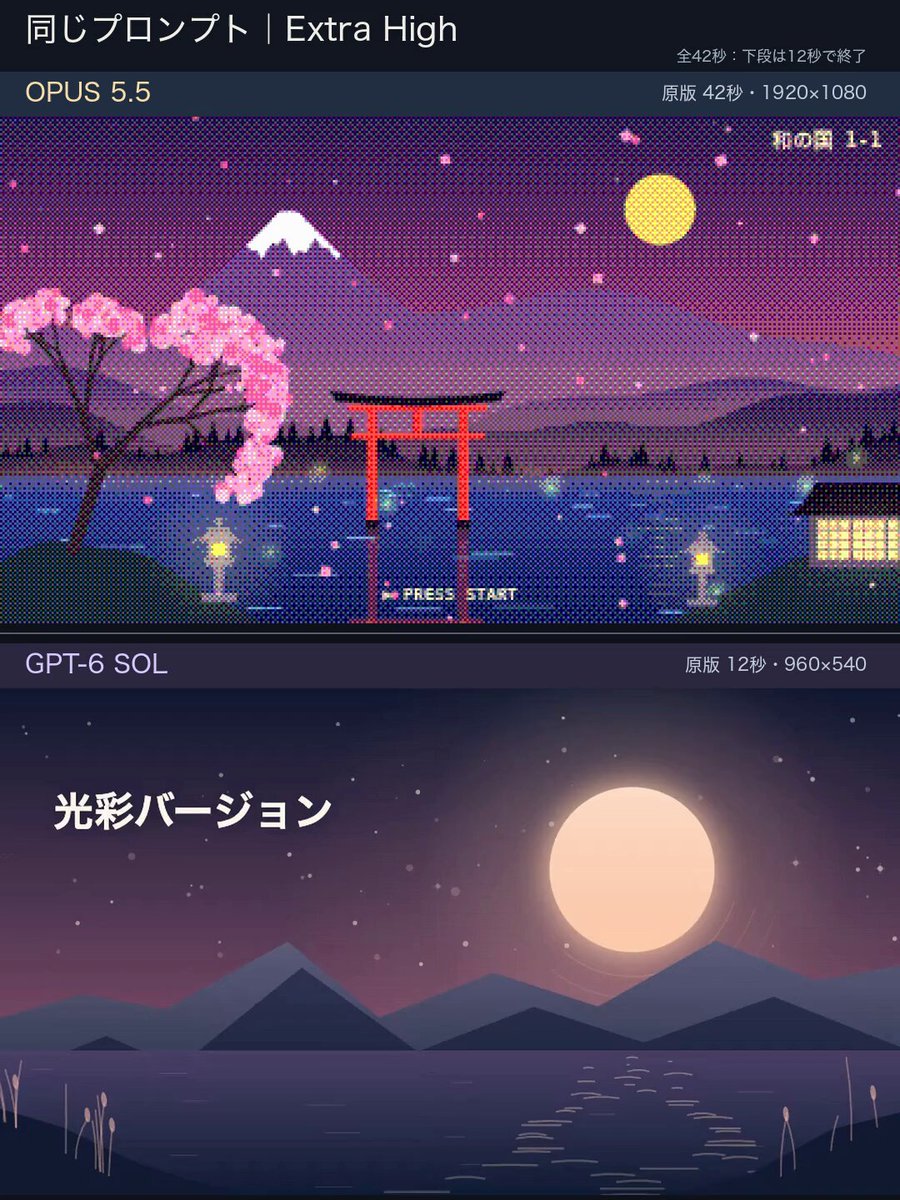
Compare Claude Opus 5.5 and GPT-6 Sol through video-like animation with interactive art style switching in pure JavaScript.
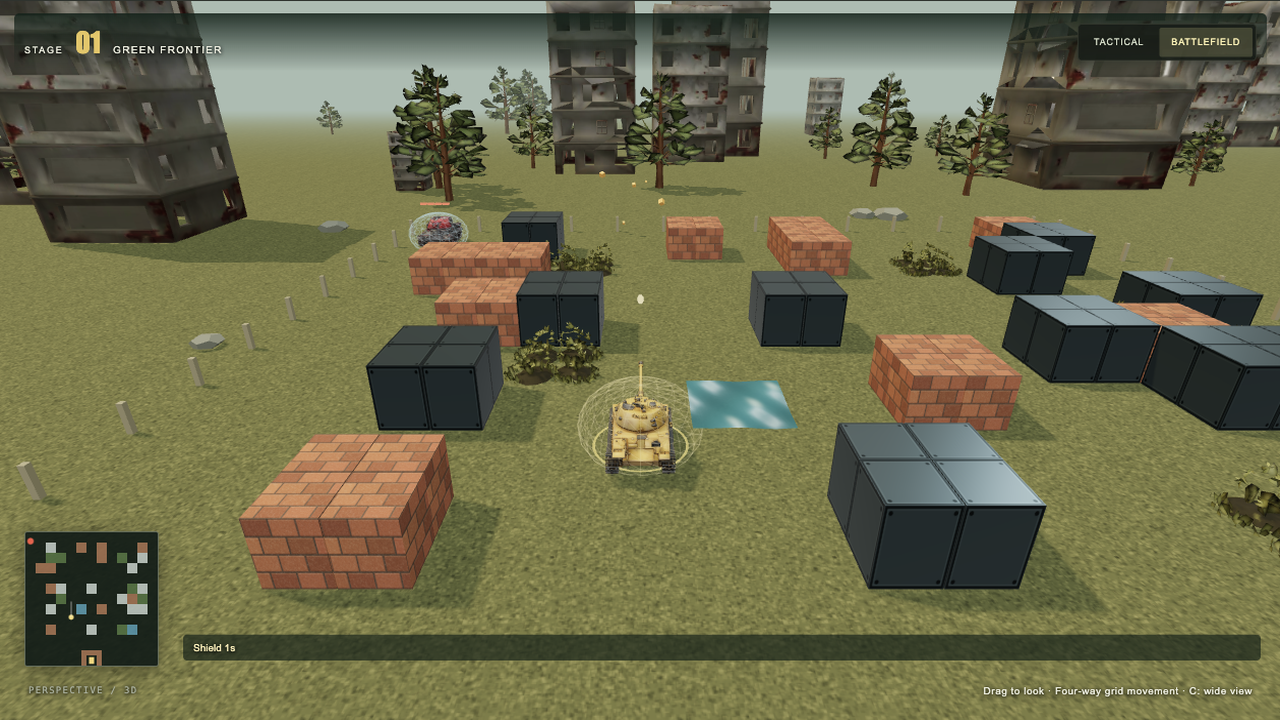
Defend the eagle across endless grass, snow and industrial battlefields or 35 classic maps. Collect ten supplies and defeat heavy enemy tanks that take four hits to destroy.
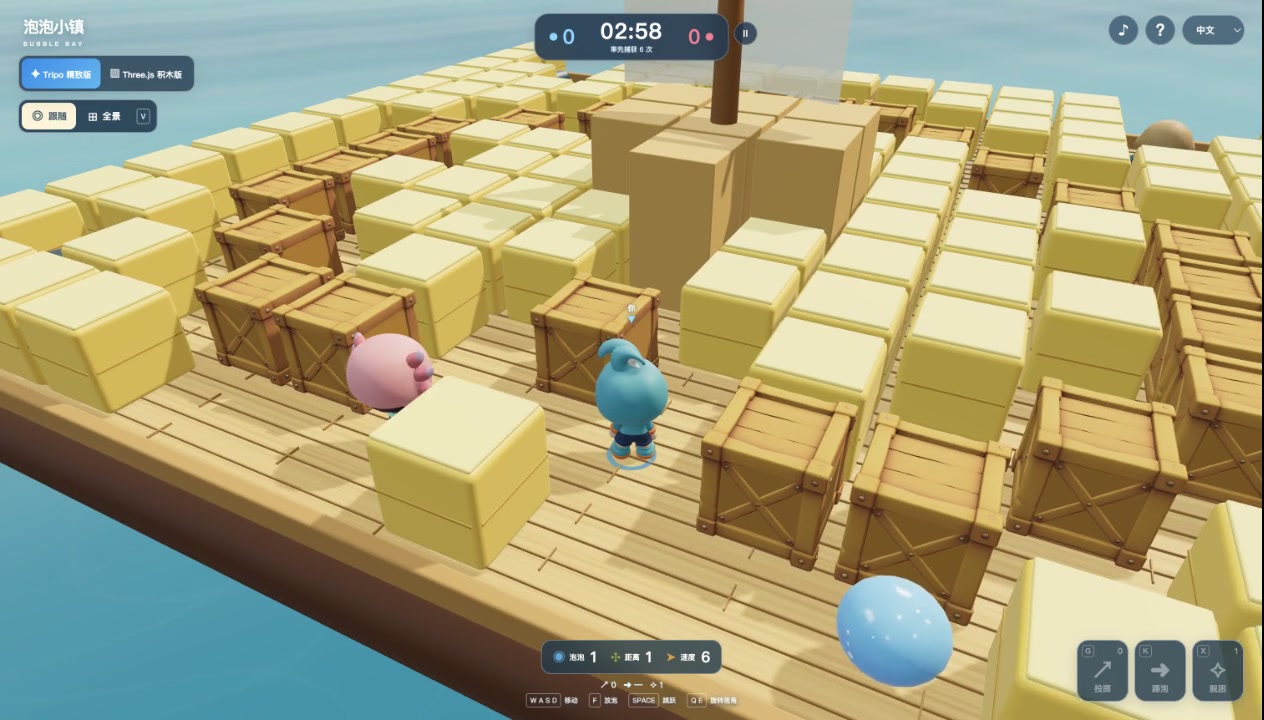
Build a 3D water-balloon battle with original costumed characters Langya, Shantao and Tuanli, animated P2 models, Pirate14 and Village10 arenas, close follow and zoomable overview cameras, AI rivals, six-capture matches, custom character imports and original ElevenLabs music.
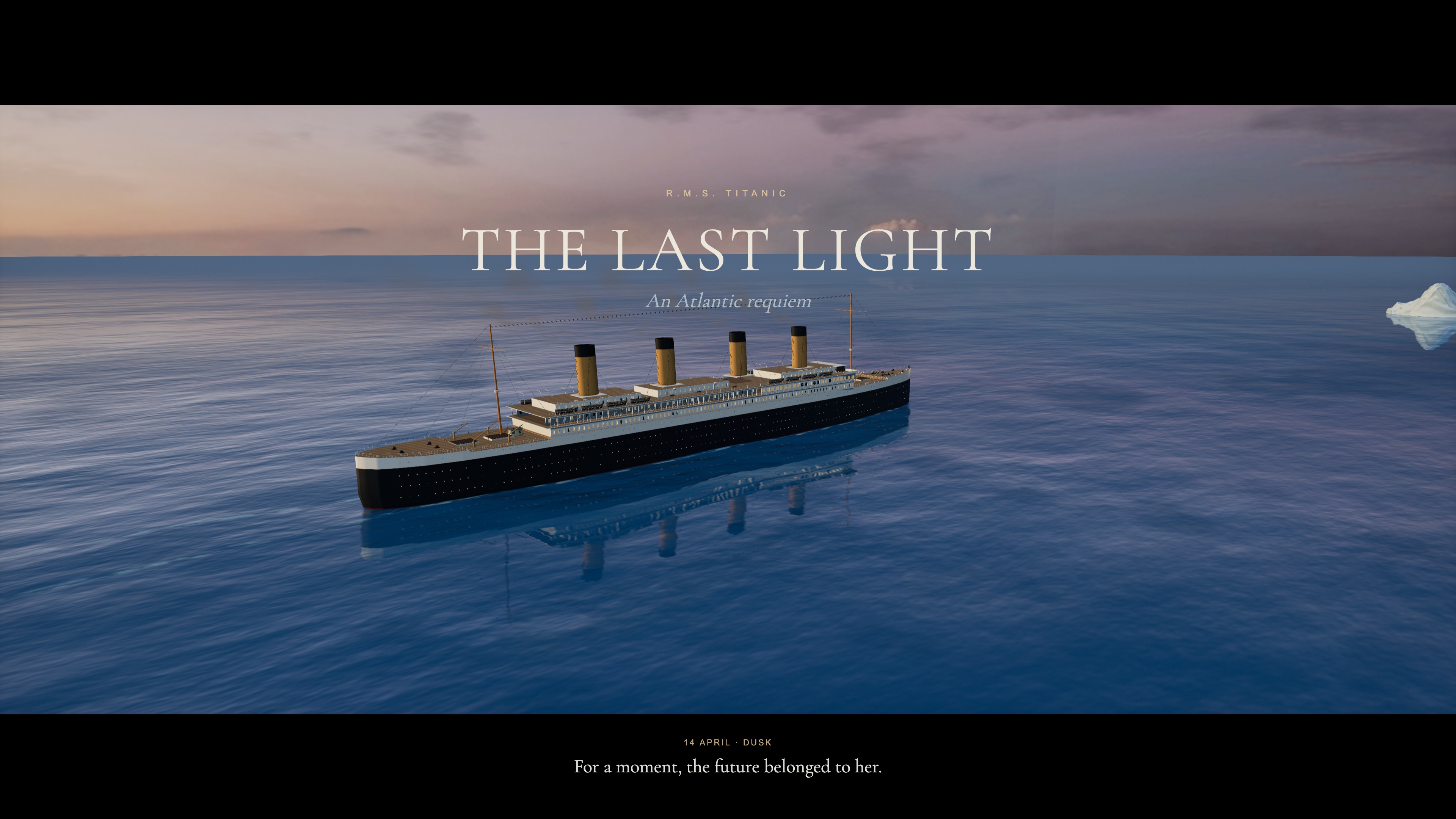
A 4:24 cinematic Titanic voyage with a deep-blue Atlantic, character portraits, tracked lifeboat lowering and a moving world to explore.
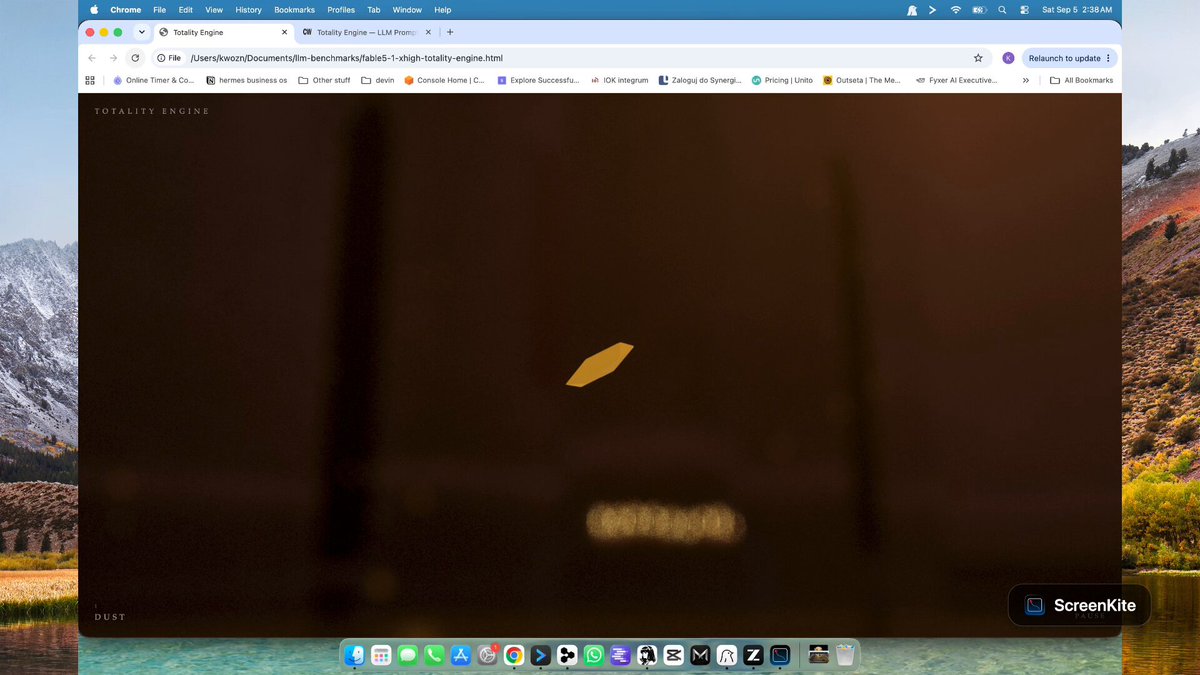
A complete Three.js/WebGL prompt for a 32-second looping film inside a flooded gothic cathedral, with a monumental astronomical clock, directed camera beats, procedural water, glass planets and eclipse lighting. Chris W published an Astra run and a comparison with other models.
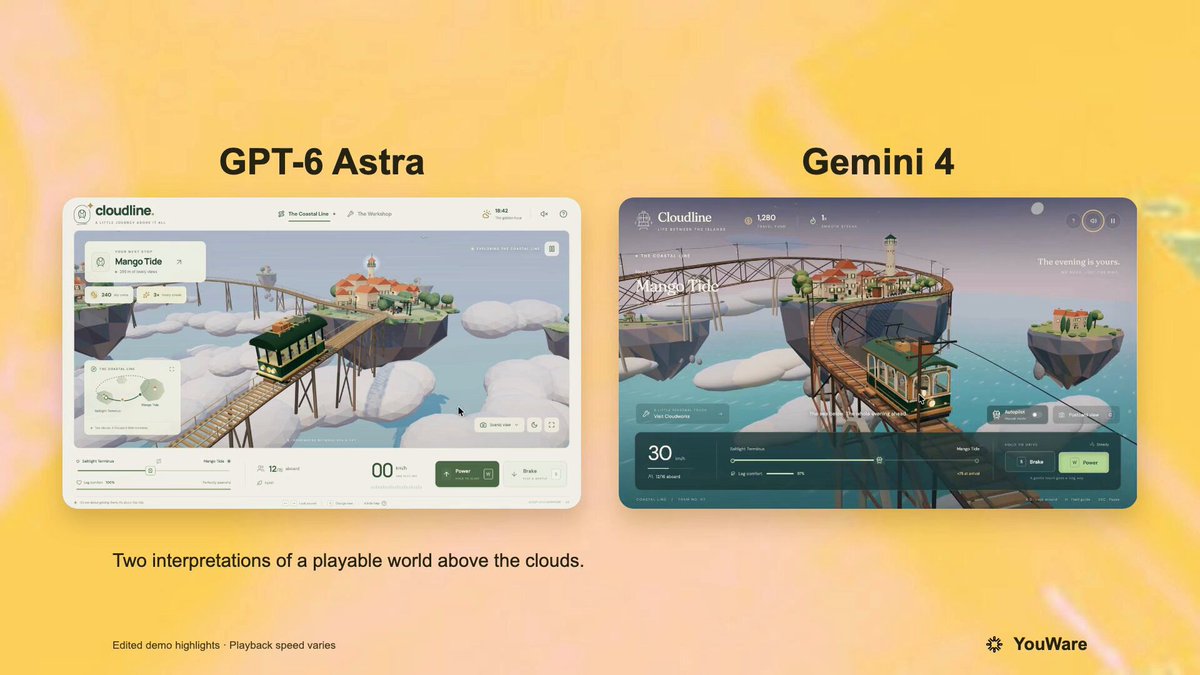
A verified author comment shares the full prompt that the root post says was run against GPT-6 and Gemini 4. It requests a playable browser-based Three.js tram game set on floating Mediterranean-style islands, with driving controls, passenger-comfort scoring, stations, upgrades, and mobile support.
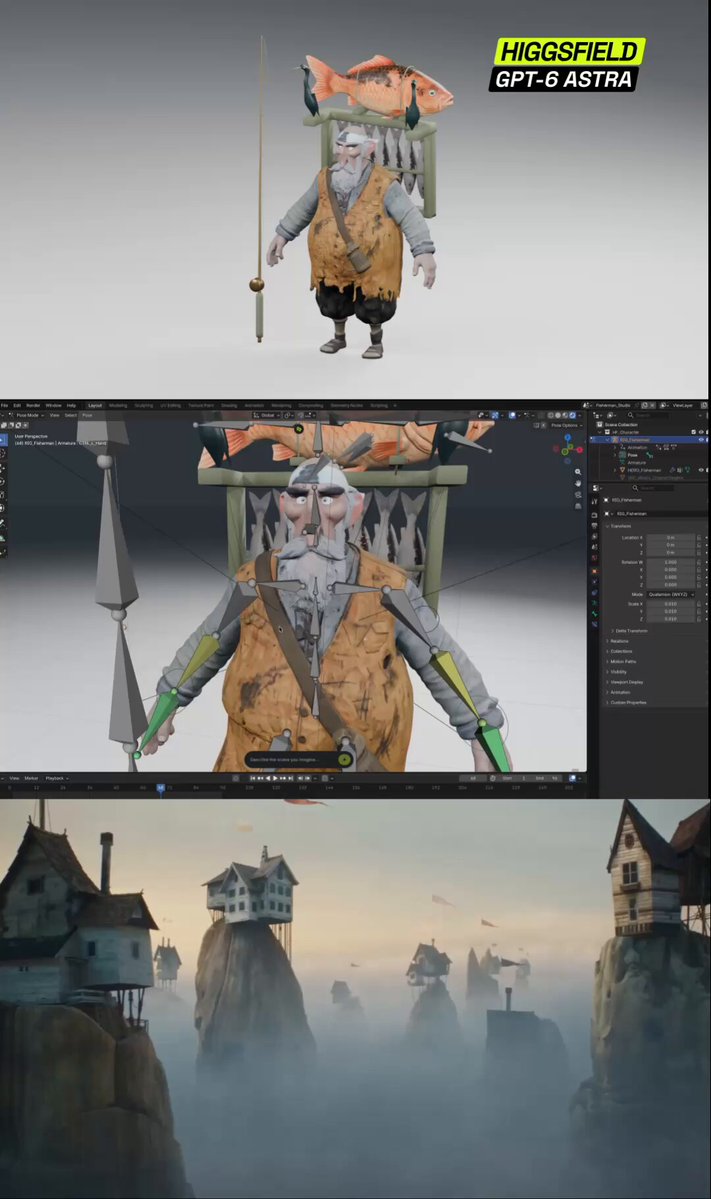
A character production prompt covering concept design, textured 3D modeling, retopology, UV mapping, rigging and an animated cartoon.
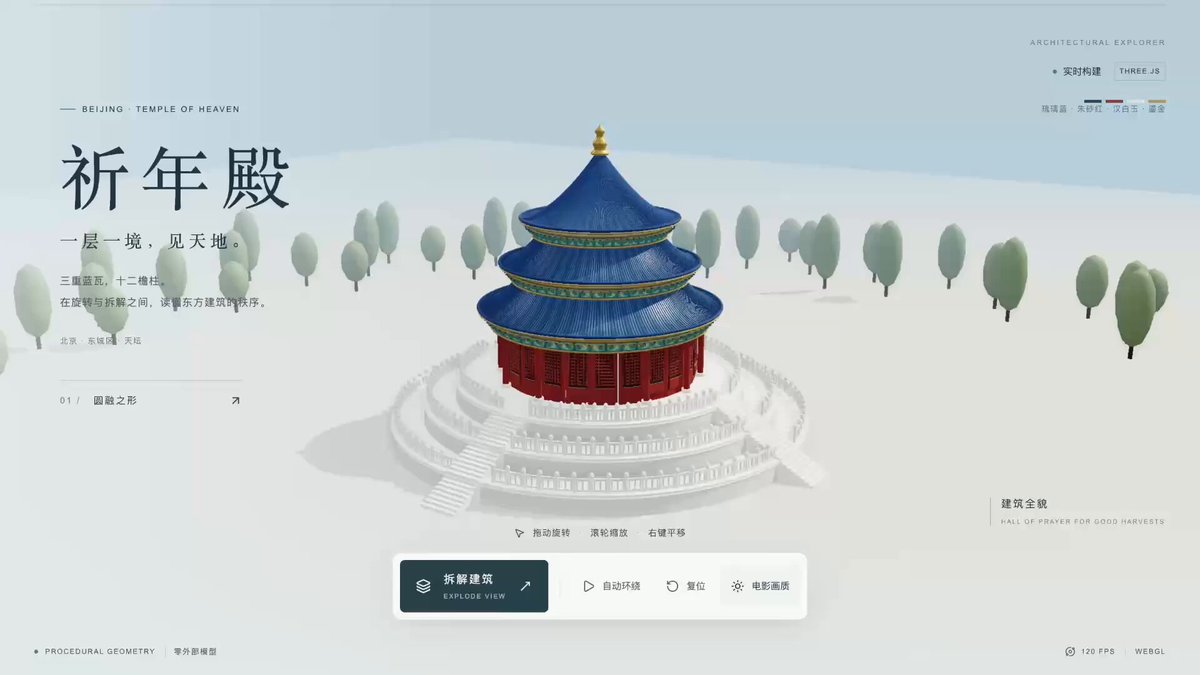
The original post showcases a 3D model and web experience of Beijing’s Temple of Heaven Hall of Prayer for Good Harvest, created with GPT-6 Astra and Three.js. The author later shared the complete Chinese prompt used to create this type of project.
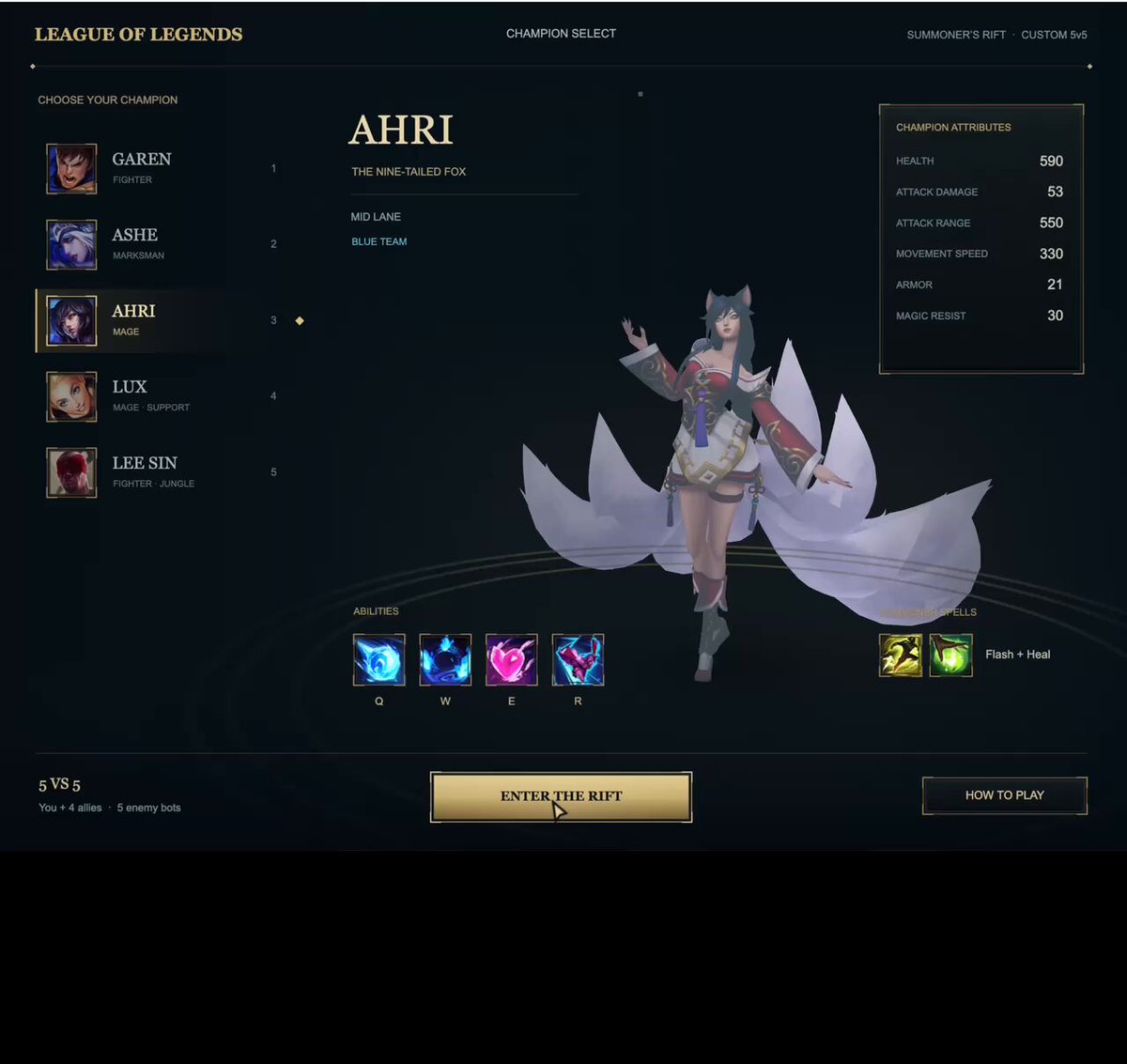
The post recommends a prompt for Astra to create a League of Legends-style mini-game featuring the map, champions, minions, turrets, and native in-game UI. This is recommended content, so it cannot be confirmed as the actual input used to create the work shown.
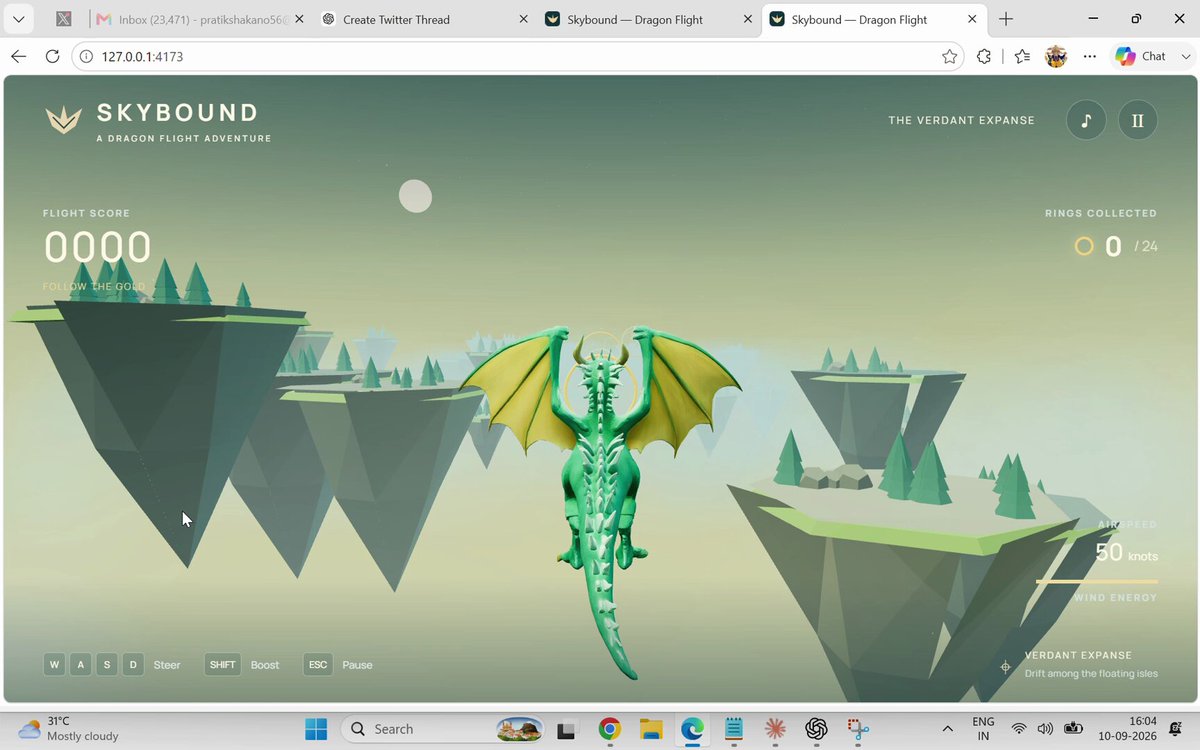
A playable browser-based 3D flight game in which the player pilots a dragon through floating islands and collects rings for score. The prompt requests Hyper3D Rodin MCP to generate the dragon model.
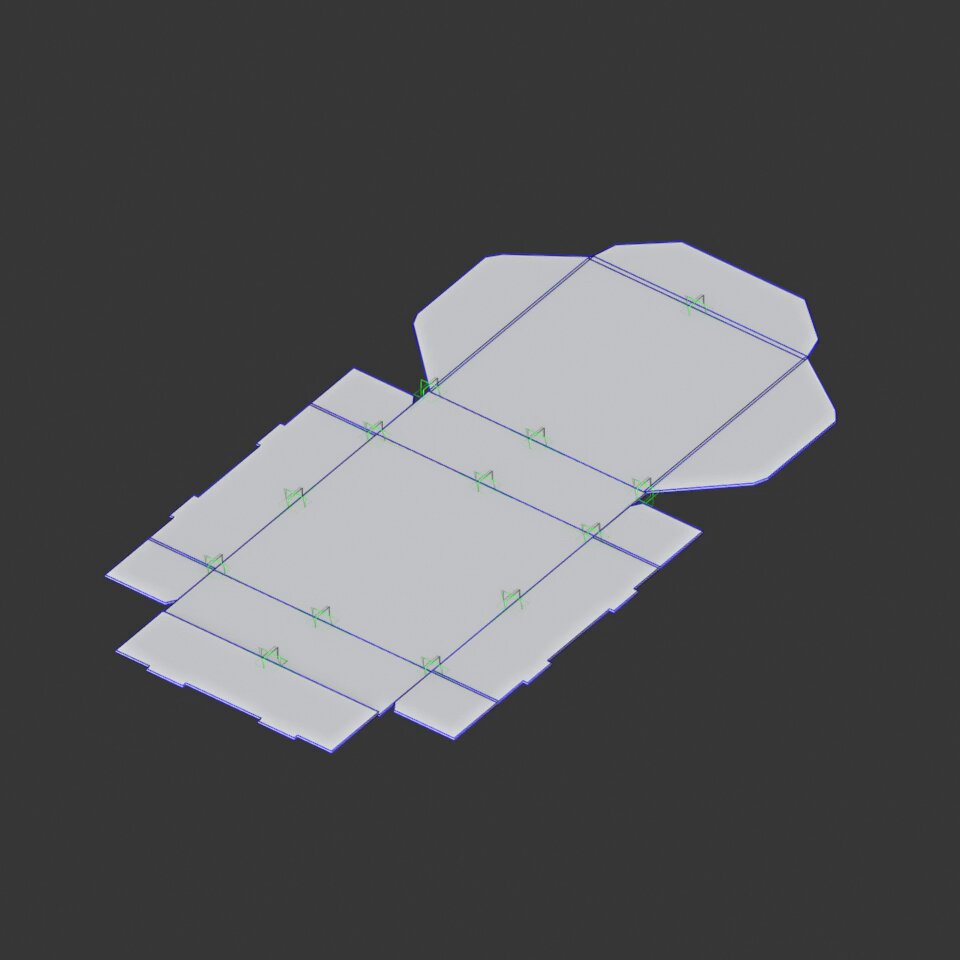
Turn a packaging dieline into an editable Blender model with individual panels, fold pivots and an animation from flat layout to closed box.
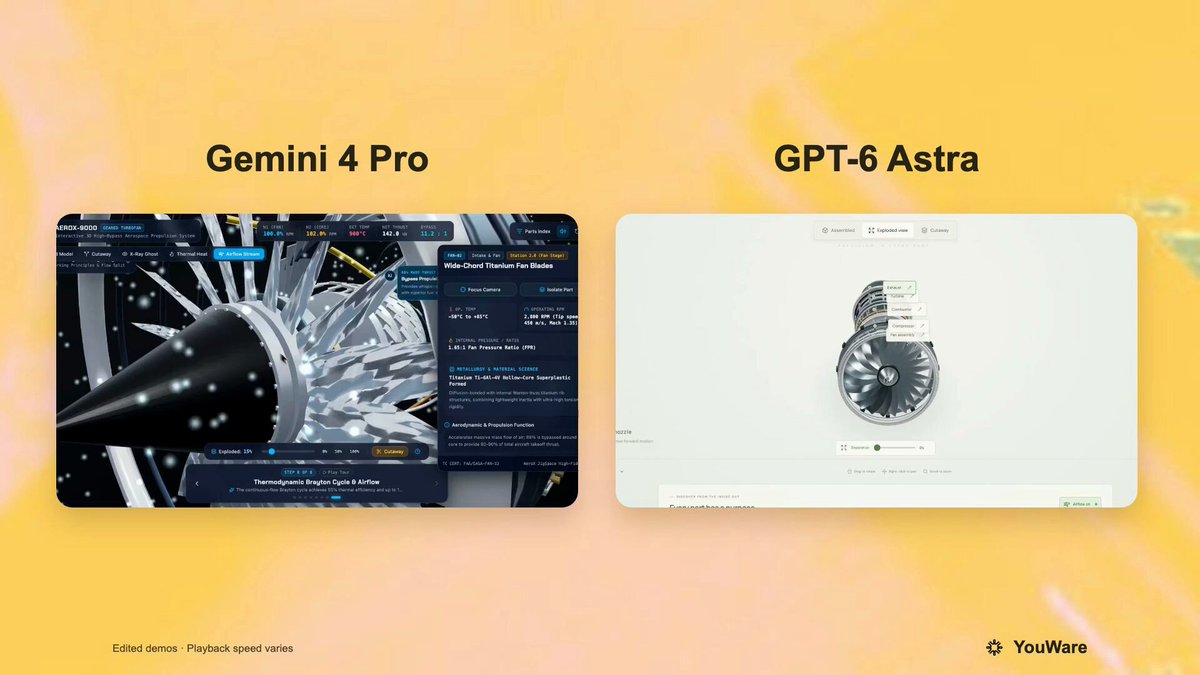
A reusable prompt posted by YouWare for an interactive, high-fidelity 3D aircraft-engine web display. It requests a detailed engine model with disassembly and exploded-view interactions, clickable or hoverable part information, and smooth camera controls. The root post says the same prompt was run against GPT-6 Astra and Gemini 4 Pro.
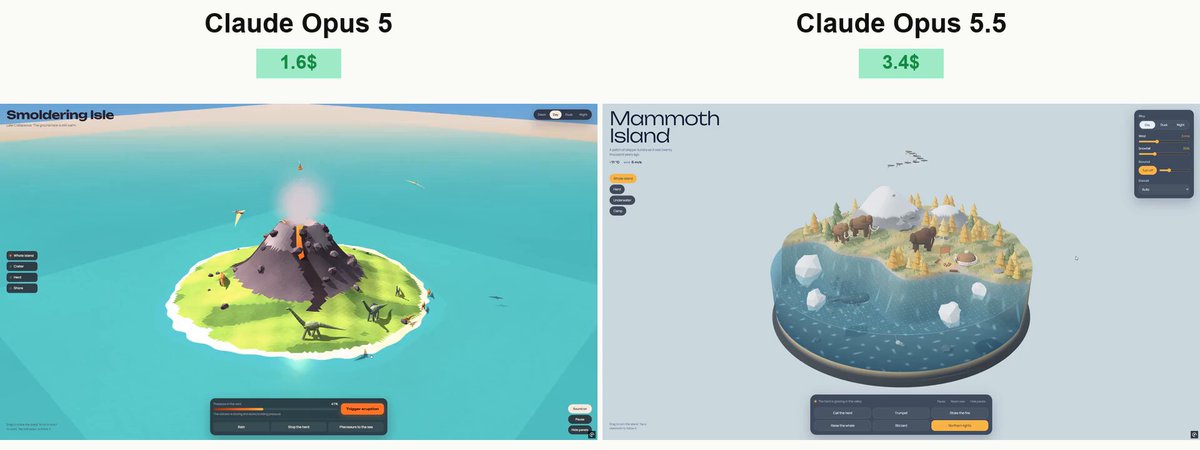
Prompt shared by Vib3Coded in a thread describing their test of Claude Opus 5.5. It requests a standalone Three.js/WebGL interactive prehistoric island with an underwater cross-section, animated dinosaurs and marine life, environmental controls, audio, and browser testing.
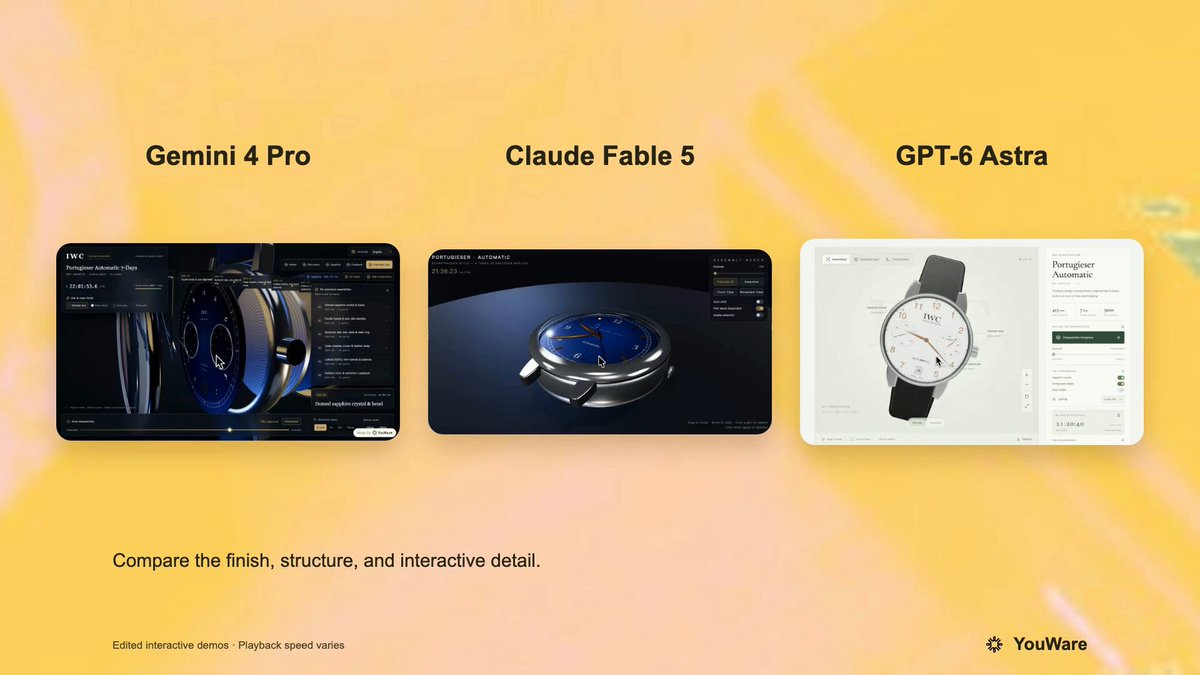
A verified author comment supplies a prompt for a highly detailed Three.js interactive 3D IWC Schaffhausen watch. It specifies individually distinguishable mechanical components, realistic sapphire glass, real-time hand movement, and an exploded disassembly/reassembly interaction. The root post presents this as the shared prompt in a comparison involving GPT-6 Astra and other models.
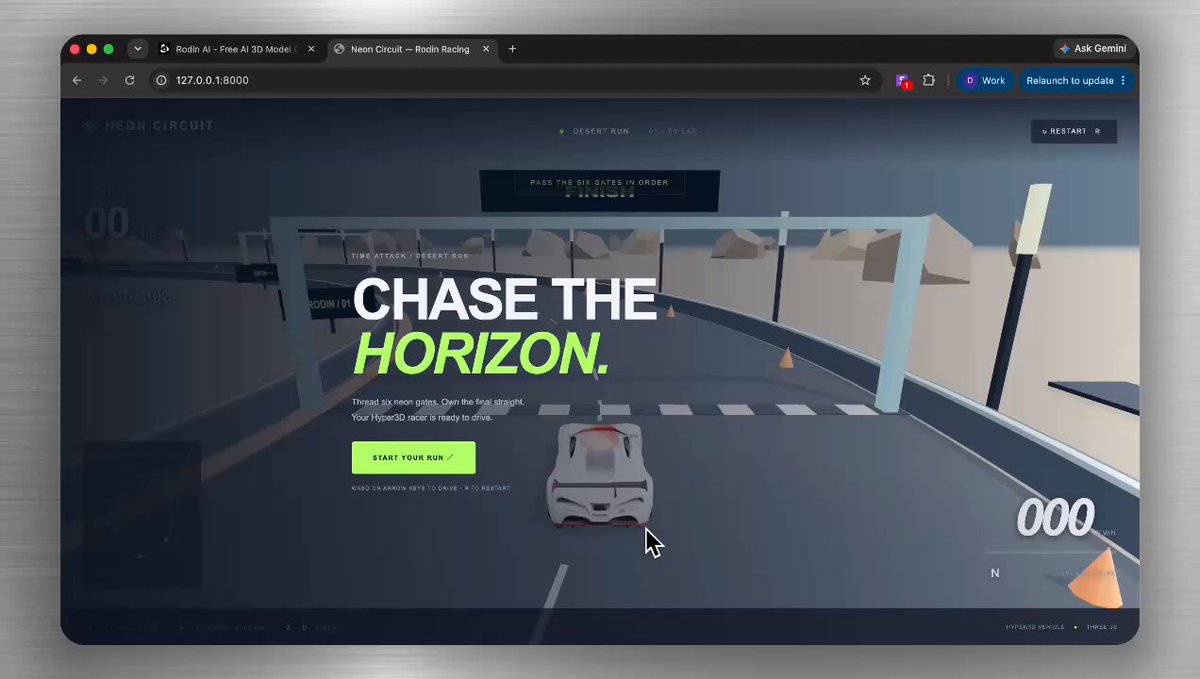
The author says they gave GPT-6 Astra this idea in Codex. It requests a small playable 3D obstacle course featuring a character, moving barriers, collectibles, and a goal area.
Watch independent creators put each model through a real 3D build, then use the free prompts above to run your own version of the experiment.
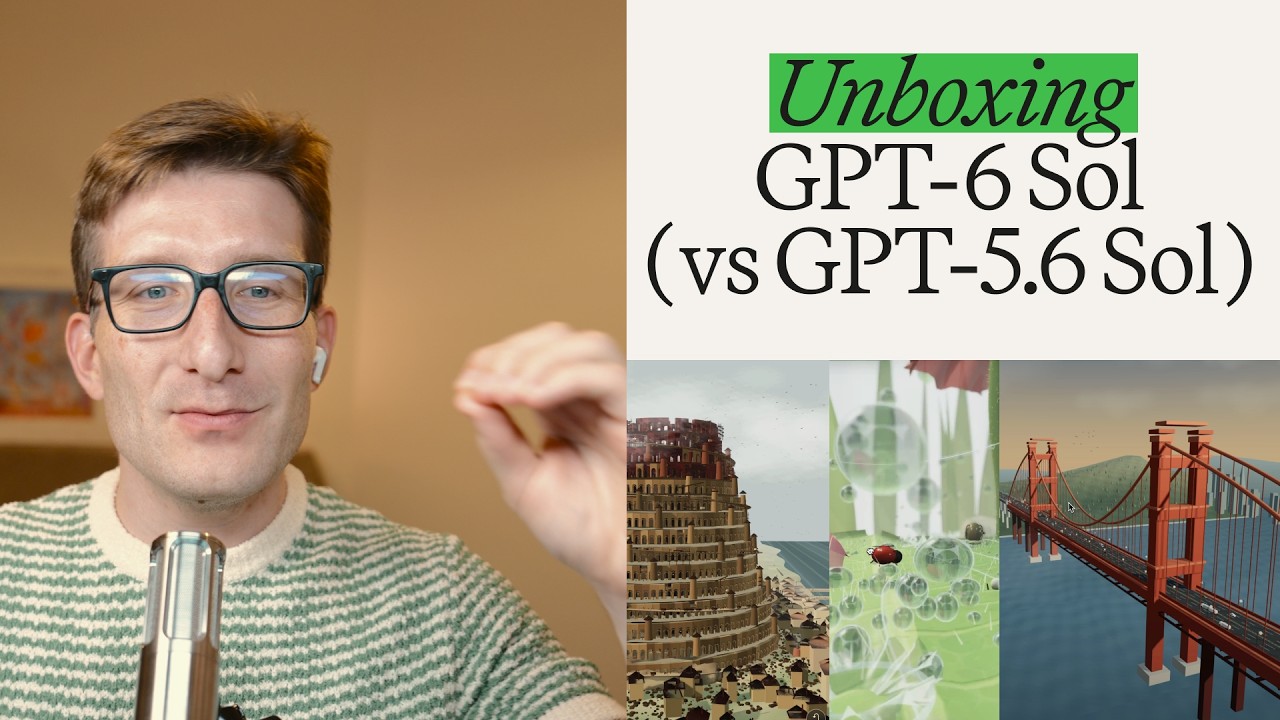
Peter compares GPT-6 Sol with GPT-5.6 Sol using the same prompts, focusing on output quality, total token use and generation time across several 3D scenes.
Follow Peter Yang’s workflow for four game projects, from reference images and setup to playable scenes and iterative feedback.

Jump to the 3D segment at 11:35: a werewolf character, animation and a playable forest scene. This is part of a broader Astra review.
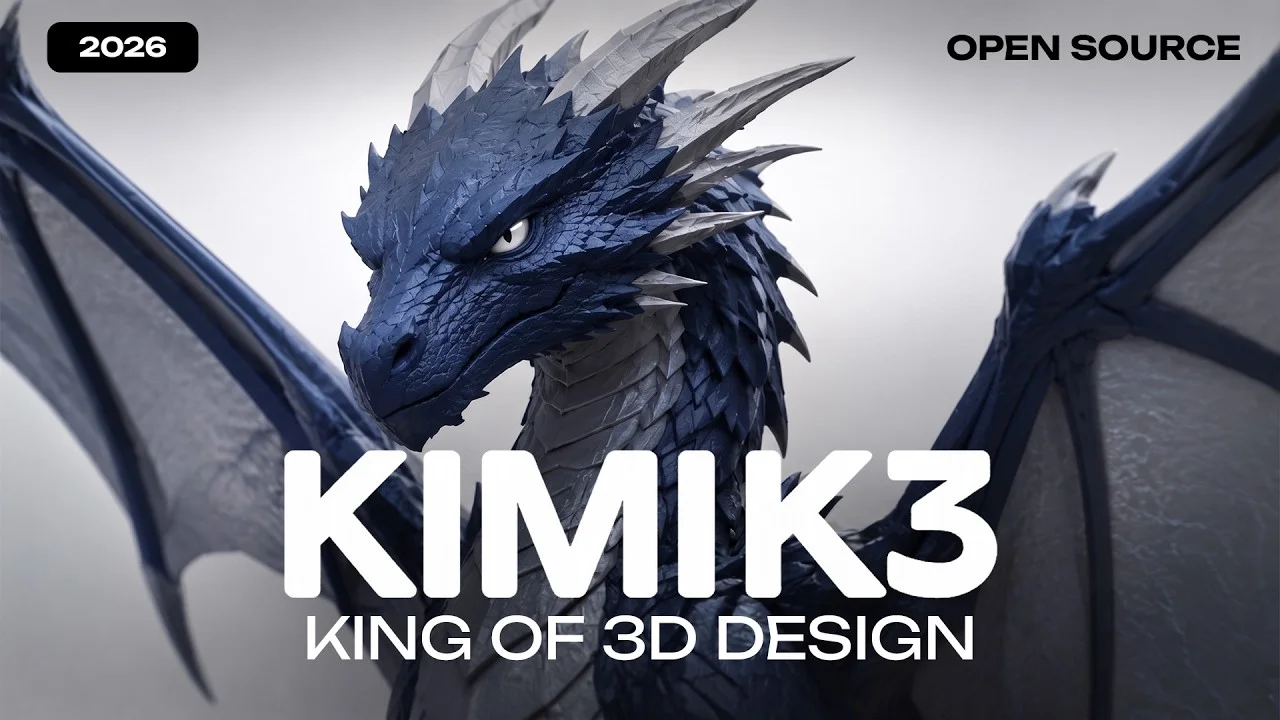
See how Kimi K3 drives a 3D and Blender workflow, from interpreting the brief to planning geometry and iterating on a scene.
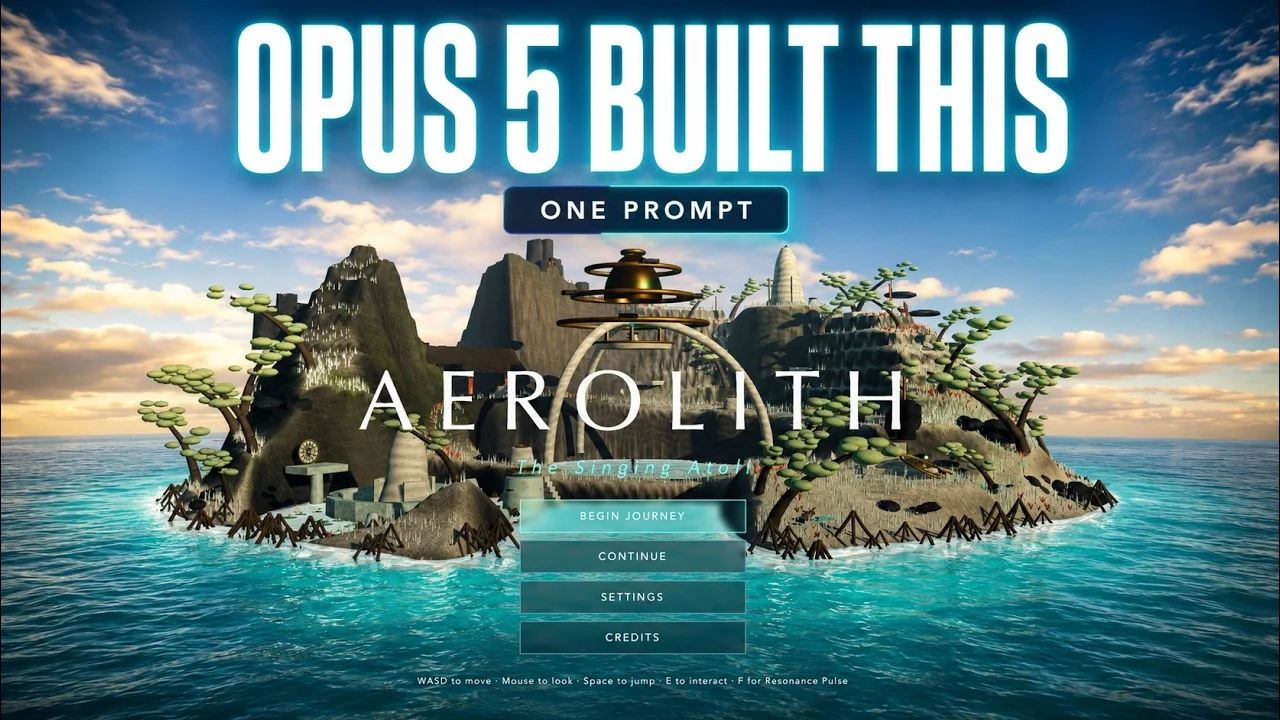
A practical one-prompt challenge that asks Claude Opus 5 to create a playable 3D game—useful evidence for structuring controls, game state and acceptance checks.
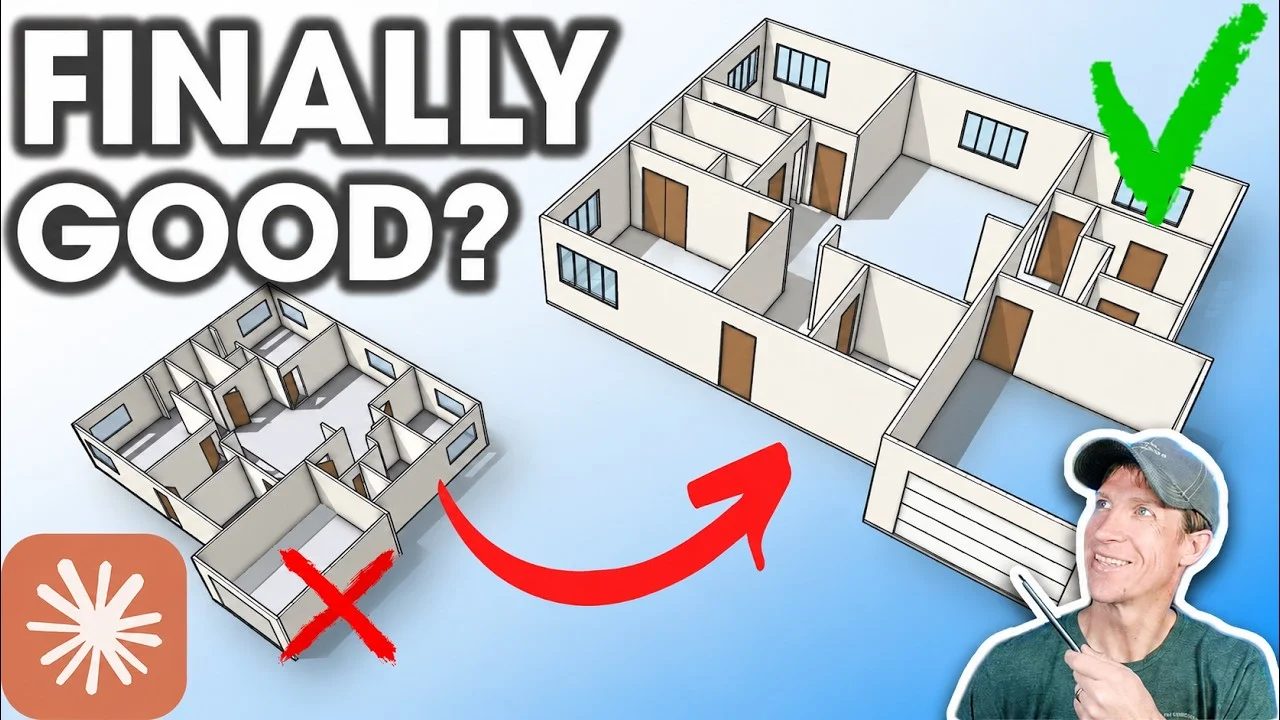
A hands-on test of Claude Fable 5 as a 3D modeling agent, with useful context on the strengths and limits to account for when refining a visual prompt.
Explore Blender models, Three.js experiences, browser games and simulated worlds from independent creators. Open an example to inspect the project, visit its original source and see whether the text is an original prompt or an adapted brief. Find a starting point in the GPT, Claude or Kimi collections, then tailor it to your own project. When the prototype is ready, use Hyper3D to create the characters and props it needs.
Hyper3D handles the modeling and texturing; you keep the creative calls.
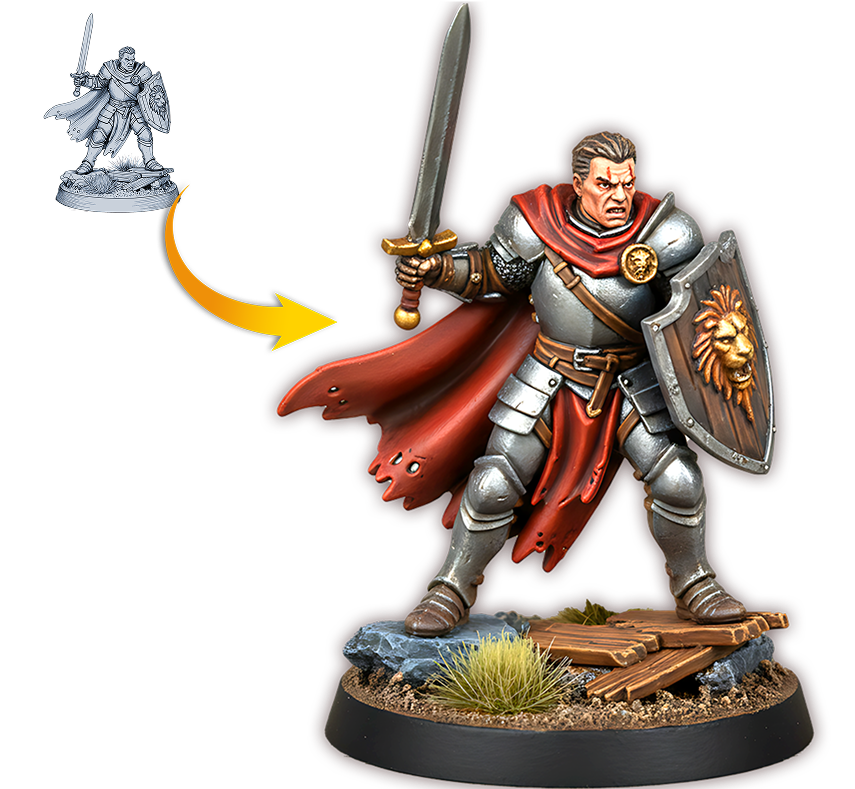
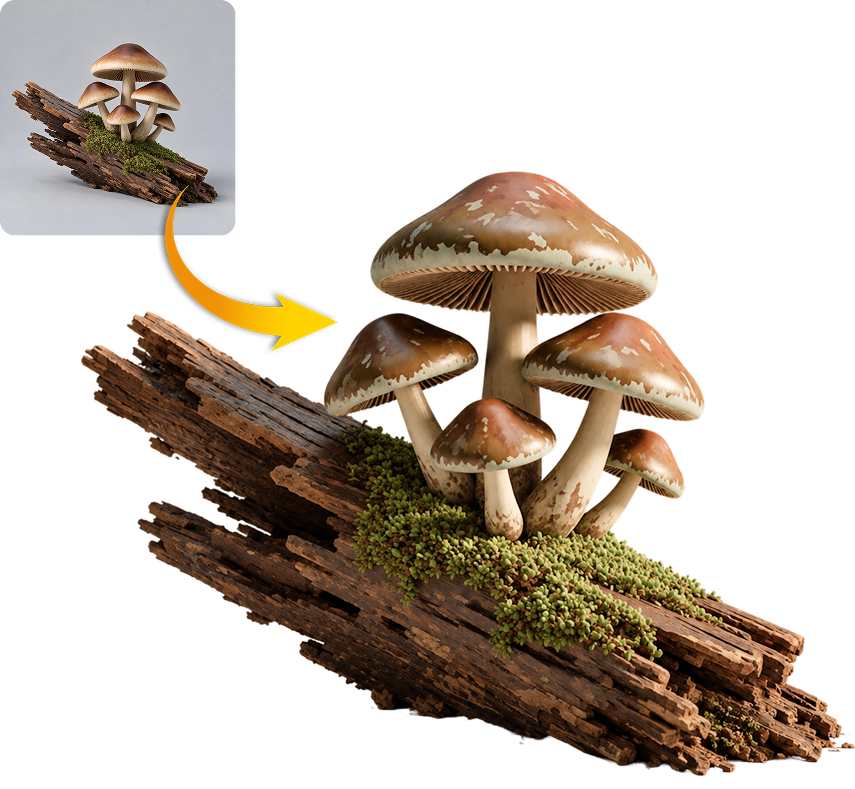
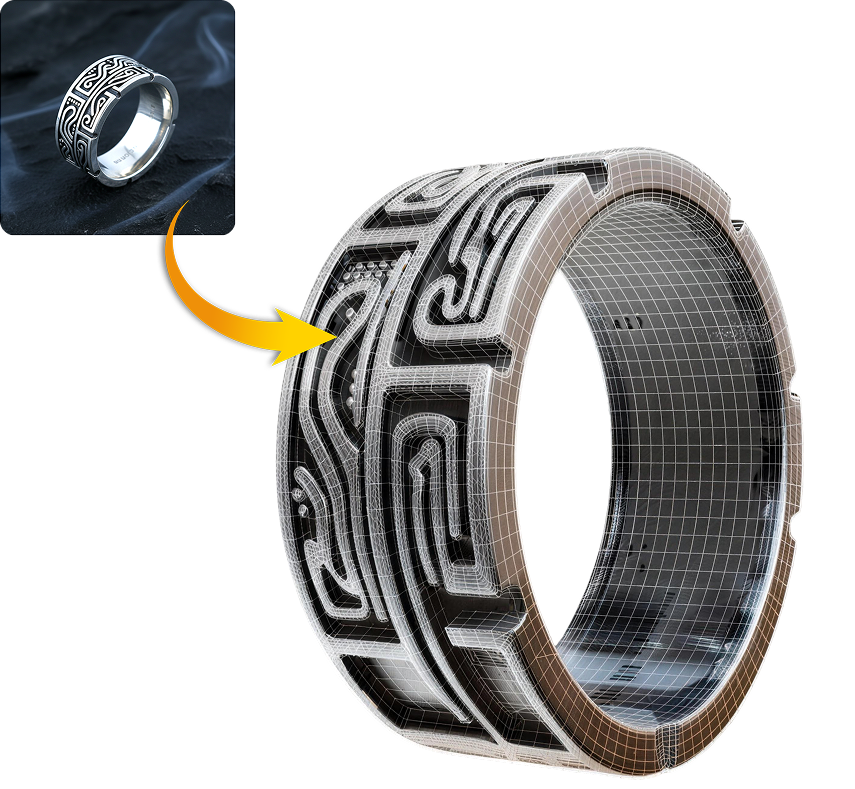
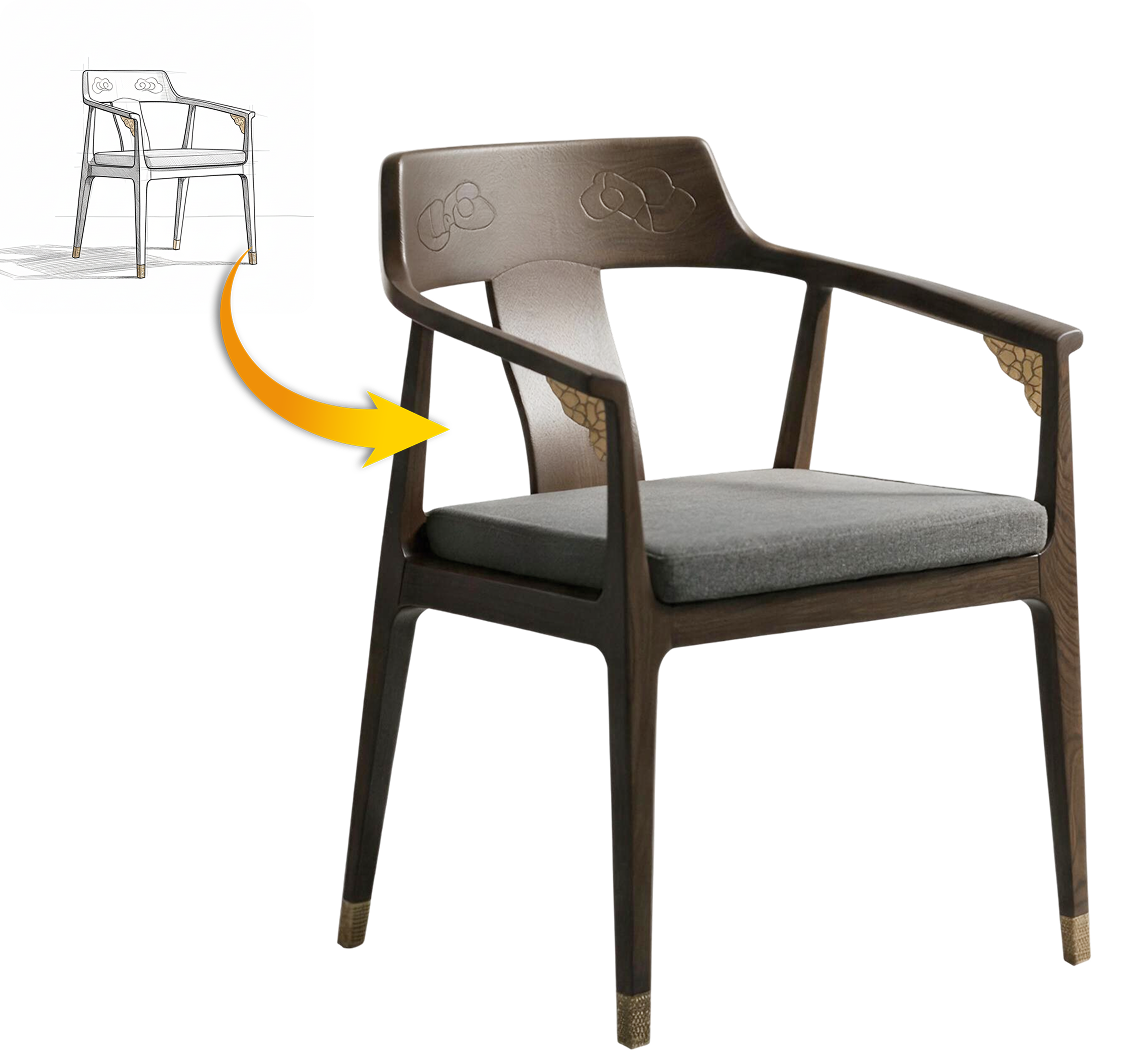
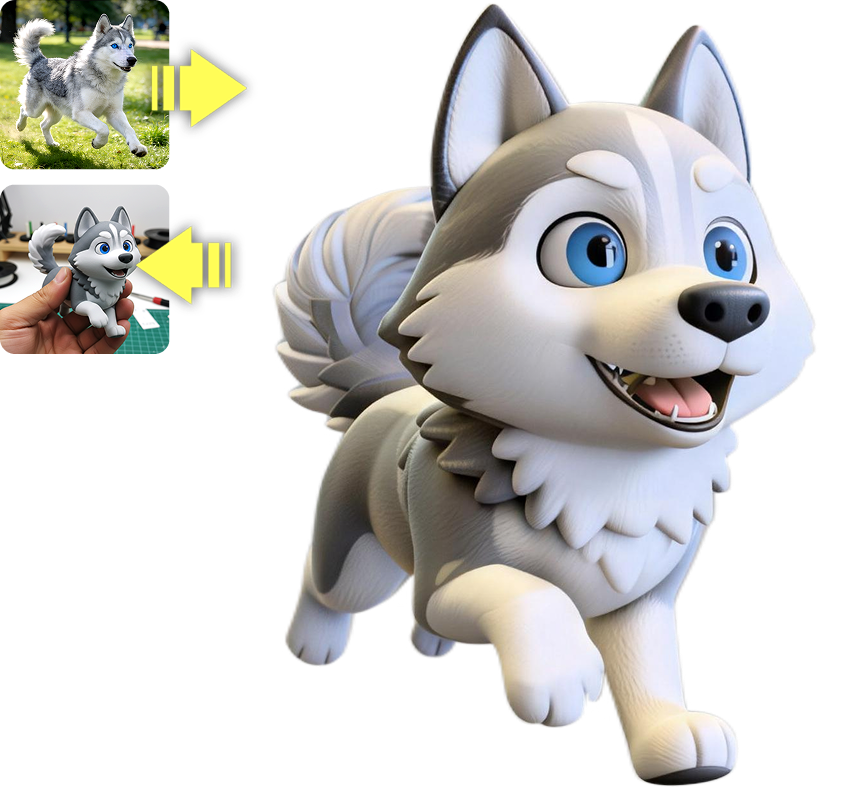
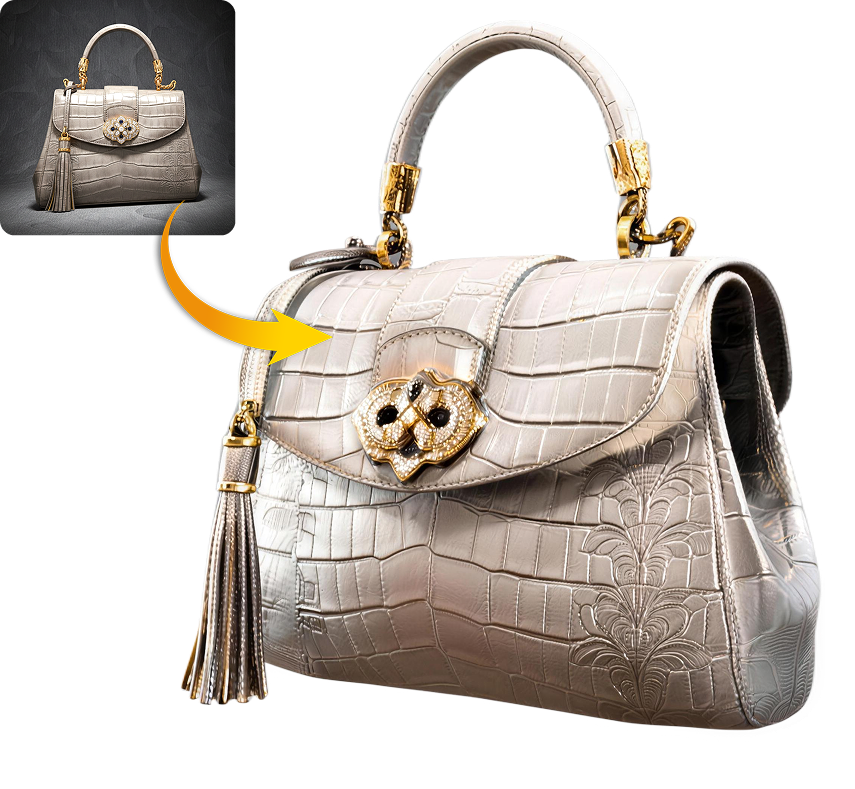
Efficiently build, customize, and refine your 3D ideas based on a reference structure.
Use the reference as a foundation. Preserve its scene organization, input controls and response logic while you establish a working prototype.

Personalize the subject, viewpoint, colors and key interaction. Keep the parts that already work and test each change.

Once the prototype is playable, replace placeholder objects with original characters, props and scene assets created with Hyper3D.


