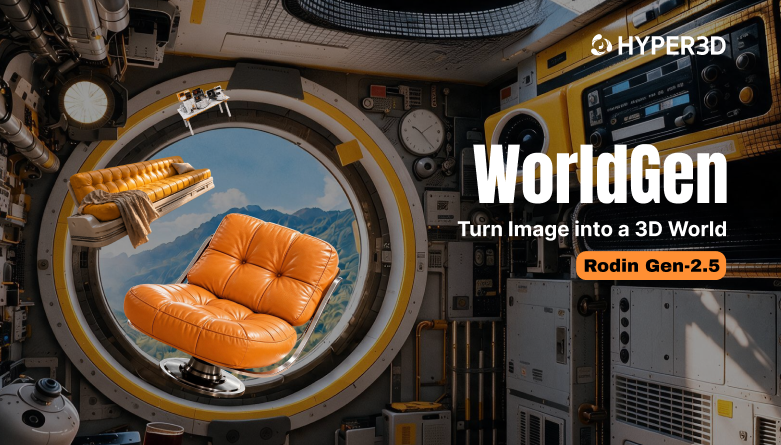
WorldGen: AI 3D World Generator
from Images

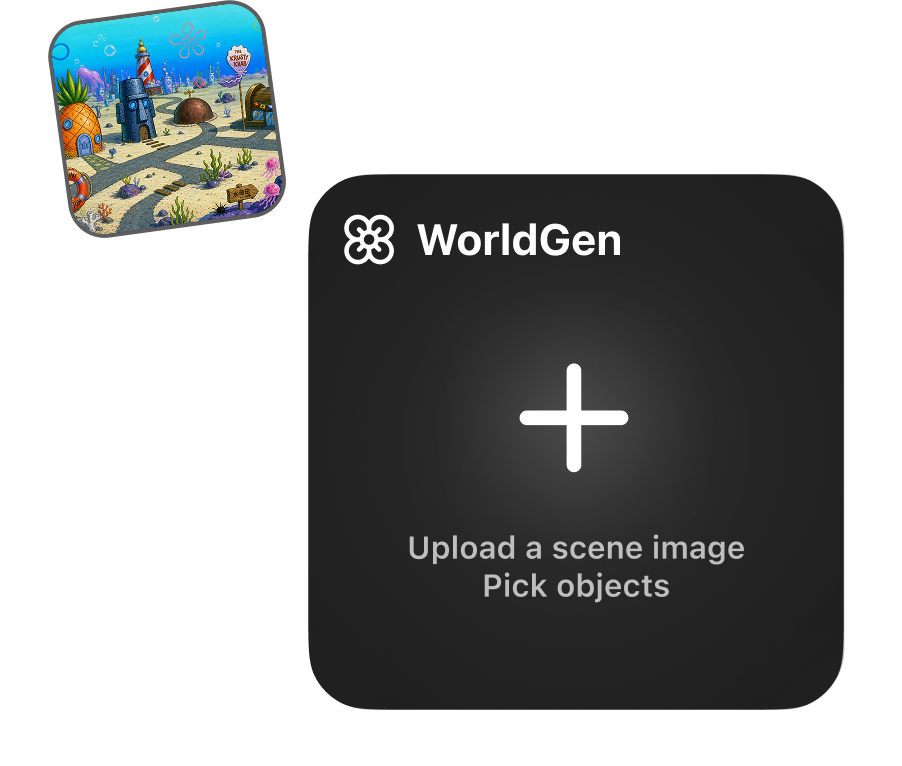
Turn your images into 3D worlds with AI. Generate complete scenes or create individual 3D objects using manual selection or AI segmentation.

How to Generate a 3D World from an Image

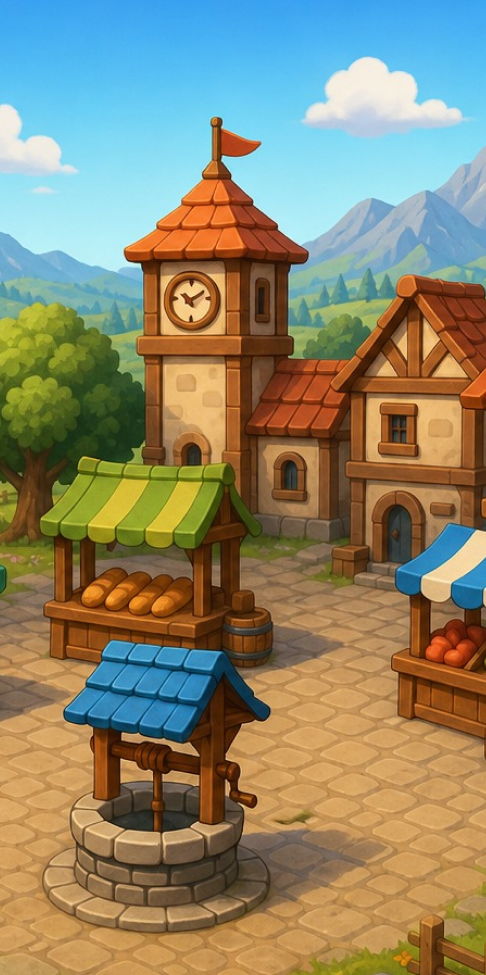
Upload a scene image, generate independent assets and physical relationships, then enter a complete 3D scene that is editable and runnable.

1

Upload Your Image

WorldGen builds 3D scene models from images — or generates from your manually selected regions.

Upload Your Image
2

Generate 3D Scenes

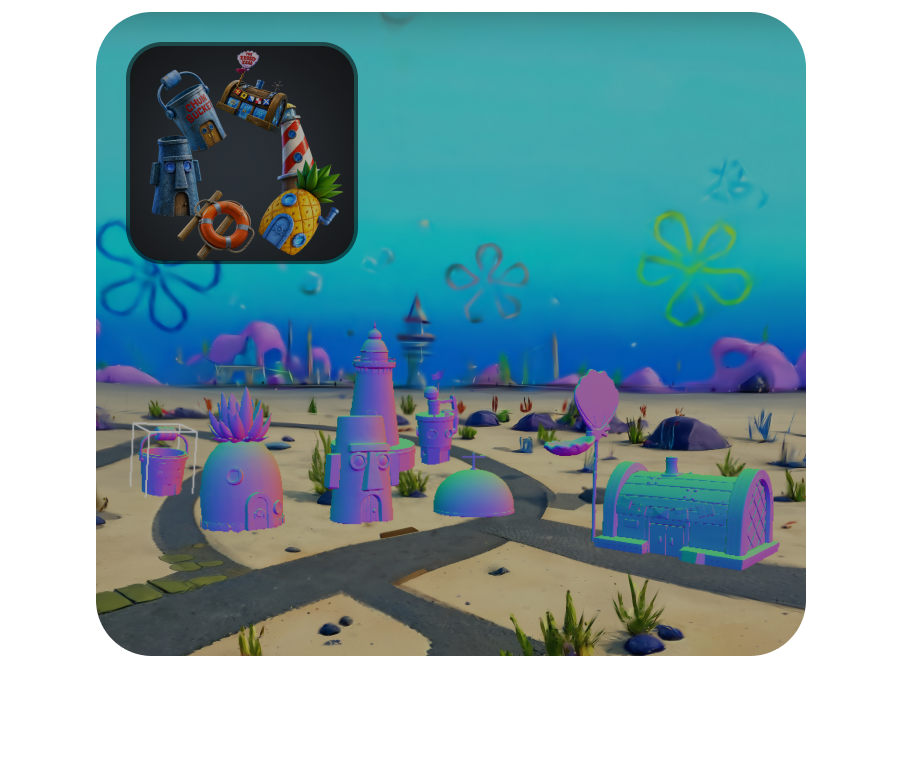
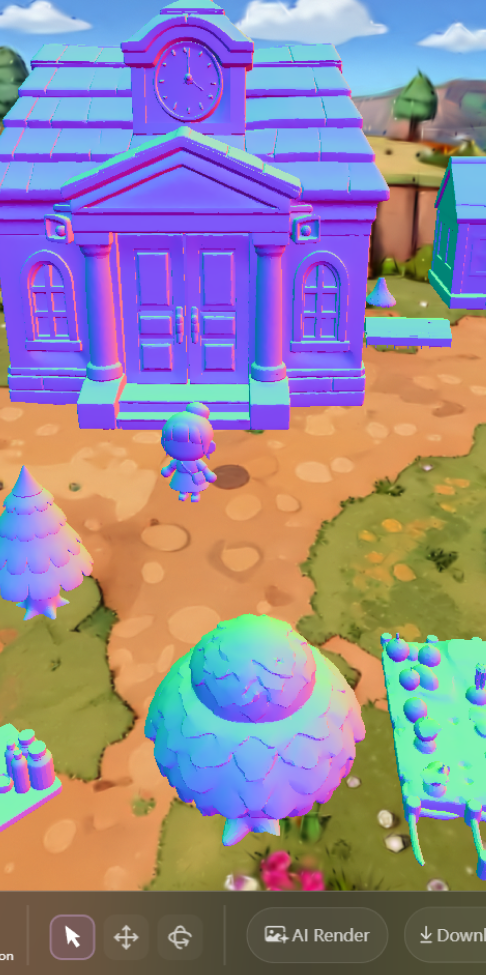
WorldGen reconstructs the physical attributes and relationships of objects in an image and turns them into an editable 3D scene.

Generate 3D Scenes
3

Preview, Refine, and Export

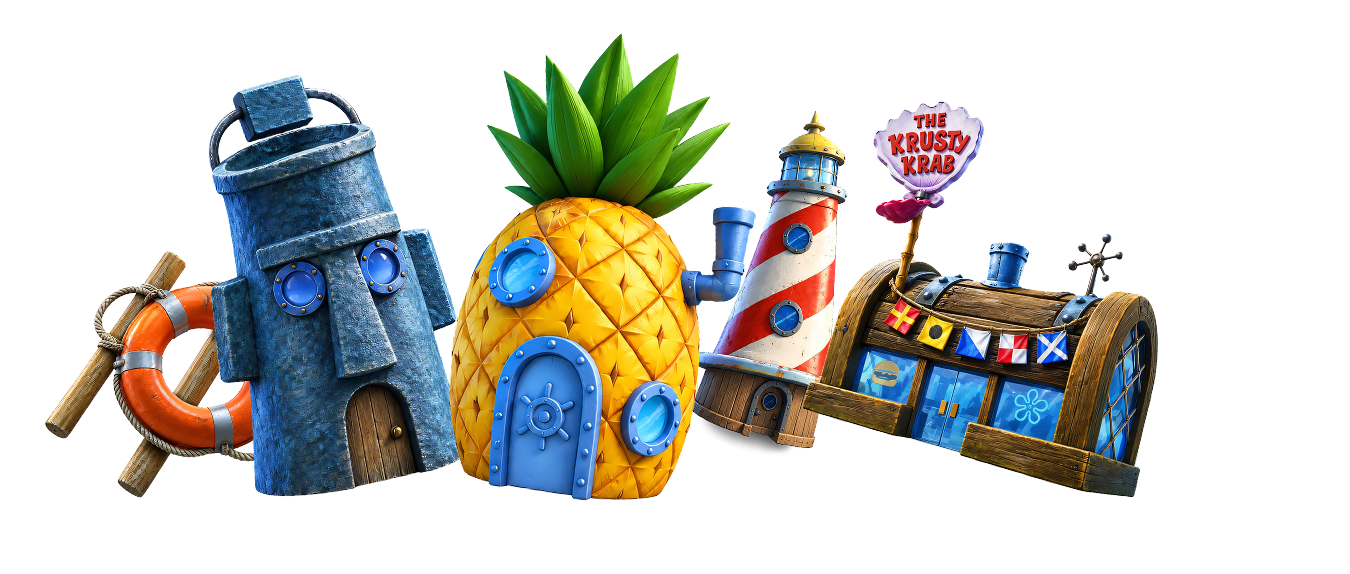
Generate a 3D scene made of editable, replaceable, interactive assets — ready for simulation, film, game, and XR workflows.

Preview, Refine, and Export

Why Choose Hyper3D for World Generation?

WorldGen pushes scene-level 3D generation from visual display into industrial workflows, balancing visual completeness with scene usability.

Why Choose Hyper3D for World Generation? visual

Who Uses WorldGen?

AI 3D generation for teams that need scene-level results connected to real production workflows.

3D Printing

3D Printing

OmniCraft Mesh Editor offers optional remeshing, smoothing, and STL export controls for compatible 3D assets.

E-commerce

E-commerce

Turn product photos into interactive 3D scenes for showcases, virtual displays, and AR previews.

Game Development

Game Development

Turn faction emblems, UI icons, and pickup symbols into high-quality GLB/GLTF meshes for supported real-time 3D workflows.

Production Workflows

Production Workflows

Connect WorldGen scenes to production pipelines — simulation, film, XR, and design — with editable, replaceable, interactive assets.

Built on award-winning 3D research

Hyper3D Rodin is developed by the team behind CLAY and CAST — work recognized with a SIGGRAPH Best Paper award. That research foundation is why our image-to-3D technology delivers clean topology, accurate geometry, and PBR textures built for real production pipelines, not just quick previews.

Try WorldGen Free
Try WorldGen Free

Understands Physics, Ready to Edit

WorldGen doesn't just see an image — it understands the physical relationships between objects.

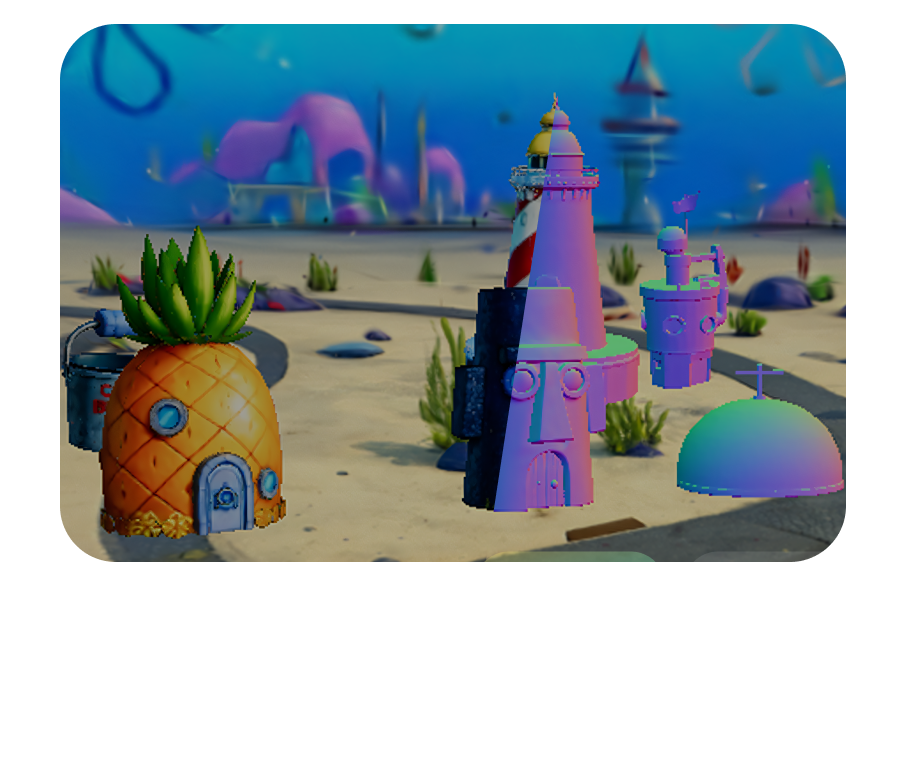
WorldGen reconstructs complete geometry for partially occluded objects

Complete occluded objects

Objects blocked in the image still get complete geometry

WorldGen identifies contact and support relationships between objects

Identify relationships

Determine who touches whom, who supports whom
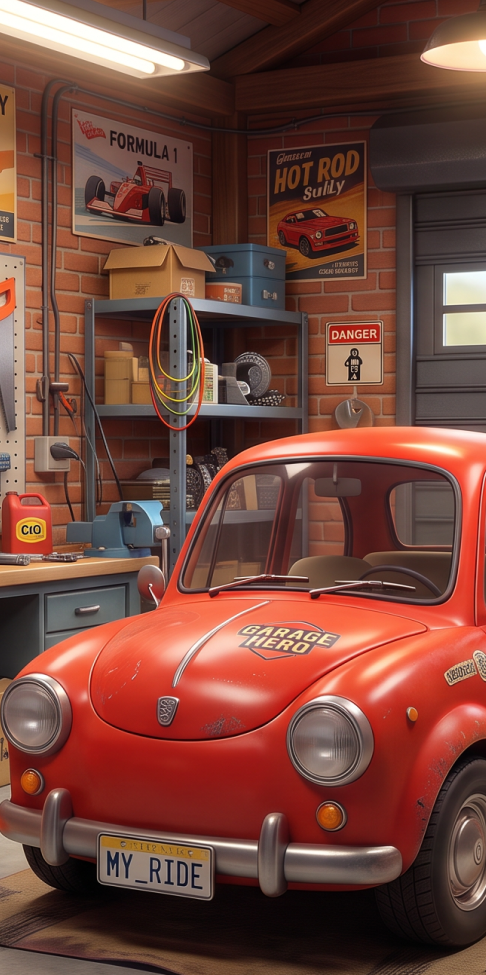
WorldGen predicts object positions, sizes, orientations, and placement

Predict spatial states

Position, size, orientation, and placement

WorldGen estimates collision bodies, mass, and friction for interactive 3D scenes

Estimate physical properties

Collision bodies, mass, friction — making the scene truly interactive

Frequently Asked Questions About WorldGen

Learn how WorldGen turns images into editable 3D scenes and reconstructs objects and their physical relationships.

What is WorldGen?

WorldGen is an AI 3D world generator that turns images into scenes made of editable, replaceable, interactive 3D assets.

How do I generate a 3D world from an image?

Upload a scene image, generate the 3D assets and their physical relationships, then preview, refine, and export the resulting scene.

Can I generate individual objects instead of a complete scene?

Yes. Alongside complete scenes, WorldGen can generate individual 3D objects using manually selected regions or AI segmentation.

Can I edit the generated scene?

Yes. The scene contains independent assets that can be edited and replaced, so you can refine individual objects as part of your workflow.

How does WorldGen handle partially occluded objects?

WorldGen reconstructs complete geometry for objects that are partially blocked in the source image.

Does WorldGen understand relationships between objects?

WorldGen identifies contact and support relationships between objects to reconstruct how they fit together in a scene.

What spatial and physical properties does WorldGen predict?

WorldGen predicts object positions, sizes, orientations, and placement, and estimates collision bodies, mass, and friction for interactive scenes.

What workflows are WorldGen scenes designed for?

WorldGen scenes are designed for simulation, film, game development, XR, and design workflows that need editable and interactive 3D assets.

Choose Your Tool And Start Connecting.

Open your familiar AI tool and let the next conversation begin creating 3D.