






From still image to rigging-ready mesh
Four steps, three of them in a browser tab. Hyper3D does the modeling and texturing; you keep the creative calls.
1
Nearly Ready-to-Use 3D Assets
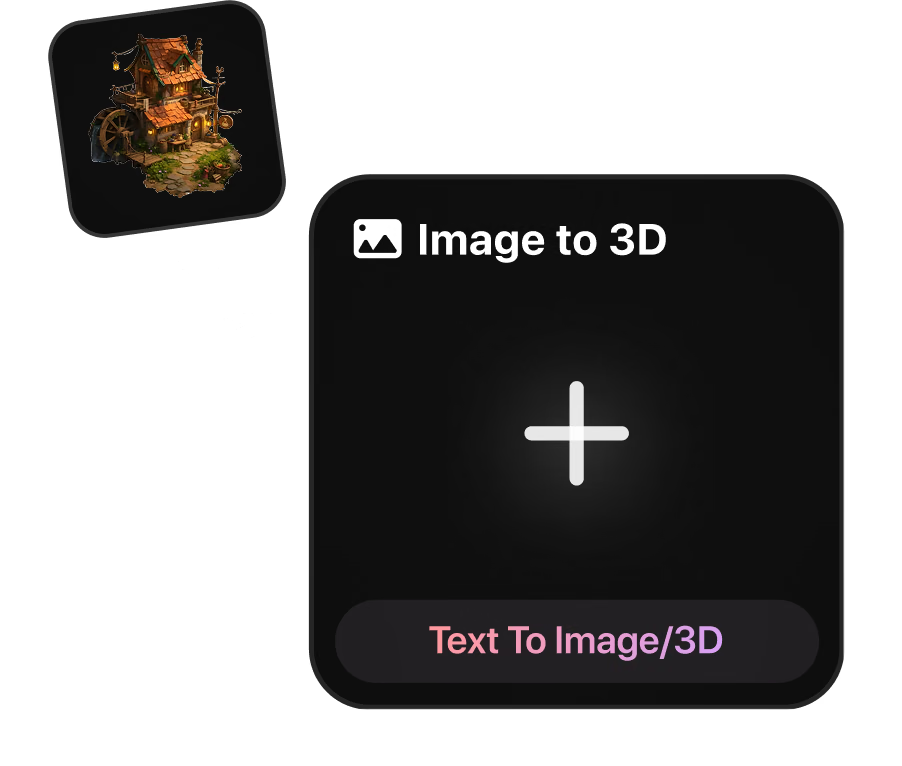
Give Rodin a T-pose turnaround, a prop sketch, or a text prompt to create a high-quality textured character or prop asset.
2
Complete PBR Materials
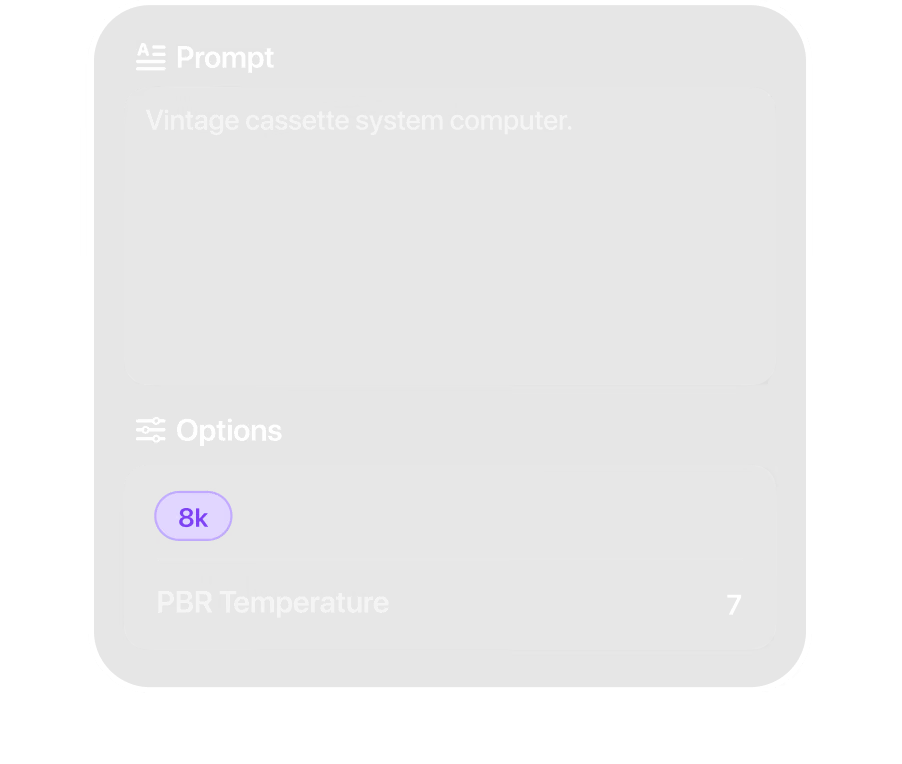
Rodin generates nearly production-ready 3D assets from text or images with clean topology and PBR materials.
3
High-Quality FBX or GLB Export
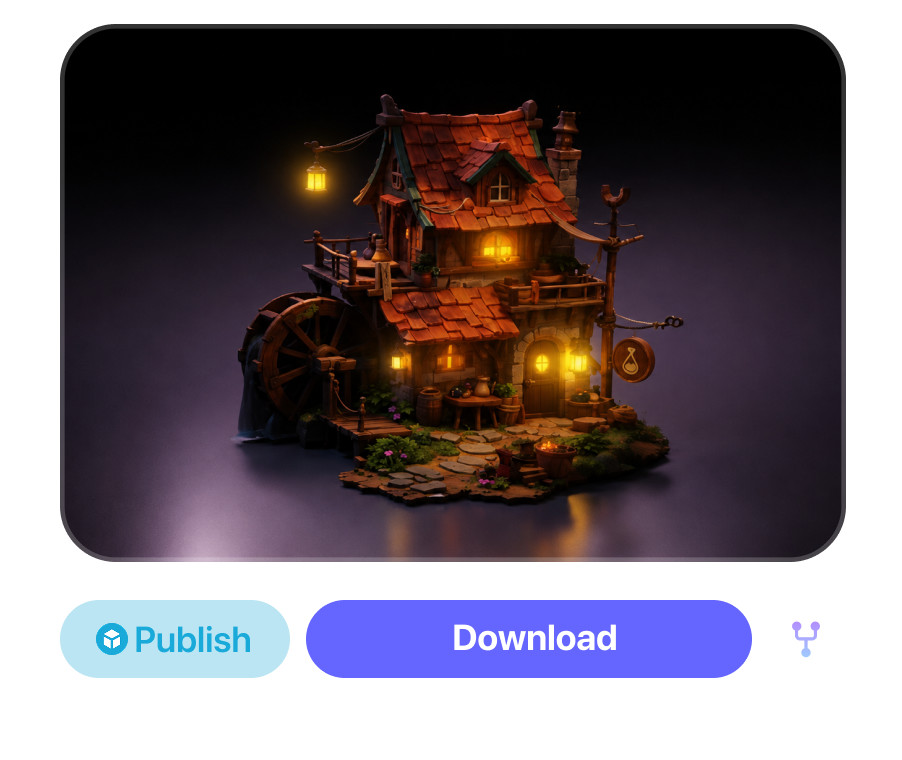
Rodin exports rigging-ready 3D assets with clean topology and PBR maps across all standard formats.
AI 3D models for animation: characters, props, set dressing
Not every asset in a shot deserves the same week of modeling time. Spend yours on the hero; generate the rest.
Nearly Ready-to-Use Character Assets
Nearly Ready-to-Use Character Assets
Rodin turns concept art into high-quality character assets with clean topology and PBR materials, nearly ready to use.
Props the rig touches
Props the rig touches
Swords, mugs, steering wheels: anything a hand grips needs correct scale more than perfect edge flow. Image-to-3D gets a graspable prop into layout the same day.
Set dressing in bulk
Set dressing in bulk
Rodin generates background props from text and lets users set a target polygon count or choose LOD generation to fit scene budgets.
Environments & Backgrounds
Environments & Backgrounds
Generate terrain, skies, and full backdrops from simple text prompts, letting you frame entire scenes with cinematic depth and scale in minutes.
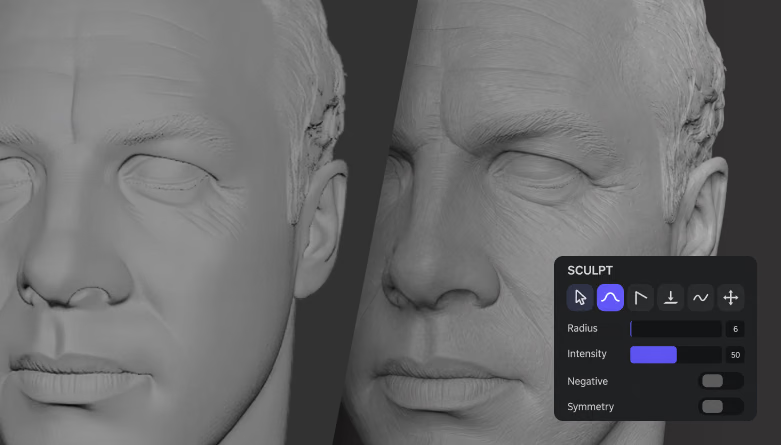
Optional Mesh Inspection and Creative Editing with OmniCraft
OmniCraft Mesh Editor provides optional browser-based inspection and creative mesh-editing controls for compatible 3D assets.
AI 3D Workflow Questions, Clearly Answered
Practical answers to common questions about using high-quality AI-generated 3D assets in creative production.