
Free SVG to 3D Converter
for Vector Models

Turn flat SVG graphics into dimensional 3D assets for logos, signage, product concepts, collectibles, and visual prototypes. Hyper3D helps teams move from vector art to 3D form faster. It is designed for clean vector sources where outlines, icons, logos, symbols, lettering, or flat artwork need depth without rebuilding the design manually.

SVG to 3D Extrude vector depth
Clean mesh output
Source SVG
H
SVG Extrude GLB
54% depth
Depth

How to Convert SVG to 3D

Transform clean vector artwork into 3D geometry without rebuilding the shape by hand. Each step stays close to browser-based production, so the output can move into review, conversion, or downstream 3D work quickly.

1

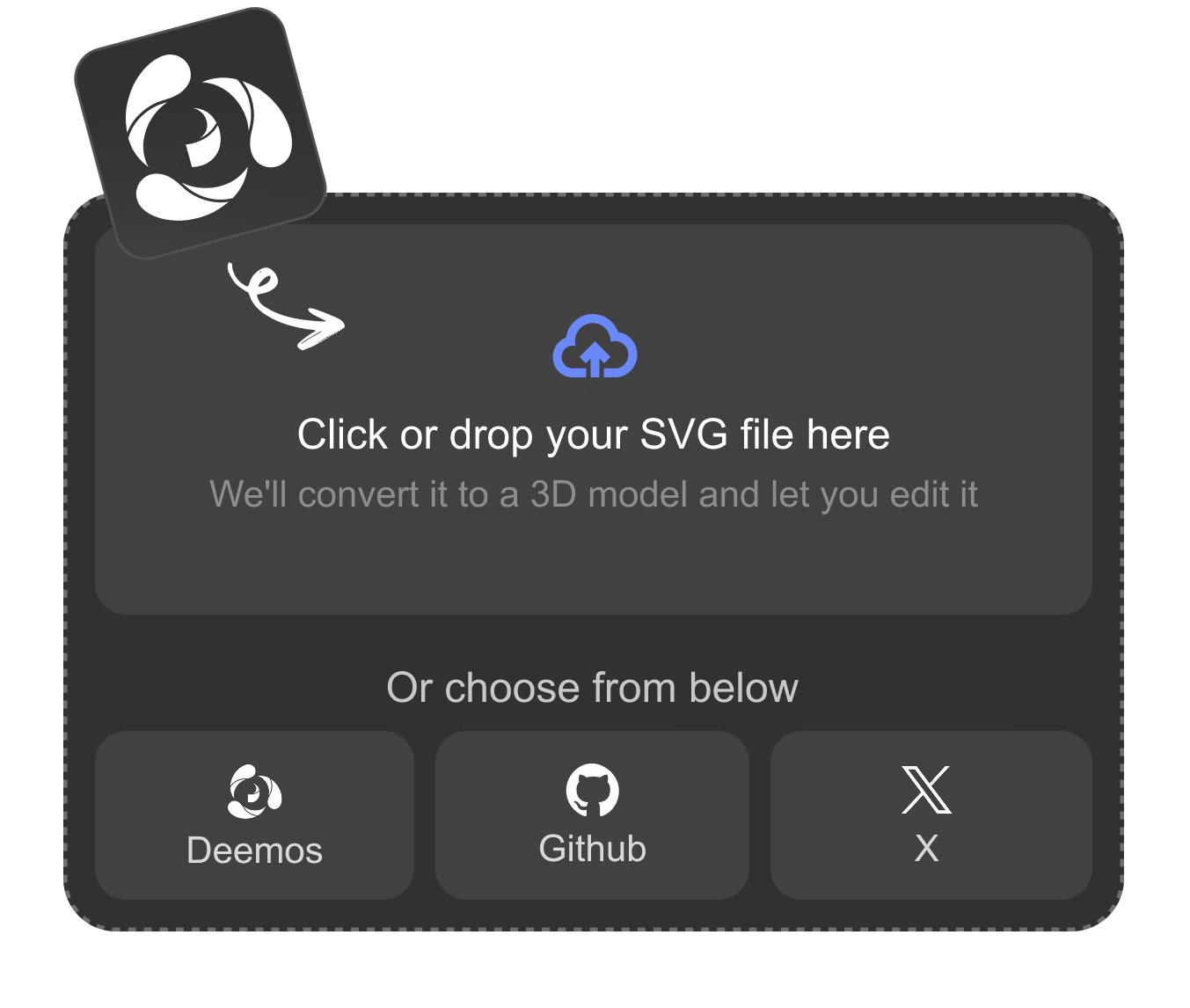
Upload an SVG File

Start with a clean vector graphic such as a logo, icon, outline, badge, or simple illustration.

Prepare the Input
2

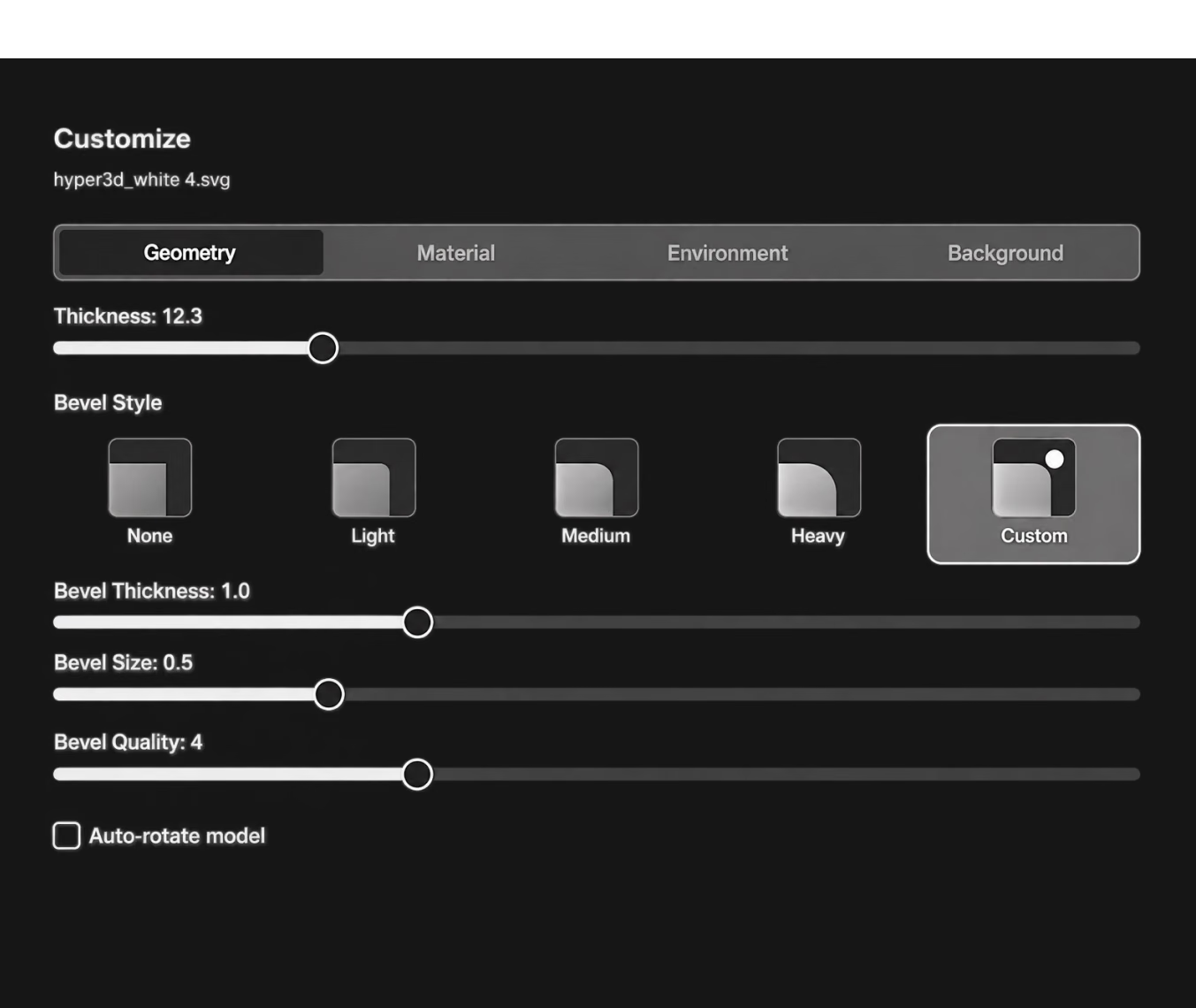
Choose the 3D Depth

Adjust the thickness, bevel direction, and visual style so the vector reads well as a 3D object.

Generate and Adjust
3

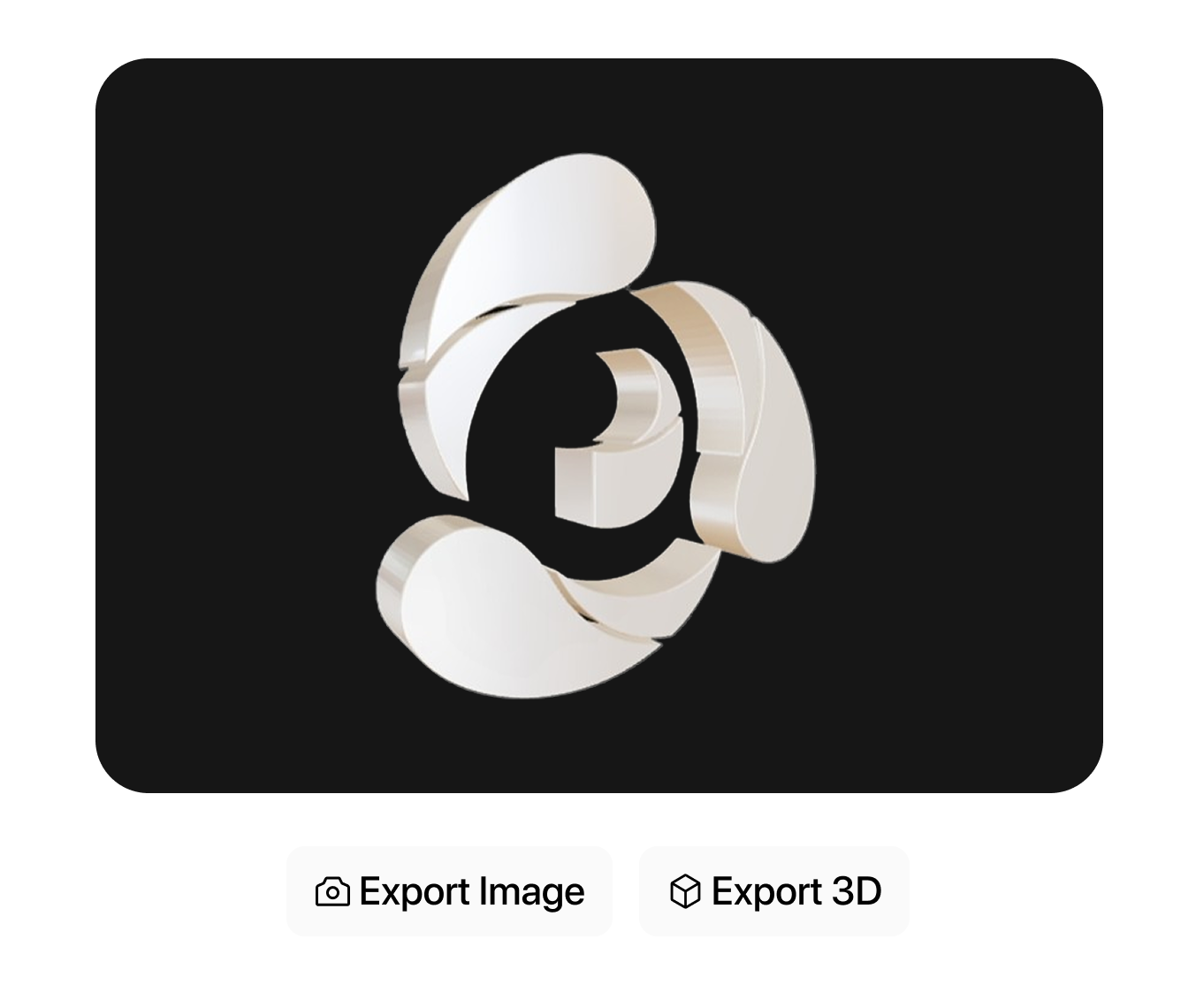
Preview and Export

Review the generated 3D form, then continue into modeling, rendering, printing, or presentation workflows.

Review and Continue

Why Use Hyper3D for SVG to 3D Conversion?

Move from flat vector work to dimensional assets that can be reviewed and reused. The workflow is strongest when paired with other Omnicraft tools for reference cleanup, model search, texture exploration, or mesh inspection.

Why Use Hyper3D for SVG to 3D Conversion? visual

SVG to 3D Workflows for Designers and Creators

Use Vecto3D when a flat graphic needs to become a usable dimensional asset.

Logos and Badges

Convert brand marks, icons, badges, and flat illustrations into dimensional assets for presentation.

Product Concepts

Use vector outlines and labels as 3D product details, packaging elements, or concept visuals.

Game UI Props

Turn symbols, emblems, collectible icons, and stylized UI shapes into real-time 3D props.

3D Printing Ideas

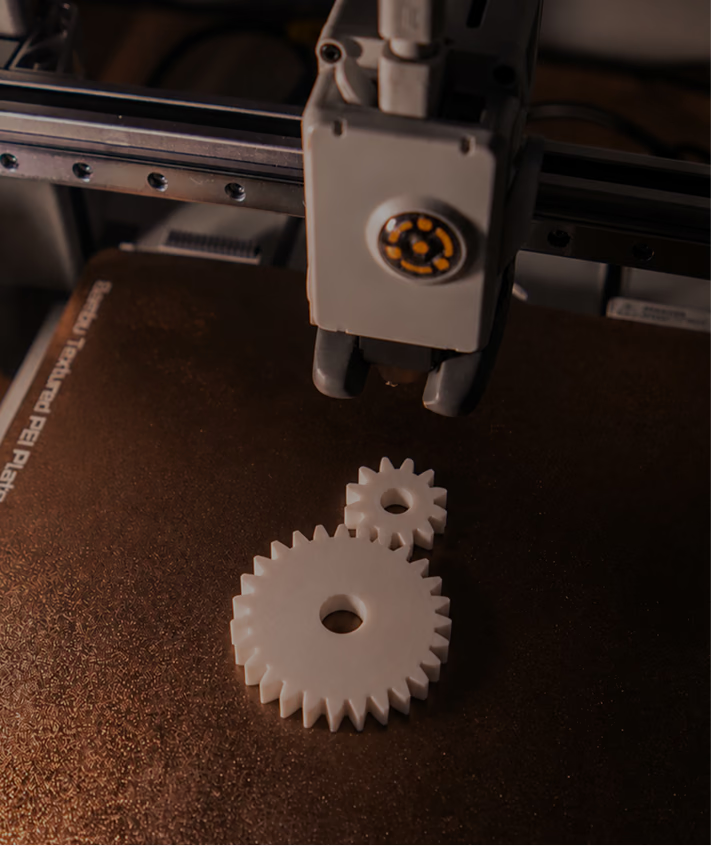
Create simple vector-based plaques, ornaments, signs, and printable shapes from SVG files.

Frequently Asked Questions

Answers for creators and teams evaluating Hyper3D's SVG to 3D Converter workflow.

What is an SVG to 3D converter?

It turns flat SVG vector artwork into dimensional 3D geometry for preview, rendering, prototyping, or further editing.

What kinds of SVG files work best?

Clean logos, icons, outlines, simple illustrations, badges, and shapes usually work better than very complex or messy vector files.

Can I use SVG to 3D for logos?

Yes. It is especially useful for dimensional logos, signs, badges, brand marks, and presentation-ready visual assets.

Is SVG to 3D useful for 3D printing?

Yes. Simple extruded shapes can be used as starting points for plaques, ornaments, signage, and printable concept pieces.

Do I need modeling experience?

No. The workflow helps designers move from vector files to 3D previews without rebuilding the artwork from scratch.

What SVG files work best for 3D conversion?

Use clean paths, closed shapes, simple groups, and readable silhouettes. Complex overlapping strokes should be simplified before conversion when possible.

Which Omnicraft tools pair well with SVG to 3D Converter?

Use 3D Mesh Editor to inspect the converted mesh, AI Texture Generator for material ideas, and AI HDRI Generator to preview the result in stronger scene lighting.

Still have questions? Chat with our team.

Trusted by Creators Building Real 3D Assets

Production teams use Hyper3D to turn image references and prompts into editable, export-ready 3D models faster.

AI 3D just hit a new threshold. Rodin Gen-2.5 delivers fast geometry, high-poly support, clean structure, and production-ready outputs. This is where AI 3D becomes a real pipeline tool.

sabir hussain

sabir hussain

AI & Tech Enthusiast

Cleaner meshes, sharper surface detail, and stronger multi-angle coherence. The results feel much closer to something you would keep iterating on in a real workflow.

BubbleBrain

BubbleBrain

AI Enthusiast

AI 3D just hit a new threshold. Rodin Gen-2.5 delivers fast geometry, high-poly support, clean structure, and production-ready outputs. This is where AI 3D becomes a real pipeline tool.

sabir hussain

sabir hussain

AI & Tech Enthusiast

Cleaner meshes, sharper surface detail, and stronger multi-angle coherence. The results feel much closer to something you would keep iterating on in a real workflow.

BubbleBrain

BubbleBrain

AI Enthusiast

AI 3D just hit a new threshold. Rodin Gen-2.5 delivers fast geometry, high-poly support, clean structure, and production-ready outputs. This is where AI 3D becomes a real pipeline tool.

sabir hussain

sabir hussain

AI & Tech Enthusiast

Convert SVG Graphics into 3D Assets

Start with a vector file and explore clean dimensional output for design, games, branding, and prototypes.