




AI Realistic 3D Model Generator
Turn photos and references into realistic 3D models that hold up in-engine and on product pages: believable materials, sane polycounts, clean exports.


What makes a 3D model read as realistic
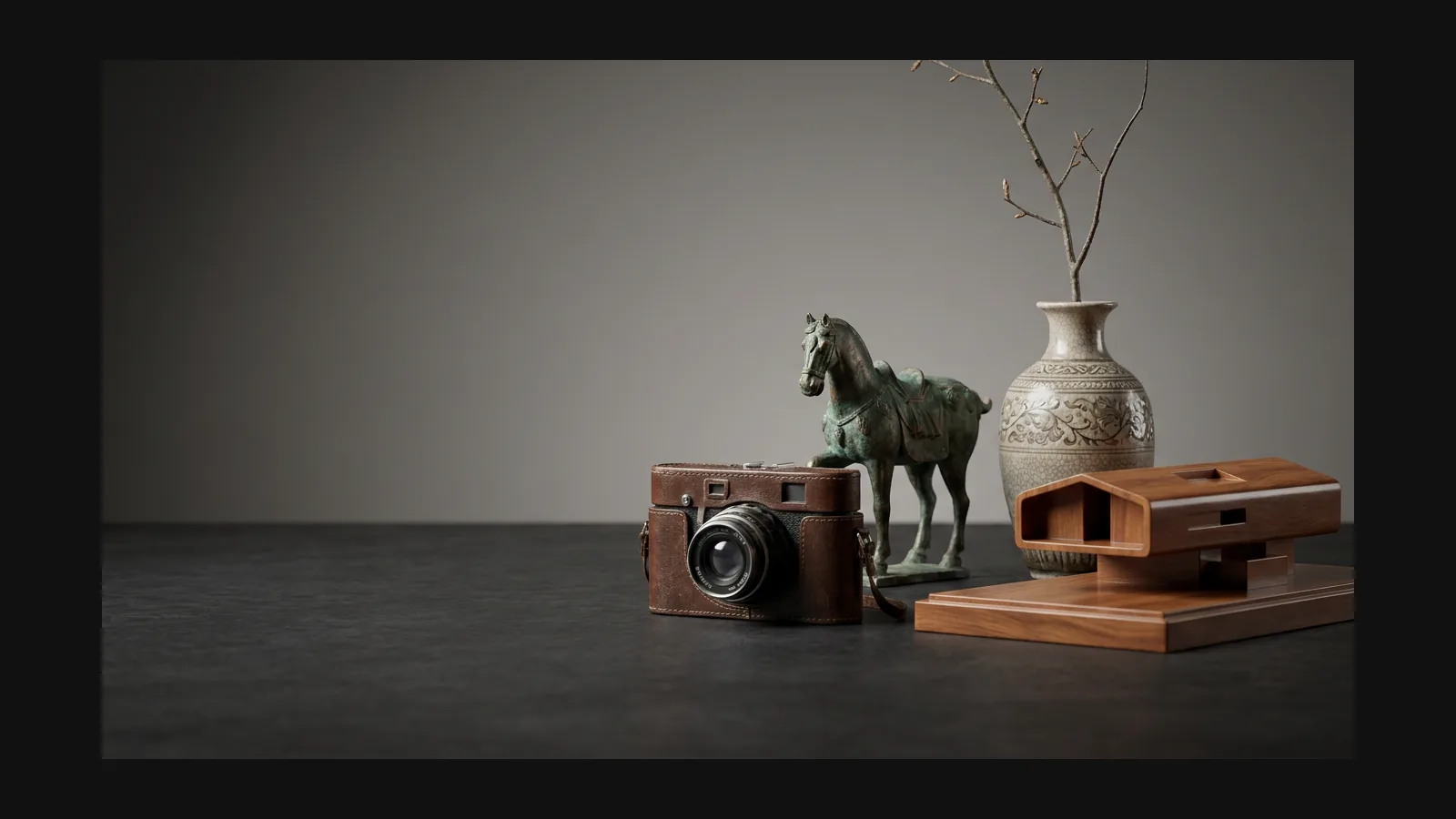
Realism is not one dial. It is four habits the eye checks in the first second — and the four things worth naming in your prompt or fixing after generation.
Proportion and silhouette
Rodin creates high-fidelity manufactured-object models with coherent proportions and thoughtfully placed seams and fasteners, preserving the source object's visual character from photo references.
Material response
Rodin outputs Base Color, Normal, Metallic, and Roughness maps for physically accurate, high-quality material response under varied scene lighting.
Wear and imperfection
Nothing real is factory-perfect. Edge wear, dust in recesses, slightly uneven paint — ask for them by name in the prompt ("scuffed edges", "oil stains") and the asset stops looking rendered.
Scale and context
Rodin creates high-quality realistic assets at a stable real-world scale for supported AR and web workflows.
Prompt recipes for realistic assets
There is no "realistic" checkpoint to switch on. The style comes from what you feed Rodin: subject, materials, condition, and intended use. Copy these and swap the nouns.
Game prop with history
"Weathered leather medic satchel, brass buckles, scuffed edges, stitched seams, realistic PBR materials, game asset." Condition words ("weathered", "scuffed") do more for realism than the word realistic itself.
E-commerce product twin
Upload one product photo and use: “match the reference, clean studio product finish, no added wear or damage.” Additional views are optional when more visual guidance is desired.
Environment set dressing
"Concrete highway barrier, chipped paint, rust streaks below the rebar, oil stains at the base, photoscan look." The "photoscan look" cue pulls the texture toward captured-from-reality noise instead of painterly cleanliness.
From believable to shippable
Rodin lets users select a target polygon count during generation and optionally generate LODs; OmniCraft remeshing and decimation are optional optimizations for the target platform.
From reference to engine-ready realistic asset
Rodin can generate realistic 3D assets from a single reference image that closely match the reference and are nearly ready to use.
1
Feed it a photo or a grounded prompt
One image is enough for Rodin to generate most objects. Optional additional views can provide more visual detail when you want extra control.

2
Generate and inspect like a client would
Rodin is designed for strong first-pass results.

3
Clean Topology and Flexible Export for Realistic Assets
Rodin lets you set the target polycount during generation and export high-quality assets for web, commerce, real-time, AR, content-creation, and 3D-printing workflows.

Realistic 3D models: FAQ
Polycounts, PBR maps, product-photo inputs, and which format goes where.