




AI リアル 3Dモデル生成ツール
写真や参考画像から、エンジンでも商品ページでも通用するリアルな3Dモデルへ。破綻のない質感、無理のないポリゴン数、きれいな書き出し。
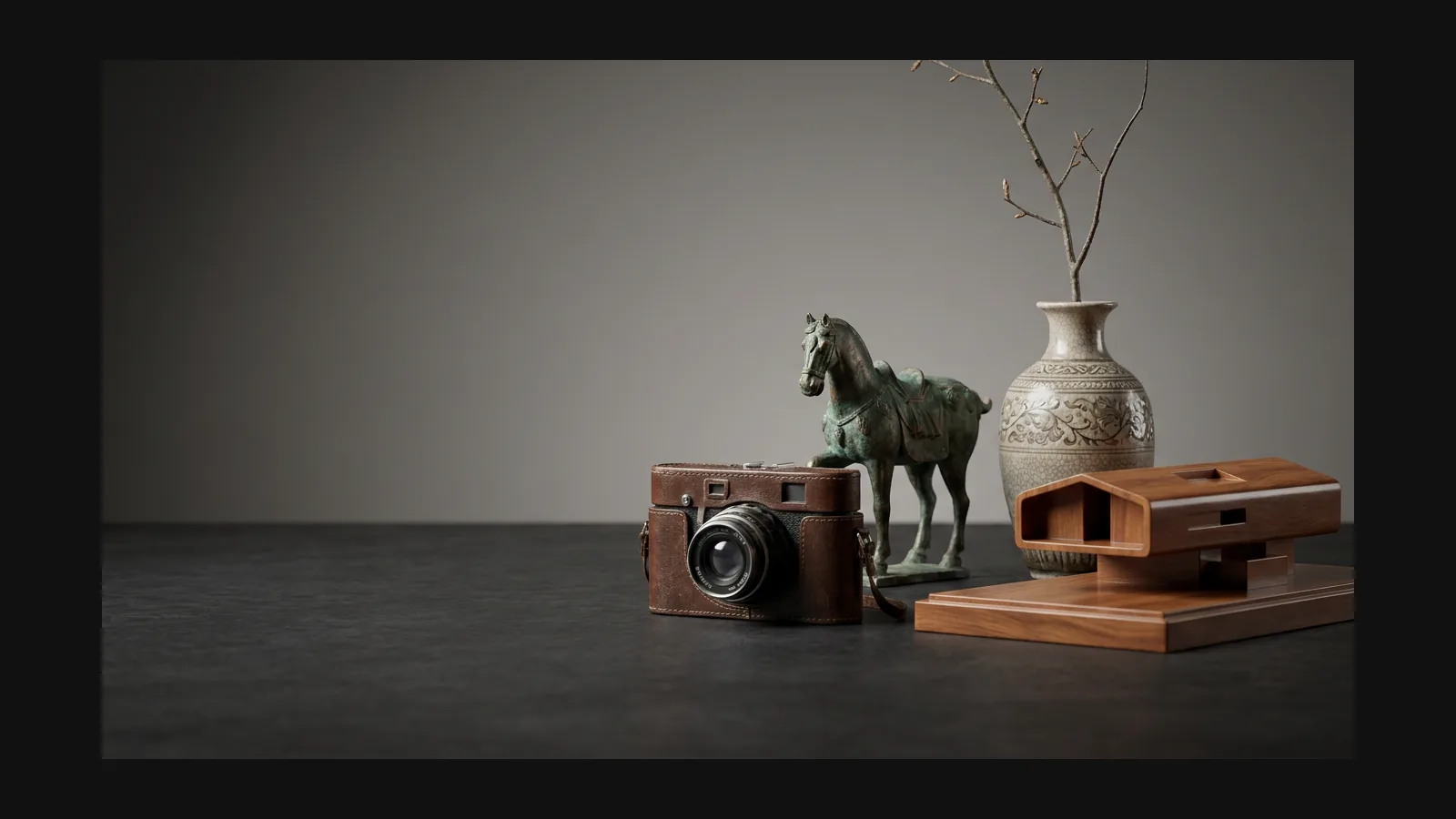


3Dモデルが「リアル」に見える条件
リアルさはひとつのつまみではありません。目が最初の1秒で確認する4つのポイントであり、プロンプトで指定し生成後に整えるべき4項目です。
プロポーションとシルエット
Rodinは、写真資料から元の物体の視覚的な特徴を保ちつつ、均整のとれたプロポーションと計算された位置に配置された継ぎ目や留め具を備えた、高精度の製造品モデルを制作する。
マテリアルの応答
Rodinは、さまざまなシーン照明下で物理的に正確で高品質なマテリアルレスポンスを実現するために、ベースカラー、ノーマル、メタリック、およびラフネスマップを出力します。
摩耗と不完全さ
現実のものは工場出荷状態のままではありません。エッジの摩耗、凹みの埃、ムラのある塗装。プロンプトで名指しすれば(「擦れたエッジ」等)、CG臭さが消えます。
スケールと文脈
Rodin対応するARおよびWebワークフロー向けに、安定した実寸大で高品質かつリアルなアセットを作成します。
リアルアセットのプロンプトレシピ
「リアル」スイッチはありません。スタイルはRodinに渡す内容——被写体、素材、状態、用途——から生まれます。以下をコピーして名詞を差し替えてください。
使い込まれたゲームプロップ
"weathered leather medic satchel, brass buckles, scuffed edges, stitched seams, realistic PBR materials, game asset"。状態を表す語(weathered、scuffed)のほうが、realisticという単語よりも効きます。
EC商品のデジタルツイン
商品写真を1枚アップロードし、「参考画像と一致していること、スタジオで仕上げた清潔な製品であること、摩耗や損傷がないこと」という条件を付けてください。より詳細な視覚的ガイダンスが必要な場合は、追加の画像もアップロードできます。
環境用セットドレッシング
"concrete highway barrier, chipped paint, rust streaks below the rebar, oil stains at the base, photoscan look"。photoscan lookという指定で、絵画的な綺麗さではなく実写スキャン風の質感に寄ります。
「リアル」から「出荷可能」へ
Rodinでは、生成時に目標ポリゴン数を選択でき、オプションでLODsレベル・オブ・ディテール)を生成できます。 OmniCraftリメッシュとデシメーションは、対象プラットフォーム向けのオプションの最適化機能です。
リファレンスからエンジン対応アセットまで
Rodin単一の参照画像から、参照画像に非常に近い、ほぼ使用可能なリアルな3Dアセットを生成できます。
1
写真か具体的なプロンプトを渡す
Rodin 1枚の画像でほとんどのオブジェクトを生成できます。オプションの追加ビューを使用すると、より詳細な視覚情報が得られ、より細かく制御できます。

2
クライアント目線で生成物を確認
Rodinは、初回の施工で優れた結果が得られるように設計されています。

3
リアルなアセットのためのクリーンなトポロジーと柔軟なエクスポート
Rodin使用すると、生成時に目標ポリゴン数を設定し、Web、コマース、リアルタイム、 AR 、コンテンツ作成、 3Dプリントなどのワークフロー向けに高品質のアセットをエクスポートできます。

リアル3Dモデル:FAQ
ポリゴン数、PBRマップ、商品写真の入力、形式ごとの使い分け。