




 Image to 3D
 Remix Gen
 Turbo Gen


 High
High


How to Convert an Image to OBJ
Upload a source image, generate AI-assisted structure, then export OBJ output for Blender, game engines, AR, and 3D printing preparation.
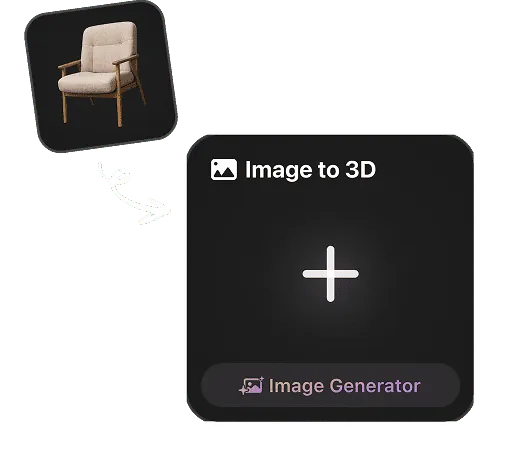
Upload a Reference Image
For Rodin image-to-3D, upload a reference image. If convenient, choose a view that makes the subject easy to inspect. Resolution, framing, background, lighting, and subject isolation are optional capture choices, not submission requirements.
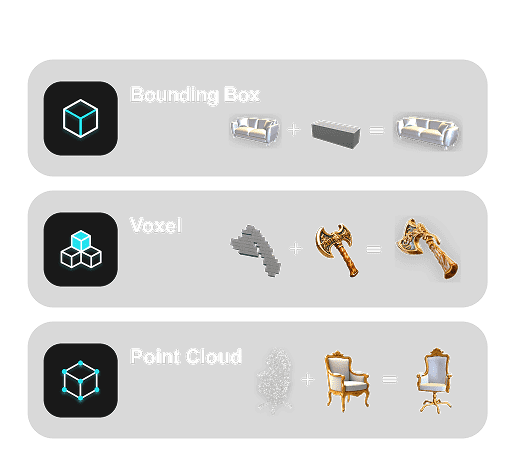
Generate OBJ-ready Output
Hyper3D analyzes edges, depth cues, color, and surface detail to create a usable asset for OBJ workflows.
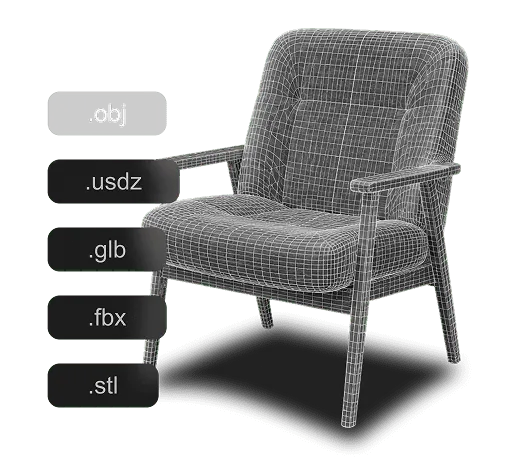
Preview and Export OBJ
Preview the high-quality result and export OBJ for supported creative, real-time, AR, and 3D-printing workflows.
Why Use Hyper3D for Image to OBJ Conversion?
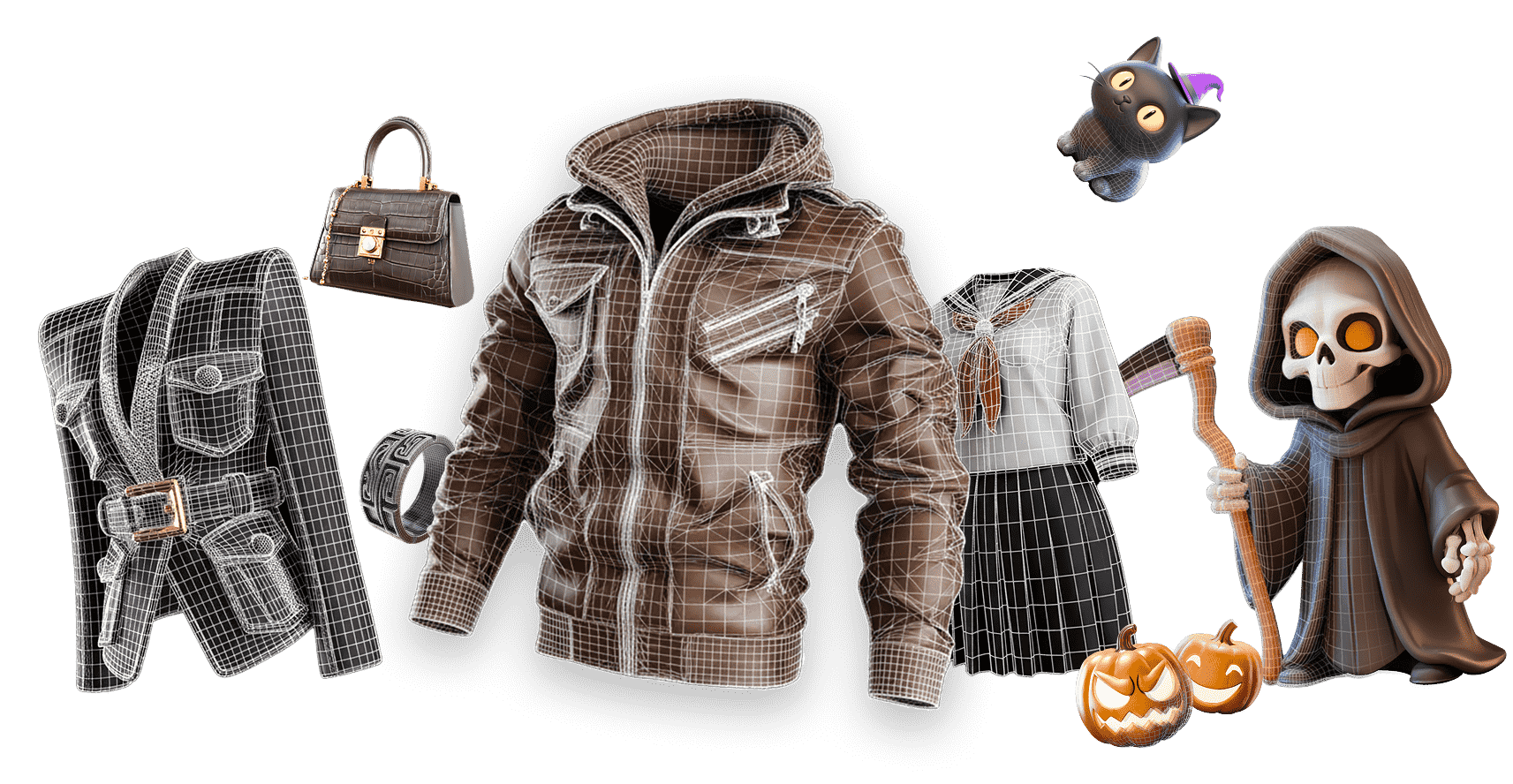
Hyper3D keeps OBJ generation fast, focused, and useful for Blender, game engines, AR, and 3D printing preparation.
Who Uses Image to OBJ?
Image to OBJ workflows for teams that need practical output from images quickly.
Game Developers
Generate assets from reference images for real-time engines and fast prototyping.
3D Artists
Create high-quality 3D assets from image references for creative 3D workflows.
Product Teams
Turn product references into 3D assets for review, previews, and marketing workflows.
Makers & Designers
Move sketches, logos, and visual concepts into practical production formats.
AI Behind Image to OBJ Conversion
Hyper3D combines image analysis, reconstruction, and output preparation for Image to OBJ workflows in Blender, game engines, AR, and 3D printing preparation.

Image Feature Detection
Rodin generates a complete 3D model from one image and reasonably infers unseen exterior surfaces, including the back and underside. Optional additional views can guide specific hidden details.

3D or Vector Reconstruction
Generate dimensional structure, mesh data, or vector paths depending on the target format.

Texture and Material Cues
Rodin faithfully captures key visual details from your reference—including colors, patterns, text, logos, decals, and surface wear—to guide a high-fidelity 3D result.

Export Preparation
Generate downloadable 3D assets for flexible viewing, creative, and production workflows.
Image to OBJ FAQ
Answers for creators comparing Image to OBJ tools, source image quality, export workflows, and production use.