




 Image to 3D
 Remix Gen
 Turbo Gen


 High
High


How to Convert an Image to DXF
Upload a source image, generate AI-assisted structure, and export high-quality DXF output for CAD, CNC machining, laser cutting, and fabrication.
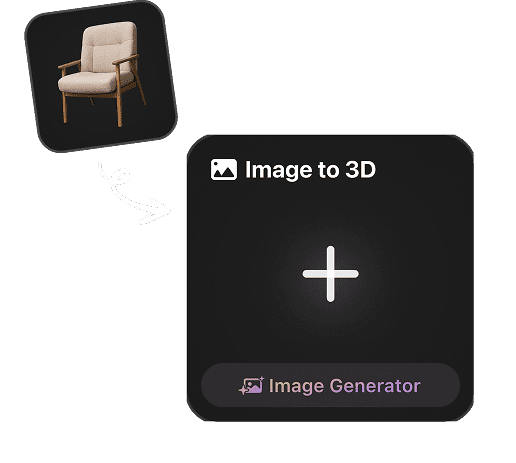
Upload a Reference Image
Start with a logo, scan, sketch, or raster drawing as the reference for high-quality DXF output.
Generate DXF-ready Output
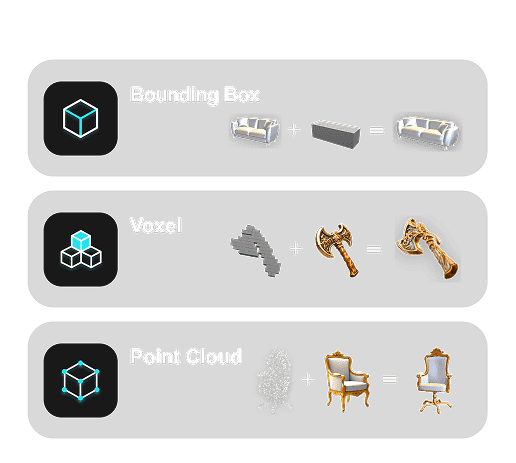
Hyper3D analyzes edges, depth cues, color, and surface detail to create a usable asset for DXF workflows.
Preview and Export DXF
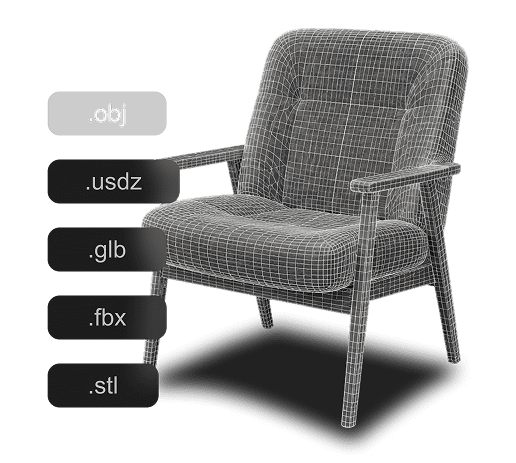
Create high-quality DXF output for supported design and fabrication workflows.
Why Use Hyper3D for Image to DXF Conversion?
Hyper3D streamlines DXF generation for design and fabrication workflows.

Who Uses Image to DXF?
Image to DXF workflows for teams that need practical output from images quickly.
Game Developers
Generate assets from reference images for real-time engines and fast prototyping.
3D Artists
Turn image references into high-quality DXF output for design and fabrication workflows.
Product Teams
Turn product references into 3D assets for review, previews, and marketing workflows.
Makers & Designers
Move sketches, logos, and visual concepts into practical production formats.
AI Behind Image to DXF Conversion
Hyper3D combines image analysis and reconstruction to create high-quality DXF output for CAD, CNC machining, laser cutting, and fabrication workflows.

Image Feature Detection
Analyze edges, contrast, color, and visible structure from the source image.

Image-to-DXF Reconstruction
Create high-quality DXF output from image references for supported design and fabrication workflows.

Reference-Guided Visual Detail
Use visual details from the source image to guide a high-fidelity result.

Export Preparation
Choose a supported output format for flexible design and fabrication workflows.
Image to DXF FAQ
Answers for creators comparing Image to DXF tools, source image quality, export workflows, and production use.