




 Image to 3D
 Remix Gen
 Turbo Gen


 High
High


How to Convert an Image to GLTF
Upload a source image, generate a workable 3D draft, then export GLTF output for web 3D, engines, viewers, and editable real-time scenes.
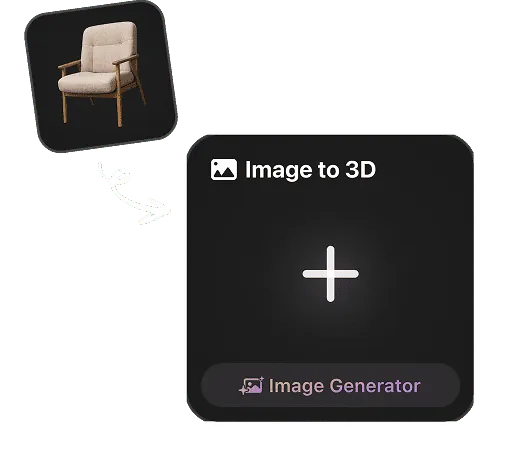
Upload a Reference Image
For Rodin image-to-3D, upload a reference image. If convenient, choose a view that makes the subject easy to inspect. Resolution, framing, background, lighting, and subject isolation are optional capture choices, not submission requirements.
Generate a GLTF-ready Draft
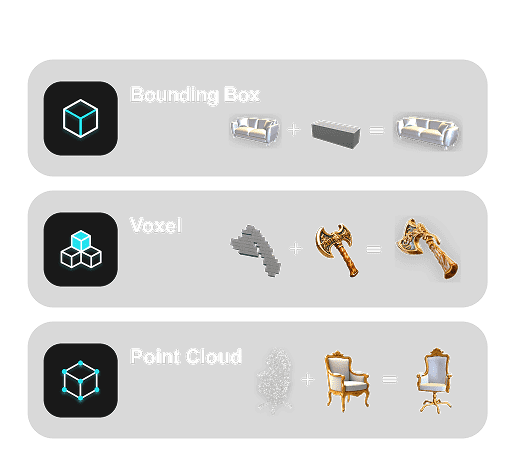
Hyper3D reads shape, depth cues, color, and surface detail to create a usable starting asset for GLTF workflows.
Preview and Export glTF
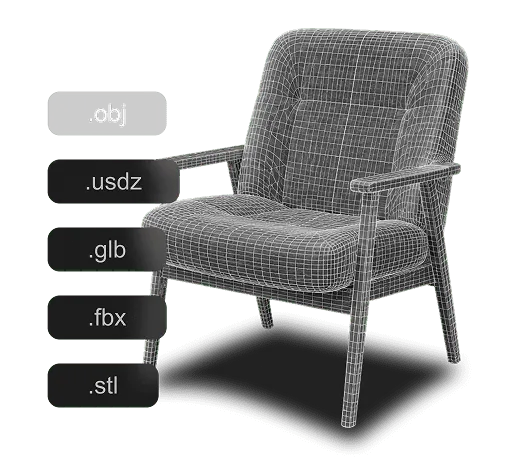
Preview the high-quality result and export GLTF for supported web, real-time, and creative workflows.
Why Use Hyper3D for Image to GLTF?
Hyper3D keeps GLTF generation focused on practical files for web 3D, engines, viewers, and editable real-time scenes.

Who Uses Image to GLTF?
Image to GLTF workflows for teams that need practical files from images quickly.
Game Developers
Generate assets from reference images for real-time engines and fast prototyping.
3D Artists
Create high-quality 3D assets from image references for interactive and creative workflows.
Product Teams
Turn product references into 3D assets for review, previews, and marketing workflows.
Makers & Designers
Move sketches, logos, and visual concepts into practical production formats.
How Hyper3D Builds Image to GLTF Output
Hyper3D combines image analysis, 3D reconstruction, and export preparation for Image to GLTF workflows in web 3D, engines, viewers, and editable real-time scenes.

Image Feature Detection
Rodin generates a complete 3D model from one image and reasonably infers unseen exterior surfaces, including the back and underside. Optional additional views can guide specific hidden details.

3D or Vector Reconstruction
Build dimensional structure, mesh data, or paths according to the target format.

Surface and Material Cues
Rodin faithfully captures key visual details from your reference—including colors, patterns, text, logos, decals, and surface wear—to guide a high-fidelity 3D result.

Export Preparation
Generate downloadable 3D assets for flexible viewing, creative, and production workflows.
Image to GLTF FAQ
Answers for creators comparing Image to GLTF tools, source image quality, export workflows, and production use.