

Free AI Image Enhancer
for 3D References

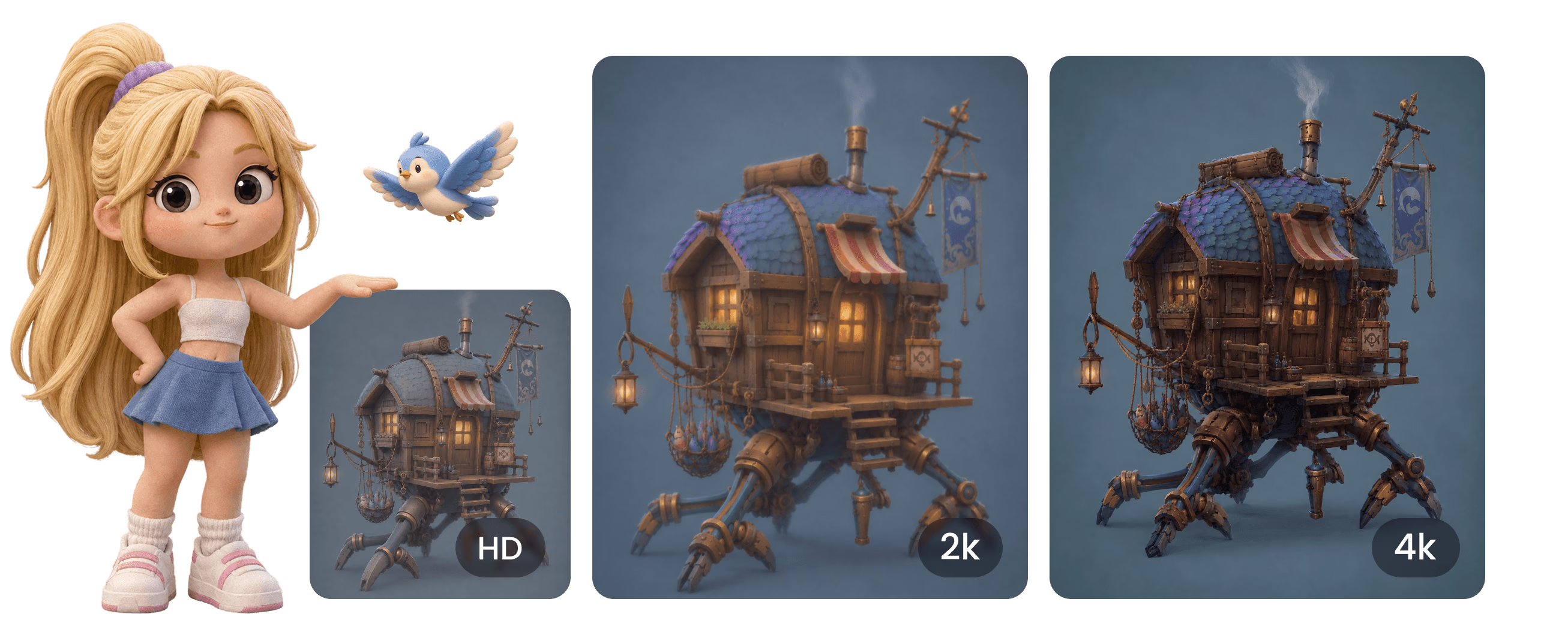
Improve the clarity, color, and usable detail of reference images before they become 3D assets, product concepts, style boards, or creative prompts. Hyper3D helps cleaner inputs become better production signals. It is useful before image-to-3D, texture exploration, product mockups, and concept review because cleaner inputs make the important visual signal easier to read.

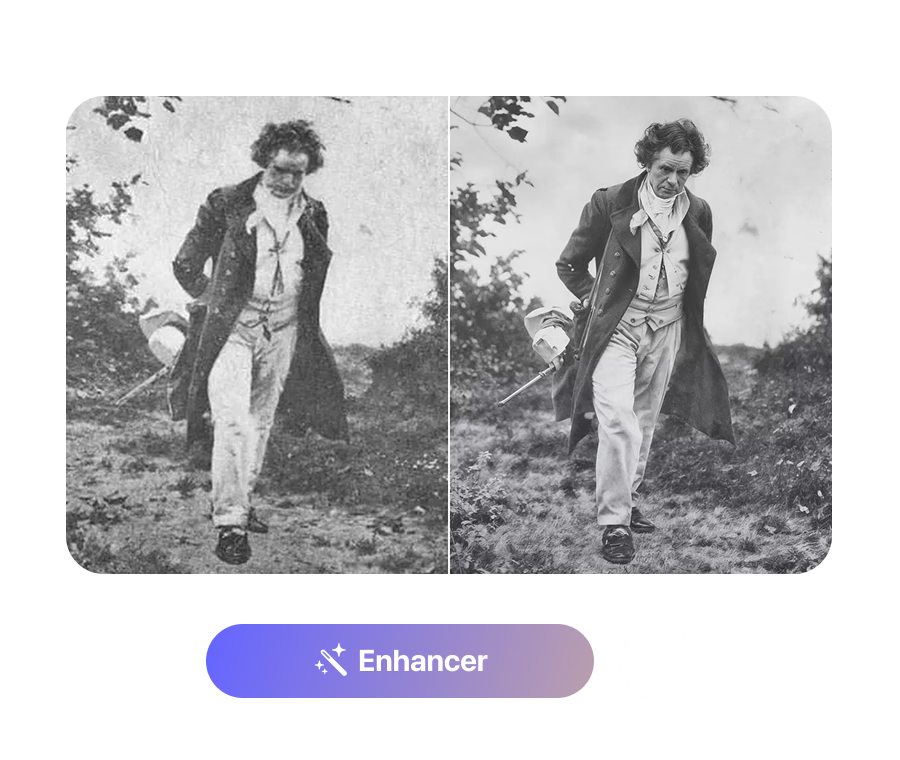
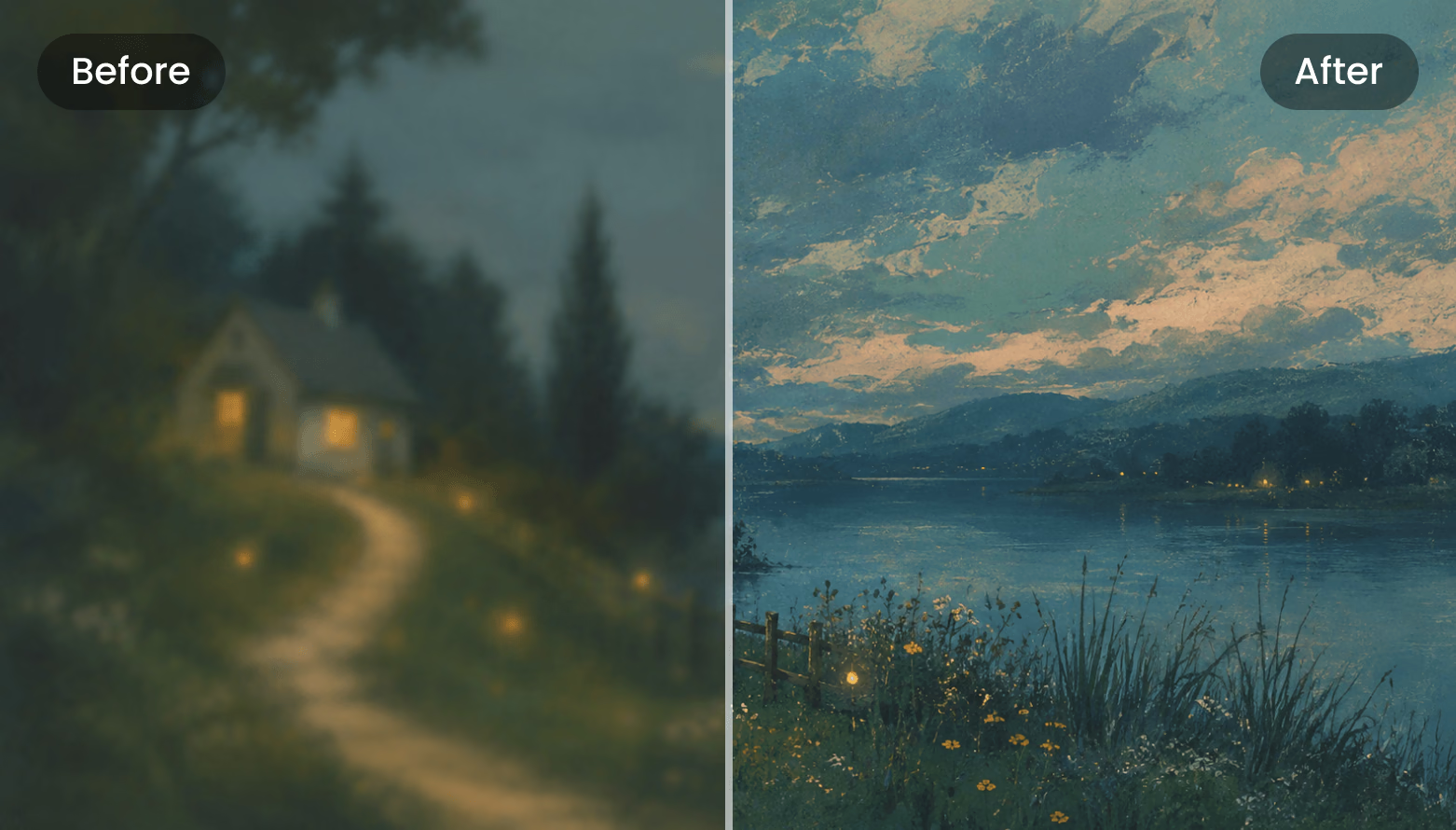
AI Enhancer Before / After
Drag the divider
Before After
Clarity +38% Color +24% Detail +31%

How to Enhance Images for 3D Workflows

Clean up visual references before they guide modeling, generation, or design decisions. Each step stays close to browser-based production, so the output can move into review, conversion, or downstream 3D work quickly.

1

Upload a Reference Image

Start with a product photo, concept image, sketch, asset reference, or visual direction that needs more clarity.

Prepare the Input
2

Improve Detail and Color

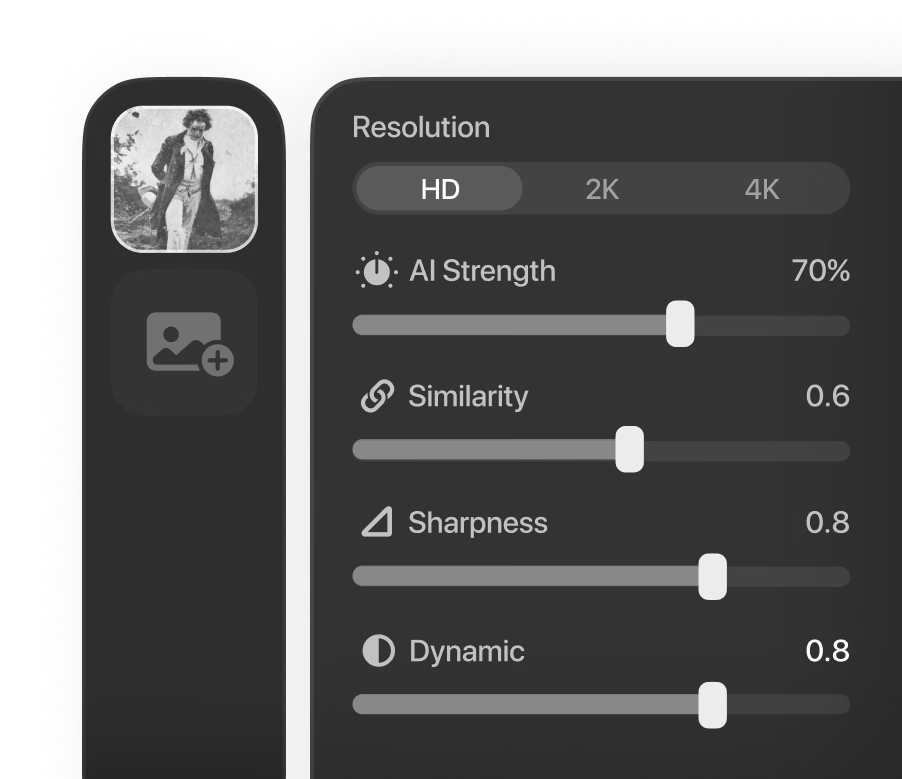
Enhance sharpness, contrast, color balance, and readability so the important subject information is easier to use.

Generate and Adjust
3

Use the Better Reference

Send the improved image into image-to-3D, product visualization, art direction, or asset planning workflows.

Review and Continue

Why Use Hyper3D for AI Image Enhancement?

Turn weaker references into clearer creative inputs for 3D generation, design, and production review. The workflow is strongest when paired with other Omnicraft tools for reference cleanup, model search, texture exploration, or mesh inspection.

Why Use Hyper3D for AI Image Enhancement? visual

AI Image Enhancement for Cleaner 3D References

Use Hyper3D when the reference image matters but the source quality is holding the workflow back.

Image to 3D

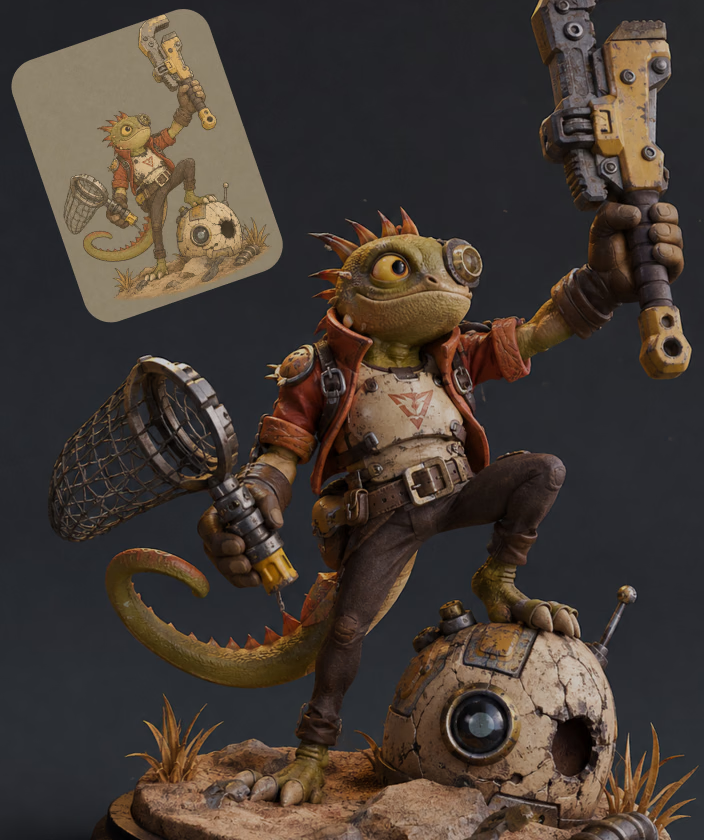
Improve object references before converting photos, sketches, or concept images into 3D assets.

Product Photos

Clean up product references before visualization, configurators, marketplace assets, or concept presentations.

Game Concepts

Sharpen concept art and asset references before modeling, generation, or real-time prototyping.

Creative Moodboards

Improve collected visual references before using them for style exploration or art direction.

Frequently Asked Questions

Answers for creators and teams evaluating Hyper3D's AI Image Enhancer workflow.

What is an AI image enhancer?

It improves image clarity, detail, color, and readability so the image can work better as a reference or creative input.

Why enhance images before image-to-3D?

A clearer reference can make the subject, edges, proportions, and visual details easier to interpret in a downstream 3D workflow.

Can I enhance product photos?

Yes. Product photos often benefit from clearer edges, cleaner colors, and better detail before they are used for visualization or 3D creation.

Is this only for professional designers?

No. It helps artists, students, product teams, game developers, and creators who need cleaner visual inputs.

Does enhancement replace manual editing?

No. It is best for fast cleanup and preparation. Final campaign images or production art may still need manual review.

Can AI image enhancement improve 3D generation results?

It can help when the original reference is blurry, low contrast, or hard to interpret. A cleaner image gives downstream tools clearer edges, materials, proportions, and subject detail.

Should I enhance every reference image?

No. Enhance images when quality is limiting the workflow. If the source already has clean lighting, sharp edges, and readable form, keep it simple.

Which Omnicraft tools pair well with AI Image Enhancer?

Use Image Remix to create new image directions, AI Texture Generator for material exploration, and SVG to 3D Converter when cleaned marks need to become 3D forms.

Still have questions? Chat with our team.

Trusted by Creators Building Real 3D Assets

Production teams use Hyper3D to turn image references and prompts into editable, export-ready 3D models faster.

AI 3D just hit a new threshold. Rodin Gen-2.5 delivers fast geometry, high-poly support, clean structure, and production-ready outputs. This is where AI 3D becomes a real pipeline tool.

sabir hussain

sabir hussain

AI & Tech Enthusiast

Cleaner meshes, sharper surface detail, and stronger multi-angle coherence. The results feel much closer to something you would keep iterating on in a real workflow.

BubbleBrain

BubbleBrain

AI Enthusiast

AI 3D just hit a new threshold. Rodin Gen-2.5 delivers fast geometry, high-poly support, clean structure, and production-ready outputs. This is where AI 3D becomes a real pipeline tool.

sabir hussain

sabir hussain

AI & Tech Enthusiast

Cleaner meshes, sharper surface detail, and stronger multi-angle coherence. The results feel much closer to something you would keep iterating on in a real workflow.

BubbleBrain

BubbleBrain

AI Enthusiast

AI 3D just hit a new threshold. Rodin Gen-2.5 delivers fast geometry, high-poly support, clean structure, and production-ready outputs. This is where AI 3D becomes a real pipeline tool.

sabir hussain

sabir hussain

AI & Tech Enthusiast

Enhance Images Before 3D Creation

Clean up a reference image and make it more useful for your next Hyper3D workflow.