Бесплатно AI-улучшитель изображений
Апскейл до 4K в браузере

Превратите фото, рендер или концепт в чёткую версию HD, 2K или 4K с восстановленными деталями. Начните бесплатно — без установки, прямо в браузере.
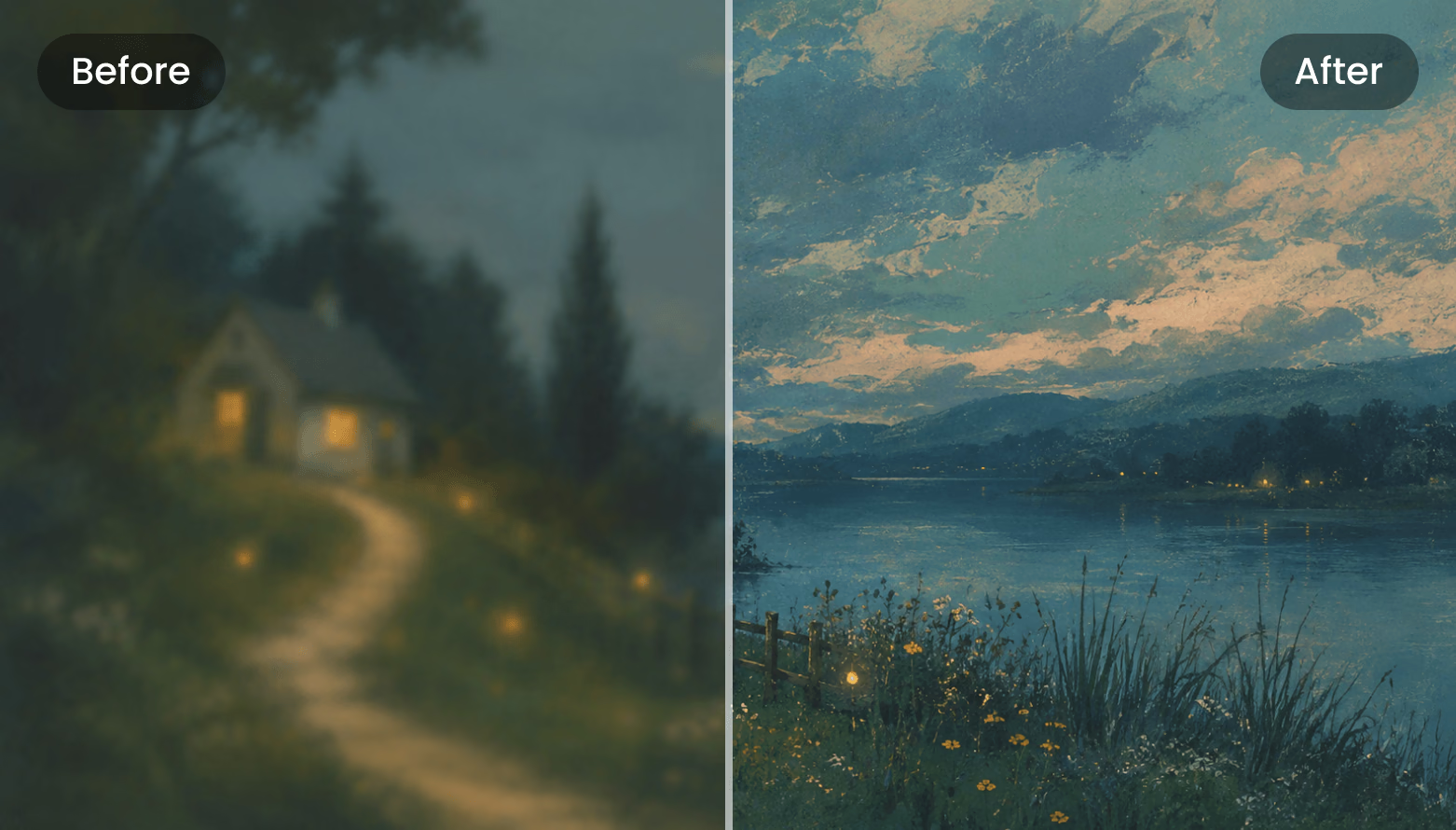
AI Enhancer Before / After
Drag the divider
Before After
Upscale HD 2K 4K JPG · PNG · WebP input

Улучшение изображения за три шага

Реальный процесс инструмента Enhancer: загрузка, настройка, сравнение, скачивание. Всё работает в браузере.

  1. Step 1 — Upload
    Enhancer upload dropzone: click or drag your image here

    Upload Your Image

    Click or drop an image into the dashed upload zone. Add several images to the sidebar queue and switch between them at any time.

    JPG · PNG · WebP · ≤3 MB · ≥128 px
  2. Step 2 — Tune
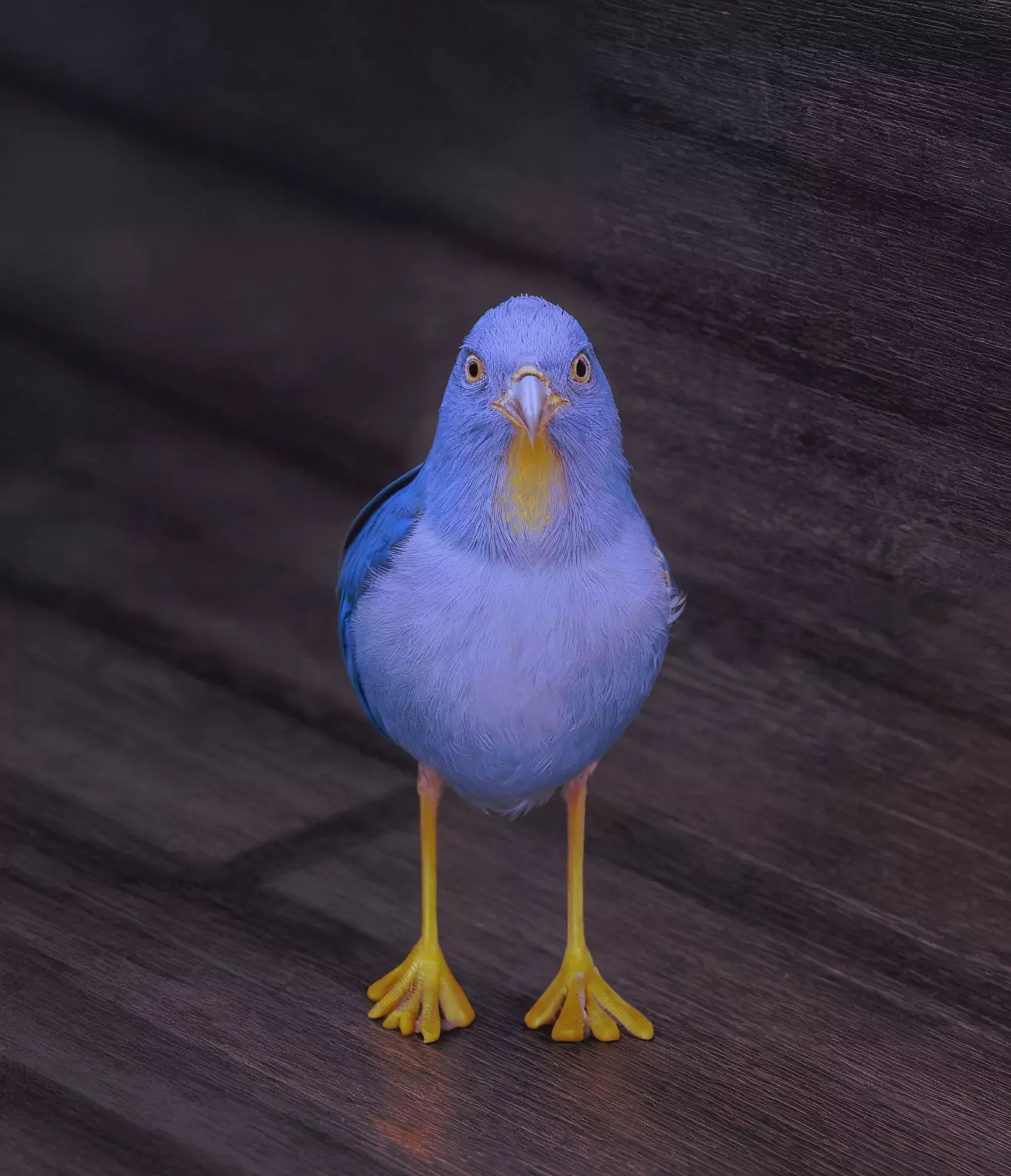
    Blurry low-resolution bird photo beside its AI-enhanced version with feather-level detail

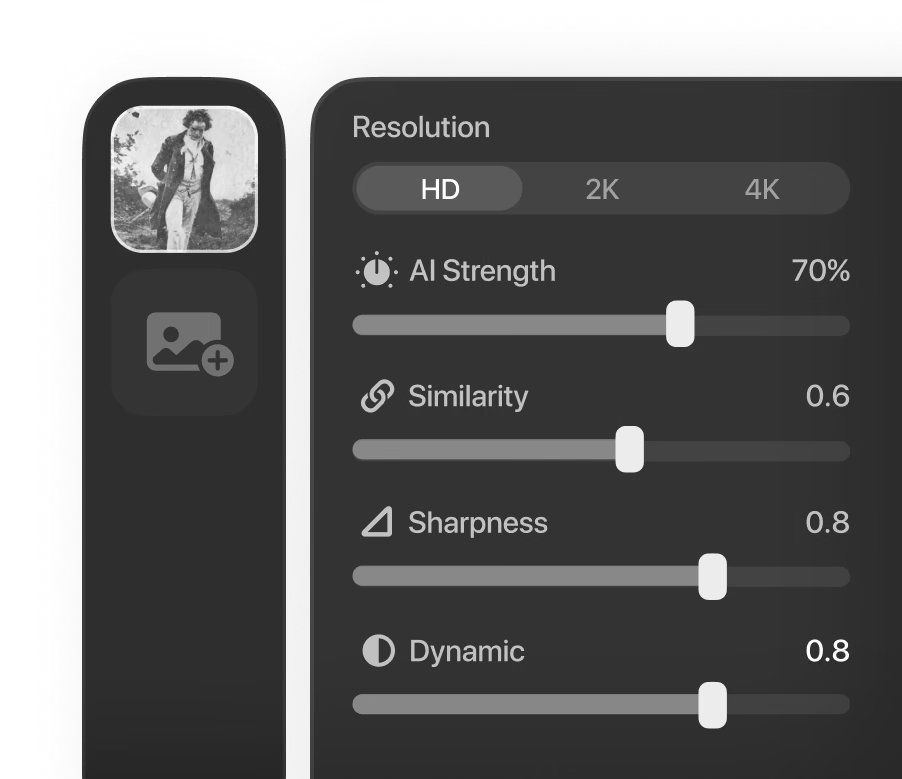
    Pick a Resolution and Tune

    Choose HD, 2K, or 4K output, then balance the AI Strength, Similarity, Dynamic, and Sharpness sliders until the enhancement fits the image.

    HD · 2K · 4K · prompt & seed
  3. Step 3 — Compare
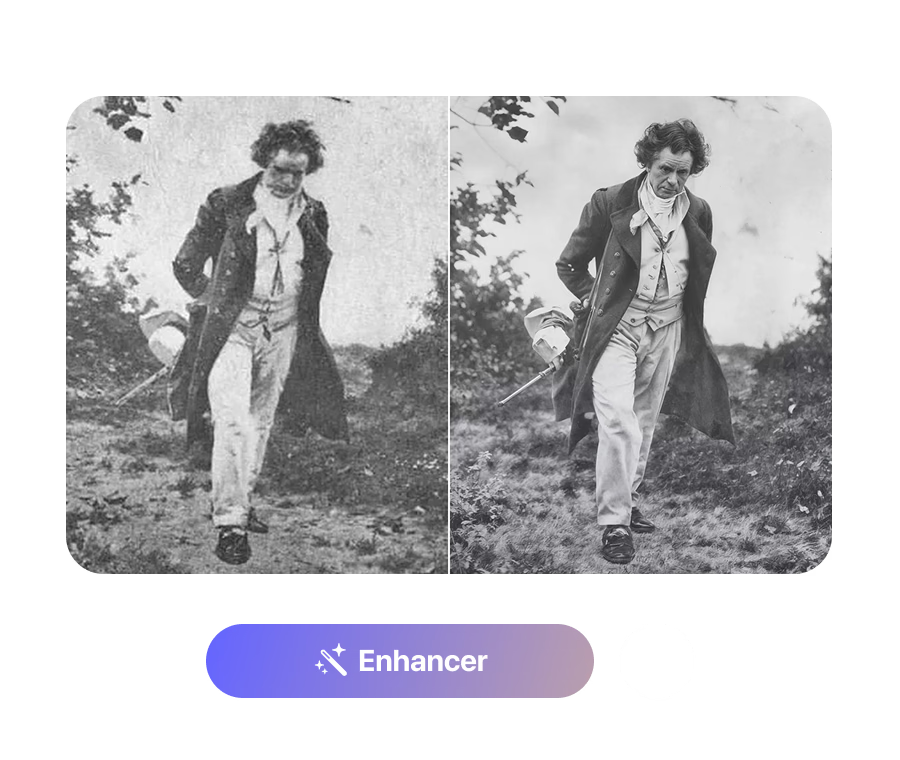
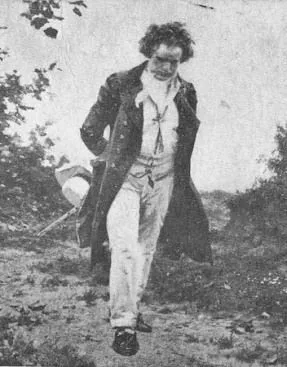
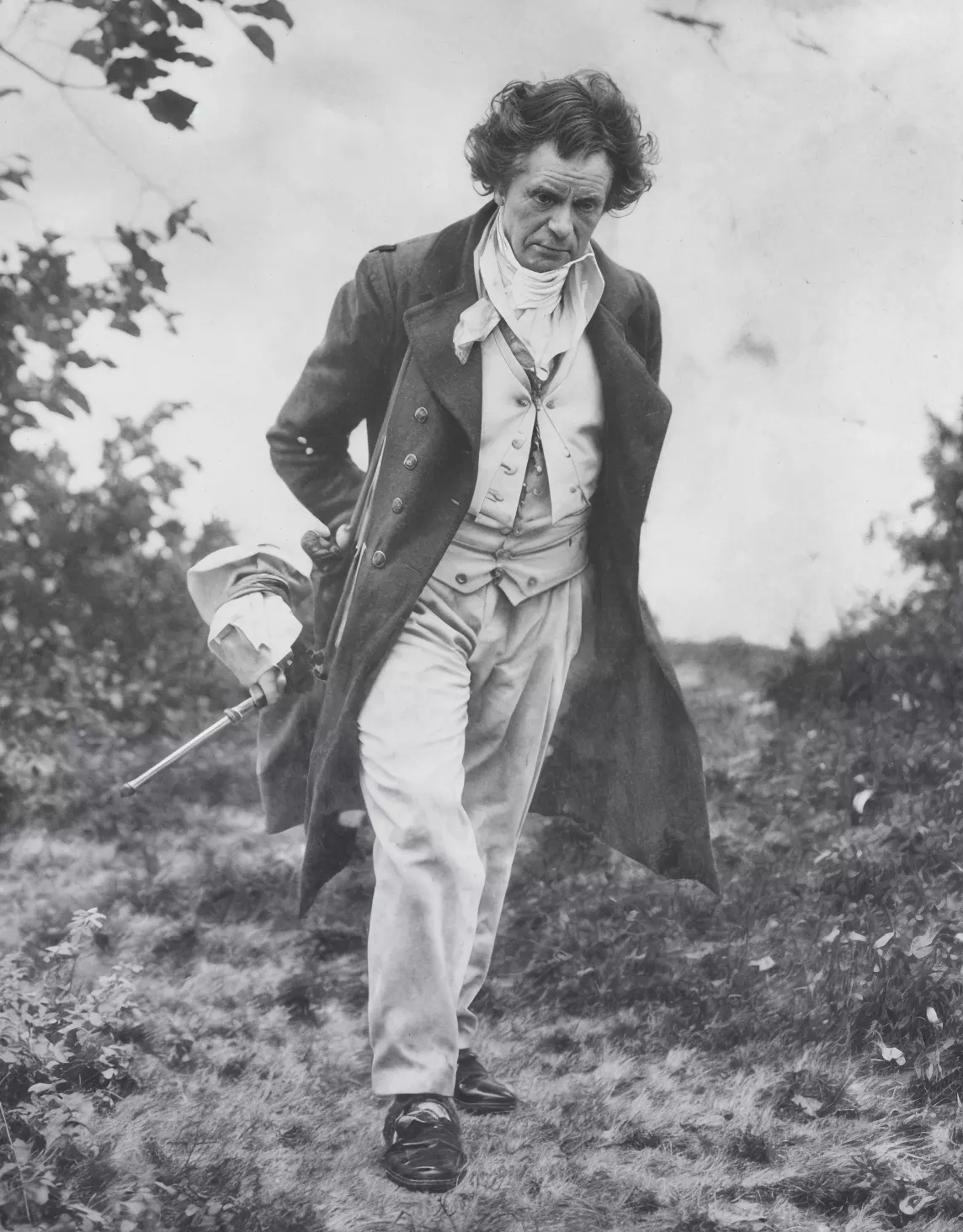
    Grainy vintage portrait next to its restored, sharpened version in a before/after split

    Compare and Download

    Drag the divider across the before/after view, zoom in to inspect fine detail, then download the enhanced image as a PNG.

    0.2×–2.5× zoom · PNG

Real Detail Recovery, Not Just Resizing

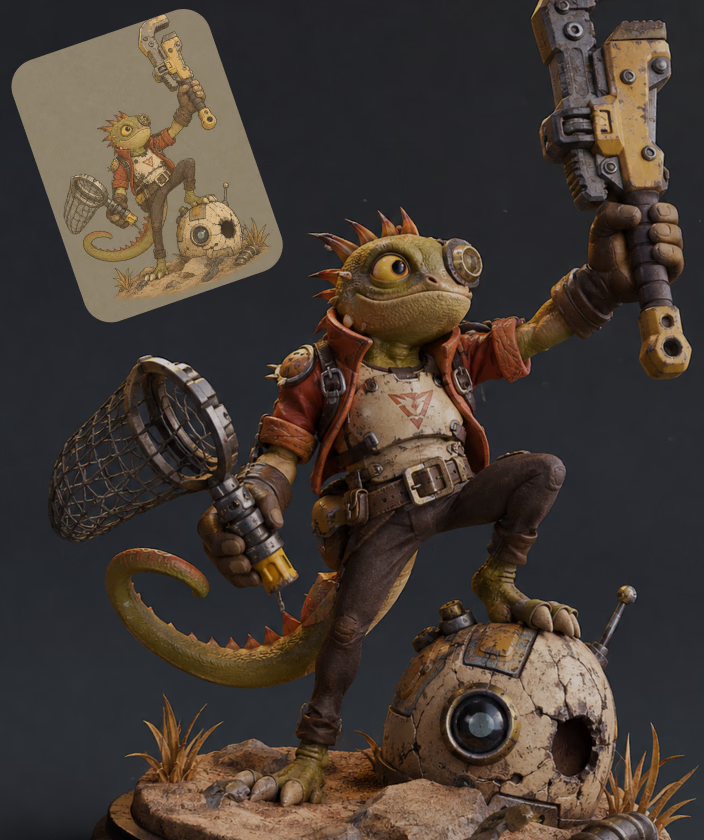
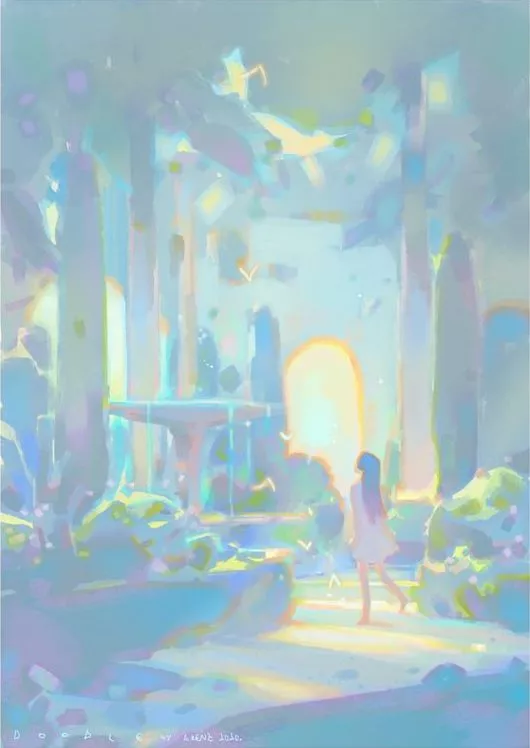
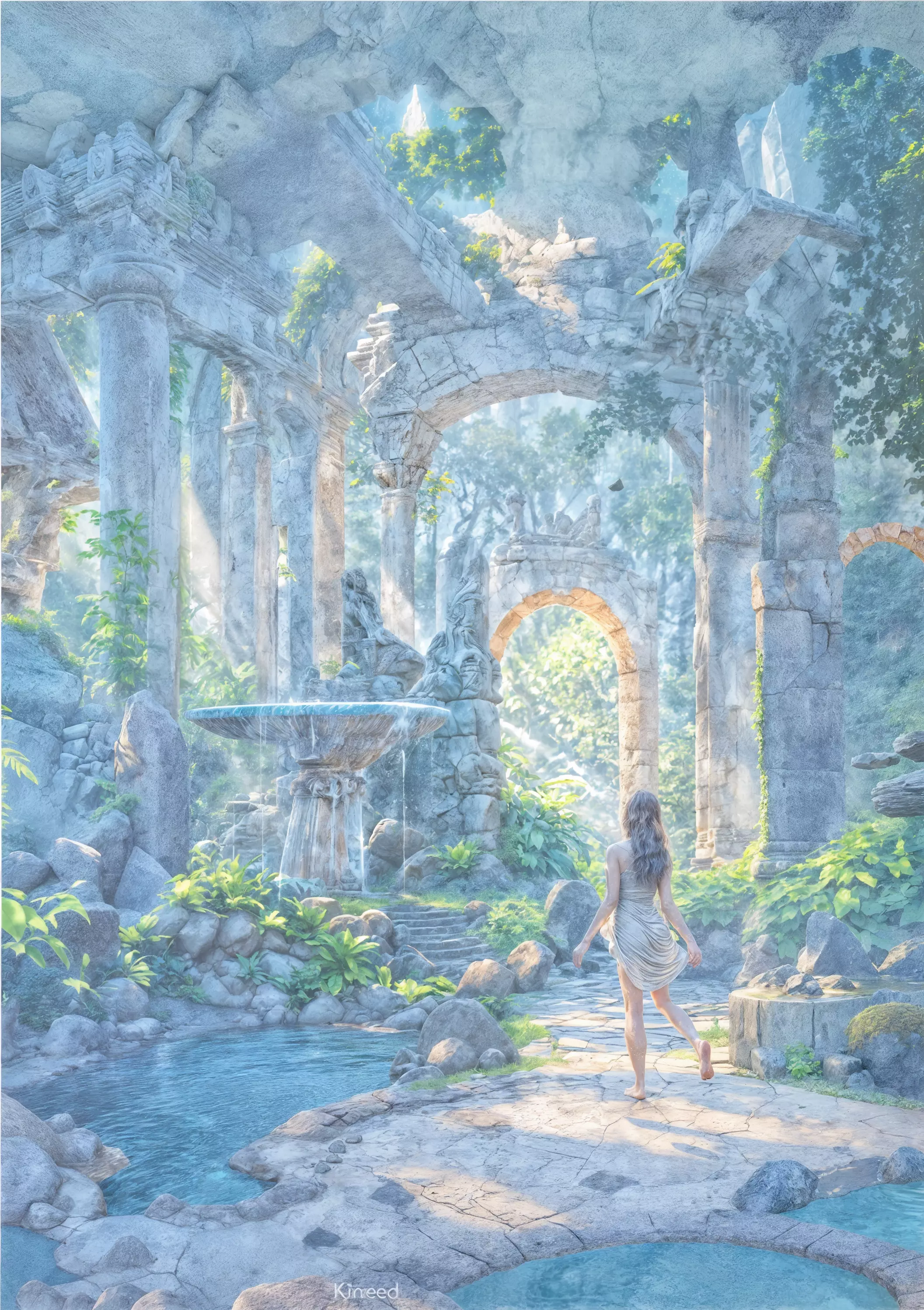
Enhancer воссоздаёт реальные детали, а не растягивает пиксели: демо-пары восстанавливают скан 287×367 до 1144×1464 и увеличивают концепт-арт в 4 раза.

Try It on Your Own Image

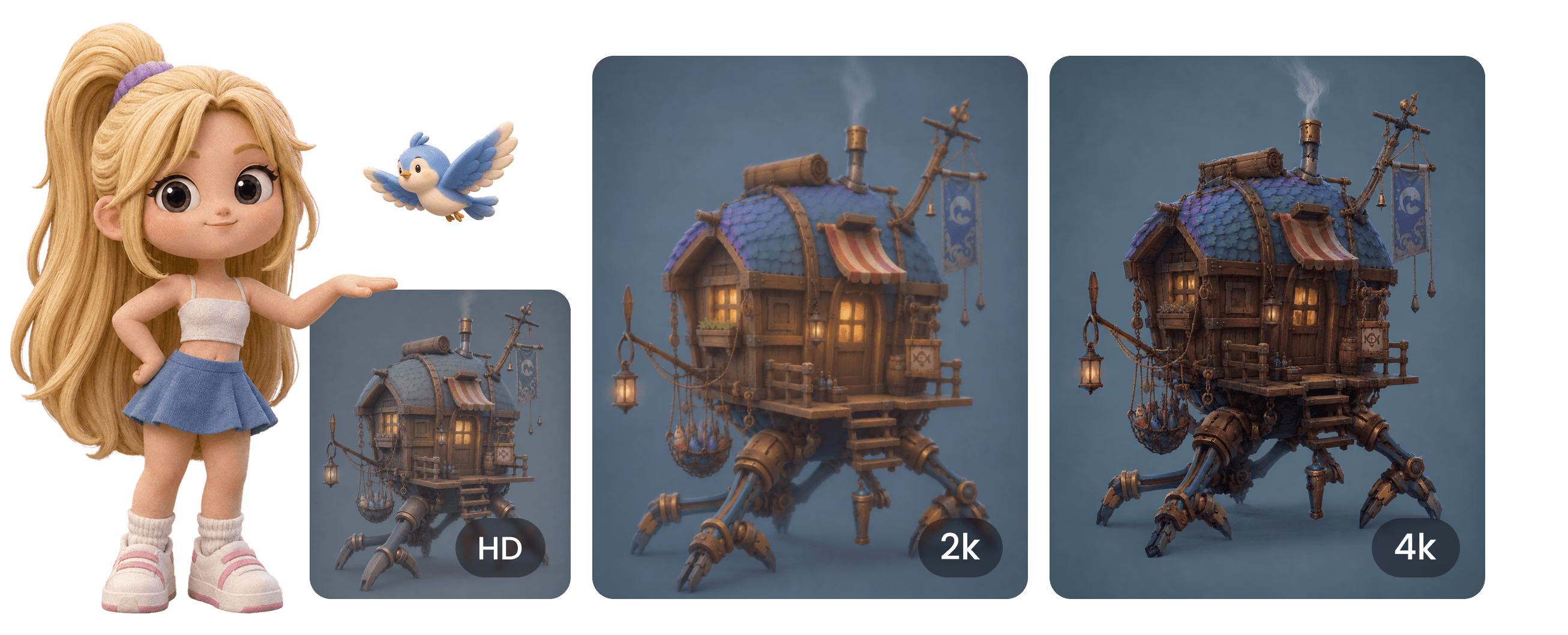
Three Output Tiers

HD (1K) enhancement is free with a Hyper3D account. When you need bigger output, the 2K and 4K tiers unlock with a subscription.

Three Output Tiers visual

Что дают более чёткие изображения

Используйте улучшенные изображения там, где качество исходника мешает работе.

Image to 3D

Image to 3D

Sharpen reference photos before Rodin image-to-3D. Cleaner edges, materials, and silhouettes give the generator a stronger signal to work from.

Product Visuals

Product Visuals

Turn small, compressed product shots into crisp 2K–4K images for listings, mockups, and 3D product visualization work.

Game Art

Game Art

Upscale concept art and old low-resolution renders into sharp references for modeling, texturing, and pitch decks.

Photo Restoration

Photo Restoration

Recover old photos and scanned artwork. A high Similarity setting keeps the result faithful while clarity and detail improve.

Часто задаваемые вопросы

Ответы, основанные на реальной работе Enhancer: форматы, ограничения, настройки и цены.

What does the AI Image Enhancer actually do?

It upscales and enhances an uploaded image to HD (1K), 2K, or 4K resolution, recovering detail, color, and clarity with a generative AI model. You control how aggressive the enhancement is, compare before and after on a slider, and download the result as a PNG.

Which file types and sizes can I upload?

JPEG, PNG, and WebP images are accepted, by click-to-browse or drag and drop. Files must be under 3 MB after automatic compression, and the shortest side of the image must be at least 128 pixels.

Is the Image Enhancer free to use?

Yes — the tool is labeled 'Free to all' in OmniCraft. You need a free Hyper3D account to upload, HD (1K) enhancement is free, and the 2K and 4K output tiers unlock with a subscription.

What do AI Strength and Similarity control?

AI Strength (0–100%, default 25%) sets how much new detail the model may generate — its creativity. Similarity (0–2, default 1.0) controls resemblance to the source: higher values stay closer to the original. Dynamic (0–10, default 6) and Sharpness (0–10, default 0) fine-tune contrast range and edge crispness.

Can I get repeatable, deterministic results?

Yes. Enter a positive number in the Seed field and the same image with the same settings will produce the same result. Leave the seed at its default (-1) for a fresh variation on every run.

Do I need to write a prompt?

No. The prompt box is optional — a short description of what's in the image (up to 255 characters) can guide the model, but the Enhancer works without any text input.

How do I check the result before downloading?

The result opens in a before/after viewer with a draggable divider. You can zoom from 0.2x to 2.5x with the mouse wheel and pan by dragging, so you can inspect edges, textures, and fine detail at pixel level.

What format is the downloaded result?

Enhanced images download as PNG files with a timestamped filename, ready to drop into image-to-3D, texture, or design workflows without further conversion.

Остались вопросы? Свяжитесь с нашей командой.

Нам доверяют авторы реальных 3D-ассетов

Производственные команды используют Hyper3D, чтобы быстрее превращать референсы и промпты в редактируемые 3D-модели для экспорта.

AI 3D вышел на новый уровень. Rodin Gen-2.5 дает быструю геометрию, поддержку high-poly, чистую структуру и результаты для продакшена.

Sabir Hussain

Sabir Hussain

Энтузиаст ИИ и технологий

Более чистые меши, четкие детали поверхности и лучшая согласованность с разных ракурсов. Это ближе к реальному рабочему процессу.

BubbleBrain

BubbleBrain

Энтузиаст ИИ

AI 3D вышел на новый уровень. Rodin Gen-2.5 дает быструю геометрию, поддержку high-poly, чистую структуру и результаты для продакшена.

Sabir Hussain

Sabir Hussain

Энтузиаст ИИ и технологий

Более чистые меши, четкие детали поверхности и лучшая согласованность с разных ракурсов. Это ближе к реальному рабочему процессу.

BubbleBrain

BubbleBrain

Энтузиаст ИИ

AI 3D вышел на новый уровень. Rodin Gen-2.5 дает быструю геометрию, поддержку high-poly, чистую структуру и результаты для продакшена.

Sabir Hussain

Sabir Hussain

Энтузиаст ИИ и технологий

Улучшите первое изображение прямо сейчас

Начните бесплатно: всё работает в браузере, а результат скачивается в PNG и готов для следующего 3D-процесса.