Ücretsiz Yapay Zeka Görsel İyileştirici
Tarayıcıda 4K'ya Büyütün

Fotoğraf, render veya konsept görselleri ayrıntıları geri kazanarak net HD, 2K veya 4K sürümlere dönüştürün. Ücretsiz başlayın, kurulum yok — tümü tarayıcıda çalışır.

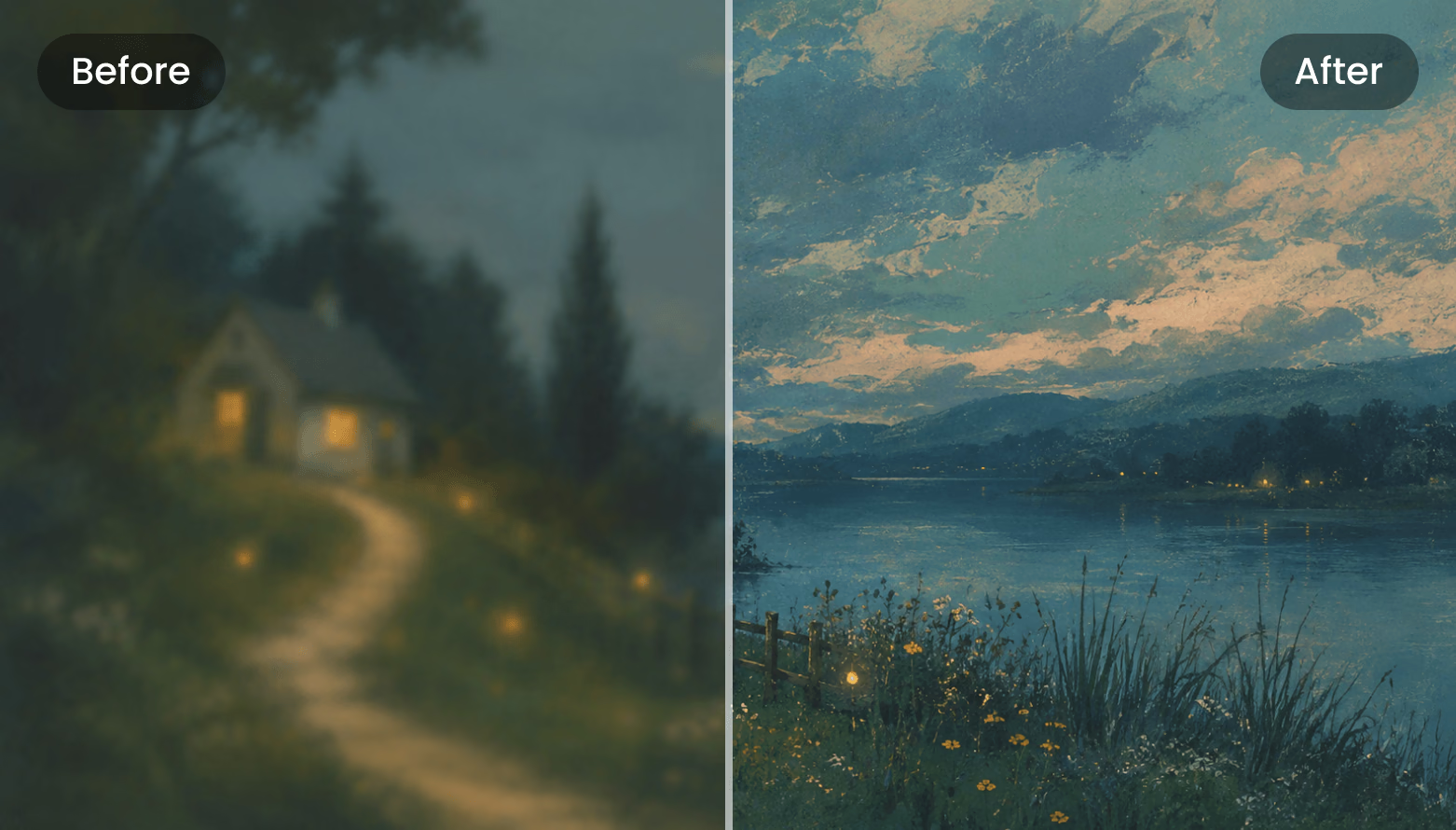
AI Enhancer Before / After
Drag the divider
Before After
Upscale HD 2K 4K JPG · PNG · WebP input

Üç Adımda Görsel İyileştirme

Enhancer aracının gerçek iş akışı: yükle, ayarla, karşılaştır, indir. Her şey tarayıcıda çalışır.

  1. Step 1 — Upload
    Enhancer upload dropzone: click or drag your image here

    Upload Your Image

    Click or drop an image into the dashed upload zone. Add several images to the sidebar queue and switch between them at any time.

    JPG · PNG · WebP · ≤3 MB · ≥128 px
  2. Step 2 — Tune
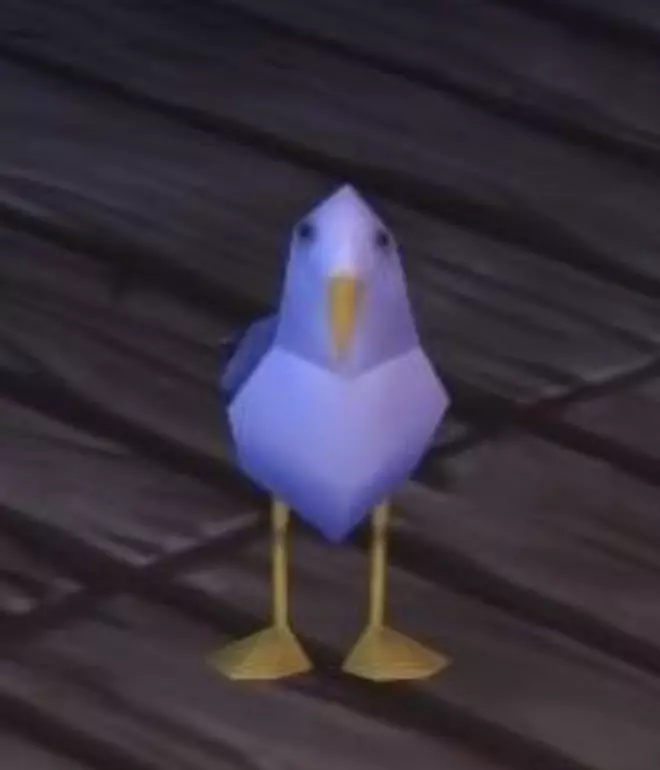
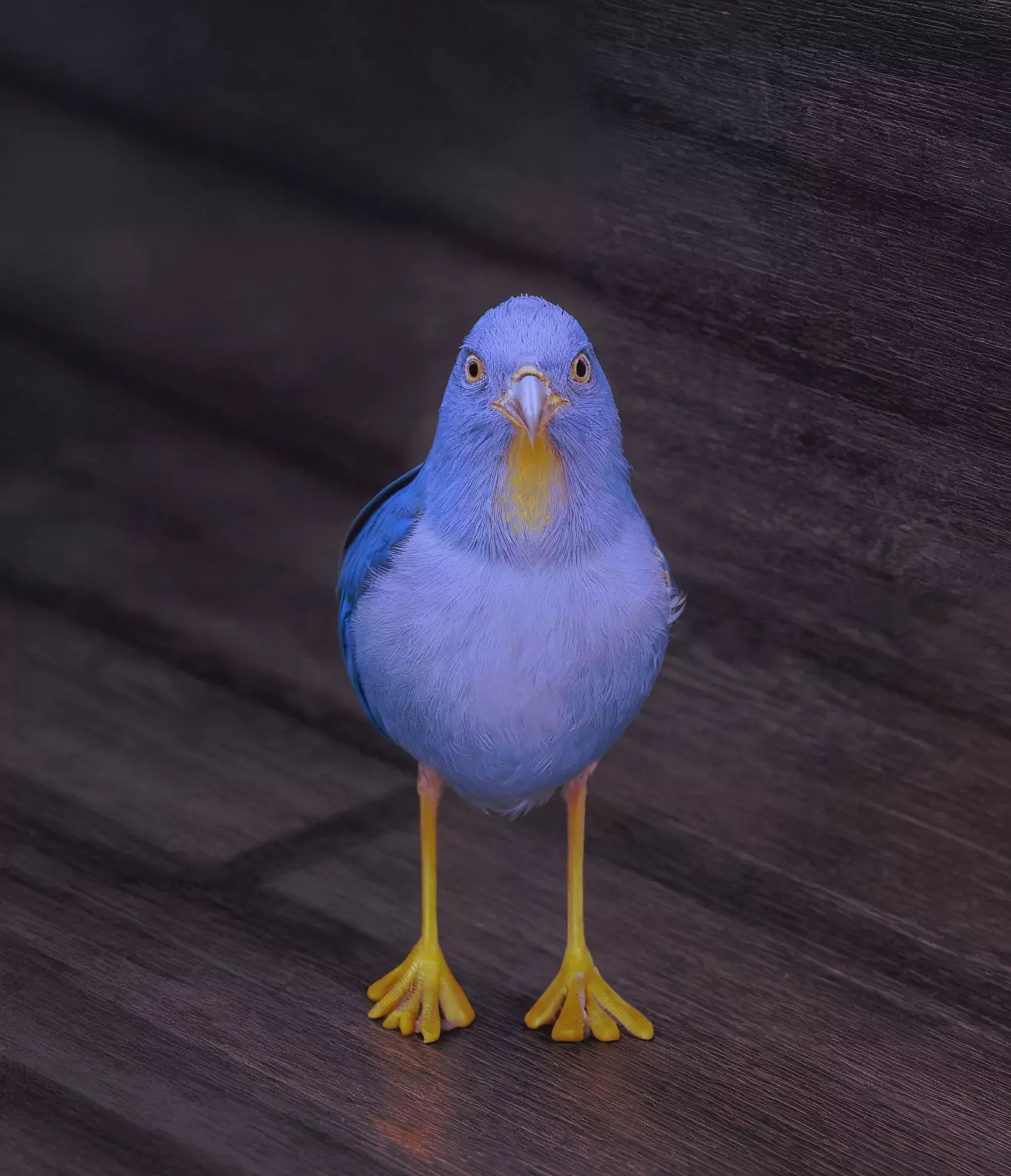
    Blurry low-resolution bird photo beside its AI-enhanced version with feather-level detail

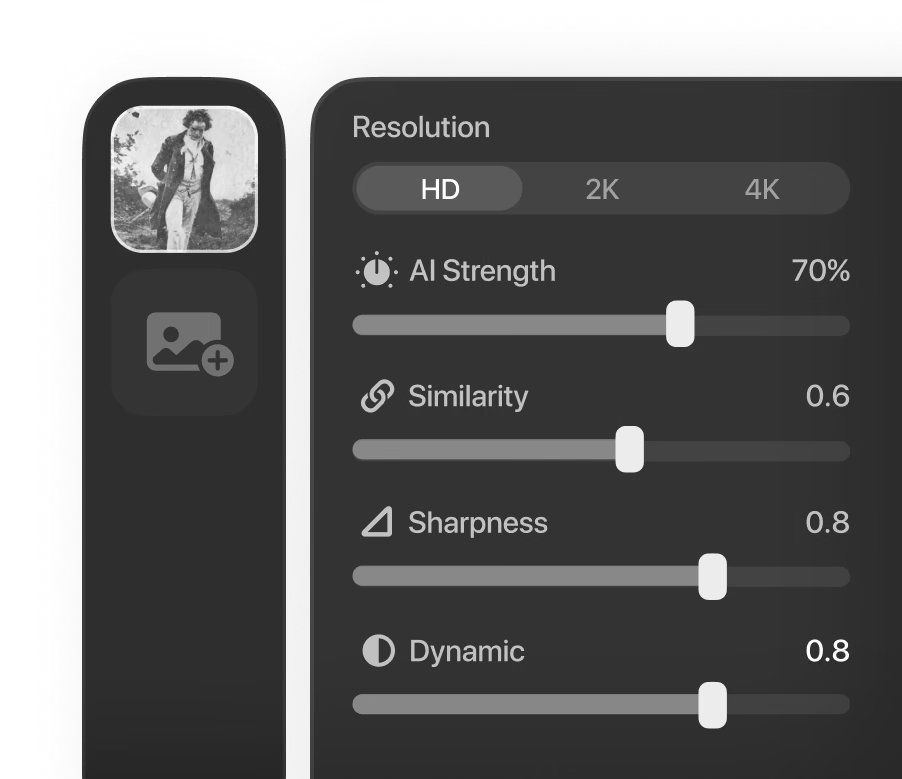
    Pick a Resolution and Tune

    Choose HD, 2K, or 4K output, then balance the AI Strength, Similarity, Dynamic, and Sharpness sliders until the enhancement fits the image.

    HD · 2K · 4K · prompt & seed
  3. Step 3 — Compare
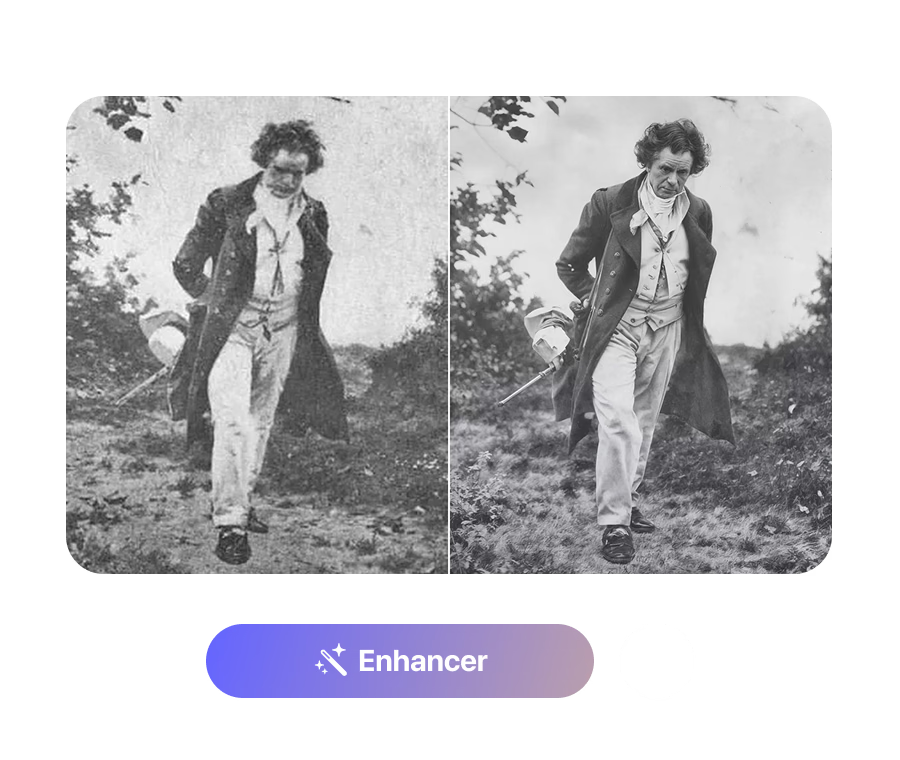
    Grainy vintage portrait next to its restored, sharpened version in a before/after split

    Compare and Download

    Drag the divider across the before/after view, zoom in to inspect fine detail, then download the enhanced image as a PNG.

    0.2×–2.5× zoom · PNG

Real Detail Recovery, Not Just Resizing

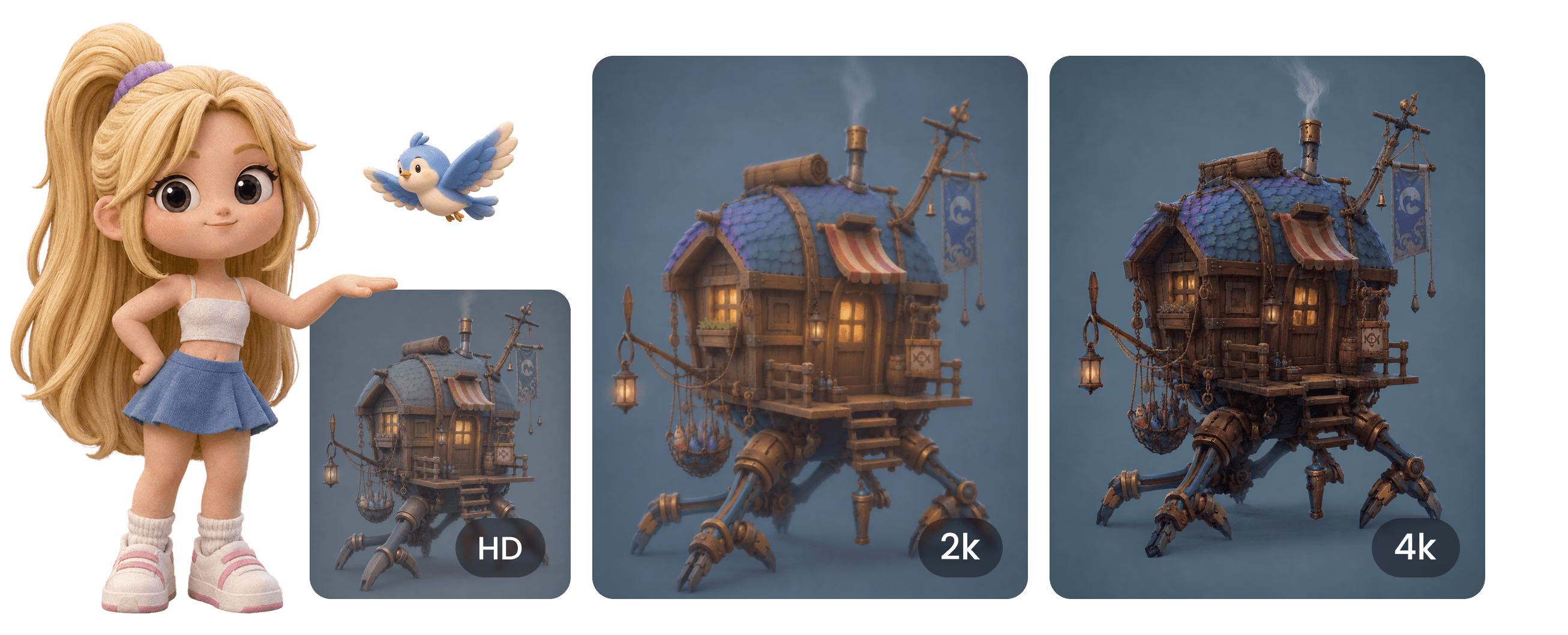
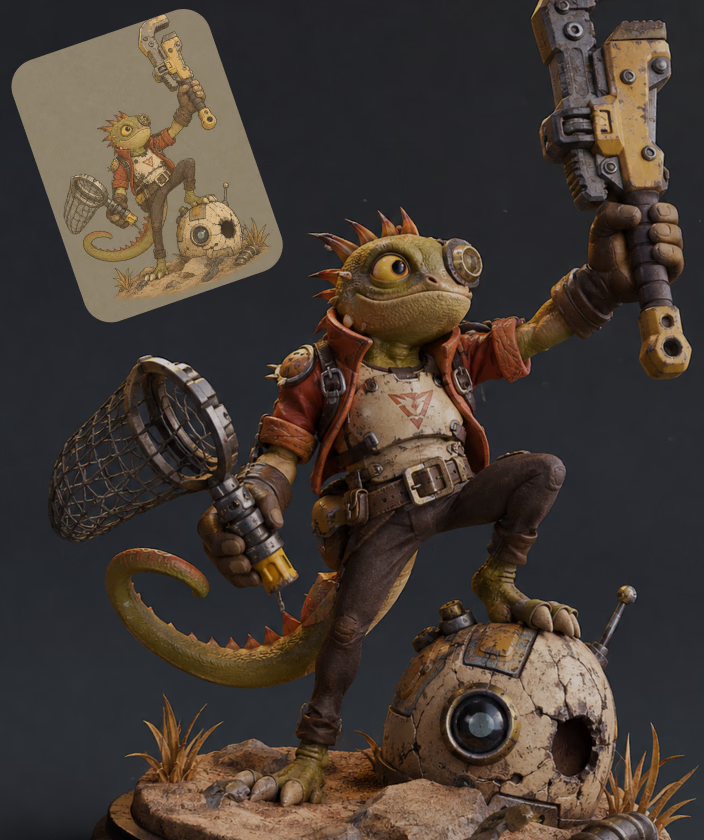
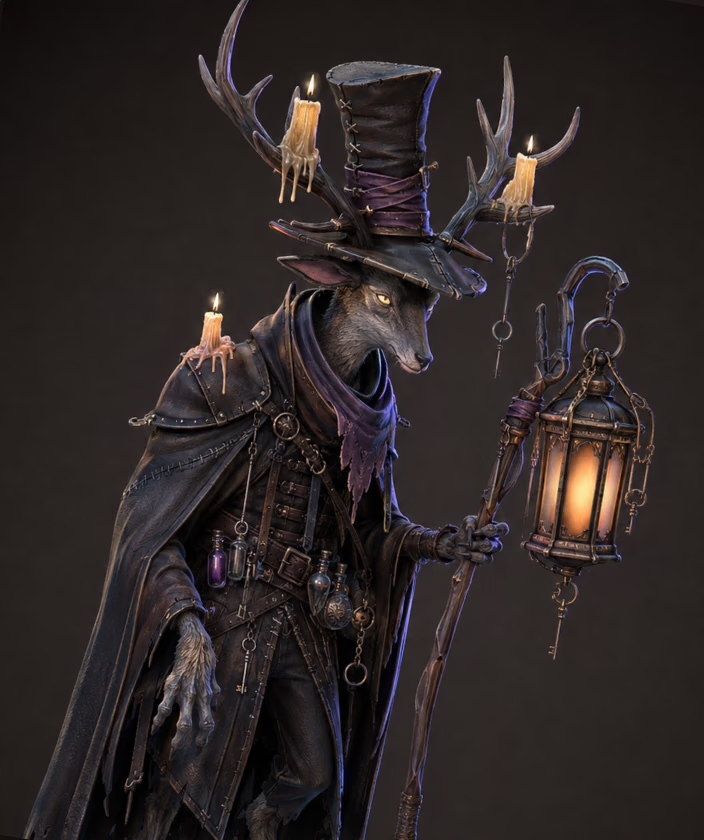
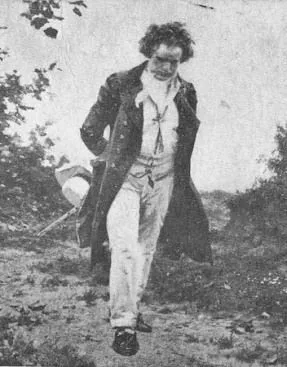
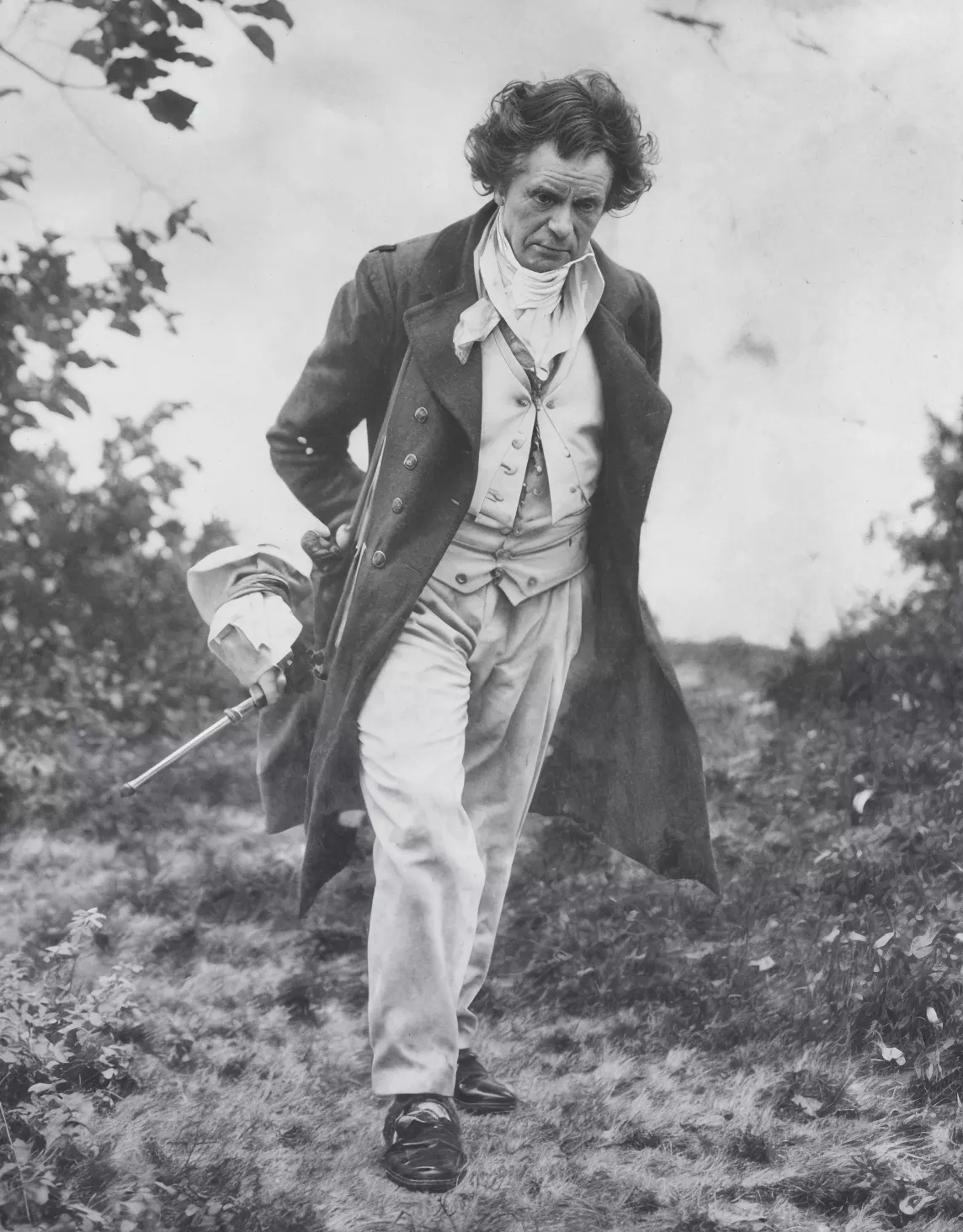
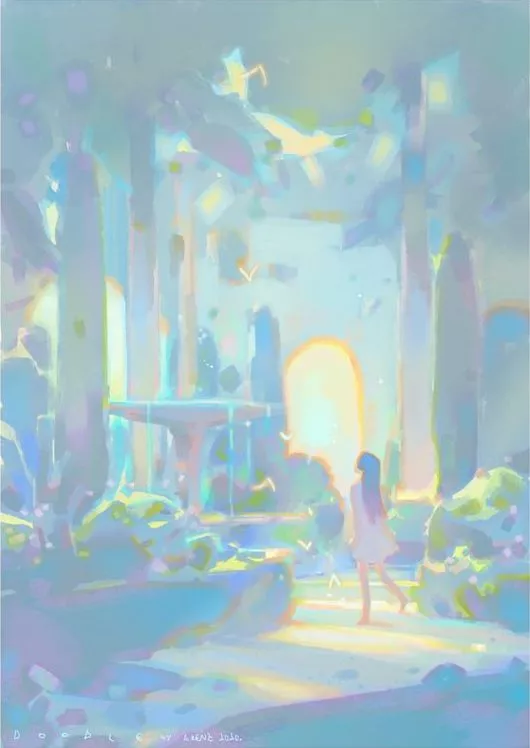
Enhancer pikselleri esnetmek yerine gerçek ayrıntıyı yeniden kurar — demo çiftleri 287×367 taramayı 1144×1464'e onarır ve konsept resmi 4× büyütür.

Try It on Your Own Image

Three Output Tiers

HD (1K) enhancement is free with a Hyper3D account. When you need bigger output, the 2K and 4K tiers unlock with a subscription.

Three Output Tiers visual

Daha Net Görseller Neler Sağlar

Kaynak kalitesinin işi yavaşlattığı her yerde iyileştirilmiş görseller kullanın.

Image to 3D

Image to 3D

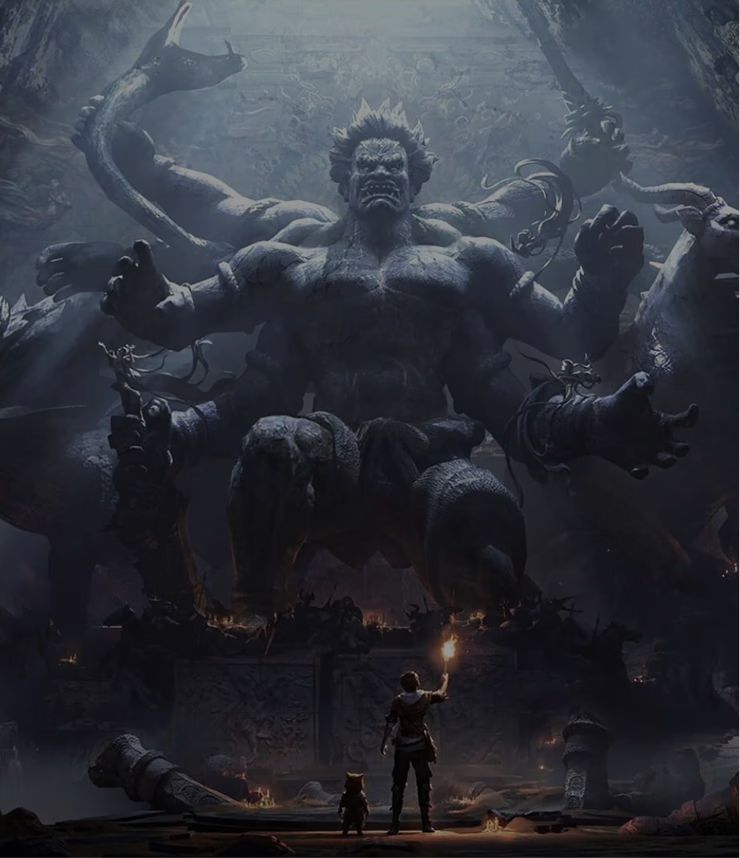
Sharpen reference photos before Rodin image-to-3D. Cleaner edges, materials, and silhouettes give the generator a stronger signal to work from.

Product Visuals

Product Visuals

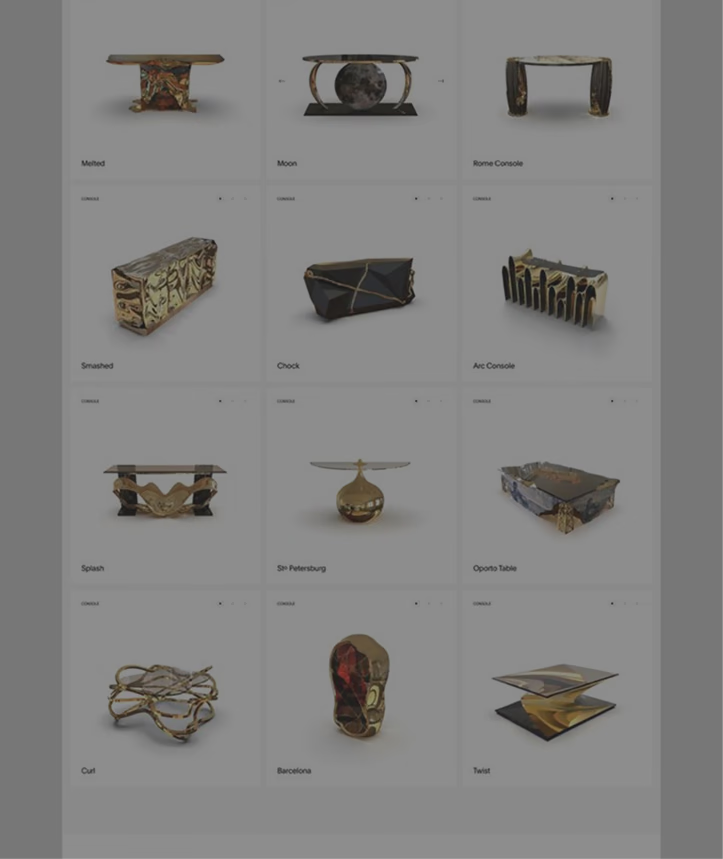
Turn small, compressed product shots into crisp 2K–4K images for listings, mockups, and 3D product visualization work.

Game Art

Game Art

Upscale concept art and old low-resolution renders into sharp references for modeling, texturing, and pitch decks.

Photo Restoration

Photo Restoration

Recover old photos and scanned artwork. A high Similarity setting keeps the result faithful while clarity and detail improve.

Sık Sorulan Sorular

Enhancer'ın bugün gerçekte nasıl çalıştığına dayanan yanıtlar: formatlar, sınırlar, kontroller ve fiyatlandırma.

What does the AI Image Enhancer actually do?

It upscales and enhances an uploaded image to HD (1K), 2K, or 4K resolution, recovering detail, color, and clarity with a generative AI model. You control how aggressive the enhancement is, compare before and after on a slider, and download the result as a PNG.

Which file types and sizes can I upload?

JPEG, PNG, and WebP images are accepted, by click-to-browse or drag and drop. Files must be under 3 MB after automatic compression, and the shortest side of the image must be at least 128 pixels.

Is the Image Enhancer free to use?

Yes — the tool is labeled 'Free to all' in OmniCraft. You need a free Hyper3D account to upload, HD (1K) enhancement is free, and the 2K and 4K output tiers unlock with a subscription.

What do AI Strength and Similarity control?

AI Strength (0–100%, default 25%) sets how much new detail the model may generate — its creativity. Similarity (0–2, default 1.0) controls resemblance to the source: higher values stay closer to the original. Dynamic (0–10, default 6) and Sharpness (0–10, default 0) fine-tune contrast range and edge crispness.

Can I get repeatable, deterministic results?

Yes. Enter a positive number in the Seed field and the same image with the same settings will produce the same result. Leave the seed at its default (-1) for a fresh variation on every run.

Do I need to write a prompt?

No. The prompt box is optional — a short description of what's in the image (up to 255 characters) can guide the model, but the Enhancer works without any text input.

How do I check the result before downloading?

The result opens in a before/after viewer with a draggable divider. You can zoom from 0.2x to 2.5x with the mouse wheel and pan by dragging, so you can inspect edges, textures, and fine detail at pixel level.

What format is the downloaded result?

Enhanced images download as PNG files with a timestamped filename, ready to drop into image-to-3D, texture, or design workflows without further conversion.

Başka sorularınız mı var? Ekibimizle konuşun.

Gerçek 3D varlıklar üreten yaratıcılar tarafından güveniliyor

Prodüksiyon ekipleri Hyper3D ile görsel referansları ve istemleri daha hızlı şekilde düzenlenebilir, dışa aktarmaya hazır 3D modellere dönüştürür.

AI 3D yeni bir eşiğe ulaştı. Rodin Gen-2.5 hızlı geometri, high-poly desteği, temiz yapı ve prodüksiyona hazır çıktılar sunuyor.

Sabir Hussain

Sabir Hussain

Yapay zeka ve teknoloji meraklısı

Daha temiz meshler, daha keskin yüzey detayları ve güçlü çok açılı tutarlılık. Sonuçlar gerçek bir iş akışında geliştirilecek kadar iyi.

BubbleBrain

BubbleBrain

Yapay zeka meraklısı

AI 3D yeni bir eşiğe ulaştı. Rodin Gen-2.5 hızlı geometri, high-poly desteği, temiz yapı ve prodüksiyona hazır çıktılar sunuyor.

Sabir Hussain

Sabir Hussain

Yapay zeka ve teknoloji meraklısı

Daha temiz meshler, daha keskin yüzey detayları ve güçlü çok açılı tutarlılık. Sonuçlar gerçek bir iş akışında geliştirilecek kadar iyi.

BubbleBrain

BubbleBrain

Yapay zeka meraklısı

AI 3D yeni bir eşiğe ulaştı. Rodin Gen-2.5 hızlı geometri, high-poly desteği, temiz yapı ve prodüksiyona hazır çıktılar sunuyor.

Sabir Hussain

Sabir Hussain

Yapay zeka ve teknoloji meraklısı

İlk Görselinizi Şimdi Büyütün

Ücretsiz başlayın, tarayıcıda çalışır ve sonuç bir sonraki 3D iş akışınız için temiz bir PNG olarak indirilir.