




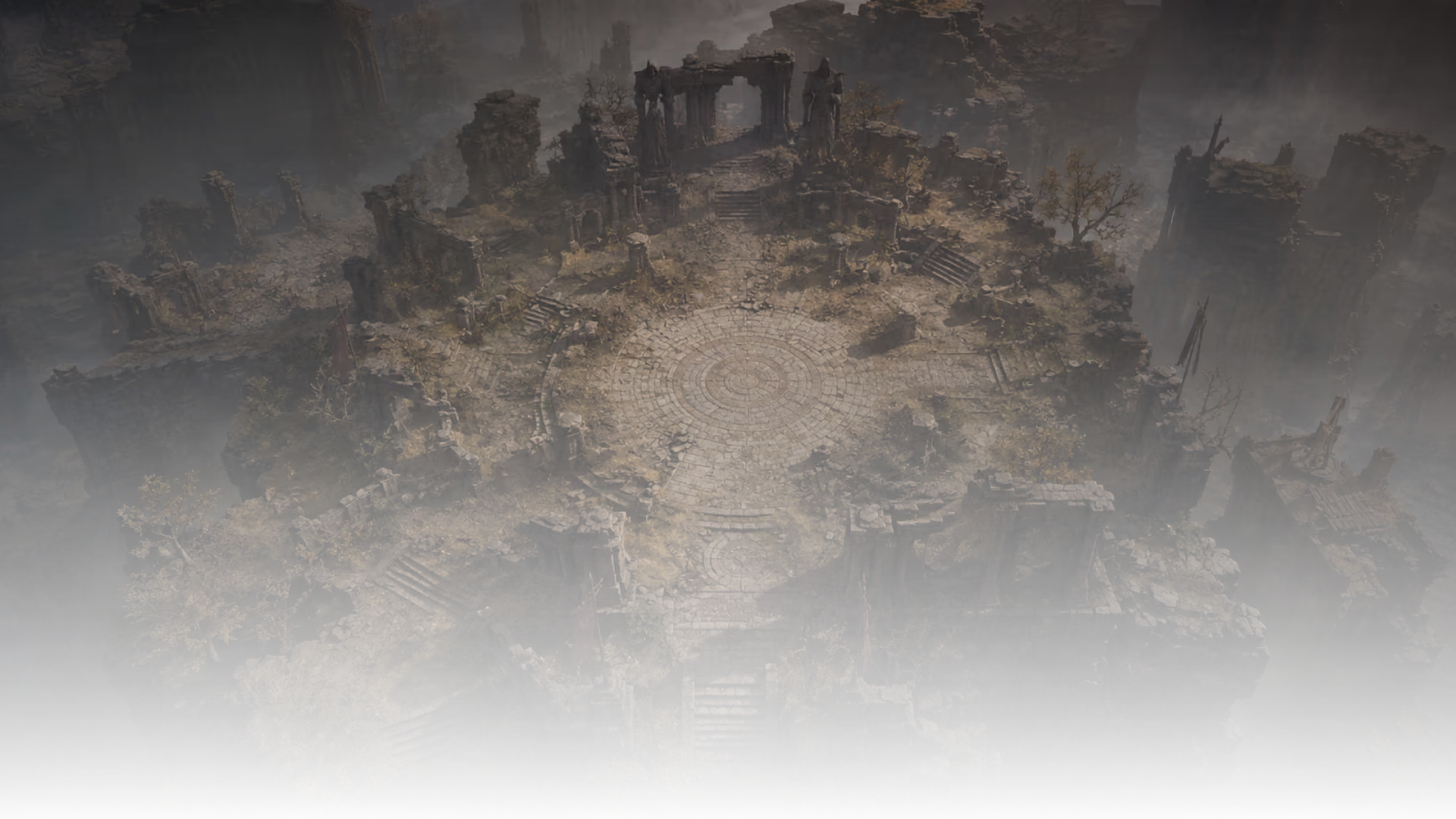
Yüksek kayalıkların arasında gizlenmiş geniş bir antik fantezi kalıntısı, gizemli bir yüzen artefakt etrafında merkezlenmiş. Sinematik kompozisyon, anıtsal ölçek, melankolik atmosfer, gerçekçi malzemeler, dramatik doğal aydınlatma, son derece detaylı çevre.


Metinden Yapay Zeka Görüntüleri Nasıl Oluşturulur
Görsel fikirleri keşfetmek için komutlar kullanın, ardından en güçlü görüntüleri 3D oluşturma veya üretim tasarımına taşıyın.
1
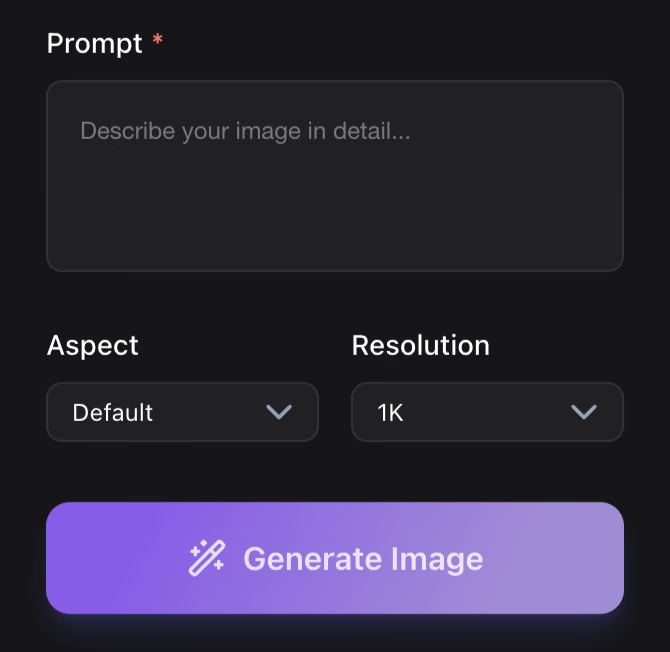
Görseli Tanımlayın
Konu, malzeme, stil, aydınlatma, kamera açısı ve amaçlanan kullanımı yazın. Net yönlendirmeler daha iyi konsept görseller ve 3D referanslar oluşturur.
2
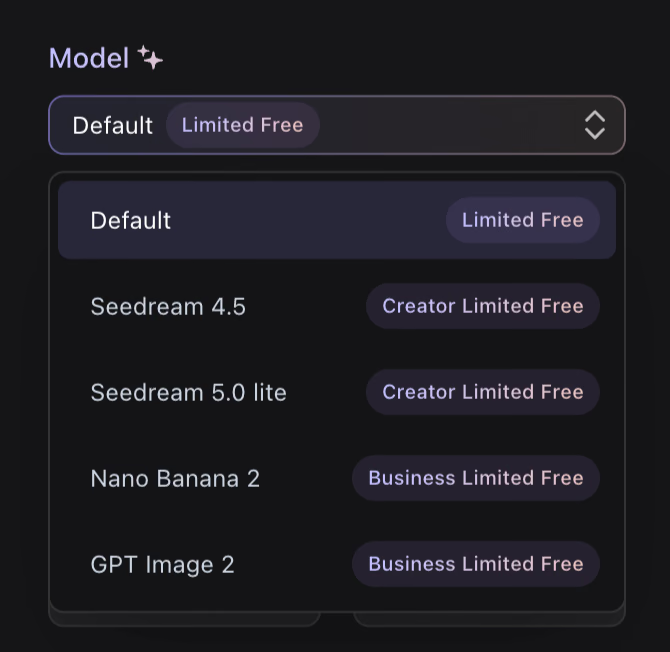
Görsel Yönlendirmeler Oluştur
Karakterler, aksesuarlar, ürünler, ortamlar, simgeler veya kampanya görselleri için birden fazla yön oluşturun ve en güçlü sonucu seçin.
3
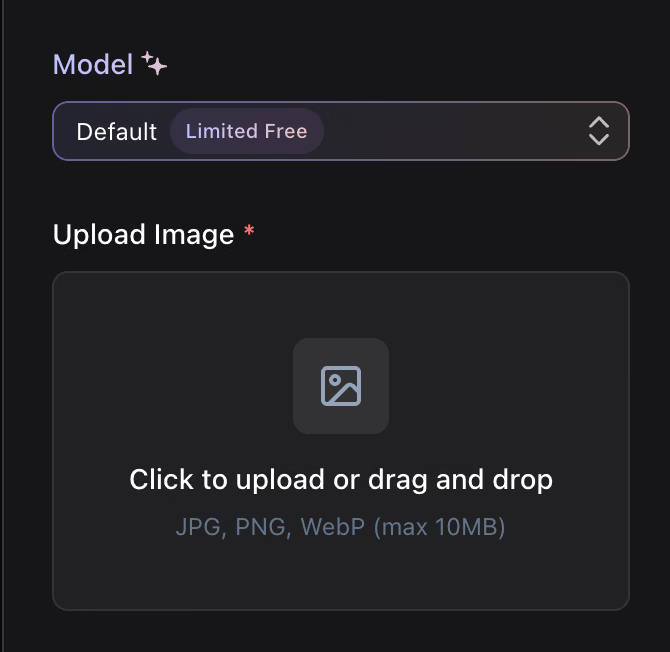
İndir veya 3D'ye Devam Et
Görseli mood board’larda, brifinglerde, ürün incelemelerinde veya Hyper3D Image to 3D iş akışları için net bir referans olarak kullanın.
Neden Yapay Zeka Görüntü Oluşturma için Hyper3D'yi seçmelisiniz?
Hyper3D görüntü oluşturma, tek bir önizlemenin ötesinde faydalı görüntüler isteyen yaratıcılar için tasarlandı: kavramsallaştırma, istem yinelemesi, 3D hazır referanslar ve üretim teslimi.
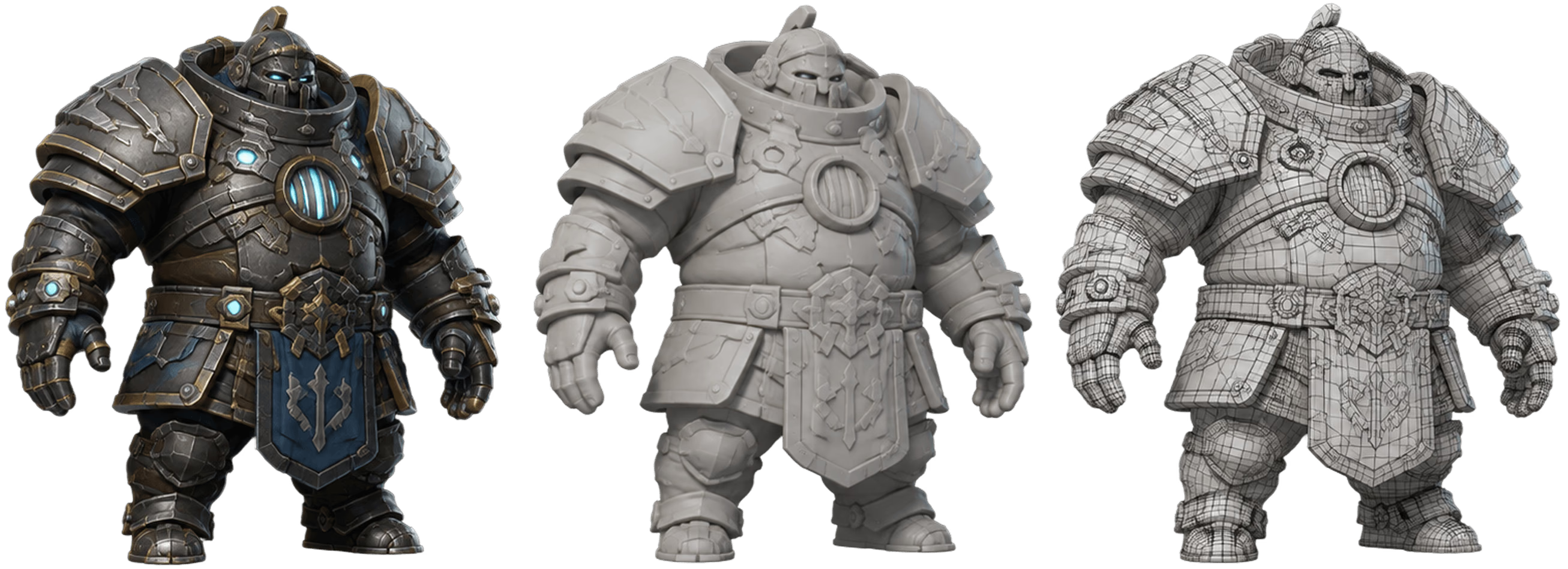
Daha İyi Yapay Zeka Görüntüleri için Örnek Komutlar
Varlık, stil, malzeme, görünüm ve amacı tanımlayan yapılandırılmış komutlarla başlayın. Net komutlar daha güçlü görüntüler oluşturur.
Yapay Zeka Görüntüleri ile Neler Yaratabilirsiniz?
3D üretiminden önce daha net yaratıcı yönlendirmeye ihtiyaç duyduğunuzda komutla oluşturulan görselleri kullanın.
Kavramsal Sanat 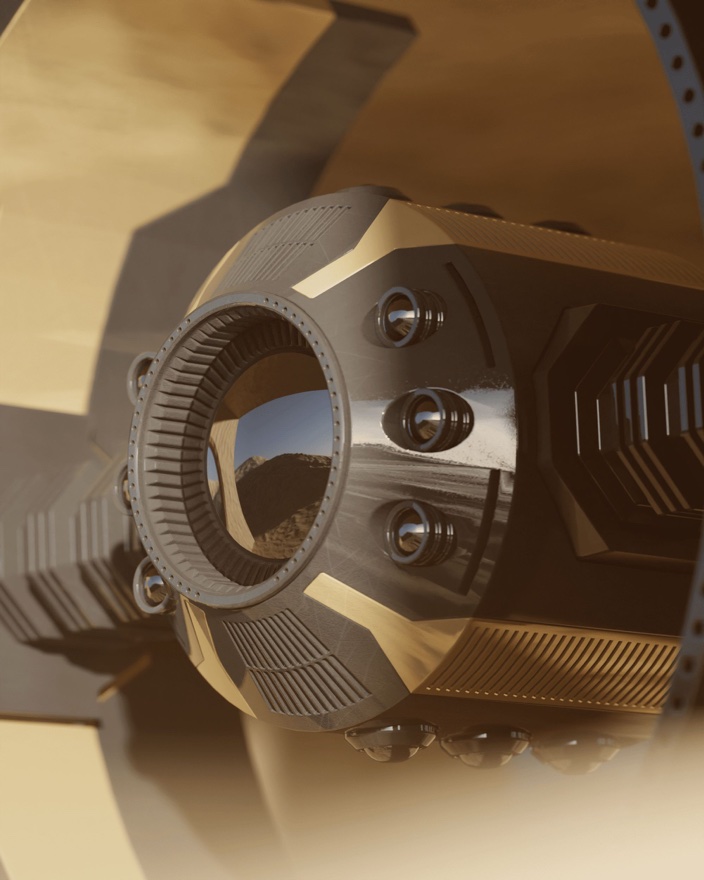
Kavramsal Sanat
Yaratıcı incelemeler ve erken görsel keşif için karakterler, aksesuarlar, mekanlar ve mood board’lar oluşturun.
3D Varlık Referansları 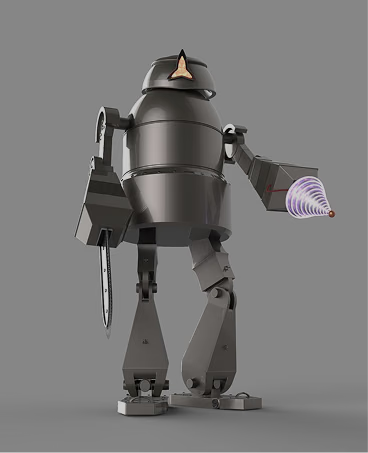
3D Varlık Referansları
İleriki yaratıcı iş akışlarınız için isteğe bağlı önden görünüm, temiz arka plan ve stile özgü yönlendirmeler içeren yüksek kaliteli referans görselleri oluşturun.
Oyun Tasarımı 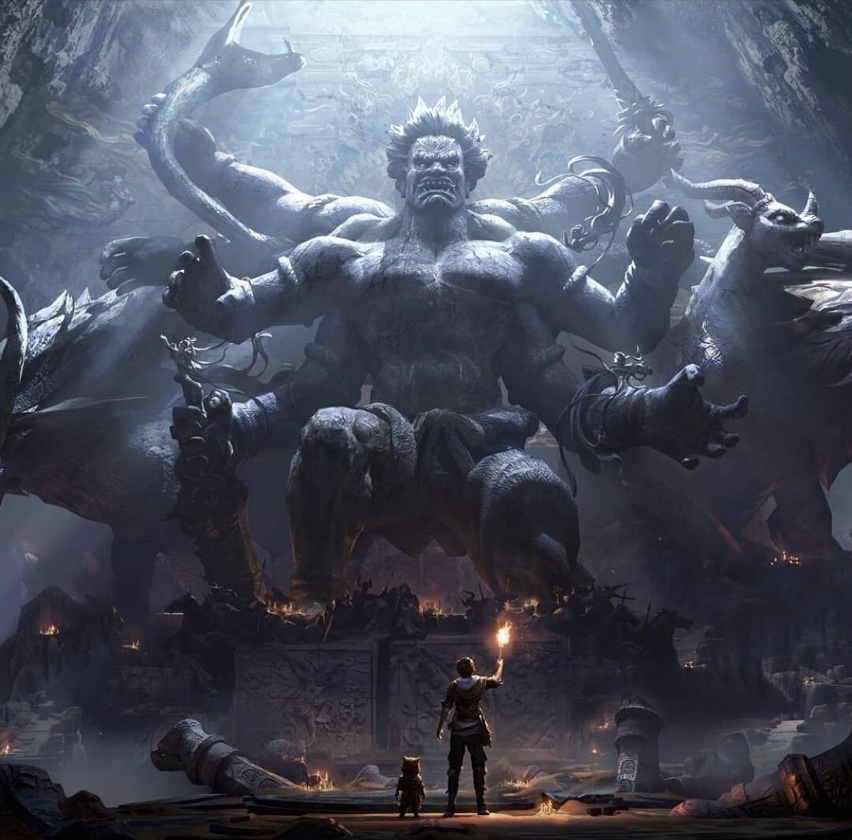
Oyun Tasarımı
Oyun üretim ekipleri için öğe simgelerini, NPC portrelerini, aksesuarları, ortamları ve görsel yönlendirmeleri keşfedin.
Ürün ve Pazarlama 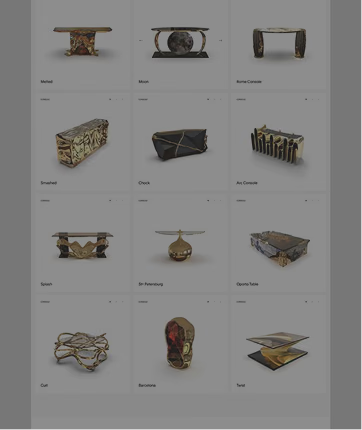
Ürün ve Pazarlama
Kampanya görselleri, ürün stil kareleri, lansman konseptleri ve e-ticaret yaratıcı yönlendirmelerini daha hızlı oluşturun.
Sıkça Sorulan Sorular
Hyper3D iş akışlarını değerlendiren yaratıcılar ve ekipler için yanıtlar.