




Görüntüleri Yapay Zeka Videolarına Dönüştürme
Sabit görsellerden hızlı bir görüntüden videoya iş akışıyla hareket yaratın.
Kaliteli bir kaynak görsel yükleyin
Net bir ürün fotoğrafı, konsept görsel, karakter karesi, kampanya görseli, 3D render veya okunabilir konuya sahip yapay zeka görüntüsü ile başlayın.
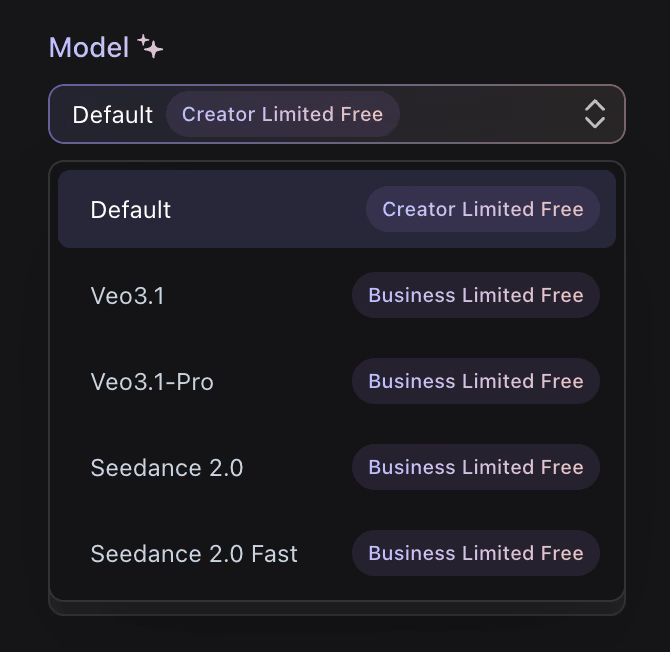
Hareketi yönlendirin
Kısa bir komutla kamera hareketi, konu hareketi, ruh hali, tempo veya dikey sosyal video gibi platform formatını tanımlayın.
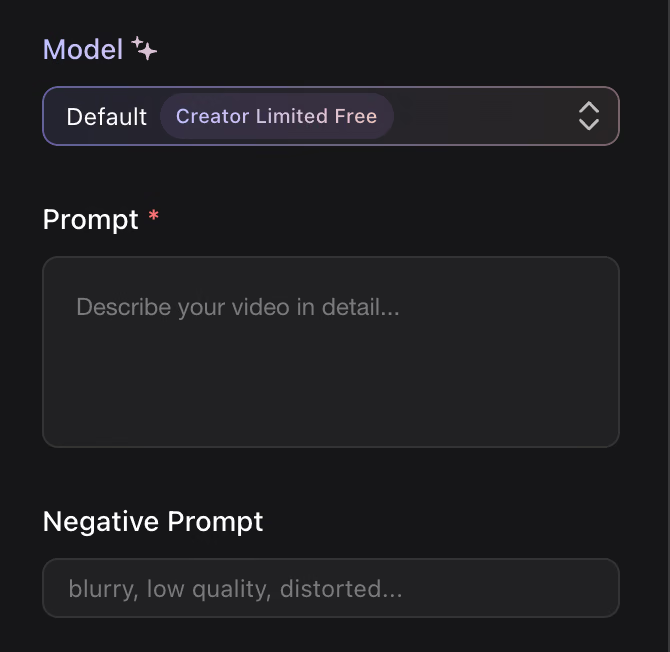
Oluştur, gözden geçir ve paylaş
Yapay zeka ile oluşturulan klibi önizleyin, gerekirse girdiyi iyileştirin ve videoyu sosyal medya, ürün, eğitim veya sunumlarda kullanın.
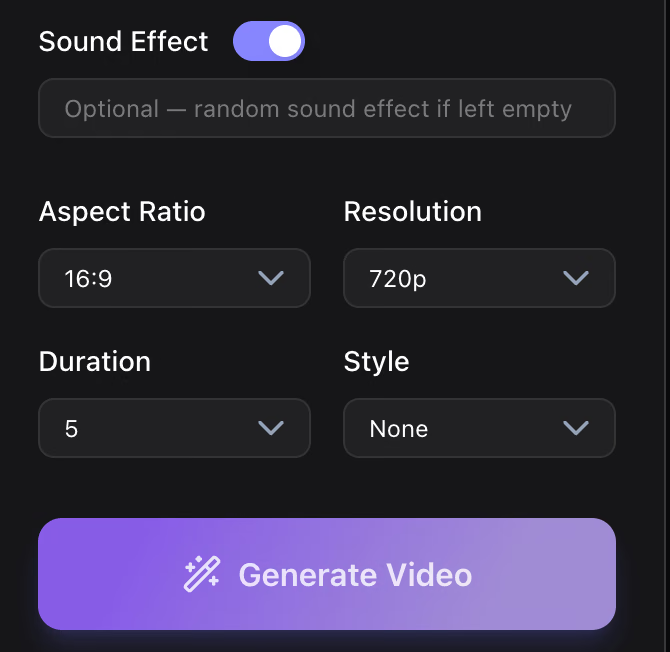
Yapay Zeka Video Oluşturma için neden Hyper3D?
Hyper3D, yaratıcı ekiplerin sabit görselleri faydalı hareket referanslarına dönüştürmesine yardımcı olur; kampanya testlerini, ürün açıklamalarını ve konsept sunumlarını kolaylaştırır.
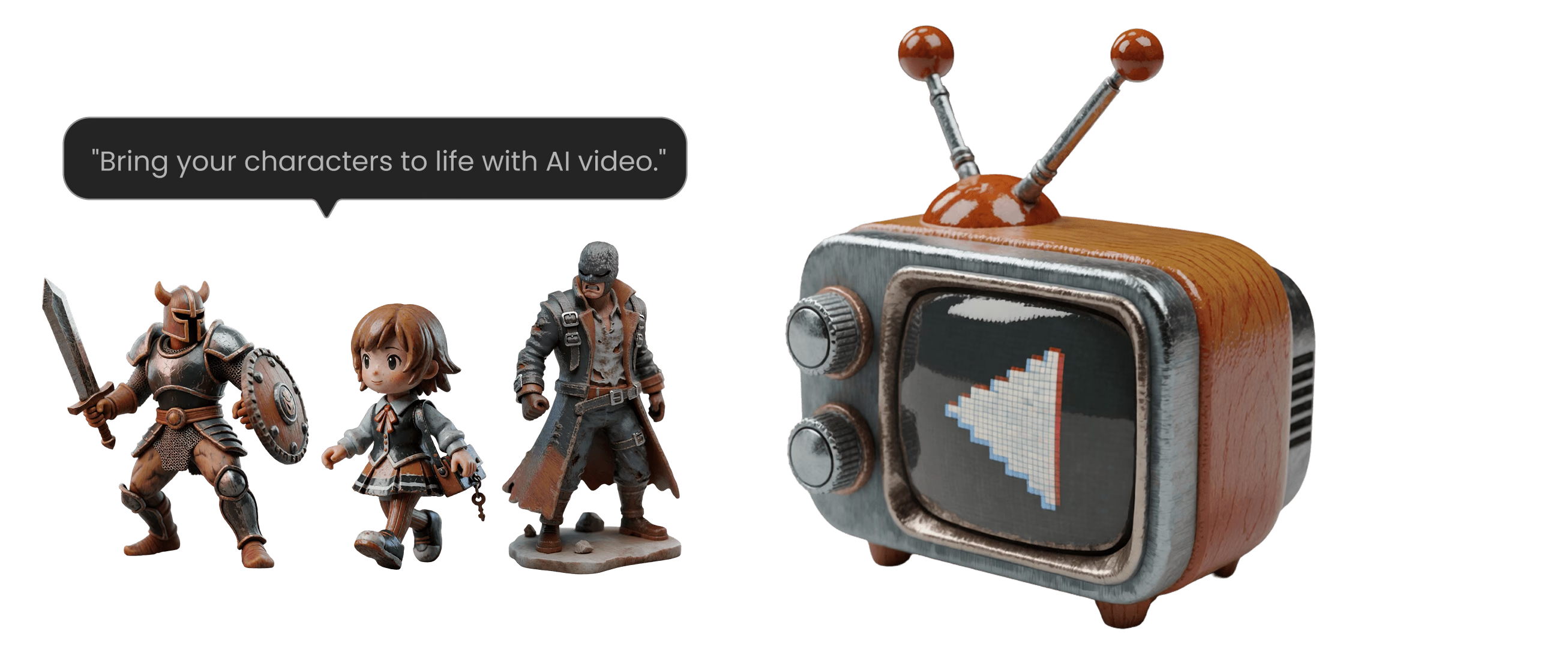
Yapay Zeka Video Üretimi İçin Daha İyi Promptlar
En iyi yapay zeka video promptları kısa, görseldir ve hareket hakkında spesifik olmalıdır. Sahneyi aşırı doldurmadan modele yeterli yönlendirme sağlayın.
Kamera Hareketini Adlandır
Yavaş itme, yumuşak yörünge, yukarıdan aşağıya açığa çıkarma, öne dolly, elde enerji veya sinematik pan gibi ifadeler kullanın.
Konu Hareketini Tanımla
Ne hareket etmeli açıklayın: dönen bir ürün, akan kumaş, yüzeyde süzülen ışık, dönen bir karakter veya sürüklenen parçacıklar.
Çıktı Bağlamını Ekle
Klibin ürün tanıtımı, dikey sosyal video, eğitim slaydı, hikaye tahtası, reklam konsepti veya müşteri sunumu için olup olmadığını belirtin.
Yapay Zeka Video ile neler yaratabilirsiniz?
Hyper3D görüntüden videoya iş akışları, statik varlıkları dinamik iletişime dönüştürür.
Ürün Önizlemeleri
Ürün görsellerine, oluşturulan konseptlere ve 3D renderlara hareket ekleyerek formu, malzemeyi ve değeri daha hızlı açıklayın.
Storyboard ve Previz
Ana kareleri ve konsept sanatını sunumlar, hikaye noktaları ve yaratıcı incelemeler için hareketli referanslara dönüştürün.
Eğitim ve Öğretim
Diyagramlar, tarihi görüntüler, süreç görselleri ve açıklayıcı materyalleri takip etmeyi kolaylaştırmak için hareketli klipler kullanın.
Sıkça Sorulan Sorular
Hyper3D iş akışlarını değerlendiren yaratıcılar ve ekipler için yanıtlar.