
Free AI Video Generator
Create Videos From Images

Turn static images, product shots, concept art into short motion clips for social posts, product previews, and ads. Hyper3D helps creators add motion without a traditional video editing setup.

How to Turn Images Into AI Videos

Create motion from still visuals with a fast image-to-video workflow.

1

Upload a Strong Source Image

Start with a clear product shot, concept image, character frame, campaign visual, 3D render, or AI-generated image with a readable subject.
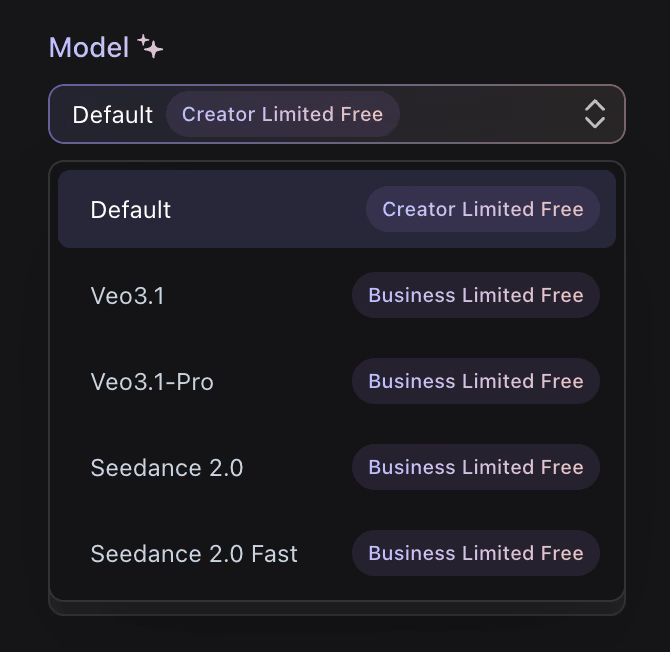
Upload an image for AI video generation
2

Guide the Motion

Use a short prompt to describe camera movement, subject motion, mood, pacing, or platform format such as vertical social video.
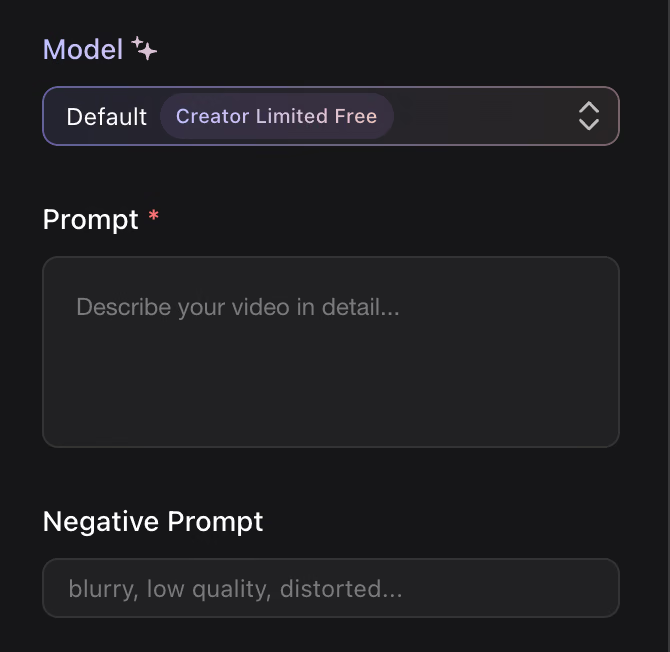
Guide the AI video motion with a prompt
3

Generate, Review, and Share

Preview the AI-generated clip, refine the input if needed, and use the video for social, product, education, or presentation workflows.
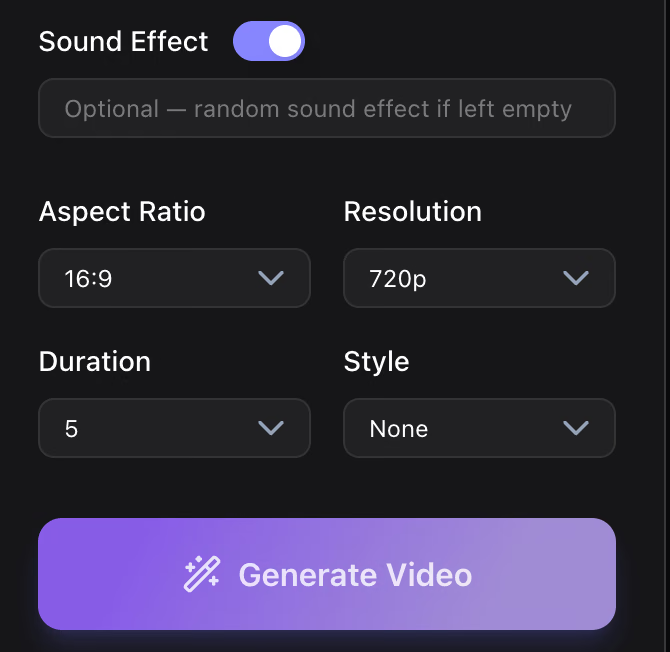
Generate and download the AI video

Why Choose Hyper3D for AI Video Generation?

Hyper3D helps creative teams turn still visuals into useful motion references, making it easier to test campaigns, explain products, and present concepts.
Why Choose Hyper3D for AI Video Generation? visual

Better Prompts for AI Video Generation

The best AI video prompts are short, visual, and specific about motion. Give the model enough direction without overloading the scene.

Name the Camera Move

Use phrases such as slow push-in, smooth orbit, top-down reveal, dolly forward, handheld energy, or cinematic pan.

Camera motion prompt visual

Describe Subject Motion

Explain what should move: a product rotating, fabric flowing, light sweeping across a surface, a character turning, or particles drifting.

Subject motion prompt visual

Add the Output Context

Mention whether the clip is for a product teaser, vertical social video, education slide, storyboard, ad concept, or client presentation.

AI video output context visual

What Can You Create With AI Video?

Hyper3D image-to-video workflows help turn static assets into dynamic communication.
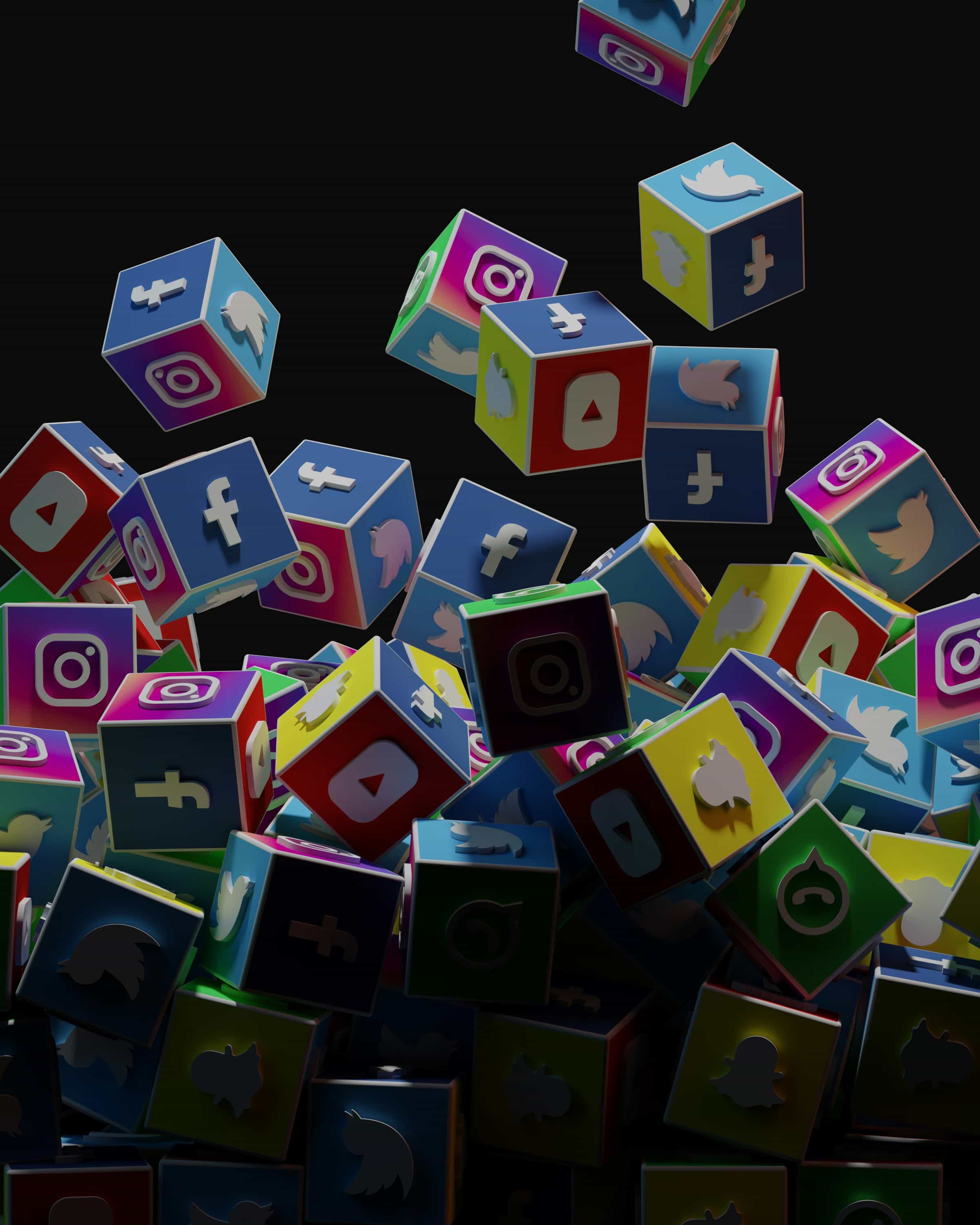
Social Content

Create short visual clips for launches, community updates, ads, Reels, Shorts, and product announcements.
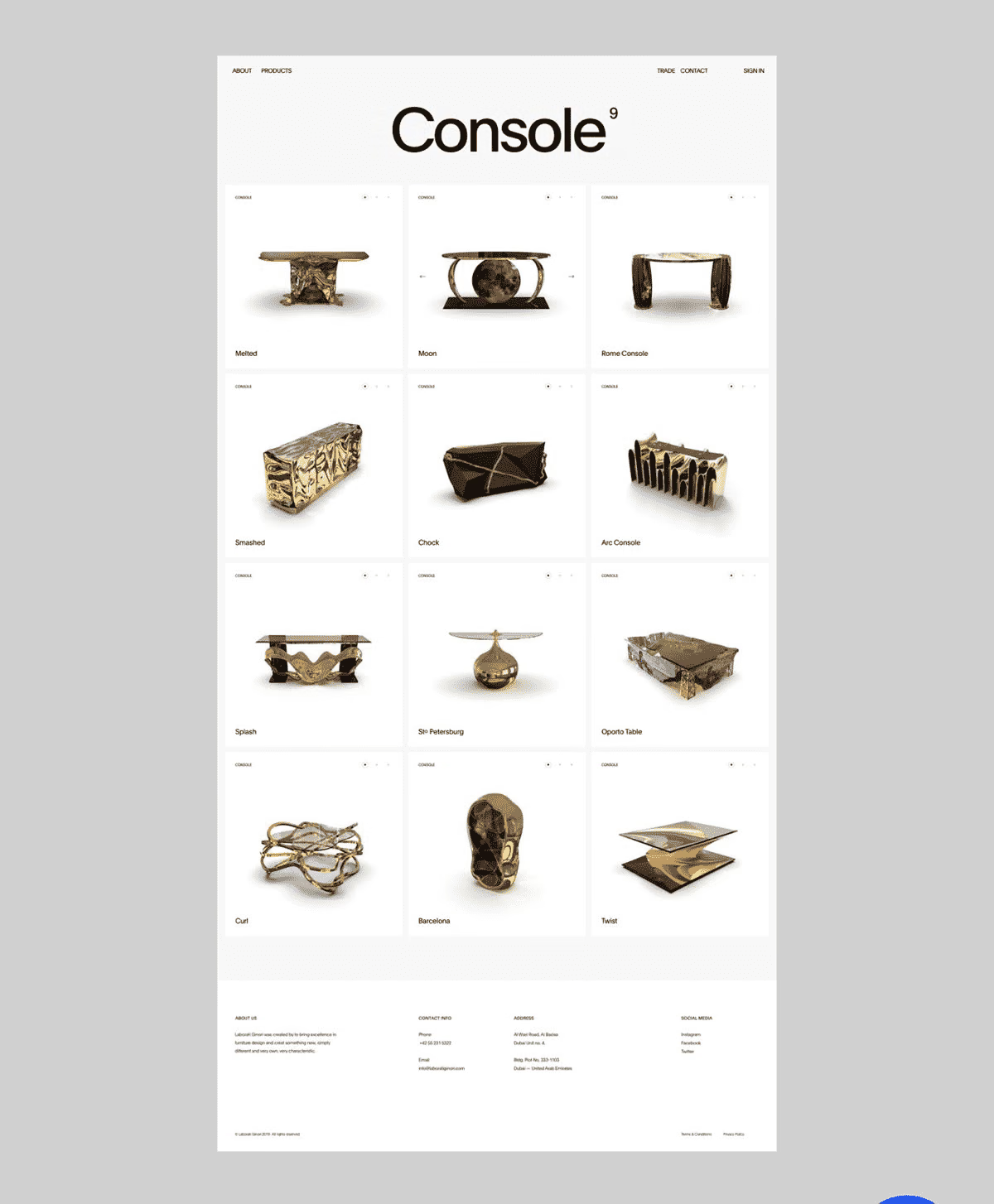
Product Previews

Add motion to product images, generated concepts, and 3D renders to explain form, material, and value faster.
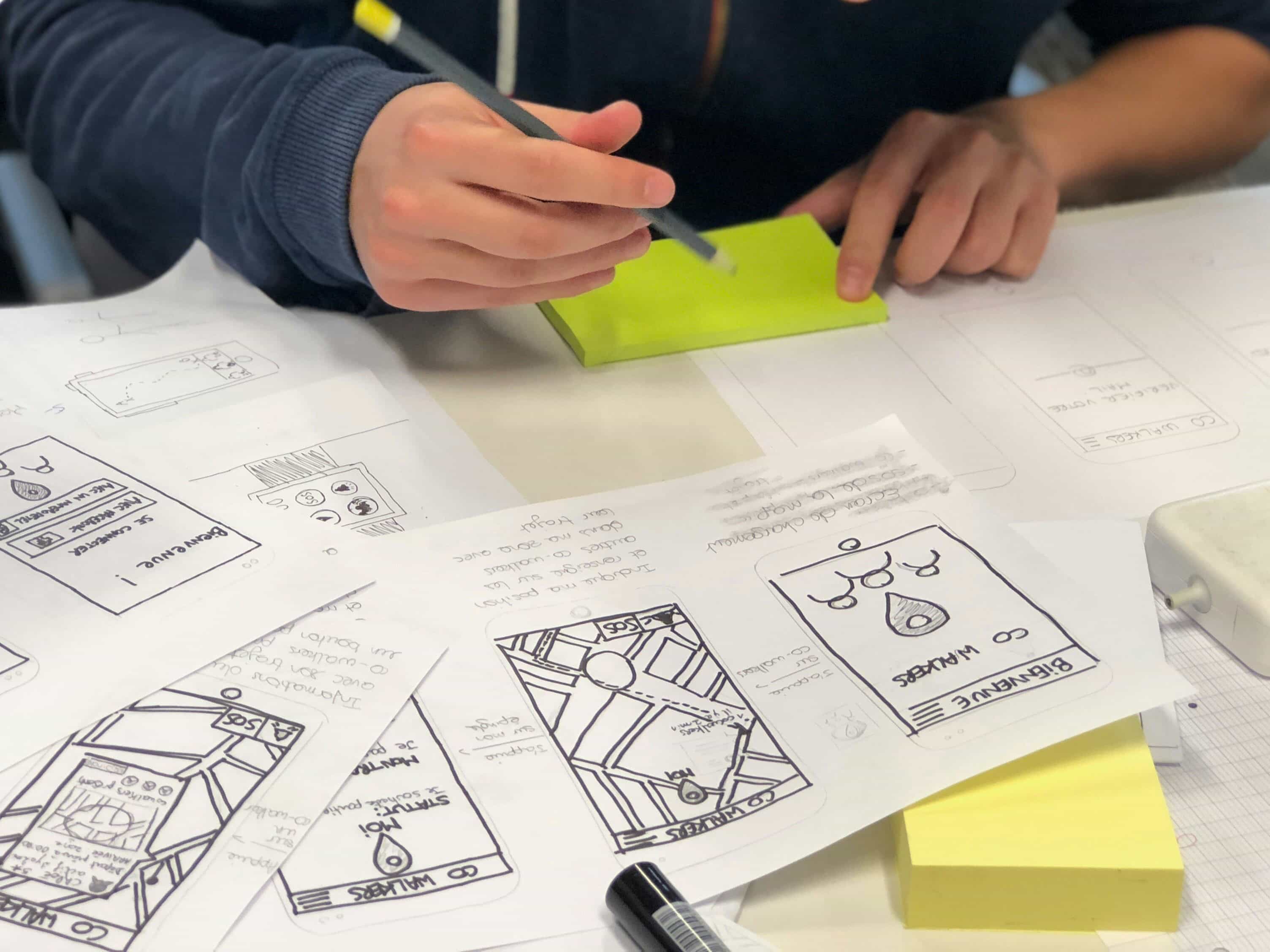
Storyboards and Previz

Turn key frames and concept art into moving references for pitches, story beats, and creative reviews.
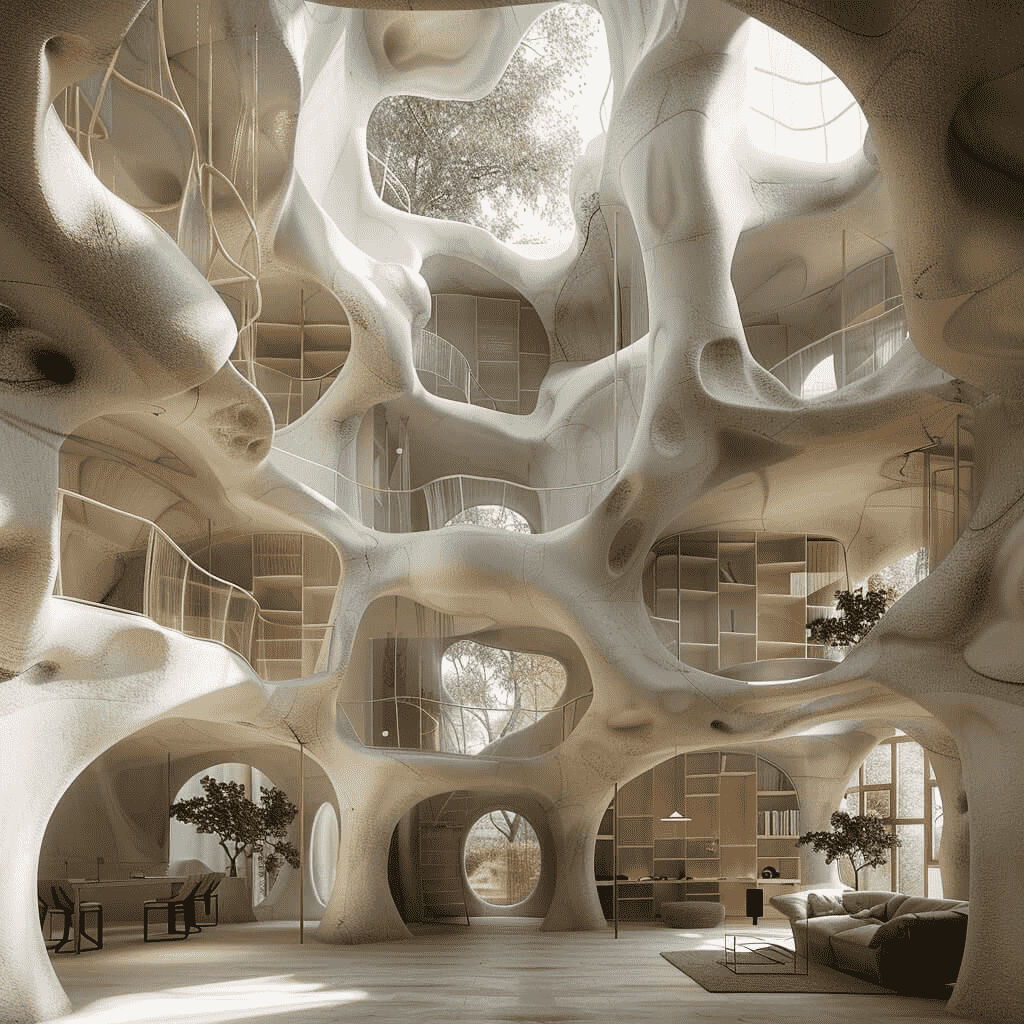
Education and Training

Use motion clips to make diagrams, historical images, process visuals, and explainer assets easier to follow.

Frequently Asked Questions

Answers for creators and teams evaluating Hyper3D feature workflows.

What is Hyper3D's AI video generator?

Hyper3D AI Video Generator is a browser-based image-to-video workflow for turning still visuals into short motion clips for social posts, product previews, concept decks, education, and creative storytelling.

Do I need video editing experience?

No. The workflow is designed around uploading an image, adding simple motion direction, generating a clip, and downloading the result.

What images work best for AI video generation?

Clear, high-resolution images with a distinct subject and readable composition usually produce better motion than cluttered or heavily cropped inputs.

Can I make videos for social platforms?

Yes. AI image-to-video workflows are useful for short vertical, square, or horizontal clips for social posts, ads, product previews, and campaign concepts.

Can I use AI-generated images as the source?

Yes. You can start from AI-generated artwork, product concepts, character frames, rendered 3D images, campaign visuals, or photography as long as the image is clear and you have the right to use it.

What should I write in an AI video prompt?

A strong prompt usually describes camera motion, subject motion, scene mood, pacing, and output intent. For example, ask for a slow push-in, subtle product rotation, floating particles, dramatic lighting, or a vertical social clip.

Is Hyper3D useful for product video concepts?

Yes. Product teams can animate product shots, generated concepts, packaging ideas, and 3D renders to test launch visuals before investing in a full shoot or manual animation pass.

Can I use it for storyboards and previs?

Yes. Turning keyframes into moving references helps directors, designers, educators, and creative teams communicate camera direction, timing, atmosphere, and scene intent earlier in the process.

What makes a source image difficult for AI video generation?

Crowded compositions, tiny subjects, heavy blur, awkward crops, unreadable hands or faces, and conflicting perspective can make motion less predictable. Clear subject separation usually improves results.

How is image-to-video different from a traditional editor?

A traditional editor gives manual control over footage. An AI video generator creates motion from still images and prompts so you can ideate quickly before detailed editing.

Try Hyper3D's AI Video Generator

Transform static visuals into short motion clips for campaigns, product previews, concept decks, and creative storytelling.