Free 3D Mesh Editor
in Your Browser

Inspect, clean, and adjust 3D geometry without a heavy local setup. Hyper3D helps creators review mesh quality, simplify model handoff, and prepare assets for downstream workflows. It helps creators catch geometry issues before files move into game engines, 3D printing preparation, conversion, rendering, or client review.

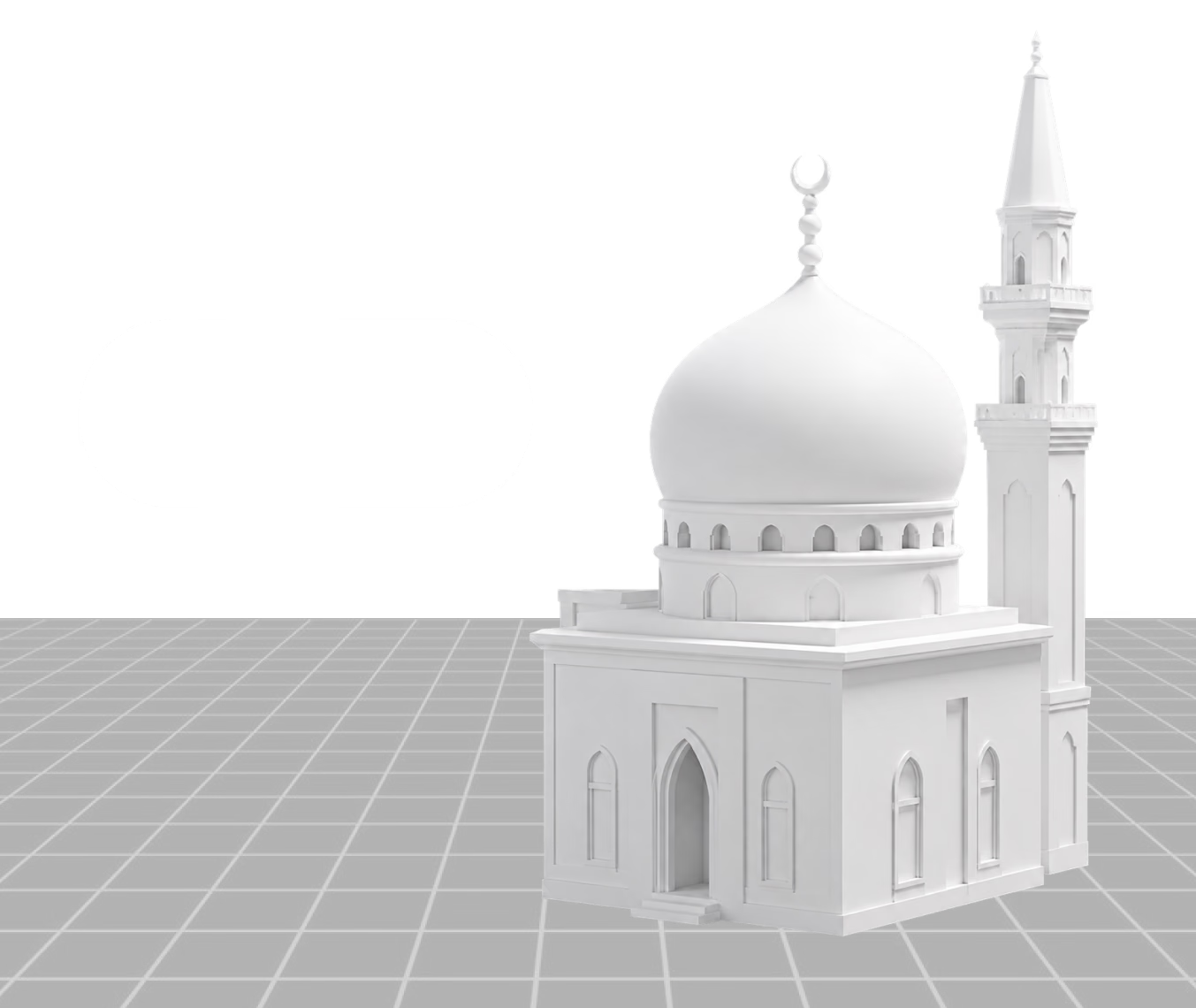
Mesh Editor Inspect topology
Wireframe and repair view
sample-mesh.obj 2
Loading GLB preview...
Import model Inspect topology Repair mesh

How to Edit 3D Meshes Online

Review and prepare model geometry in a practical browser-based workflow. Each step stays close to browser-based production, so the output can move into review, conversion, or downstream 3D work quickly.

1

Open a 3D Model

Upload or open a model that needs inspection, cleanup, simplification, or handoff preparation.

Prepare the Input
2

Inspect the Mesh

Check surface structure, visible artifacts, density, scale, and geometry problems before the asset moves downstream.

Generate and Adjust
3

Clean and Prepare

Make practical edits or decisions for rendering, printing, conversion, game import, or additional modeling work.

Review and Continue

Why Use Hyper3D for 3D Mesh Editing?

Keep geometry review lightweight, accessible, and close to the rest of asset creation. The workflow is strongest when paired with other Omnicraft tools for reference cleanup, model search, texture exploration, or mesh inspection.

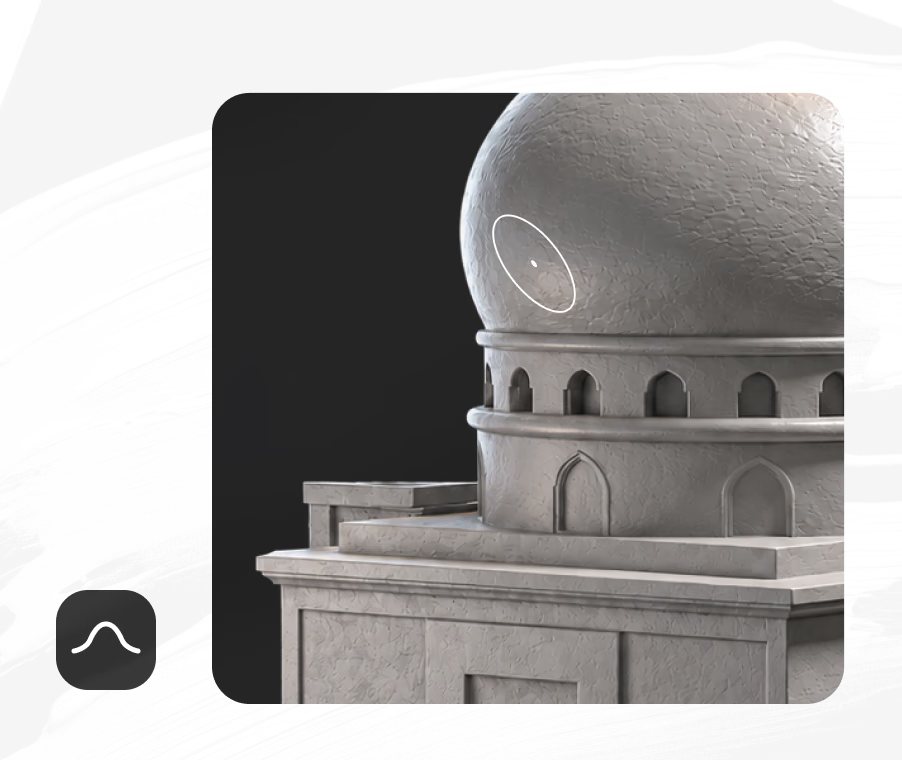
Why Use Hyper3D for 3D Mesh Editing? visual

3D Mesh Editing for Real Asset Workflows

Use Hyper3D when model quality, cleanup, and handoff speed matter.

Game Assets

Inspect props, characters, and environment pieces before engine import or optimization.

3D Printing

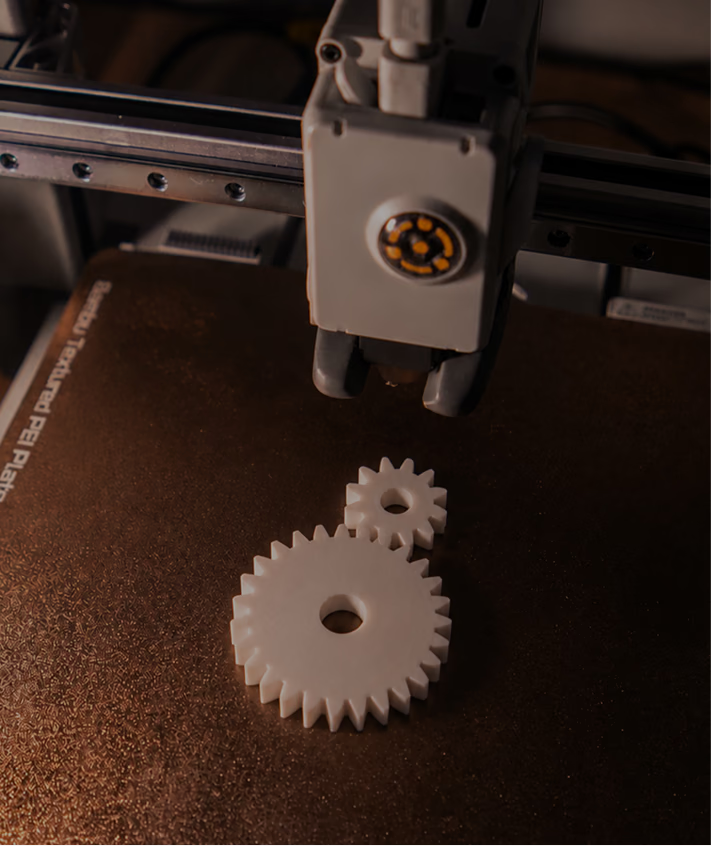
Check printable forms, surface issues, and geometry readiness before sending files forward.

Product Models

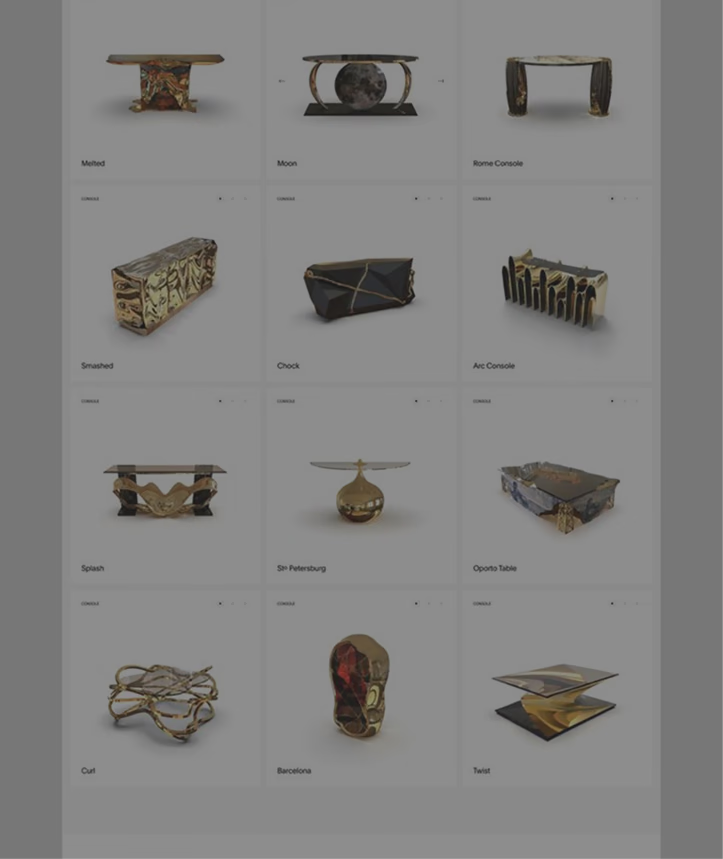
Review product geometry for previews, configurators, render scenes, and marketplace assets.

Format Conversion

Validate mesh structure before converting between OBJ, FBX, STL, GLB, and related formats.

Frequently Asked Questions

Answers for creators and teams evaluating Hyper3D's Online 3D Mesh Editor workflow.

What is an online 3D mesh editor?

It is a browser-based tool for reviewing, cleaning, and preparing 3D model geometry without relying on a full desktop modeling setup.

Can I use it with AI-generated 3D models?

Yes. Mesh review is useful after AI generation because it helps catch visible artifacts, density issues, or geometry problems before production use.

Is mesh editing useful before 3D printing?

Yes. It helps you inspect whether the model shape and surface are ready for a print preparation workflow.

Which formats matter for mesh workflows?

Common mesh workflows often involve OBJ, FBX, STL, GLB, and GLTF, depending on whether the model is headed to printing, engines, rendering, or web preview.

Do I need advanced modeling skills?

No. Hyper3D is designed to make inspection and basic preparation easier for creators, designers, and production teams.

What should I check first in a 3D mesh?

Start with scale, orientation, visible holes, surface artifacts, polygon density, material assignments, and whether the silhouette still matches the intended asset.

Is browser-based mesh editing enough for final production?

It is best for inspection, cleanup decisions, and lightweight preparation. Complex retopology, rigging, or simulation work may still need a dedicated DCC tool.

Which Omnicraft tools pair well with 3D Mesh Editor?

Use 3D Model Search Engine to find candidates, SVG to 3D Converter to create vector-based meshes, and AI Texture Generator when the reviewed model needs surface direction.

Still have questions? Chat with our team.

Trusted by Creators Building Real 3D Assets

Production teams use Hyper3D to turn image references and prompts into editable, export-ready 3D models faster.

AI 3D just hit a new threshold. Rodin Gen-2.5 delivers fast geometry, high-poly support, clean structure, and production-ready outputs. This is where AI 3D becomes a real pipeline tool.

sabir hussain

sabir hussain

AI & Tech Enthusiast

Cleaner meshes, sharper surface detail, and stronger multi-angle coherence. The results feel much closer to something you would keep iterating on in a real workflow.

BubbleBrain

BubbleBrain

AI Enthusiast

AI 3D just hit a new threshold. Rodin Gen-2.5 delivers fast geometry, high-poly support, clean structure, and production-ready outputs. This is where AI 3D becomes a real pipeline tool.

sabir hussain

sabir hussain

AI & Tech Enthusiast

Cleaner meshes, sharper surface detail, and stronger multi-angle coherence. The results feel much closer to something you would keep iterating on in a real workflow.

BubbleBrain

BubbleBrain

AI Enthusiast

AI 3D just hit a new threshold. Rodin Gen-2.5 delivers fast geometry, high-poly support, clean structure, and production-ready outputs. This is where AI 3D becomes a real pipeline tool.

sabir hussain

sabir hussain

AI & Tech Enthusiast

Review and Prepare 3D Meshes Online

Open a model, inspect the geometry, and move into your next 3D workflow with more confidence.