







How to Generate a 3D Model from Text
Turn a prompt into a usable 3D model through a fast AI text to 3D workflow: describe, generate, preview, and export.
Write a Clear Text Prompt
Describe the object, material, and intended use. Hyper3D text to 3D works for props, characters, product concepts, collectibles, and printable models.
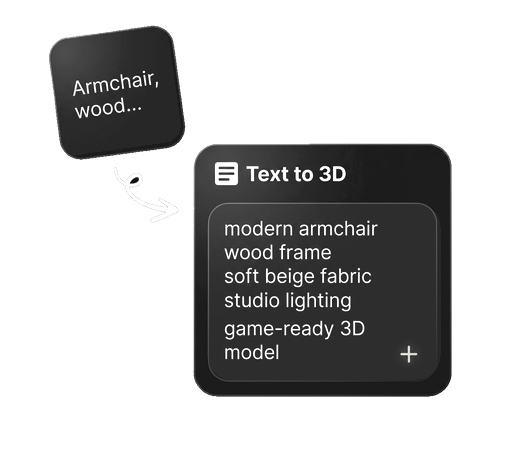
Generate Geometry and Textures
The AI interprets your prompt into 3D shape, proportions, surface detail, and materials so you can move from text to 3D model without manual modeling.
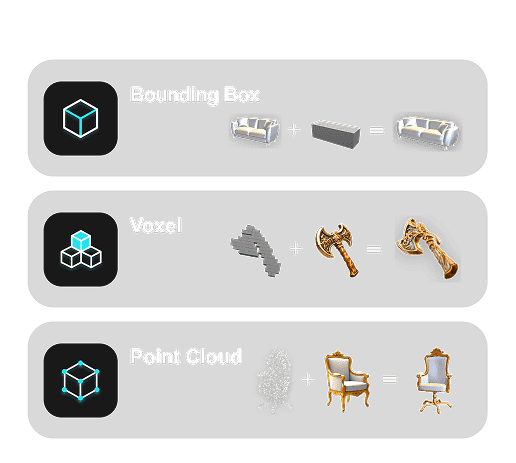
Preview, Refine, and Export
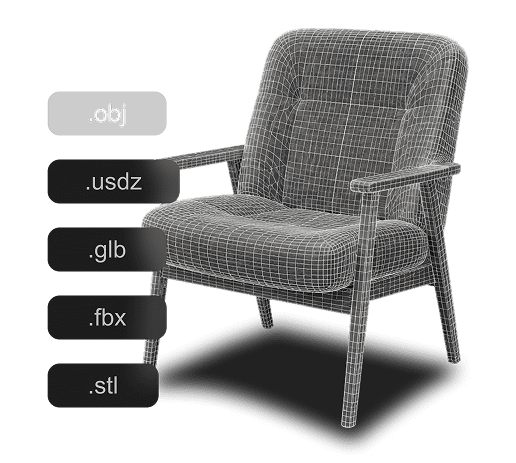
Review the generated 3D model, refine the result, and export image to 3D assets for GLB, OBJ, FBX, USDZ, STL, and real-time workflows.
Why Choose Hyper3D for Text to 3D Generation?
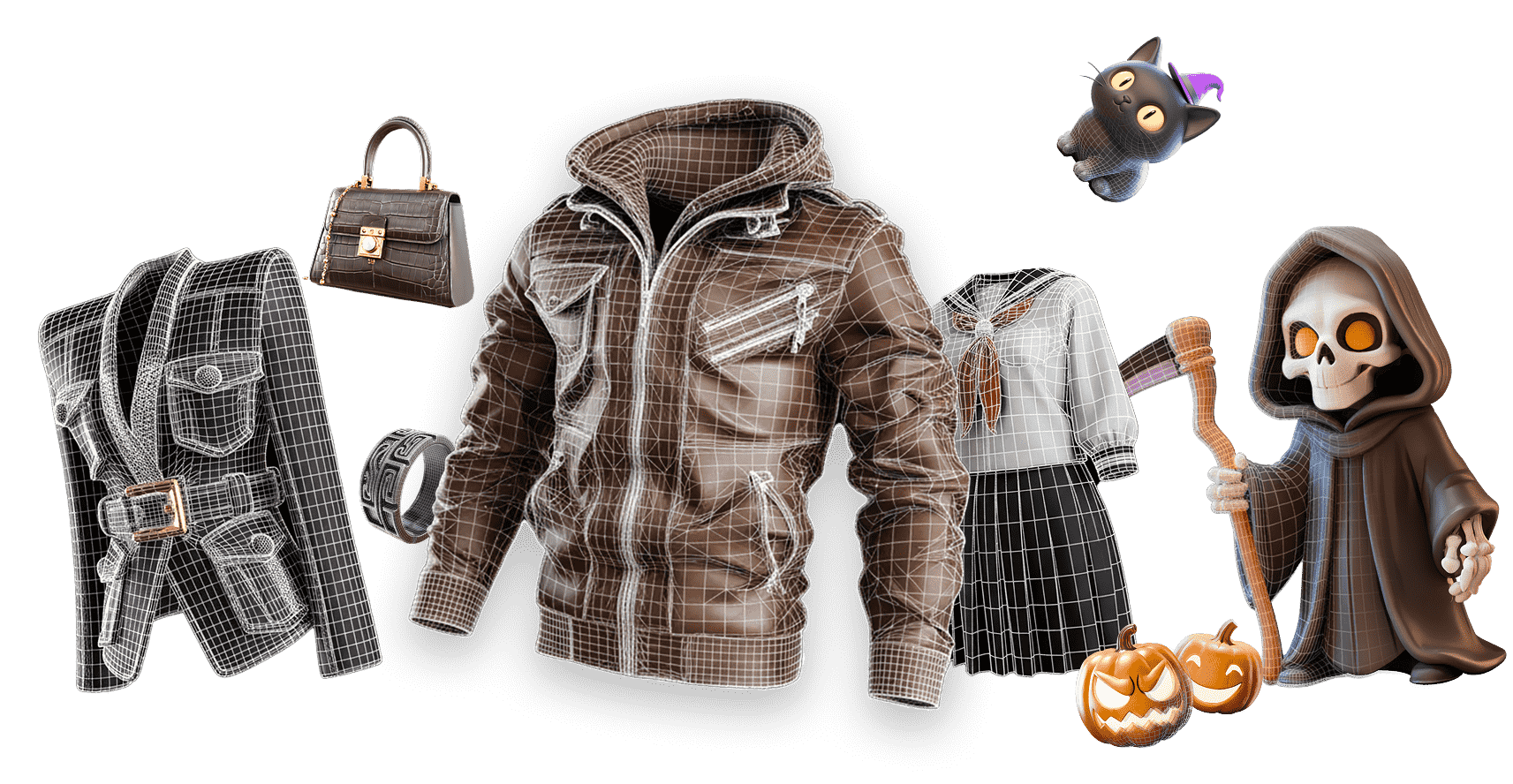
Hyper3D helps creators turn text prompts into practical 3D assets quickly, with a browser-based workflow built for concepting, production, and iteration.
Text to 3D Prompt Examples
For Rodin text-to-3D, start with a simple description and add visual details only when you want more creative control. Terms such as “game-ready” guide the visual direction; technical requirements are controlled separately through Rodin generation and export settings.
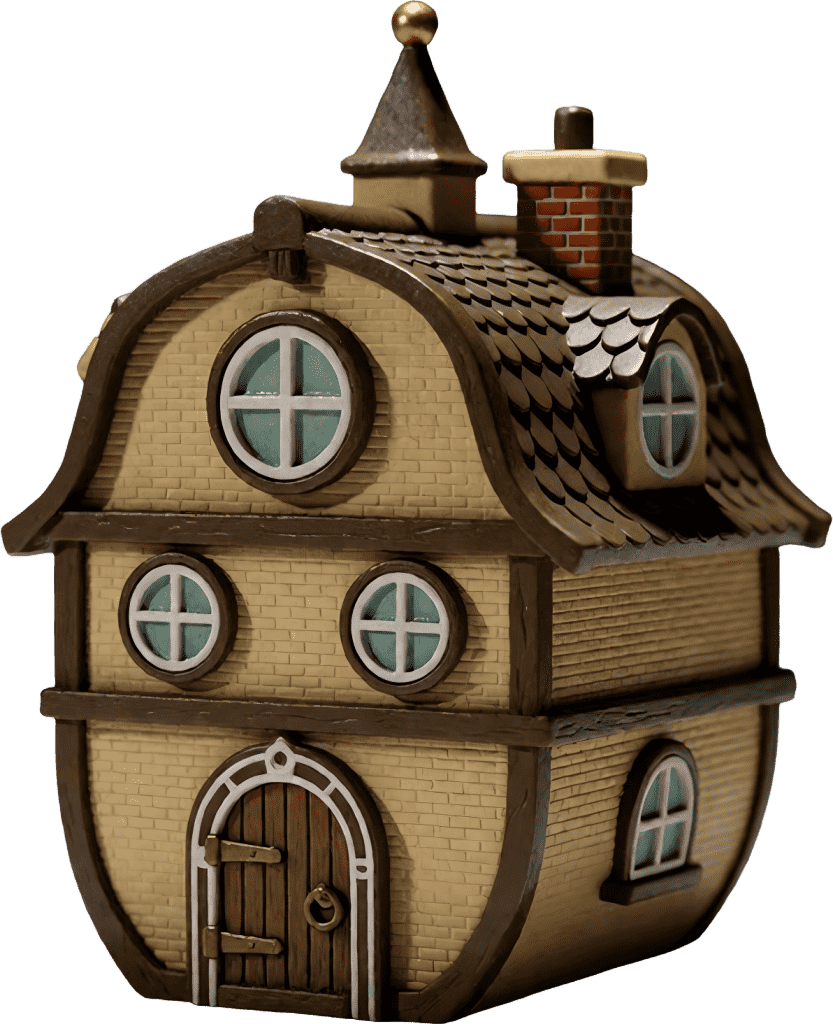
hobbit barrel cottage, tiny fantasy house, shingle roof, round windows, 3D render, octane render.

viking dwarf figurine, horned helmet, axe and shield, fur armor, collectible toy, 3D render.
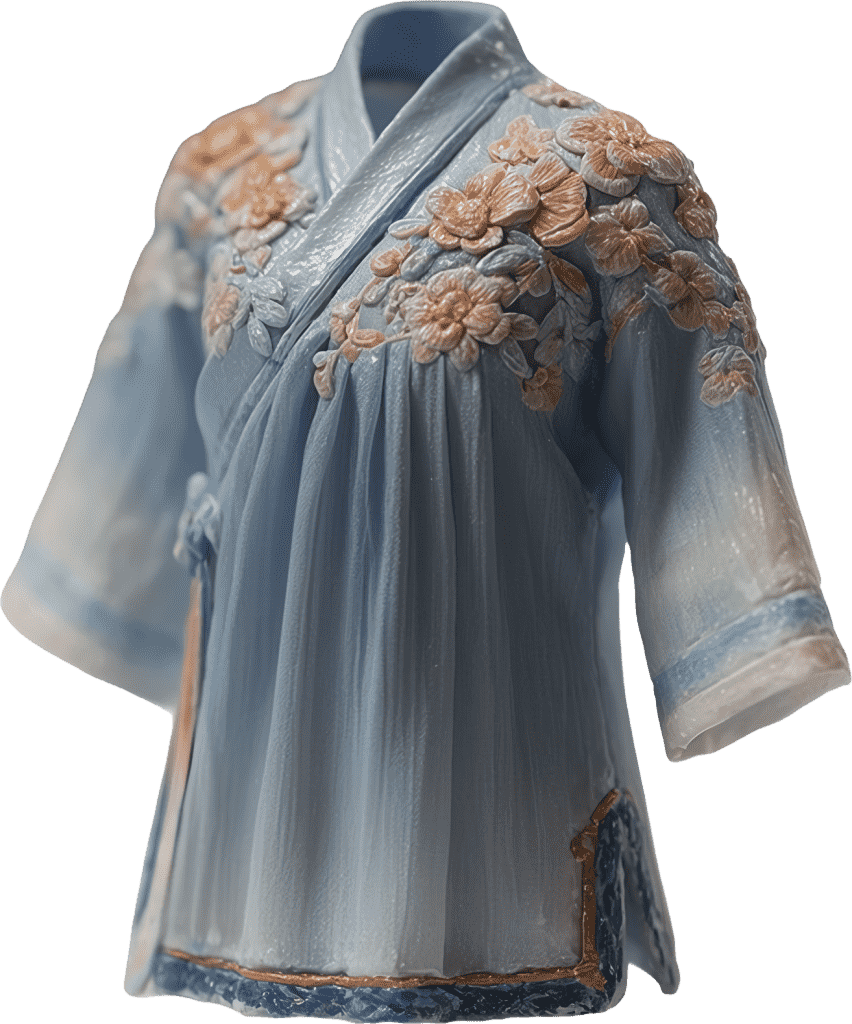
miniature light blue hanfu, floral embroidery, ancient chinese dress, standalone clothing model, 3D render.
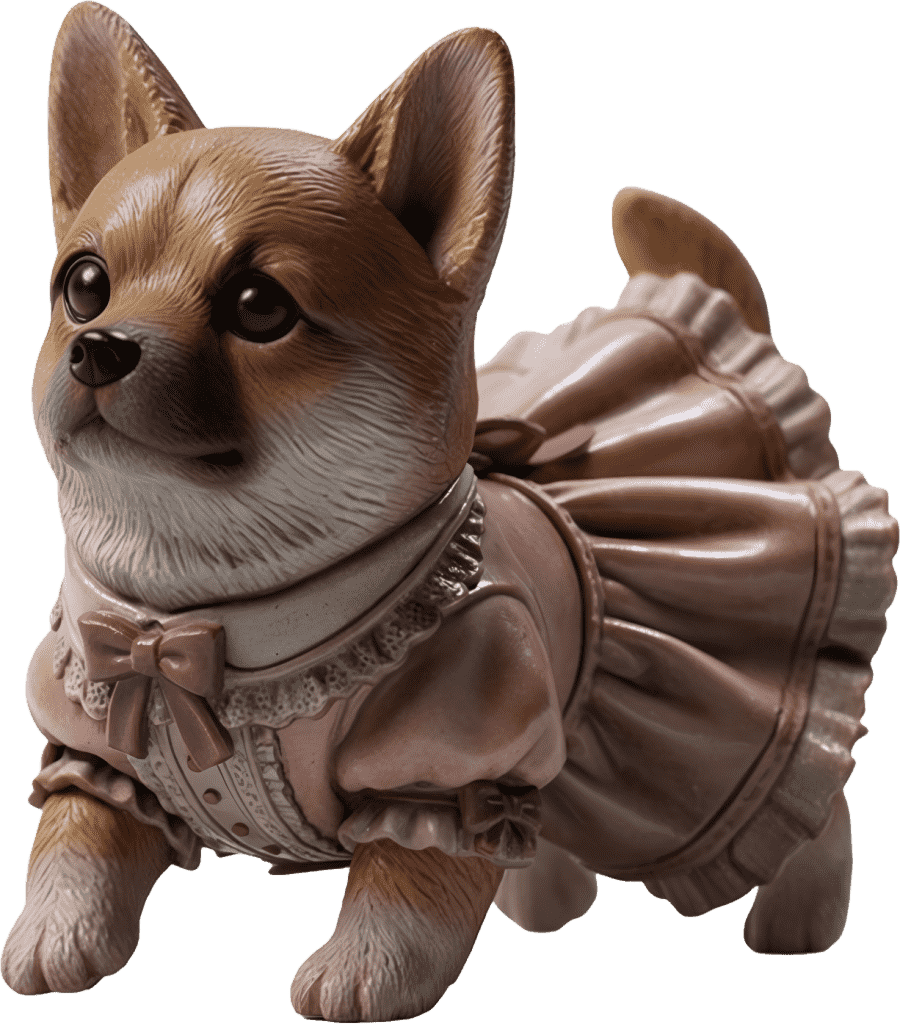
corgi figurine, wearing pink frilly lolita dress, cute toy figure, photorealistic 3D render, sharp focus, 8k.

anthropomorphic green frog, tropical hawaiian shirt, big eyes, collectible toy, 3D render, octane render.
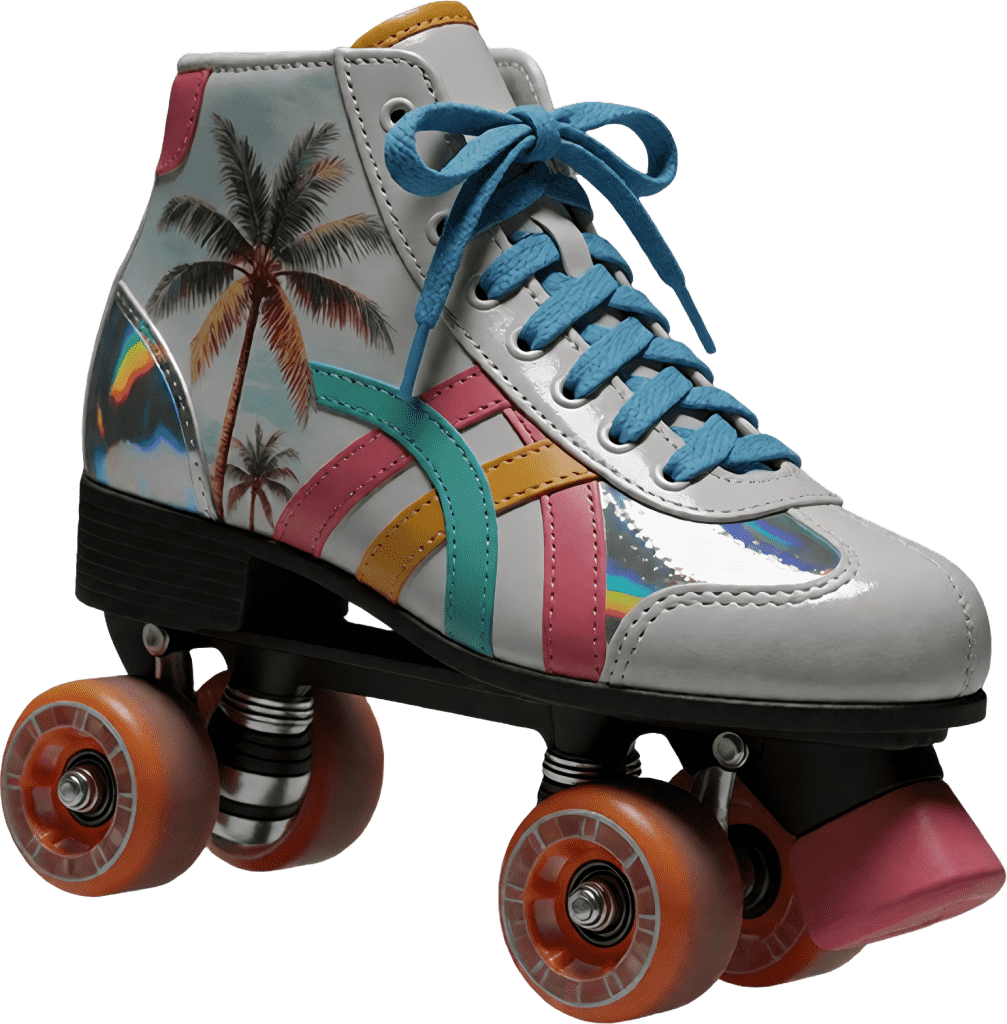
roller skate, palm tree print, colorful stripes, holographic details, orange wheels, 3D render, octane render.
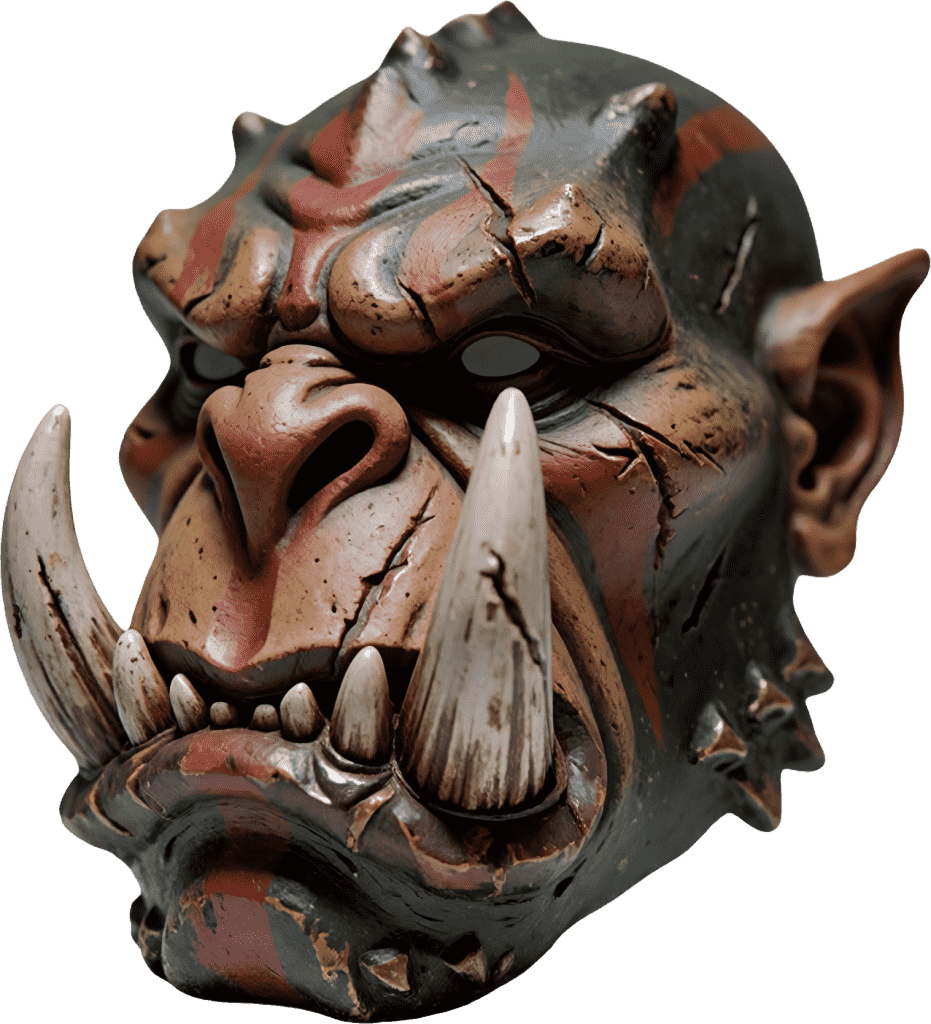
orc mask bust, huge tusks, weathered cracked paint, fantasy monster, 3D render, octane render.
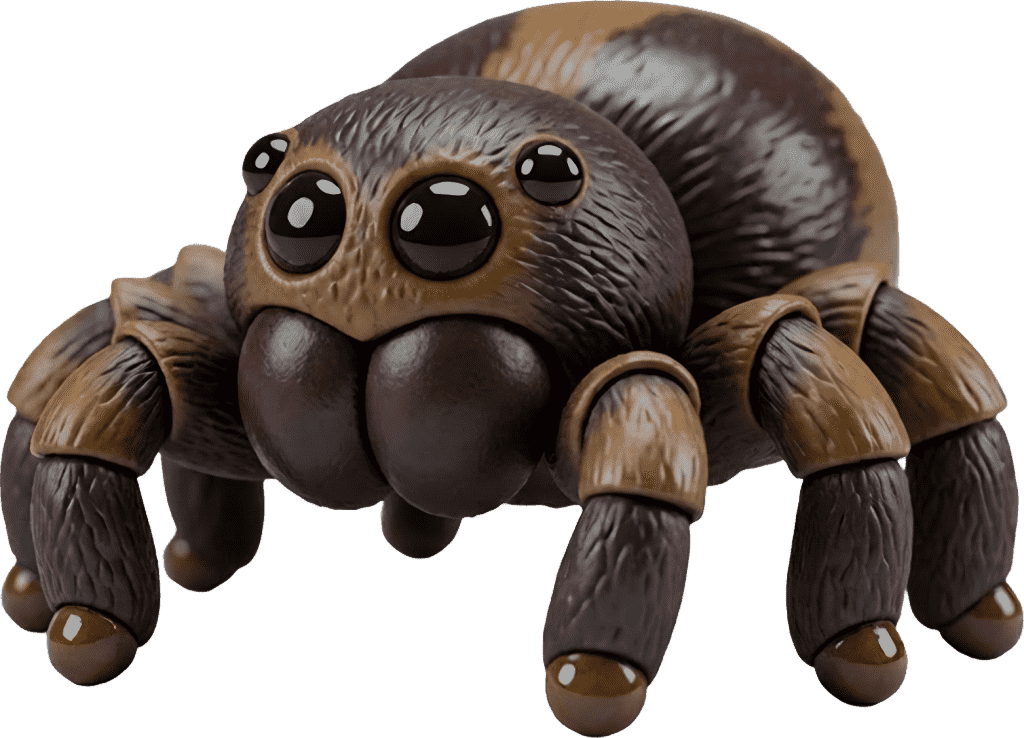
spider figurine, large glossy round eyes, cute tarantula, 3D render, octane render, soft studio lighting.
Who Uses an AI Text to 3D Model Generator?
AI text to 3D generation for teams and solo creators who need usable 3D assets without a long modeling cycle.
Game Developers
Rodin turns text into nearly ready-to-use weapons, props, characters, and environment assets for supported 3D workflows.
Product Designers
Turn written briefs into 3D product concepts, packaging studies, AR previews, and stakeholder-ready visuals.
3D Printing Makers
Rodin turns text into near-print-ready assets for figurines, tabletop parts, ornaments, and learning models.
Artists & Creators
Explore stylized text to 3D models for animation, concept art, social content, digital collectibles, and portfolio pieces.
AI Technology Behind Text to 3D Model Generation
Hyper3D combines prompt understanding, 3D generation, texture synthesis, and export-focused processing for practical text to 3D model creation.

Prompt Understanding
Interpret shape, scale, style, material, and use-case instructions from natural language.

3D Generation
Generate geometry and proportions from text so teams can evaluate 3D ideas quickly.

AI Texture Generation
Create surface detail and materials that make text-generated 3D models feel complete.

Production Export
Prepare text to 3D assets for games, AR, design review, and 3D printing workflows.
Frequently Asked Questions About Text to 3D
Answers for creators comparing AI text to 3D generators, text prompt to 3D model workflows, and text to STL output.