
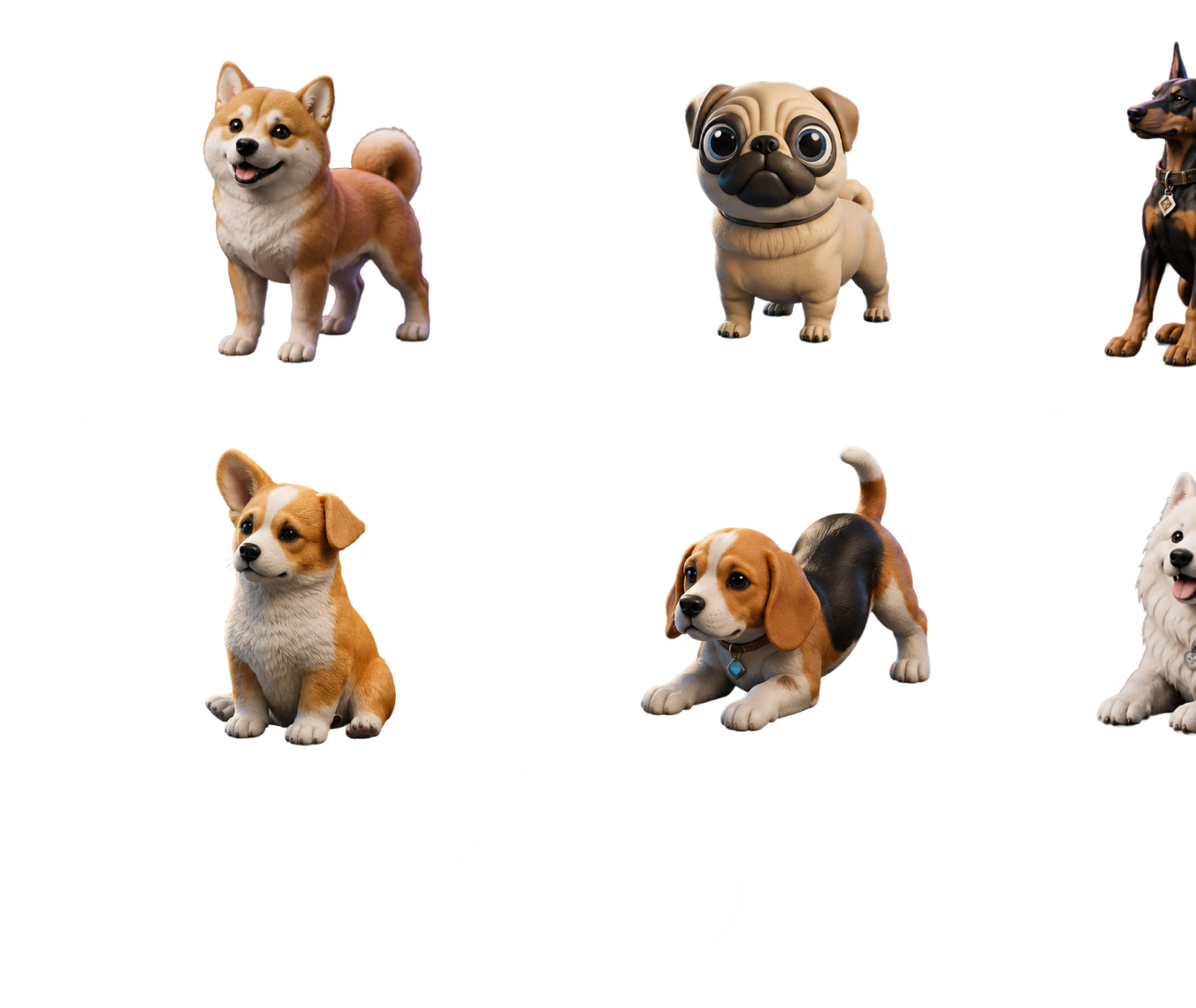
Free 3D Model Search
for Creative Assets

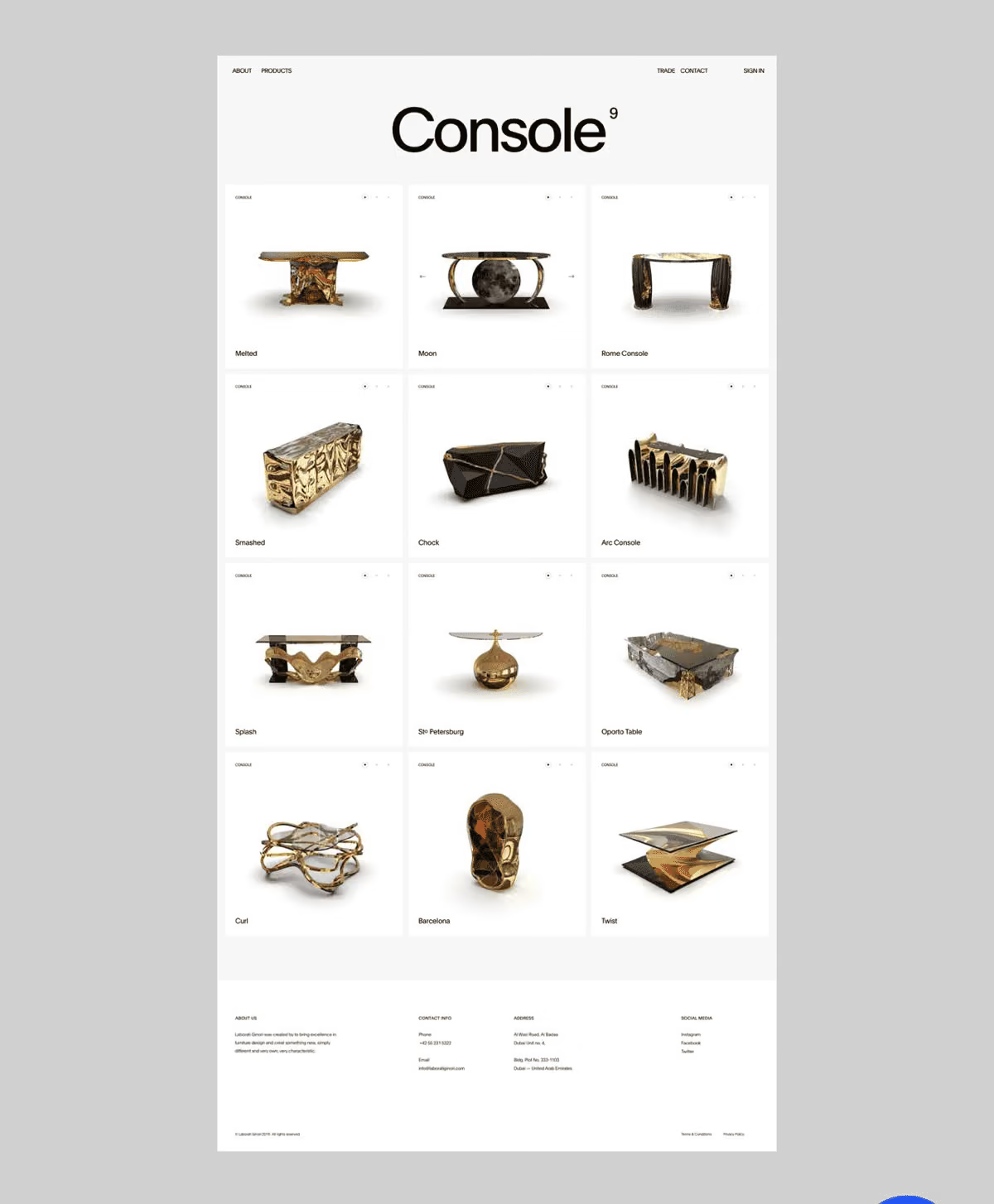
Search across 3D asset ideas with text, image, or model references. Hyper3D helps creators find useful starting points for games, product design, prototyping, and production research. Keep searches practical by naming the object, style, target workflow, file needs, and visual constraints instead of relying on a single broad keyword.

3D Search Find by intent
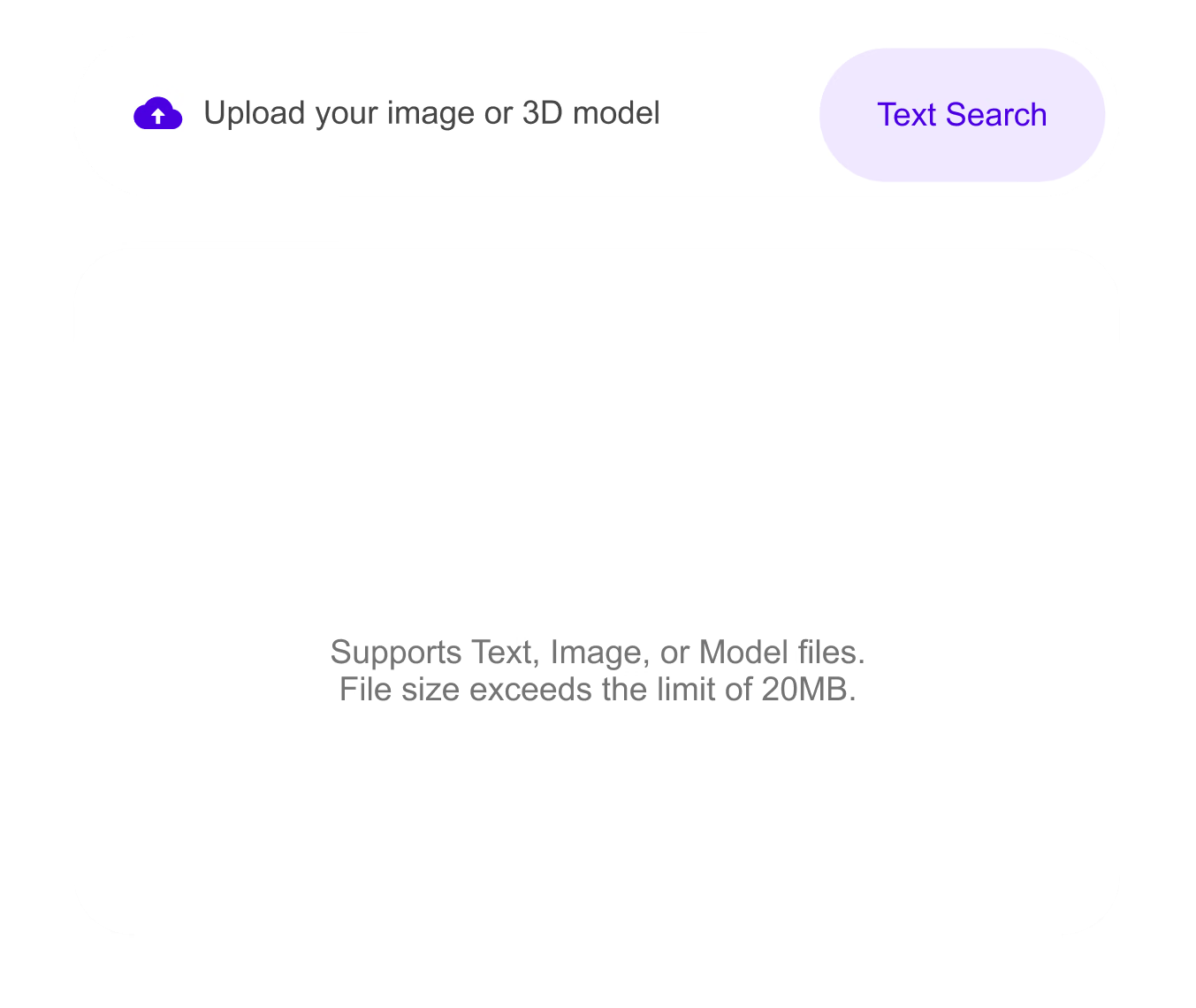
Text, image, or model input
Text prompt Reference image 3D model

How to Search for 3D Models Online

Find better 3D assets by starting with intent, not just exact file names. Each step stays close to browser-based production, so the output can move into review, conversion, or downstream 3D work quickly.

1

Describe the Asset

Use natural language, an image reference, or a 3D reference to explain what you need instead of guessing the perfect keyword.

Prepare the Input
2

Compare Relevant Results

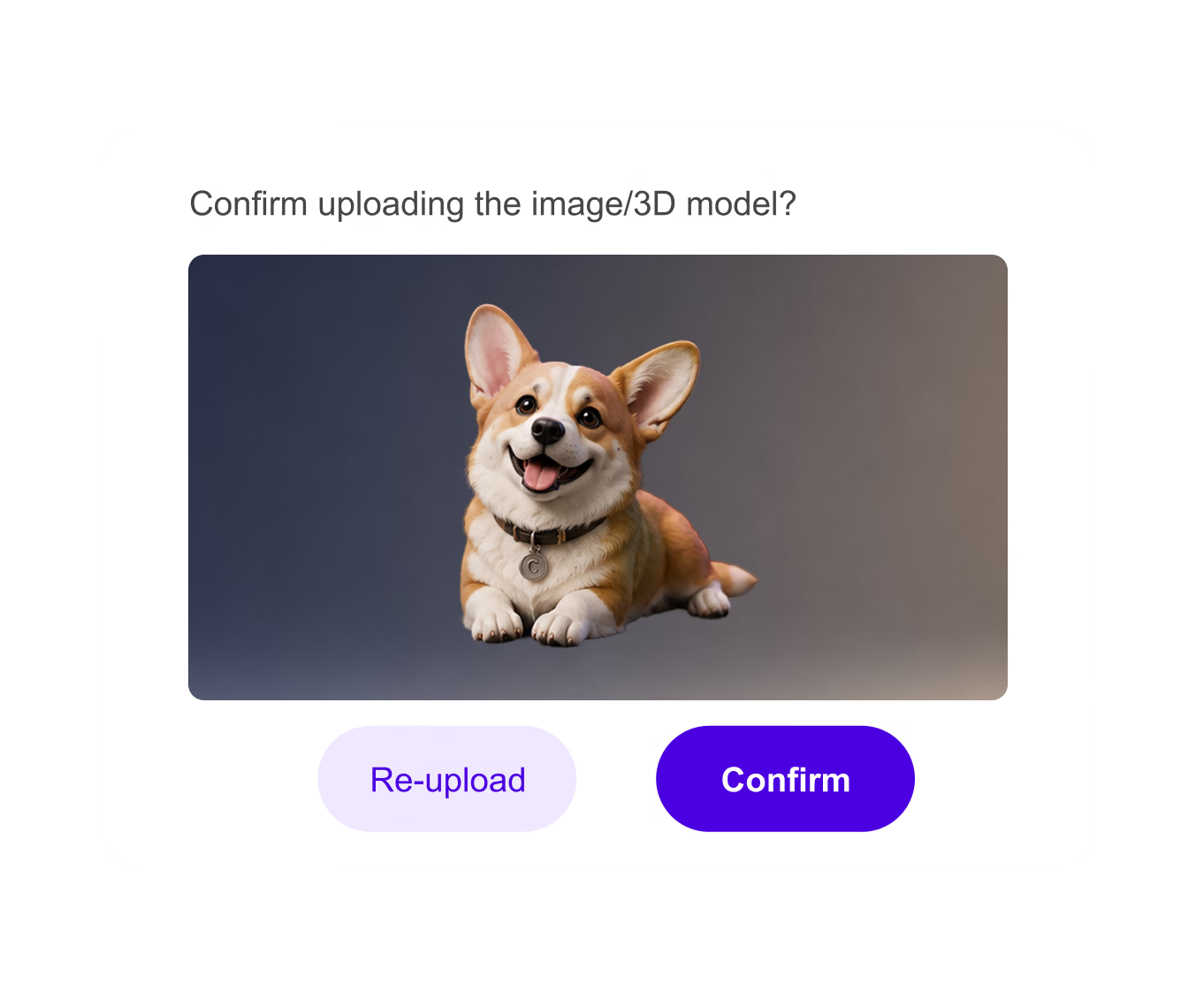
Review candidate assets by category, visual similarity, style, and practical fit for your project.

Generate and Adjust
3

Continue the Workflow

Open, download, remix, or use the result as a reference for a new Hyper3D 3D generation workflow.

Review and Continue

Why Use Hyper3D for 3D Model Search?

Start from concepts, sketches, references, or incomplete ideas and still find useful 3D directions. The workflow is strongest when paired with other Omnicraft tools for reference cleanup, model search, texture exploration, or mesh inspection.

Why Use Hyper3D for 3D Model Search? visual

3D Search for Teams That Need Better Starting Points

Use search when speed, references, and asset fit matter more than browsing endless libraries.

Game Prototyping

Find props, environment pieces, creatures, vehicles, and style references for real-time production.

Product Design

Research shapes, product categories, and comparable 3D references for visualization workflows.

Education

Find classroom-ready 3D references for architecture, biology, history, and design exploration.

Creator Research

Gather visual references for personal art, portfolio pieces, collectibles, and experimental 3D work.

Frequently Asked Questions

Answers for creators and teams evaluating Hyper3D's 3D Model Search Engine workflow.

What is Hyper3D 3D model search?

It is a search workflow for discovering 3D assets and references from text, image, or 3D model intent.

Can I search by image instead of text?

Yes. Image references are useful when the shape, style, or category is easier to show visually than describe in words.

Is 3D model search useful for game teams?

Yes. It helps game teams find props, environment references, and asset directions before modeling or generation work begins.

Can search results become inputs for new 3D assets?

Yes. Search can provide references for generation, remixing, preview, conversion, or style exploration in the broader Hyper3D workflow.

What makes a good 3D search query?

Use the object type, style, intended use, and format needs when possible, such as game prop, product model, printable part, or AR-ready asset.

Can I search by creative intent instead of an exact model name?

Yes. Intent-based search works well when you describe the asset type, style, use case, material, scale, and target environment.

What makes a good 3D model search query?

Include the subject first, then add constraints such as low-poly, product-ready, printable, sci-fi, realistic, stylized, GLB, STL, or engine-ready.

Which Omnicraft tools pair well with 3D Model Search?

Use 3D Mesh Editor to inspect results, converter workflows for format handoff, and AI Texture Generator when a found model needs a new surface direction.

Still have questions? Chat with our team.

Trusted by Creators Building Real 3D Assets

Production teams use Hyper3D to turn image references and prompts into editable, export-ready 3D models faster.

AI 3D just hit a new threshold. Rodin Gen-2.5 delivers fast geometry, high-poly support, clean structure, and production-ready outputs. This is where AI 3D becomes a real pipeline tool.

sabir hussain

sabir hussain

AI & Tech Enthusiast

Cleaner meshes, sharper surface detail, and stronger multi-angle coherence. The results feel much closer to something you would keep iterating on in a real workflow.

BubbleBrain

BubbleBrain

AI Enthusiast

AI 3D just hit a new threshold. Rodin Gen-2.5 delivers fast geometry, high-poly support, clean structure, and production-ready outputs. This is where AI 3D becomes a real pipeline tool.

sabir hussain

sabir hussain

AI & Tech Enthusiast

Cleaner meshes, sharper surface detail, and stronger multi-angle coherence. The results feel much closer to something you would keep iterating on in a real workflow.

BubbleBrain

BubbleBrain

AI Enthusiast

AI 3D just hit a new threshold. Rodin Gen-2.5 delivers fast geometry, high-poly support, clean structure, and production-ready outputs. This is where AI 3D becomes a real pipeline tool.

sabir hussain

sabir hussain

AI & Tech Enthusiast

Find Better 3D Assets with Hyper3D

Start with a prompt, image, or reference model and move from search to creation faster.