
AI 3D Character Generator — High-Quality Assets from Concept Art

Rodin generates nearly production-ready 3D assets from text or images with clean topology and PBR materials.
Stylized 3D character model created with the Hyper3D AI 3D character generator

From character sheet to 3D model

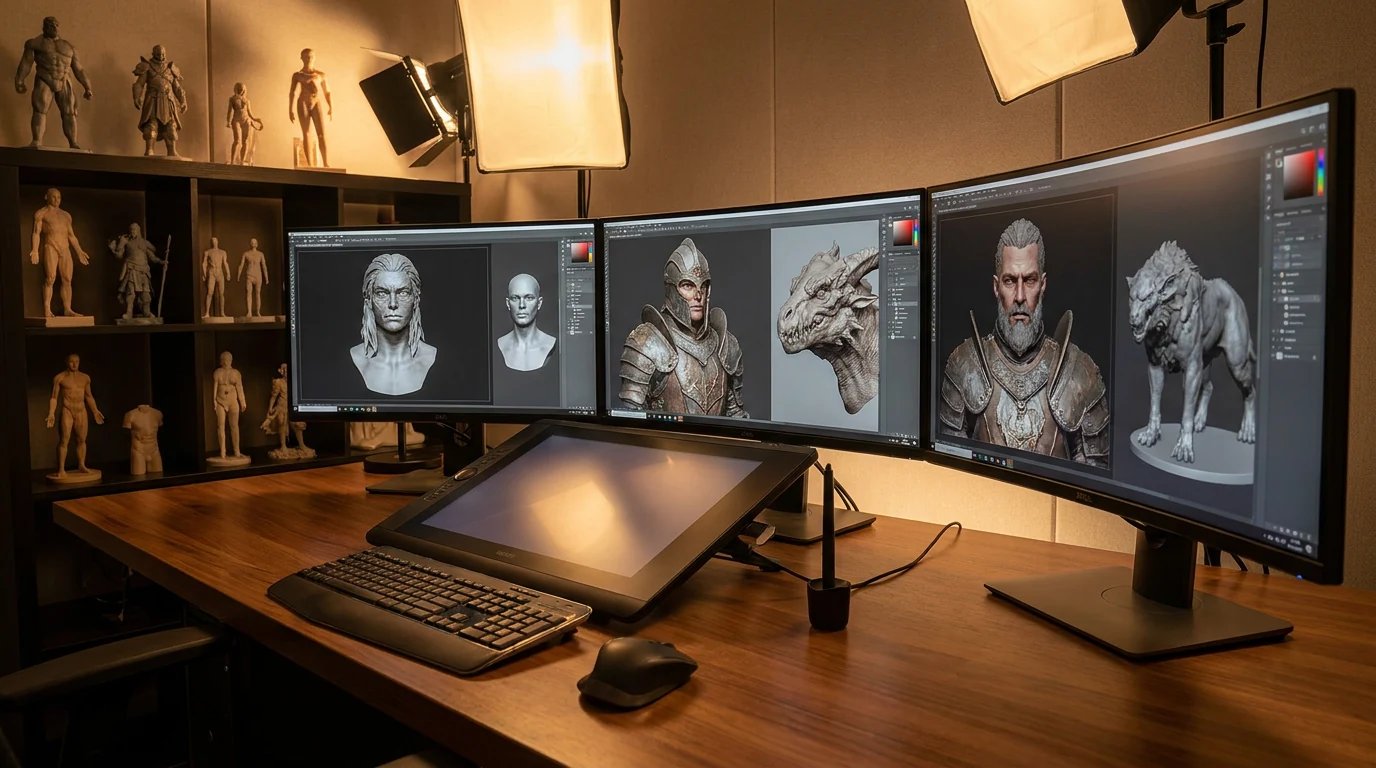
The blockout week, compressed to a coffee break. Most character pipelines stall in the same place: the concept is approved, then someone spends days blocking out a base mesh before anyone can judge proportions in 3D.
Try Image to 3D
Try Image to 3D

How to generate a 3D character model from an image

Four steps, no sculpting package required — start from art you already have.
  1. Reference
    Character concept art uploaded as reference for the AI 3D character generator

    Feed it the character sheet

    Rodin generation is pose-free, and you can select the target pose in Rodin's generation parameters, including A-pose and T-pose options.

    PNG / JPG · single image or optional multi-view
  2. Generate
    AI 3D character generator building a 3D model from the reference image

    Let Rodin build the mesh

    Rodin generates textured 3D character assets, including the body, clothing, and props, that are nearly ready to use.
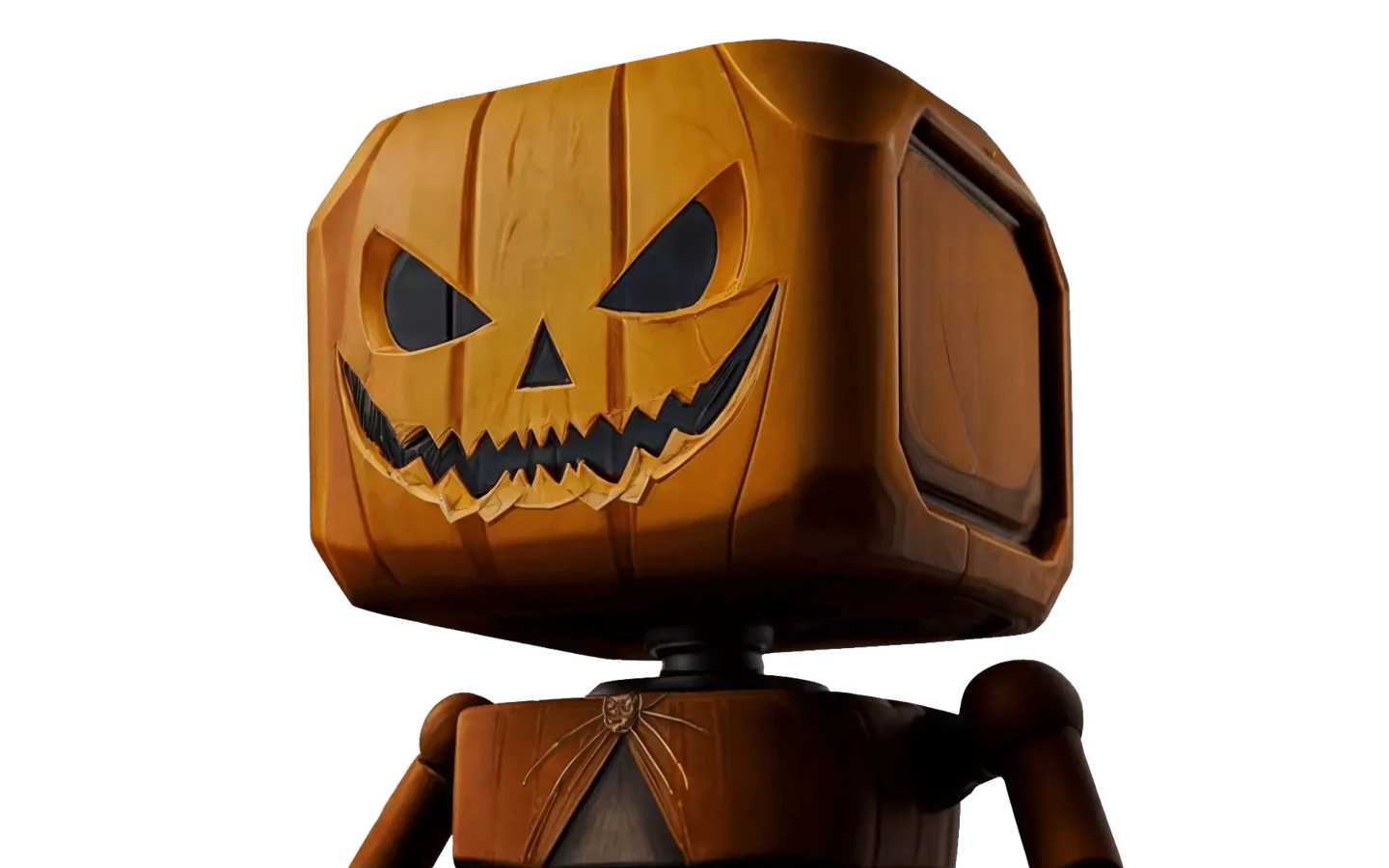
    nearly ready-to-use textured character asset
  3. Texture & export
    PBR-textured 3D character model ready for export

    Finish with PBR maps, then export

    Generate base color, normal, and metallic-roughness maps that stay true to the concept's palette, then export GLB, FBX, OBJ, USDZ, or STL for your pipeline.

    PBR maps · GLB / FBX / OBJ / USDZ / STL

Stylized, realistic, or in between

The generator mirrors the input art instead of forcing a house style — a chibi mascot stays chibi, a gritty soldier stays gritty.
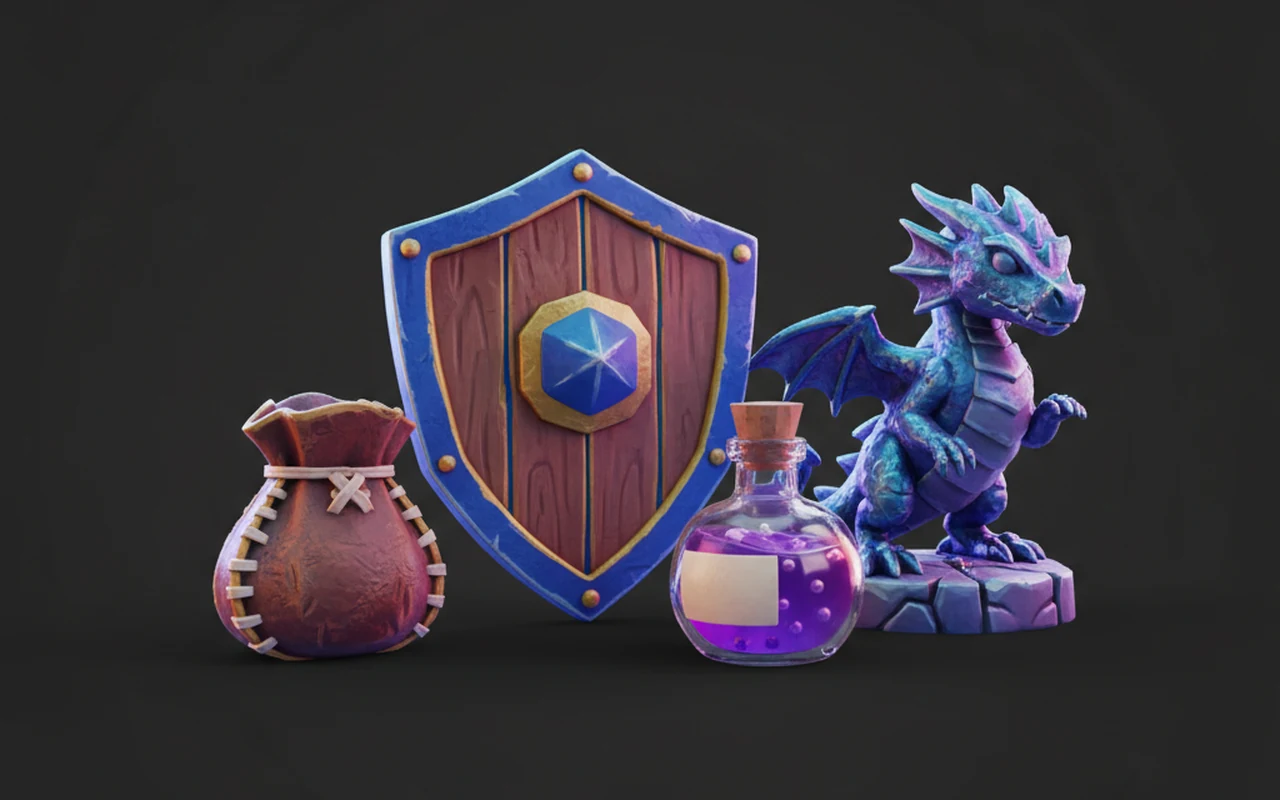
Stylized and toon characters

Stylized and toon characters

Rodin generates nearly production-ready 3D assets from text or images with clean topology and PBR materials.
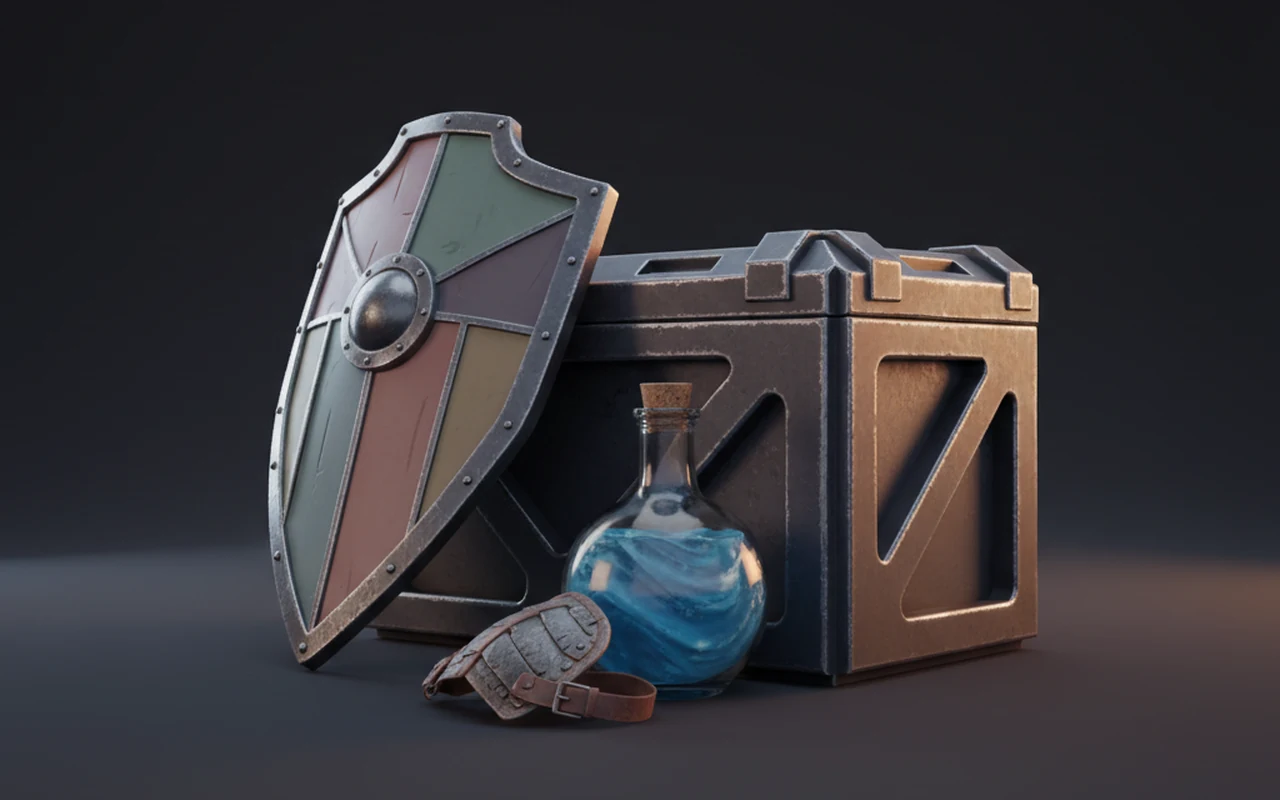
Game-ready realism

Game-ready realism

Rodin generates nearly production-ready 3D assets from text or images with clean topology and PBR materials.
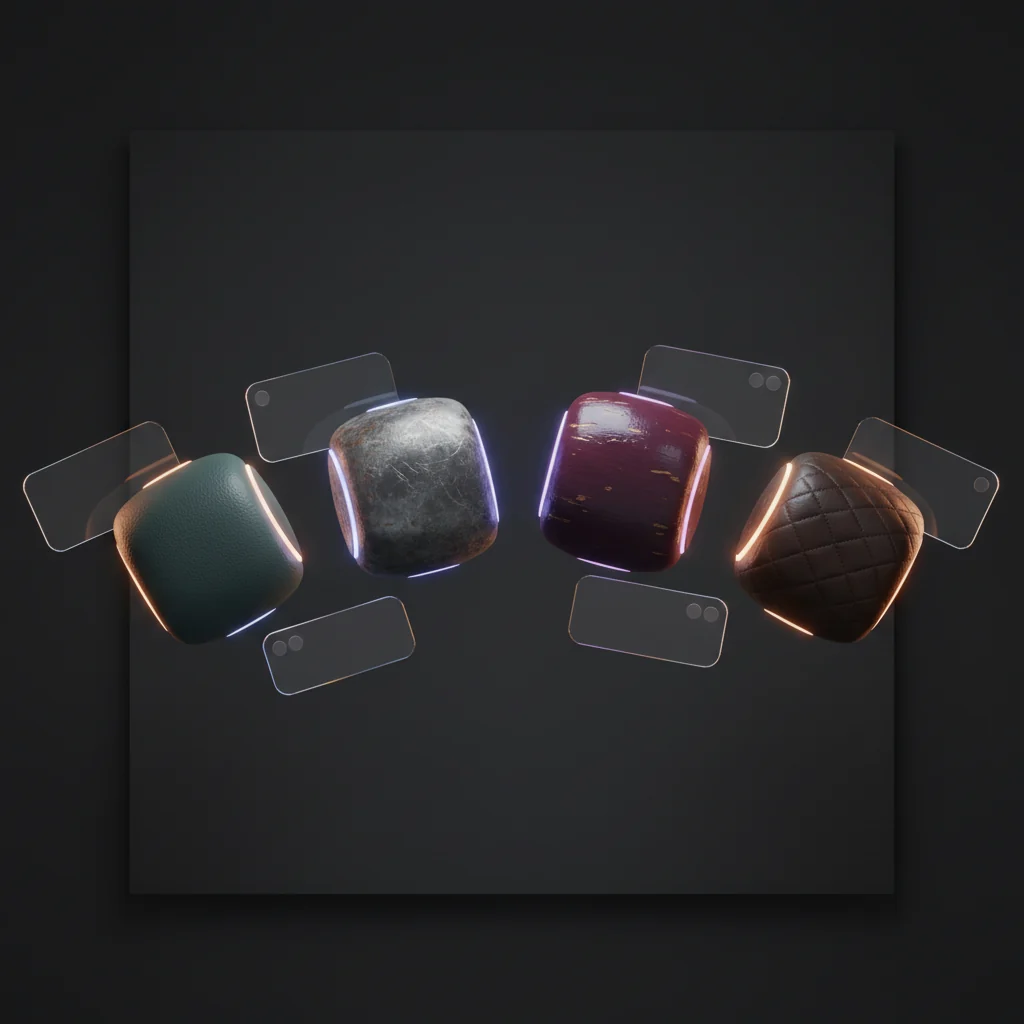
Same character, new skin

Same character, new skin

Keep the mesh, swap the outfit: the AI texture generator repaints an existing character for seasonal variants and palette tests.

Sim Ready — Available Now

Sim Ready is available now for movable, simulation-ready assets with real-world scale and physical properties.

Select A-Pose or T-Pose

Rodin generation is pose-free, and you can select the target pose in Rodin's generation parameters, including A-pose and T-pose options.

High-Quality Character Results

Rodin generates high-quality character assets with faithful silhouettes and clean topology.

Target Polygon Count & Optional LODs

Rodin generates clean topology across supported workflows. OmniCraft separately provides optional retopology, voxel remeshing, decimation, and smoothing controls for creative changes or destination-specific optimization.

Complete PBR Materials

Rodin-generated assets include a complete PBR texture set: Base Color, Normal, Metallic, Roughness, Ambient Occlusion, Opacity, Emissive, and Height.

AI 3D character generator FAQ

Straight answers on poses, topology, texturing, and exports for AI-generated characters.

Can I generate a 3D character model from concept art?

Yes. Rodin can turn a single character concept image into a high-quality textured character asset; additional views are optional for more visual control.

Can I select A-pose or T-pose in Rodin generation parameters?

Rodin generation is pose-free, and you can select the target pose in Rodin's generation parameters, including A-pose and T-pose options.

What topology can I expect from Rodin character assets?

Rodin generates clean topology for character assets. OmniCraft's retopology, remeshing, decimation, and smoothing controls are optional optimization tools.

Stylized or realistic — which works better?

Both, because the generator mirrors your art. Toon proportions stay toon; realistic anatomy stays realistic. The style decision lives in your concept, not in a slider.

How does PBR texturing work for characters?

Rodin-generated assets include a complete PBR texture set: Base Color, Normal, Metallic, Roughness, Ambient Occlusion, Opacity, Emissive, and Height.

Can I use generated characters commercially?

Commercial use depends on your plan and on the rights to your source art. If you own the concept or have a license to it, paid tiers are built for production work — check your account terms before shipping.

Your next character starts as one image