Gerador de personagens 3D com IA — da concept art ao modelo pronto para rigging

Envie a folha do personagem ou a concept art: o Rodin devolve um modelo 3D texturizado para remesh, repintura e exportação em GLB, FBX, OBJ ou USDZ.

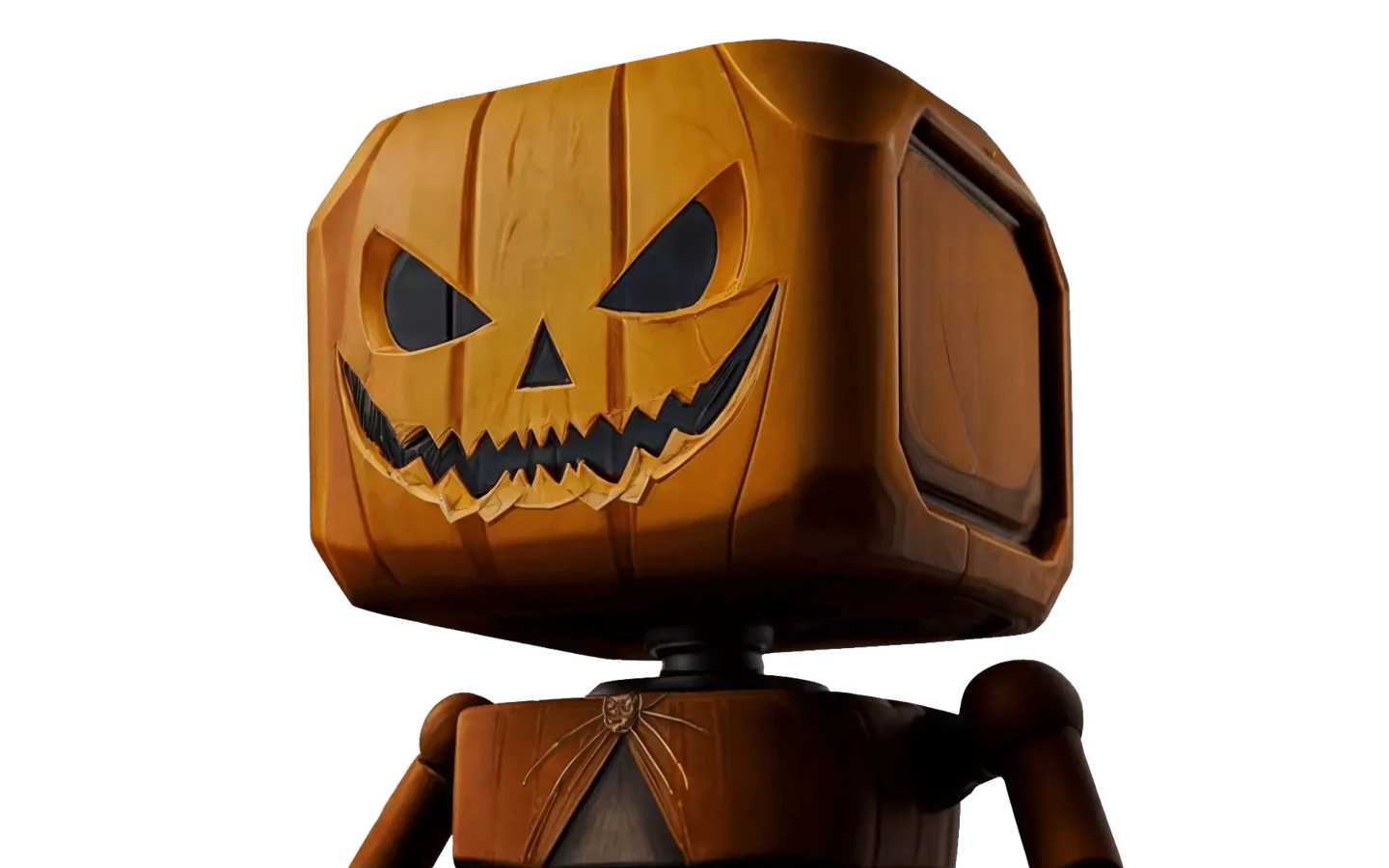
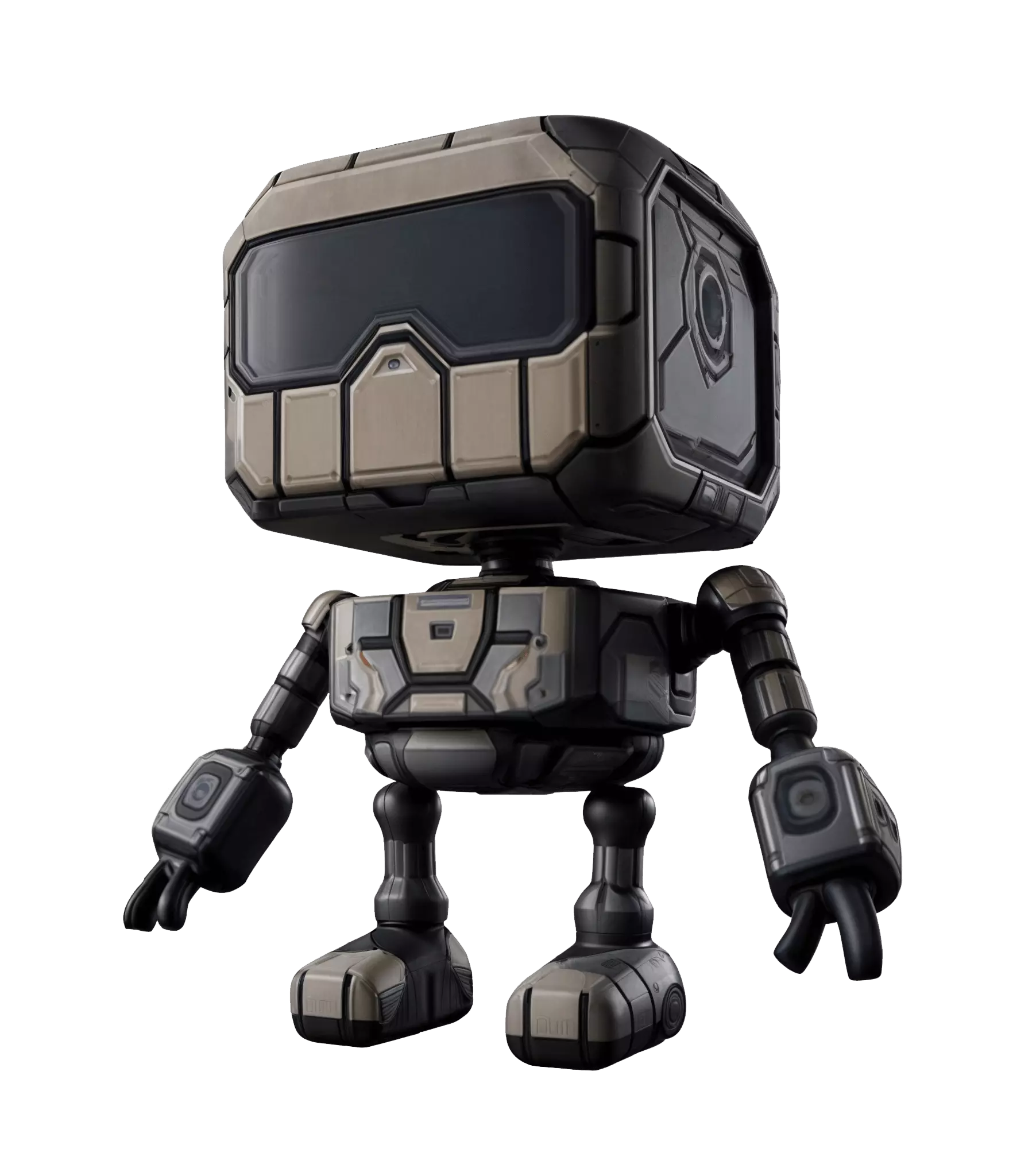
Stylized 3D character model created with the Hyper3D AI 3D character generator

Da folha do personagem ao modelo 3D

The blockout week, compressed to a coffee break. Most character pipelines stall in the same place: the concept is approved, then someone spends days blocking out a base mesh before anyone can judge proportions in 3D.
Try Image to 3D
Try Image to 3D

Como gerar um modelo 3D de personagem a partir de uma imagem

Four steps, no sculpting package required — start from art you already have.
  1. Reference
    Character concept art uploaded as reference for the AI 3D character generator

    Feed it the character sheet

    Upload concept art, a front-facing sketch, or a T-pose turnaround. One clear view is enough — a readable silhouette matters more than resolution.

    .png / .jpg · single or multi-view
  2. Generate
    AI 3D character generator building a 3D model from the reference image

    Let Rodin build the mesh

    Rodin generates the full character — body, costume, props — as an editable, textured 3D model you can inspect from every angle before committing.

    textured draft in minutes
  3. Check
    Matcap surface check on a generated model in the OmniCraft Mesh Editor

    Inspect silhouette and topology

    Open the draft in the OmniCraft Mesh Editor: matcap and wireframe views expose lumpy surfaces early, and remesh brings density down to a working budget.

    matcap · wireframe · remesh
  4. Texture & export
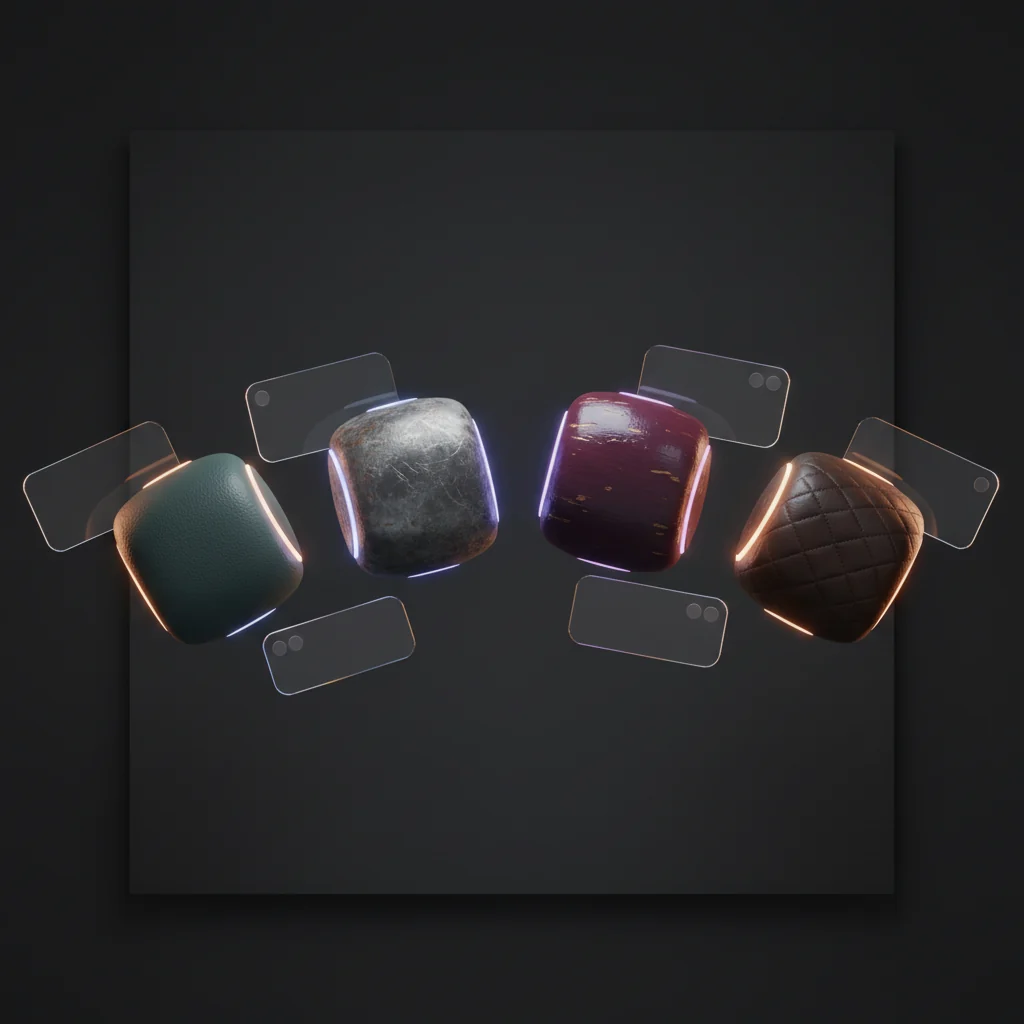
    PBR-textured 3D character model ready for export

    Finish with PBR maps, then export

    Generate base color, normal, and metallic-roughness maps that stay true to the concept's palette, then export GLB, FBX, OBJ, USDZ, or STL for your pipeline.

    PBR maps · GLB / FBX / OBJ / USDZ / STL

Estilizado, realista ou no meio-termo

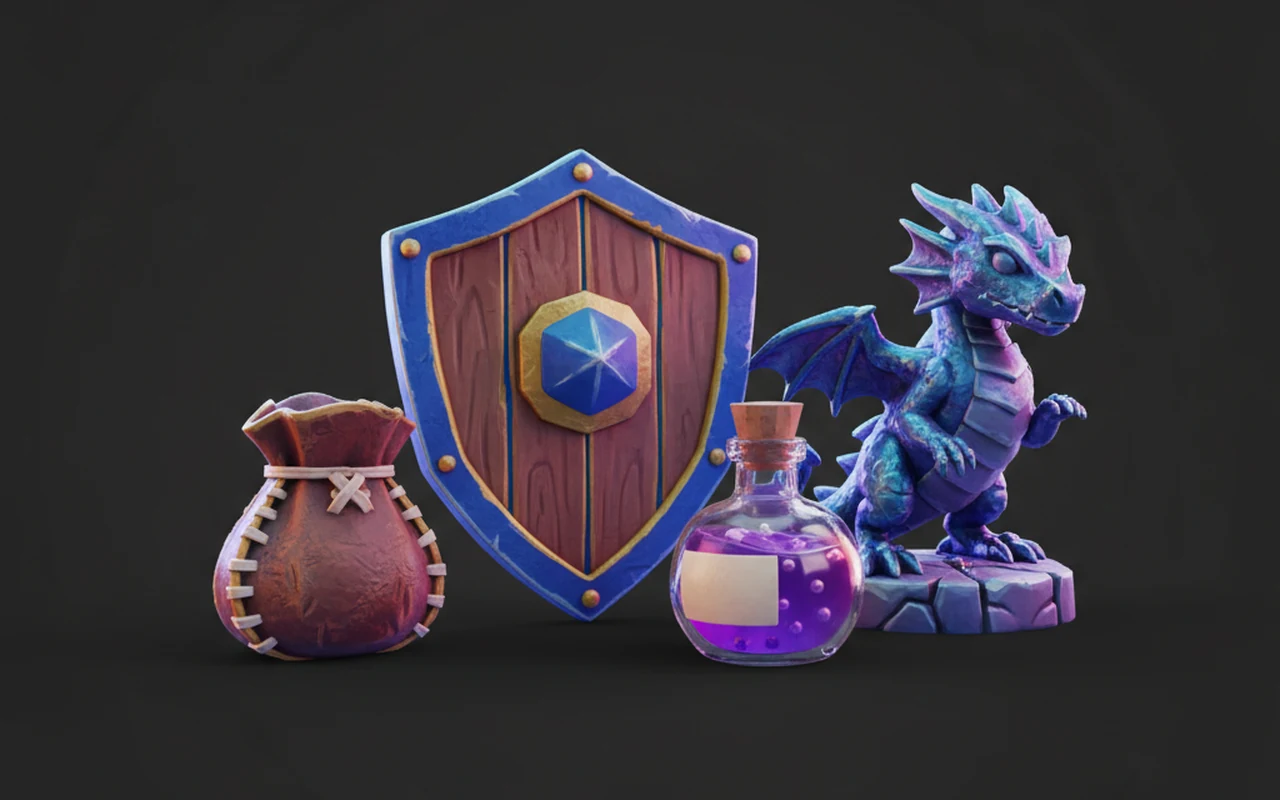
The generator mirrors the input art instead of forcing a house style — a chibi mascot stays chibi, a gritty soldier stays gritty.
Stylized and toon characters

Stylized and toon characters

Chunky proportions, hand-painted finishes, and silhouettes that survive decimation — built for mascots, collectibles, and animation tests.

Game-ready realism

Game-ready realism

Hard-surface armor, layered fabric, and skin that reads correctly under PBR lighting — then remesh down to your engine's poly budget.

Same character, new skin

Same character, new skin

Keep the mesh, swap the outfit: the AI texture generator repaints an existing character for seasonal variants and palette tests.

Pronto para rigging: T-pose, topologia, UVs

A generated character is a draft until it binds cleanly to a skeleton. Six checks the rigging queue will thank you for.

Ask for a T-pose up front

The generator follows the pose in your reference. If the model is headed for a skeleton, feed it a T-pose or A-pose sheet — or say so in the text prompt — instead of fixing a dynamic pose later.

Judge the silhouette first

Spin the draft before zooming into details. If the outline reads wrong in 3D, regenerate from a cleaner view — it's cheaper than sculpting a fix.

Plan the retopo pass

Generated meshes are dense by design. Remesh inside Hyper3D to a working density; hero characters that need facial animation still deserve hand-placed edge loops.

Budget your polygons

Rodin can carry very high poly counts, but your engine can't. Decimate background characters hard and spend the saved budget on faces and hands.

Keep the PBR set intact

Base color, normal, and metallic-roughness maps travel with the mesh. Keep them as separate maps so lookdev can tune materials without repainting.

Match the format to the DCC

FBX into Maya or Blender for rigging, GLB for engines and web viewers, USDZ for AR try-ons, STL only when the character becomes a printed figurine.

Confiado por criadores de assets 3D reais

Criadores usam a Hyper3D para transformar referências e prompts em modelos 3D editáveis e prontos para exportação.

AI 3D just hit a new threshold. Rodin Gen-2.5: Geometry in ~4s, full model in ~5s, 10M+ polygons, clean structure, production-ready outputs. This is the moment AI 3D becomes an actual pipeline tool.

Sabir Hussain

Sabir Hussain

AI & Tech Enthusiast

Tested Rodin Gen-2.5 from Hyper 3D. Cleaner meshes, sharper surface detail, stronger multi-angle coherence. The results feel much closer to something you’d actually keep iterating on inside a real workflow.

BubbleBrain

BubbleBrain

AI Enthusiast

Rodin Gen 2.5 is a game-changer. 10M+ polygons, 3D-native textures, and seriously good results on complex high-poly models. Production-ready assets just got a lot closer.

Lagerskoy

Lagerskoy

Hunter & Builder

FAQ do gerador de personagens 3D com IA

Straight answers on poses, topology, texturing, and exports for AI-generated characters.

Can I generate a 3D character model from concept art?

Yes — that's the main path. Upload the concept through image to 3D and the generator returns a textured character mesh that follows the art's silhouette, costume, and palette. Character sheets with a clear front view give the most faithful results.

Does the generated character come out in a T-pose?

Only if your input shows one. The model follows the pose in the reference, so use a T-pose or A-pose sheet when the character is headed for rigging — or request one explicitly in a text to 3D prompt.

What topology should I expect?

Dense generation topology, not hand-laid quads. It holds up for stills, previews, and background characters; for hero characters, remesh in the OmniCraft Mesh Editor and plan a retopo pass where deformation matters — faces, shoulders, hips.

Stylized or realistic — which works better?

Both, because the generator mirrors your art. Toon proportions stay toon; realistic anatomy stays realistic. The style decision lives in your concept, not in a slider.

How does PBR texturing work for characters?

Generated characters ship with base color, normal, and metallic-roughness maps. To restyle an existing mesh — new outfit, new palette — repaint it with the AI texture generator instead of regenerating from scratch.

Which format should I export for rigging and animation?

FBX for rigging in Maya, Blender, or 3ds Max. GLB for engines and web viewers, USDZ for iOS AR, OBJ when you only need geometry and maps. STL if the character is becoming a printed figurine.

Can I use generated characters commercially?

Commercial use depends on your plan and on the rights to your source art. If you own the concept or have a license to it, paid tiers are built for production work — check your account terms before shipping.

Seu próximo personagem começa com uma imagem

Generate your first 3D character free with Rodin, check it against the sheet, and export a file the next seat in the pipeline can open.