AI 3D Model Generator for 3D Printing

Turn a photo, a sketch, or a text prompt into a printable 3D model. Remesh it watertight in your browser and export an STL your slicer will actually accept.

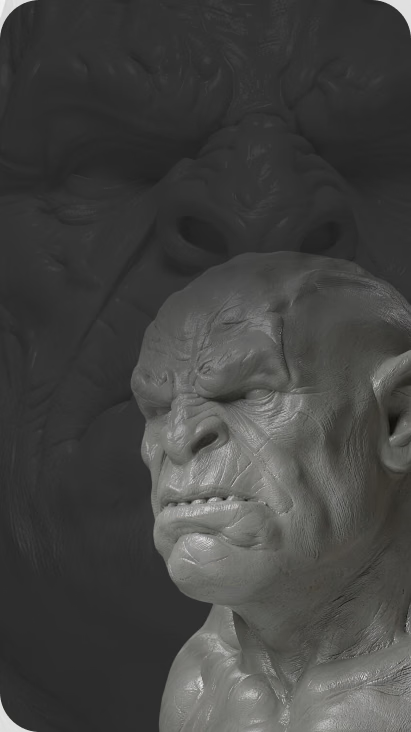
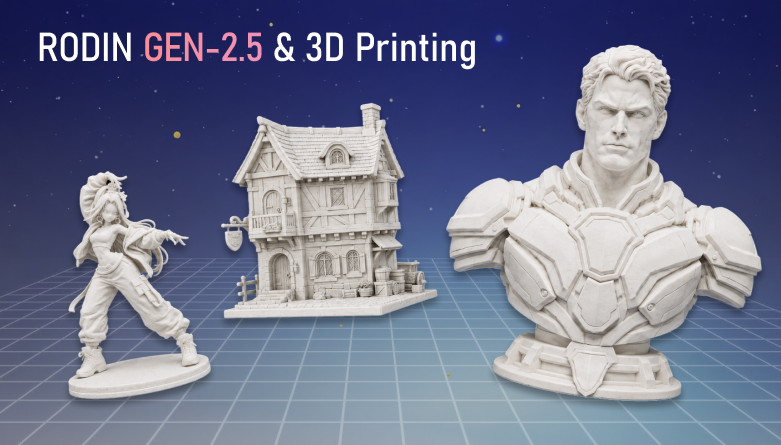
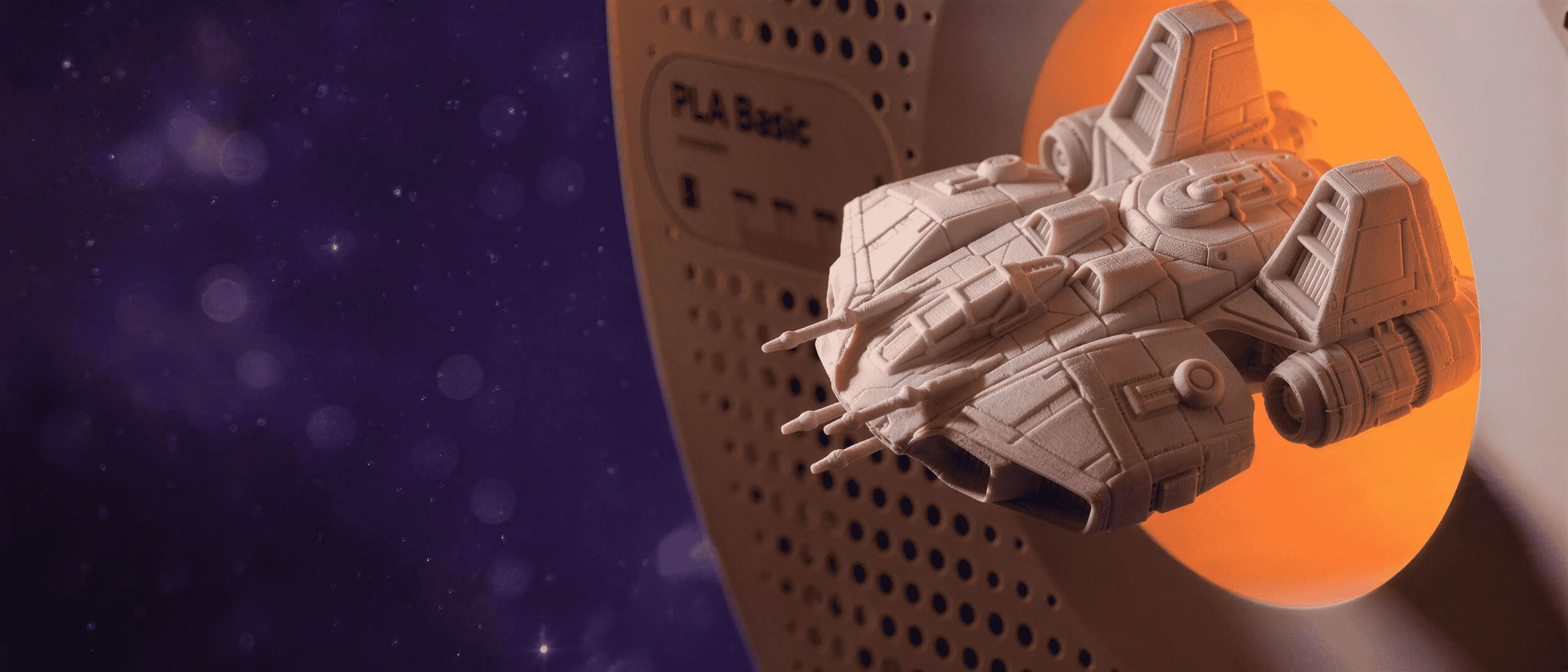
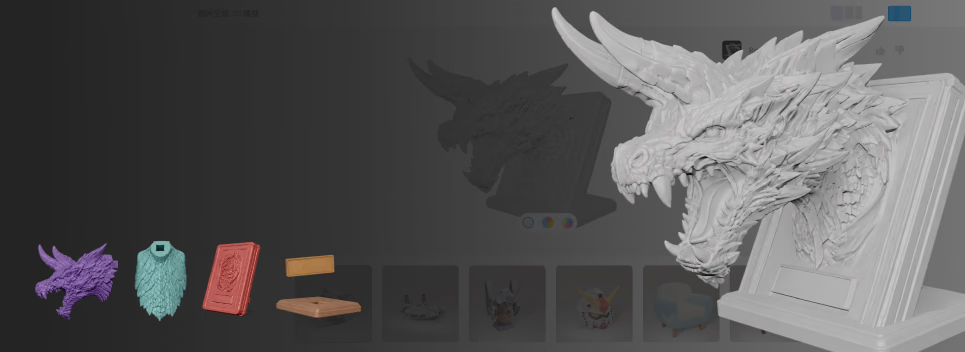
AI-generated 3D model prepared for 3D printing with Hyper3D

Watertight or it doesn't print

Generation gets you the shape. The OmniCraft Mesh Editor gets it through the slicer. Slicers are unforgiving. One naked edge or inverted normal and you get spaghetti — or nothing at all.

Open the Mesh Editor

What makers print with it

A Saturday one-off or a batch of fifty for the con table — the workflow is the same, only the printer settings change.

Tabletop miniatures & terrain

Generate a hero mini from character art, decimate to a clean silhouette, and print at 28 mm on a resin machine. Scenery and terrain forgive even more.

Cosplay props & wearables

Scale a concept up to helmet size, remesh so the shell stays closed, and let your slicer cut it into build-plate pieces.

Functional parts & fixtures

Functional parts & fixtures

Draft brackets, enclosures, and jigs from reference photos, then export OBJ and true up critical dimensions in CAD before you print.

Casting masters & jewelry

Casting masters & jewelry

Print resin masters for silicone molds or investment casting. Start from a sketch, refine the sculpt, and export a watertight STL.

Confiado por criadores de assets 3D reais

Criadores usam a Hyper3D para transformar referências e prompts em modelos 3D editáveis e prontos para exportação.

AI 3D just hit a new threshold. Rodin Gen-2.5: Geometry in ~4s, full model in ~5s, 10M+ polygons, clean structure, production-ready outputs. This is the moment AI 3D becomes an actual pipeline tool.

Sabir Hussain

Sabir Hussain

AI & Tech Enthusiast

Tested Rodin Gen-2.5 from Hyper 3D. Cleaner meshes, sharper surface detail, stronger multi-angle coherence. The results feel much closer to something you’d actually keep iterating on inside a real workflow.

BubbleBrain

BubbleBrain

AI Enthusiast

Rodin Gen 2.5 is a game-changer. 10M+ polygons, 3D-native textures, and seriously good results on complex high-poly models. Production-ready assets just got a lot closer.

Lagerskoy

Lagerskoy

Hunter & Builder

3D printing questions, answered

STL export, watertightness, slicers, cleanup — the details that decide whether a print succeeds.

Can I turn a photo into a printable STL?

Yes. Upload the photo to image-to-3D, let Rodin build the mesh, then export STL — or use the free image to STL tool for the quickest route.

Are generated meshes watertight?

Not always straight out of generation. High-poly output can carry pinholes or non-manifold edges, so run a voxel remesh in the Mesh Editor — it rebuilds the shell into a closed, manifold surface made for slicing.

Which formats can I export for printing?

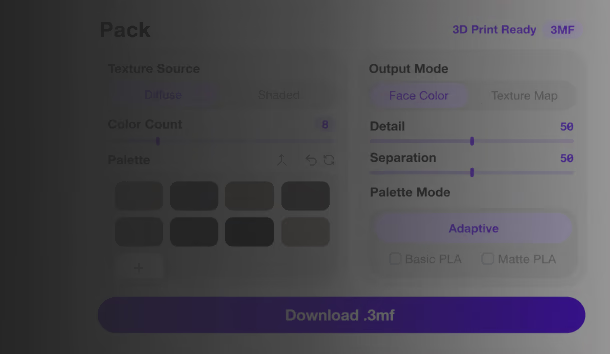
STL is the safe default for every slicer. 3MF carries units and print metadata, OBJ suits a paint-or-edit detour, and GLB or USDZ cover AR previews of the same model.

How much cleanup should I expect before slicing?

Plan for one pass. Generated meshes are dense and occasionally over-detailed for FDM; a decimation or voxel remesh takes minutes, and the Mesh Editor is free to use with no login.

Does it work for both FDM and resin printing?

Both. The export is a standard STL or OBJ, so it slices the same in Cura and PrusaSlicer as in Chitubox or Lychee. Decimate for FDM; keep the detail for resin.

Can I generate from a text prompt instead of an image?

Yes. Text-to-3D takes a written description and returns a mesh you prep for printing exactly the same way — remesh, check, export STL.

How do I get the size right?

Scale is set in your slicer or DCC tool — the mesh exports with clean proportions, so scaling a mini to 32 mm or a prop to 300 mm is one field, not a rebuild.

Can I sell prints of generated models?

That depends on your plan and your sources. Commercial use is covered by your account terms; if you generated from someone else's artwork or photos, clear those rights before selling prints or files.

Try the AI 3D model generator for 3D printing

Generate a model from a photo or a prompt, make it watertight, and send the STL to your slicer. The first test print will tell you more than any demo reel.