




Personagem / criatura
Low-poly fox, flat-shaded triangular facets, warm autumn palette, strong silhouette, clean surface detail.
Generate a high-quality low-poly 3D model from a prompt or image, choose a target polygon count during Rodin generation, optionally create LODs, and export it to a preferred supported 3D workflow.
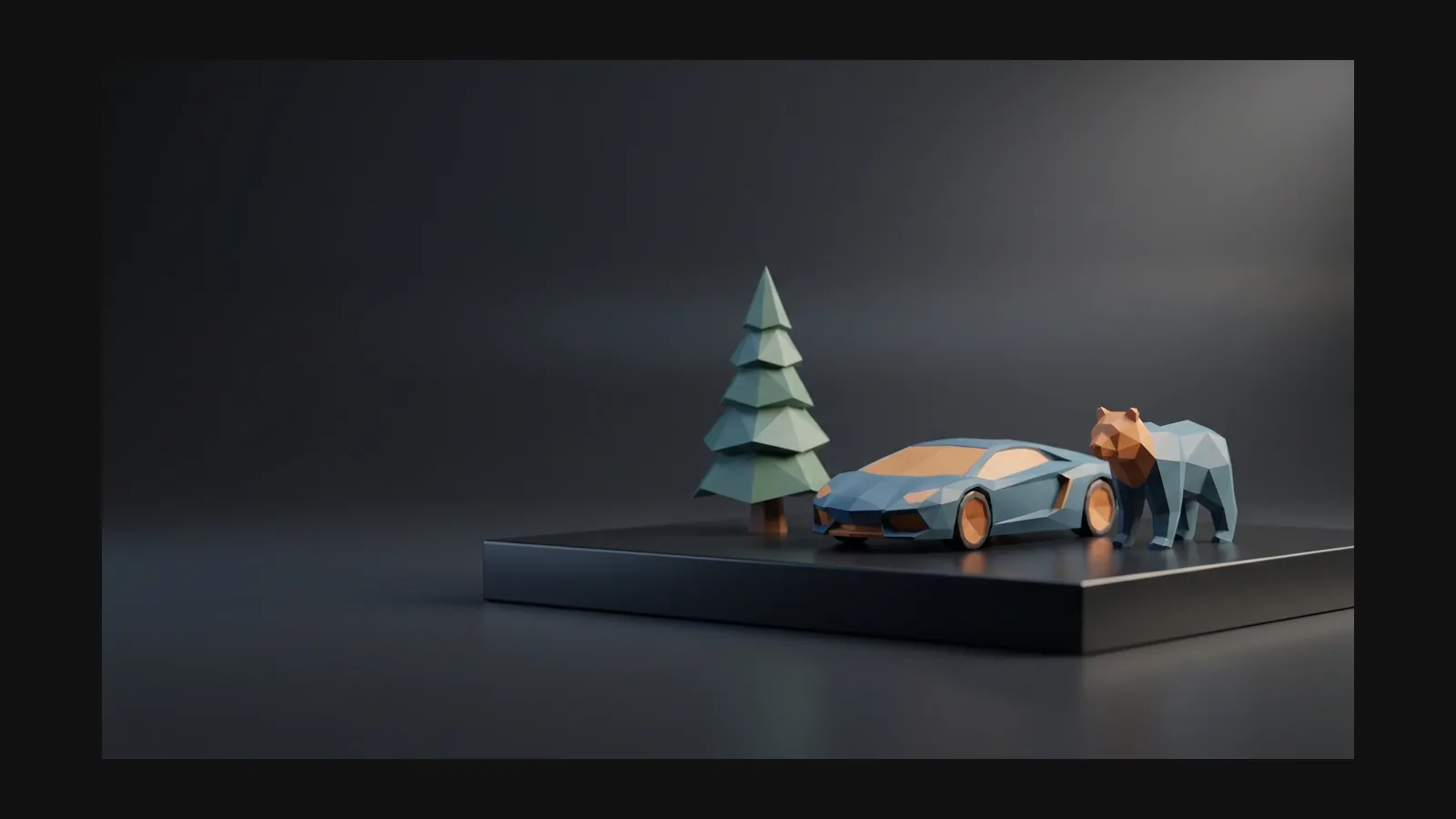


Rodin generates clean low-poly 3D assets, lets you set a target polygon count, and offers optional LOD generation for different asset budgets.
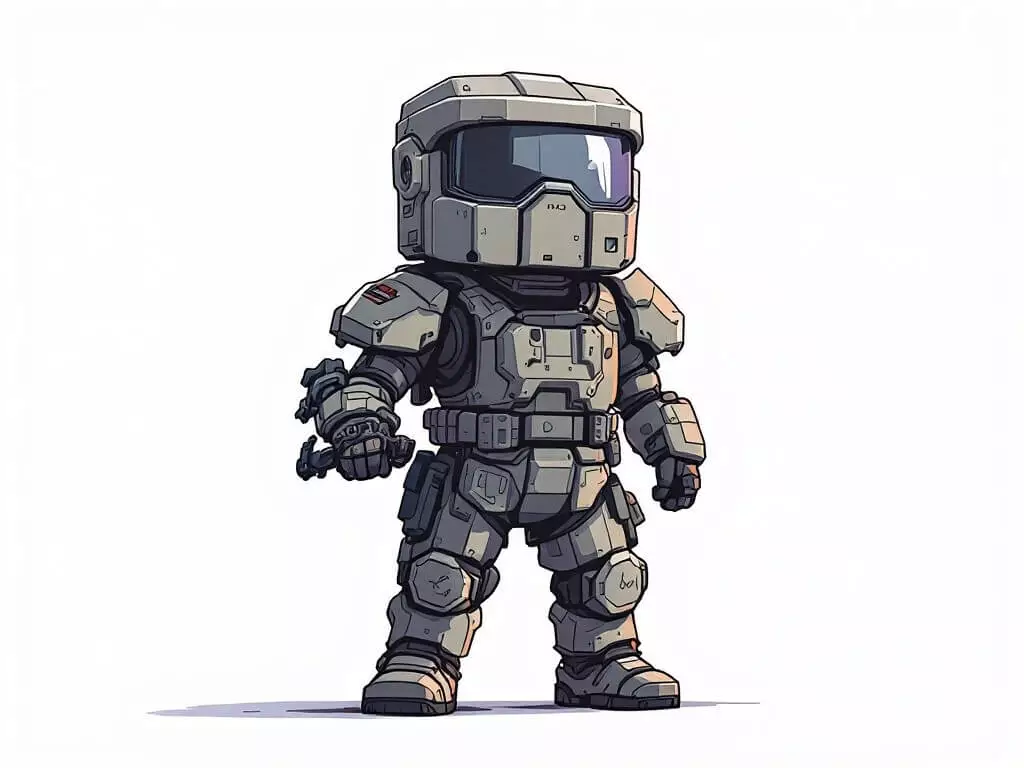
Words like 'low poly', 'flat-shaded', 'faceted', and 'one color per face' steer the geometry and the texture. An image reference of an existing low poly asset locks the direction even harder.
Rodin generates a textured, watertight low-poly mesh with clean topology, ready-to-use UVs, and PBR materials—nearly ready to use in a preferred supported 3D workflow.
Choose a target polygon count and optional LOD generation to fit the asset budget, then export in your preferred supported format.
Choose a target polygon count during Rodin generation and optionally create LODs for different scene budgets. OmniCraft separately provides optional retopology, voxel remeshing, decimation, and smoothing for further destination-specific refinement.
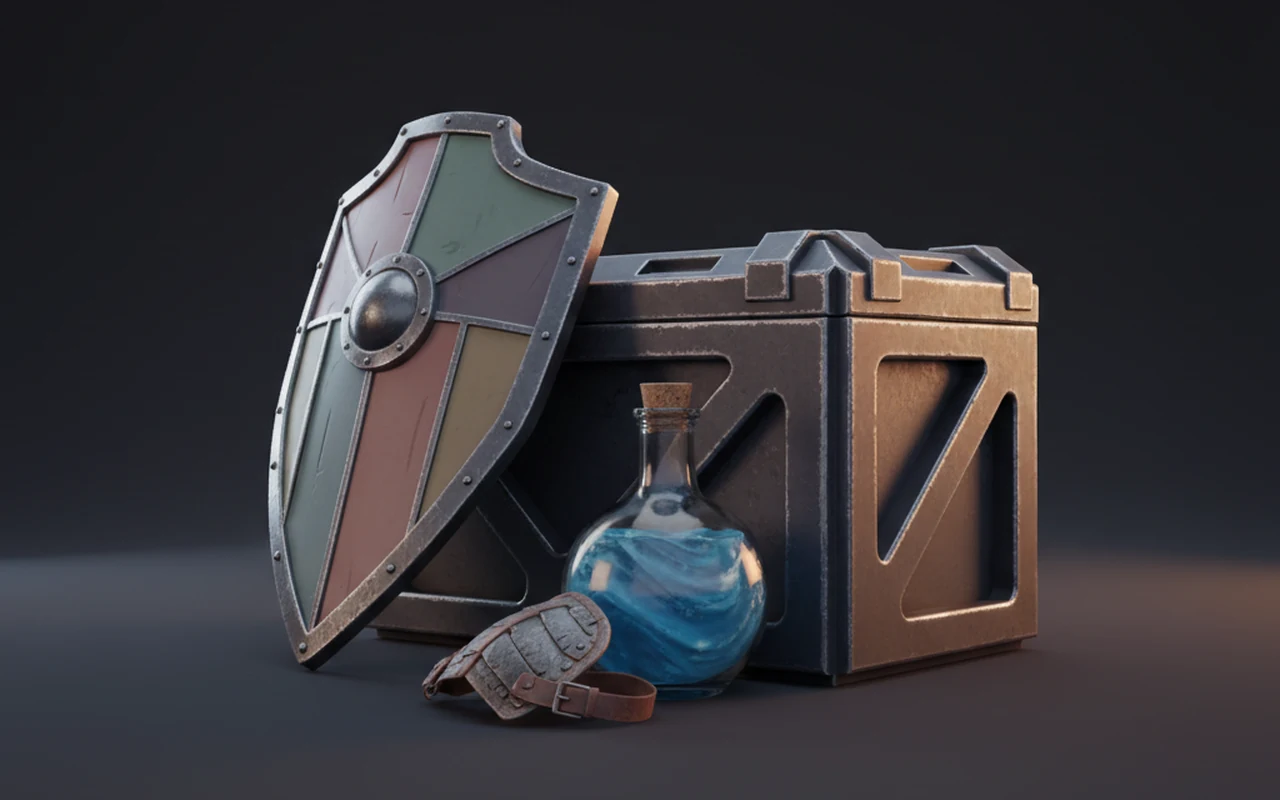
The style is a set of deliberate choices — silhouette, shading, palette, budget — and each one maps to a control in the OmniCraft pipeline.
Good low poly spends its triangles on the outline: the ear of the fox, the notch in the axe. Generate from a reference with a strong profile and the style is already half done.
Rodin creates a crisp faceted look with clean geometry and carefully defined surface shading; OmniCraft AI Texture Generator separately provides optional texture variations for compatible low-poly meshes.
Rodin delivers clean, consistent low-poly textures; OmniCraft AI Texture Generator separately creates optional palette and stylized texture variations for compatible meshes, up to 12K.
Few triangles, one material, small textures: low poly assets batch well, fit mobile and VR frame budgets, and load fast on the web. That is why the style never left game development.
Name the subject first, then stack style cues: shading, palette, edge treatment, and where the asset will live. Copy these into Rodin and adjust the subject.
Low-poly fox, flat-shaded triangular facets, warm autumn palette, strong silhouette, clean surface detail.
"low poly desert ruin archway, sandstone blocks, flat shading, three-tone palette, modular kit piece for a mobile game"
"low poly delivery drone, hard edges, faceted panels, two-tone gray and orange palette, readable at a distance, no decals"
"low poly alpine cottage, snow-capped roof, flat colors, compact square footprint, designed for an isometric camera" — pairs well with the isometric style page.
Polycounts, flat shading, engine formats, and where low poly assets earn their keep.