AI 로우 폴리 3D 모델 생성기

Turn a prompt or concept image into a low poly 3D model, set an exact polycount with remesh, and export FBX, GLB, or OBJ for Unity, Unreal, Godot, or Blender.

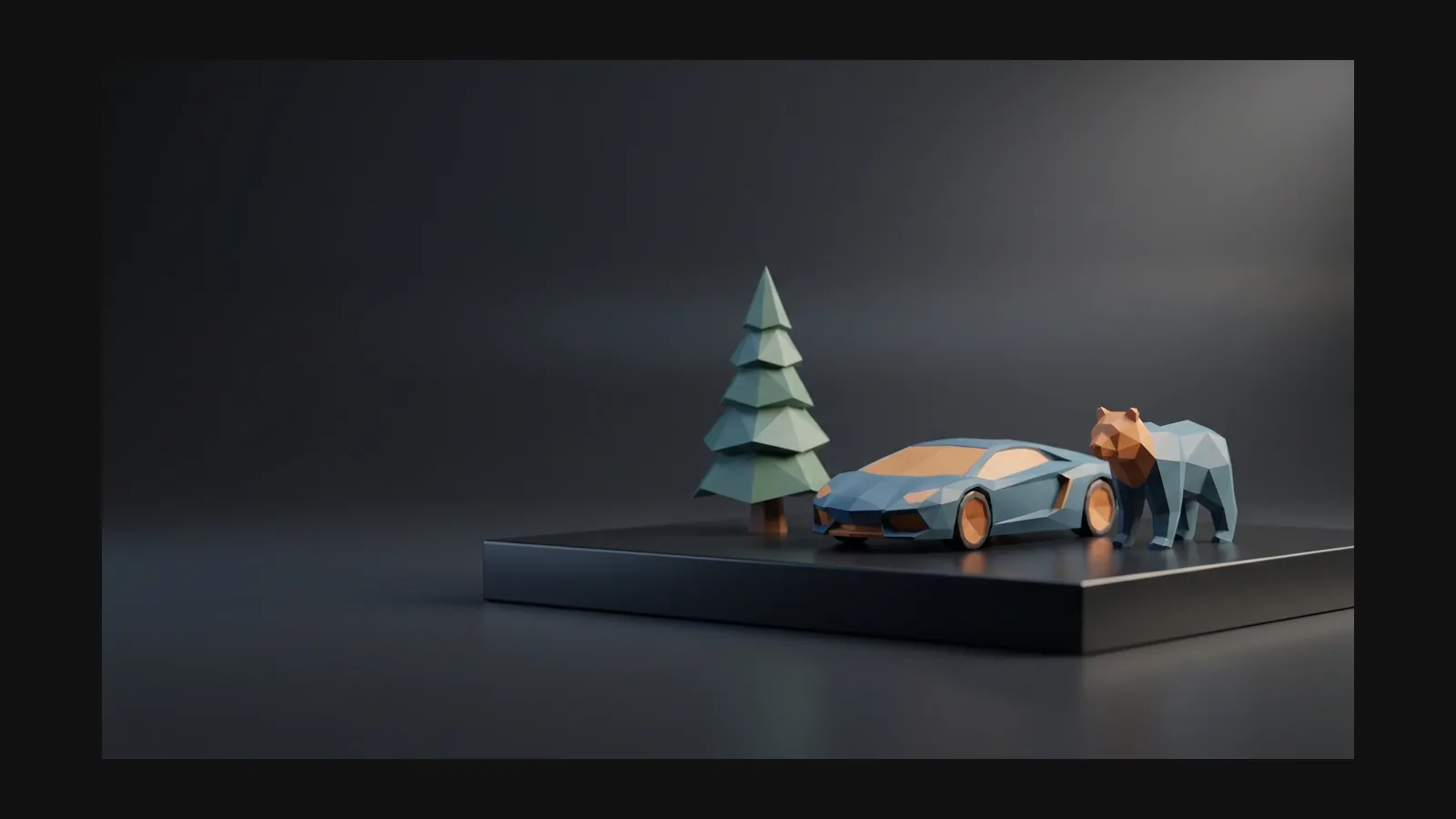
로우 폴리 3D model generator hero image

3단계로 만드는 로우 폴리 3D 모델

Rodin generates the mesh; the OmniCraft Mesh Editor brings it down to budget. No blocking, no retopo marathon.

  1. Step 1 — Reference
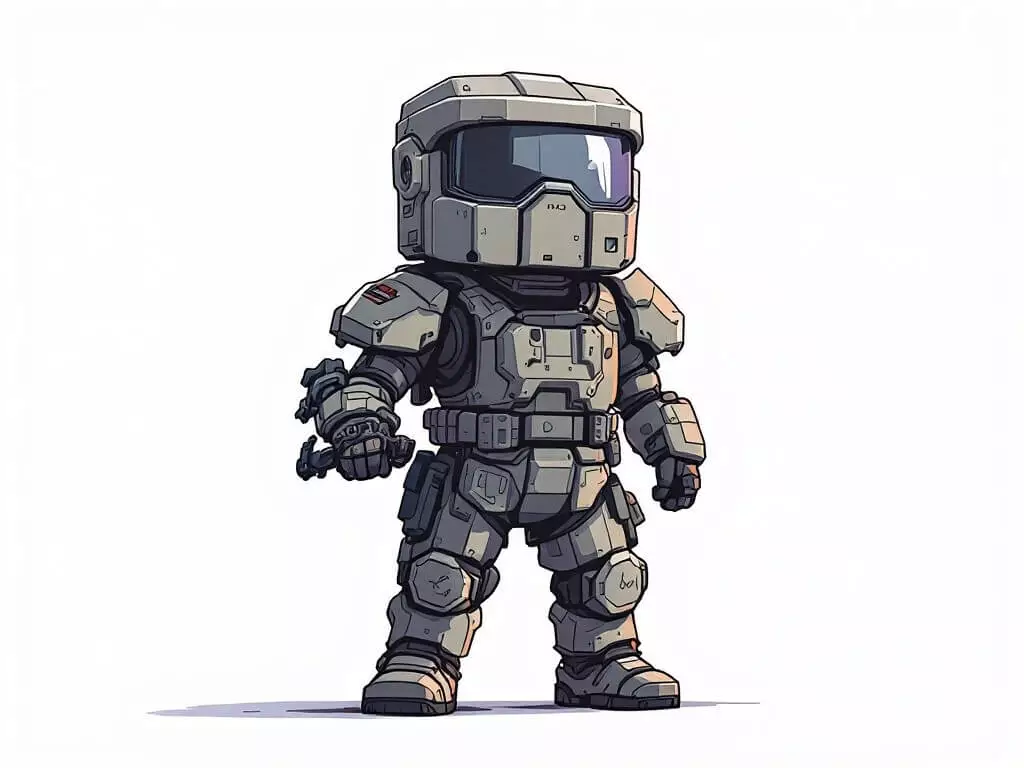
    Concept art used as an image-to-3D reference for a low poly 3D model

    Prompt the low poly look explicitly

    Words like 'low poly', 'flat-shaded', 'faceted', and 'one color per face' steer the geometry and the texture. An image reference of an existing low poly asset locks the direction even harder.
    text prompts · image references
  2. Step 2 — Generate
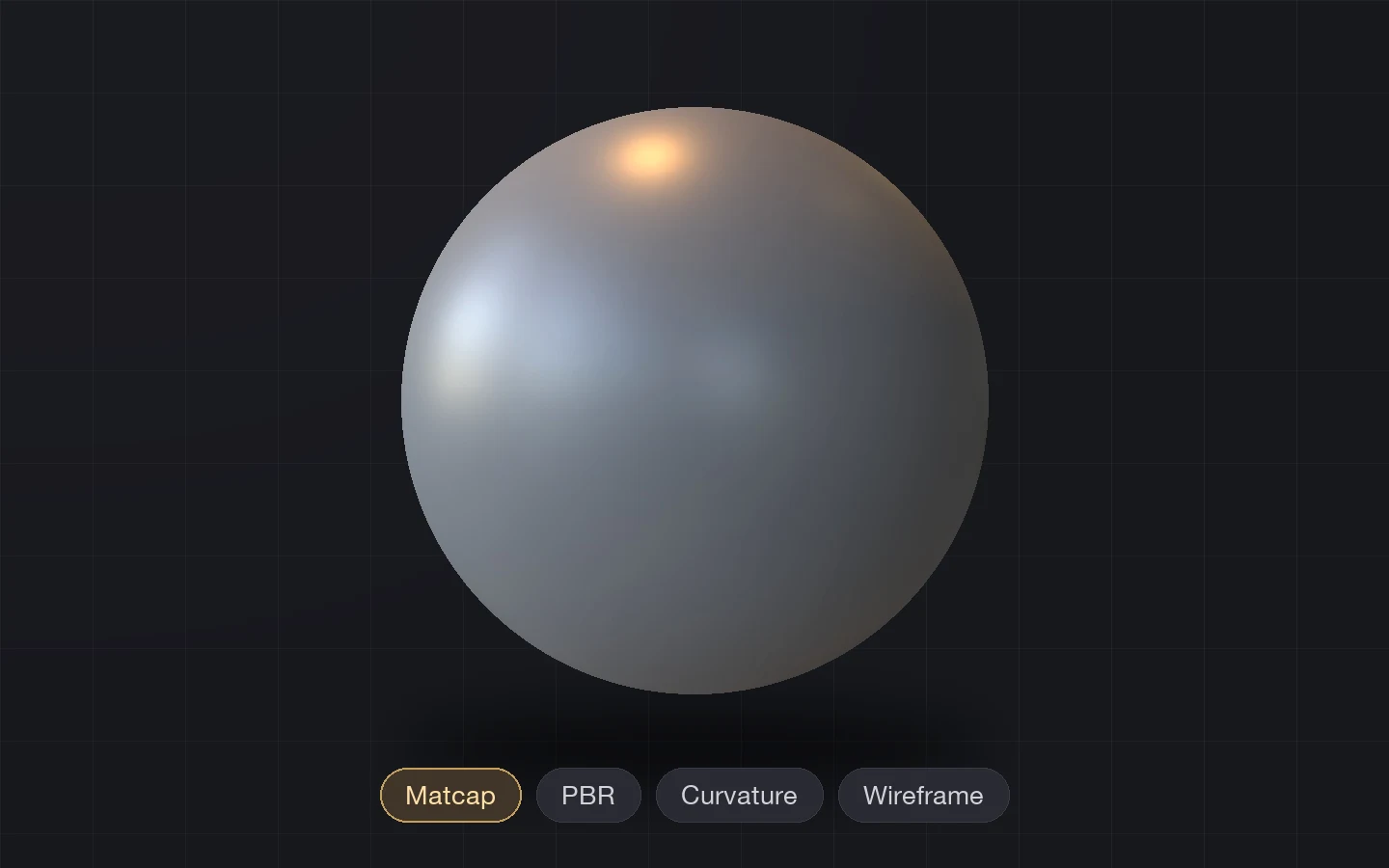
    Generated 3D model imported into the OmniCraft Mesh Editor for review

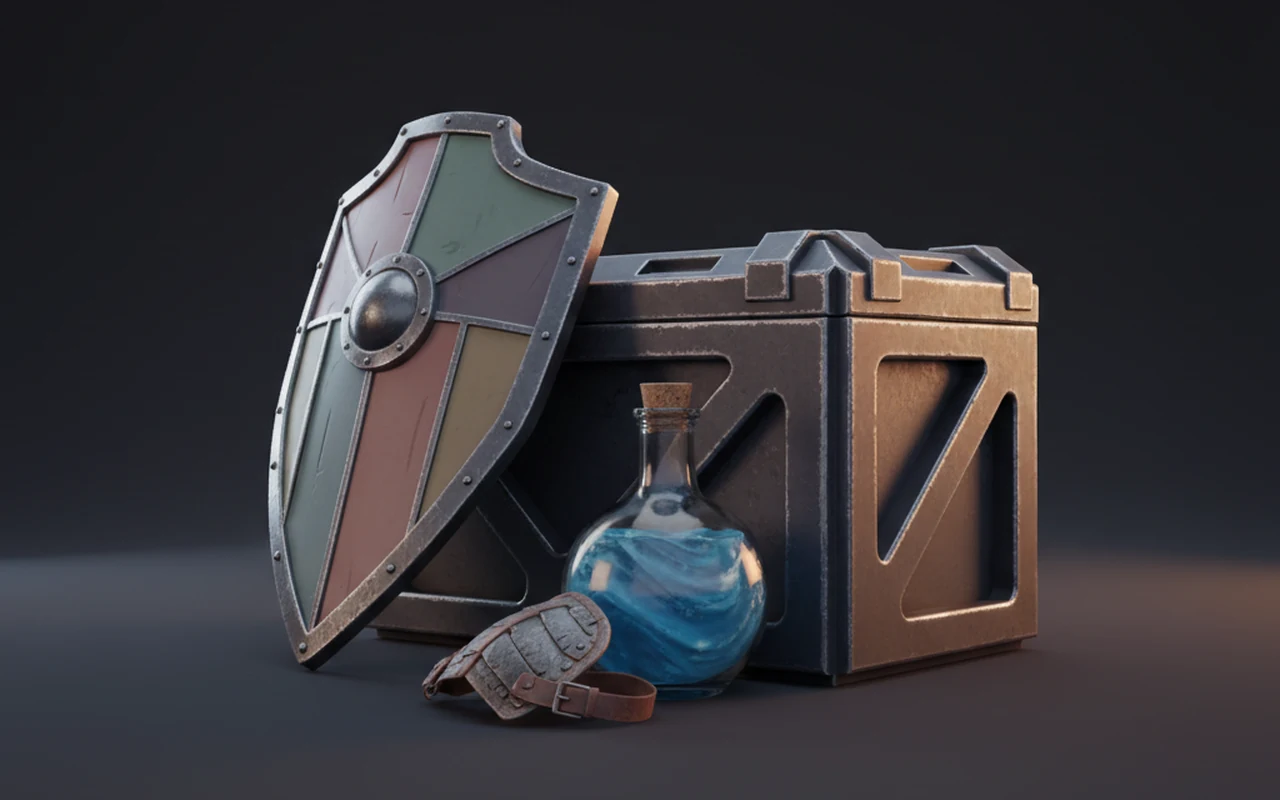
    Get a watertight mesh with PBR maps

    Rodin returns a textured, watertight mesh with UVs. Check the silhouette from the angles your camera will actually see — low poly lives or dies on the outline, not the surface.

    watertight mesh · UVs · PBR set
  3. Step 3 — Remesh & export
    Low poly 3D model checked with a live vertex and triangle count readout

    Bring it down to your poly budget

    Remesh to a target density in the Mesh Editor while a live triangle counter keeps score, then export FBX for Unreal, GLB for Unity or the web, OBJ for Blender.

    FBX · GLB · OBJ · live polycount

폴리곤 수는 타협이 아니라 설정입니다

A hero prop can afford 8,000 triangles; a background rock gets 300. Generate at full detail, then remesh to the exact density each slot needs — the live triangle count in the OmniCraft Mesh Editor keeps score while the silhouette stays intact.

메시 에디터 열기
메시 에디터 열기

로우 폴리로 읽히는 조건

The style is a set of deliberate choices — silhouette, shading, palette, budget — and each one maps to a control in the OmniCraft pipeline.

표면 디테일보다 실루엣

표면 디테일보다 실루엣

Good low poly spends its triangles on the outline: the ear of the fox, the notch in the axe. Generate from a reference with a strong profile and the style is already half done.

플랫 셰이딩과 하드 엣지

플랫 셰이딩과 하드 엣지

The faceted look comes from split normals, not just fewer polygons. After export, one click — Shade Flat in Blender, or hard edges in your engine import settings — locks in the crystalline read.

사진 텍스처가 아닌 팔레트 텍스처

사진 텍스처가 아닌 팔레트 텍스처

Classic low poly uses a handful of flat colors or a tiny gradient atlas. Prompt for 'flat colors, three-tone palette, no surface noise' and regenerate the texture until the material sits right.

진짜 절약은 엔진 안에서

진짜 절약은 엔진 안에서

Few triangles, one material, small textures: low poly assets batch well, fit mobile and VR frame budgets, and load fast on the web. That is why the style never left game development.

검증된 로우 폴리 프롬프트

Name the subject first, then stack style cues: shading, palette, edge treatment, and where the asset will live. Copy these into Rodin and adjust the subject.

캐릭터 / 크리처

"low poly fox, flat-shaded triangular facets, warm autumn palette, strong silhouette, game-ready prop, no surface noise"

모듈형 환경 키트

"low poly desert ruin archway, sandstone blocks, flat shading, three-tone palette, modular kit piece for a mobile game"

하드서피스 프롭

"low poly delivery drone, hard edges, faceted panels, two-tone gray and orange palette, readable at a distance, no decals"

아이소메트릭용 씬 피스

"low poly alpine cottage, snow-capped roof, flat colors, compact square footprint, designed for an isometric camera" — pairs well with the isometric style page.

로우 폴리 3D 모델 생성기 FAQ

Polycounts, flat shading, engine formats, and where low poly assets earn their keep.

How do I generate low poly 3D models with AI?

Two ways. Text to 3D from a prompt that names the style — 'low poly, flat-shaded, three-tone palette' — or Image to 3D from concept art or a photo of an existing low poly asset. Then remesh to your triangle budget and export.

Can I control the exact polygon count?

Yes — after generation. The OmniCraft Mesh Editor remeshes to a target density with a live vertex and triangle readout, so you can hit 500 triangles for a background prop or 8k for a hero piece and export each LOD as its own file.

Will the model come out flat-shaded?

Prompting the look gets you most of the way: faceted geometry and flat-color textures. The final crystalline shading is a normals setting you flip at import — Shade Flat in Blender, or hard edges in Unity and Unreal import options. There is no hidden style filter; it is prompts plus standard tools.

Which export format should I use for Unity, Unreal, or Godot?

FBX is the safe default for Unreal and Unity. GLB works everywhere modern — Godot, Unity, three.js — and carries textures in one file. OBJ is the simplest hand-off into Blender. The PBR set travels with each export.

Can I refine the model in Blender afterwards?

That is the intended workflow for many teams: generate in Rodin, export OBJ or FBX, then use Blender for the finishing pass — a Decimate modifier for further reduction, Shade Flat for facets, and a palette material if you want the classic gradient-atlas look.

Low poly, voxel, pixel art — which style page do I need?

Low poly means few triangles and faceted shading. Voxel builds everything from cubes, like MagicaVoxel or Minecraft. Pixel art in 3D usually means low-resolution, retro-styled textures on simple meshes. They overlap, but the prompts and post steps differ.

Are the models rigged or animation-ready?

Rodin outputs static meshes. Low poly assets are quick to rig because there is little geometry to weight, and the clean watertight topology helps. For the full pipeline from base mesh to animation, see the animation use case.

Where do low poly models fit best?

Anywhere the frame budget is tight or the art direction calls for it: mobile and PC games, VR and AR scenes where every millisecond counts, web configurators, and stylized animation. Small files also make iteration rounds faster.

실제 3D assets를 만드는 크리에이터가 신뢰

크리에이터는 Hyper3D로 로우 폴리 레퍼런스와 프롬프트를 편집 및 내보내기 가능한 3D 모델로 바꿉니다.

AI 3D just hit a new threshold. Rodin Gen-2.5: Geometry in ~4s, full model in ~5s, 10M+ polygons, clean structure, production-ready outputs. This is the moment AI 3D becomes an actual pipeline tool.

Sabir Hussain

Sabir Hussain

AI & Tech Enthusiast

Tested Rodin Gen-2.5 from Hyper 3D. Cleaner meshes, sharper surface detail, stronger multi-angle coherence. The results feel much closer to something you’d actually keep iterating on inside a real workflow.

BubbleBrain

BubbleBrain

AI Enthusiast

Rodin Gen 2.5 is a game-changer. 10M+ polygons, 3D-native textures, and seriously good results on complex high-poly models. Production-ready assets just got a lot closer.

Lagerskoy

Lagerskoy

Hunter & Builder

첫 로우 폴리 3D 모델을 생성하세요

Prompt it, remesh it to budget, export FBX, GLB, or OBJ — and drop it into your engine or Blender scene today.