AI 포토리얼 3D 모델 생성기

Photorealistic 3D models built for close-ups: dense geometry, full PBR map stacks, HD textures, and HDRI-ready lighting for hero renders that survive 4K.

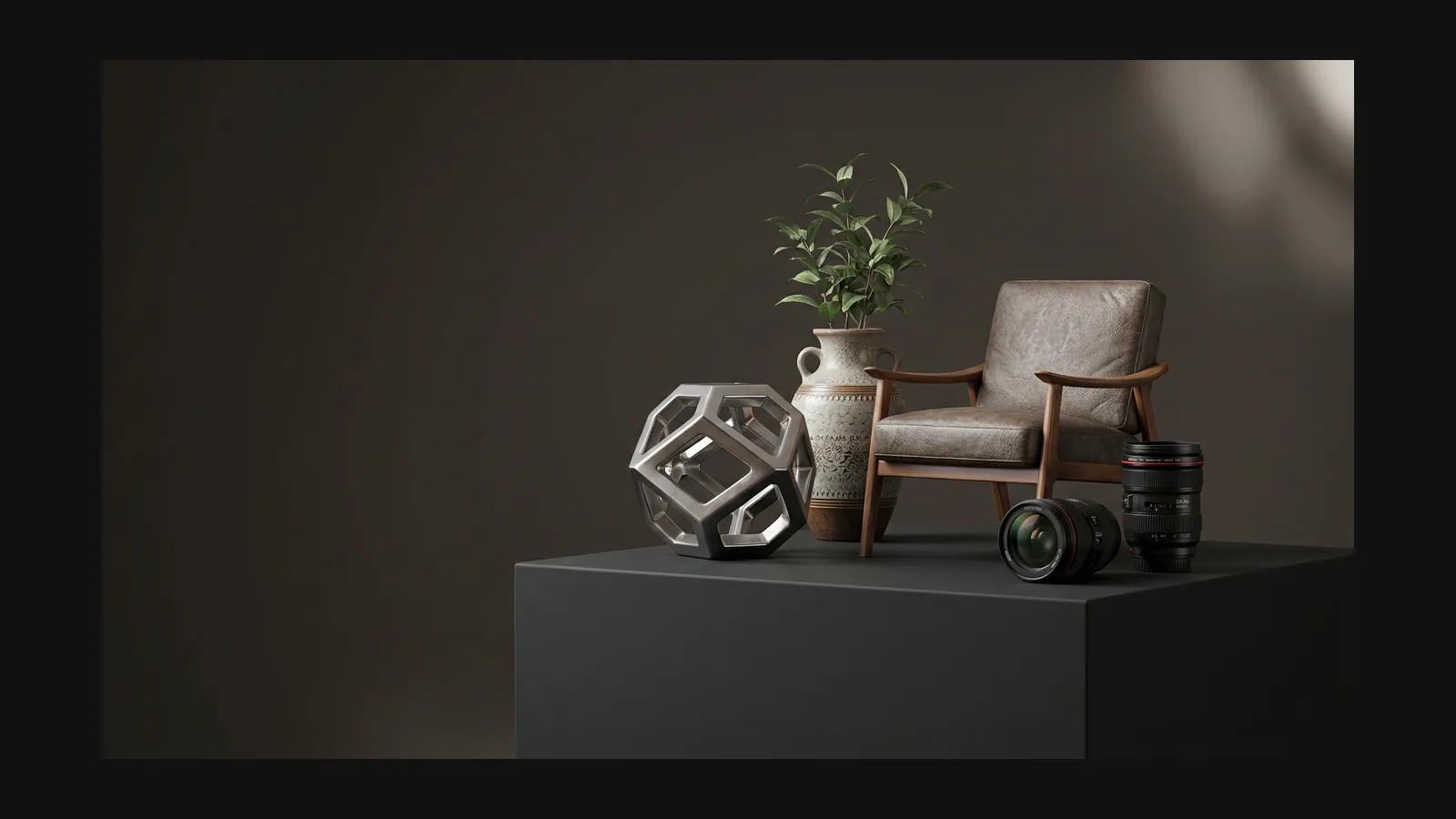
포토리얼 3D model generator hero image

클로즈업을 견디는 지오메트리 밀도

Photorealism dies at the silhouette first: faceted rims and smoothed-over engravings give a render away before any texture does. Rodin Gen-2.5 generates 10M+ polygon geometry, so carved detail, threads, and knurling survive a 4K frame without normal-map fakery.

이미지→3D 보기
이미지→3D 보기

포토리얼 3D 모델의 승부처는 PBR 맵

A photograph is just light answering surfaces. Every generation ships the full map stack, and each layer carries a different part of that answer.

베이스 컬러: 조명 배제

Albedo has to stay clean of baked shadows and highlights, or the model only looks right in one lighting setup. Rodin separates color from light so your renderer gets to make that decision per scene.

러프니스와 메탈릭: 재질의 지문

Uniform roughness is the fastest way to look CG. Real surfaces vary — polished where hands touch, matte where dust settles. The generated roughness map carries that breakup; the metallic map keeps conductors and insulators physically separate.

노멀 맵: 모공 수준의 요철

Leather grain, orange-peel paint, casting marks: relief too fine to spend polygons on rides in the normal map and catches grazing light exactly the way a macro lens would record it.

1K가 깨질 때의 HD 텍스처 출력

A hero render zooms past what 1K textures can hold. Flip the HD toggle in the [AI texture generator](/ko/features/omnicraft/ai-texture-generator) for super-resolution output — up to 4K map sets on the Business plan — and re-texture any mesh without regenerating its geometry.

사진처럼 라이팅하기

The most honest maps still look fake under a flat default light. Image-based lighting is what sells photorealism: wrap the model in an HDRI so reflections and soft shadows come from a believable environment. Generate custom panoramas with the OmniCraft AI HDRI generator.
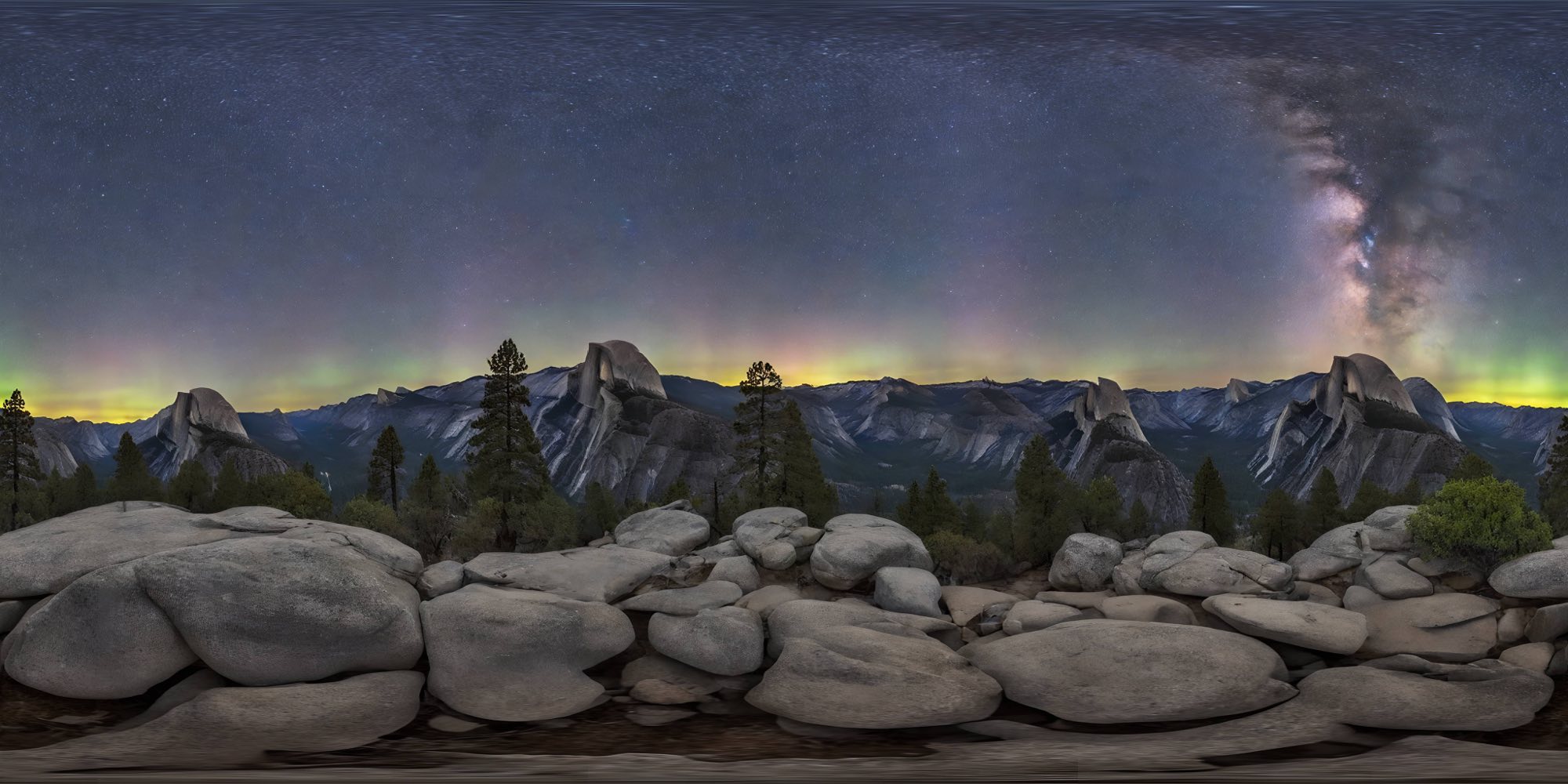
HDRI 생성
HDRI 생성

포토리얼 프롬프트 플레이북

There is no photoreal checkpoint to select — fidelity is earned through references and prompt wording. Four habits that move the needle most.

Feed it photographs, not drawings

A concept painting carries its artist's stylization into the mesh. For photoreal targets, shoot the real object: three or four angles, even diffuse light, no harsh shadows. Image to 3D rewards good photography more than any prompt wording.

A prompt that earns its fidelity

Working from text? Try: "aged brass pocket watch, engraved hunter case, hairline scratches, soft studio reflections, photoreal PBR materials, product photography style". Material, age, micro-damage, and lighting context each pull the output toward photography.

Ask for micro-surface, not "high quality"

"High quality, ultra detailed" is noise — the generator has nothing concrete to act on. "Fingerprints on the glass", "dust in the seams", "orange-peel texture on the paint" are instructions. Name the imperfections a camera would catch and the surfaces stop looking sterile.

Tune PBR temperature and keep your seed

In the OmniCraft texture tool, PBR Temperature (0–10) controls how aggressively materials respond to light, and Creativity (0–1) balances your reference against invention. Keep both low for catalog fidelity; keep the seed to iterate on a take you like instead of rerolling from zero.

포토리얼 3D 모델: FAQ

Map stacks, HDRI lighting, 4K textures, and where photoreal ends and production-realistic begins.

What is a photorealistic 3D model generator?

A tool aimed at models you could mistake for photographs: dense geometry, physically based materials, and textures that hold up under close inspection. Hyper3D gets there with Rodin generation plus the OmniCraft texture and HDRI tools — not a one-click style filter.

How is this different from the realistic style page?

Budget versus ceiling. Realistic is about believable assets that fit polycount budgets for games, shops, and AR. Photorealistic is the ceiling: maximum geometric and texture fidelity for hero renders, close-ups, and marketing frames where nothing is allowed to look CG.

Which PBR maps come with a generated model?

Base color, normal, and metallic-roughness — the standard metal-rough workflow that drops into Blender, Cycles, V-Ray, Unreal, and glTF viewers without conversion. Texture passes render diffuse, normal, and PBR sets onto the mesh, and every take lands in a version history you can step back through.

How do I light a photorealistic render?

Start with an HDRI, not with point lights. An environment map gives you grounded reflections and soft, directional shadow in one move. Generate a panorama that matches your scene story with the AI HDRI generator, then add at most one key light for emphasis.

Can I get 4K textures for close-up work?

Yes. Standard exports ship 1K map sets; the HD toggle runs super-resolution, and the Business plan raises PBR and shaded sets to 4K in the AI texture generator. Multi-set downloads arrive as a zip with separate PBR and shaded folders.

Best export format for hero renders and AR product views?

For offline rendering, take FBX or OBJ into Blender or your DCC and keep the full-resolution maps. For AR product views, export USDZ for iOS Quick Look and GLB for Android and web — same asset, two files, both carrying real-world scale.

실제 3D assets를 만드는 크리에이터가 신뢰

크리에이터는 Hyper3D로 포토리얼 레퍼런스와 프롬프트를 편집 및 내보내기 가능한 3D 모델로 바꿉니다.

AI 3D just hit a new threshold. Rodin Gen-2.5: Geometry in ~4s, full model in ~5s, 10M+ polygons, clean structure, production-ready outputs. This is the moment AI 3D becomes an actual pipeline tool.

Sabir Hussain

Sabir Hussain

AI & Tech Enthusiast

Tested Rodin Gen-2.5 from Hyper 3D. Cleaner meshes, sharper surface detail, stronger multi-angle coherence. The results feel much closer to something you’d actually keep iterating on inside a real workflow.

BubbleBrain

BubbleBrain

AI Enthusiast

Rodin Gen 2.5 is a game-changer. 10M+ polygons, 3D-native textures, and seriously good results on complex high-poly models. Production-ready assets just got a lot closer.

Lagerskoy

Lagerskoy

Hunter & Builder

아무도 CG라고 믿지 않을 것을 렌더링하세요

Photograph an object, generate it in Rodin, texture it in HD, wrap it in an HDRI — then put the render next to the photo and see who can tell.