




Clean, Consistent Albedo
A cel-shaded model reads as a few large fields of color, not gradients. Prompt with “flat colors, two-tone shading, no gradients” and keep the base color map clean.
Generate 3D models built for toon shading: flat color zones, calm surfaces, strong silhouettes. Preview in Toon view, then export to your engine’s cel shader.
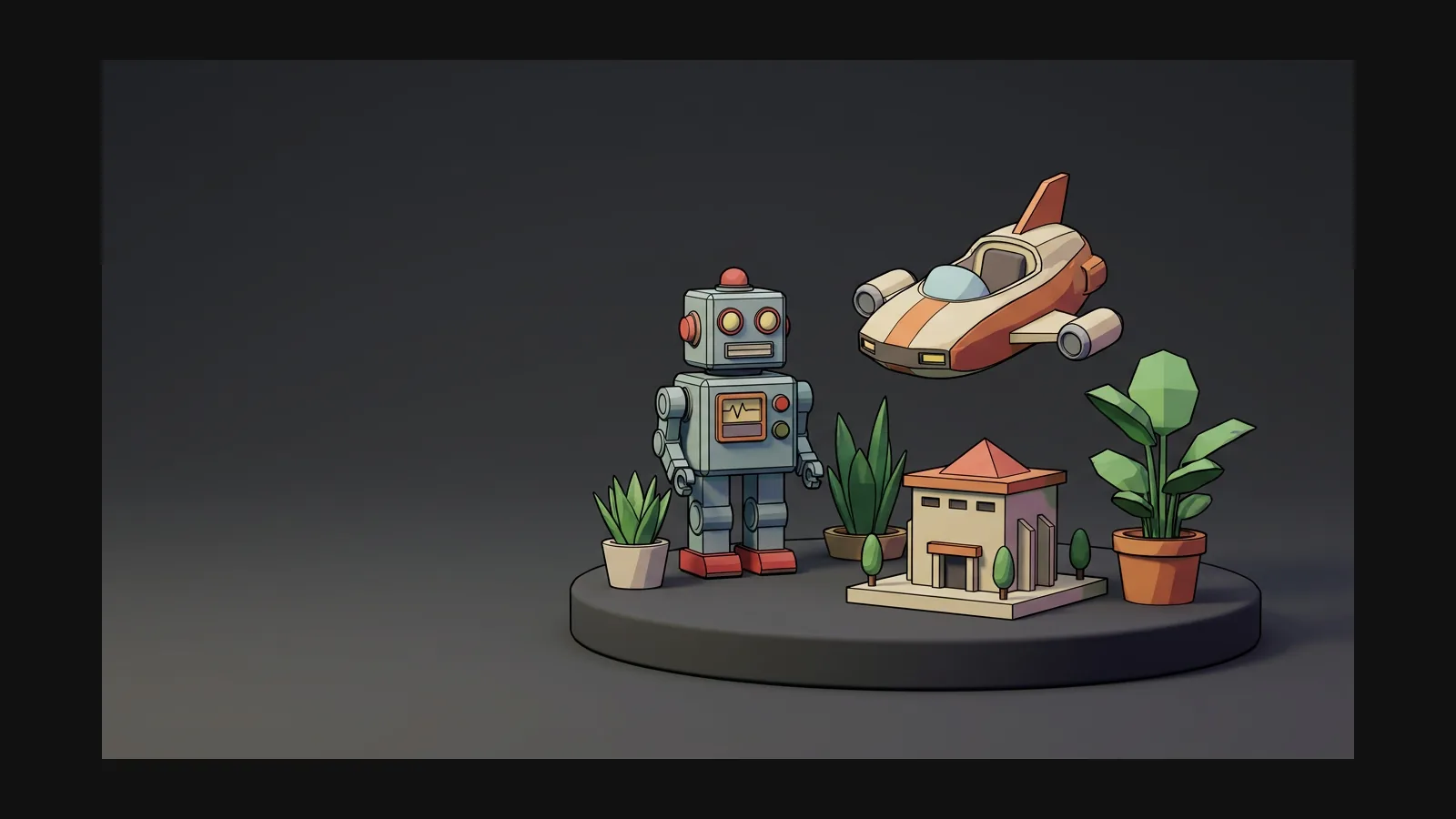

Cel shading punishes noise and rewards restraint. These five rules keep a generated model shader-friendly.
A cel-shaded model reads as a few large fields of color, not gradients. Prompt with “flat colors, two-tone shading, no gradients” and keep the base color map clean.
Rodin delivers clean, consistent textures with stable UV coverage.
Noisy normals shatter clean tone bands into speckle. Micro-detail belongs in realistic assets — for cel work, smooth surfaces and let the silhouette talk.
Ink lines come from an inverted-hull pass or a post-process edge filter in the engine. Export FBX or GLB and let Unity, Unreal, Godot or Blender Freestyle draw them.
A streamlined two-step workflow: generate a flat-colored base model, then shape its look with high-quality texture tools.

Prompt the visual style directly—for example: “cel-shaded sci-fi courier girl, flat two-tone colors, bold silhouette, white background”—or use a flat-shaded illustration with Image-to-3D. Select A-pose or T-pose separately in Rodin's generation settings if desired.
Rodin generates nearly ready-to-use 3D models. OmniCraft is a separate, optional toolkit for editing compatible 3D assets and creating workflow-specific variations.


Shaders, outlines, formats and conversions — the technical half of the toon look, answered.