




AI 레트로 3D 모델 생성기
Rodin generates high-quality retro 3D models from photos or prompts with clean topology and rich PBR materials, nearly ready to use in games, renders, web experiences, or 3D printing.
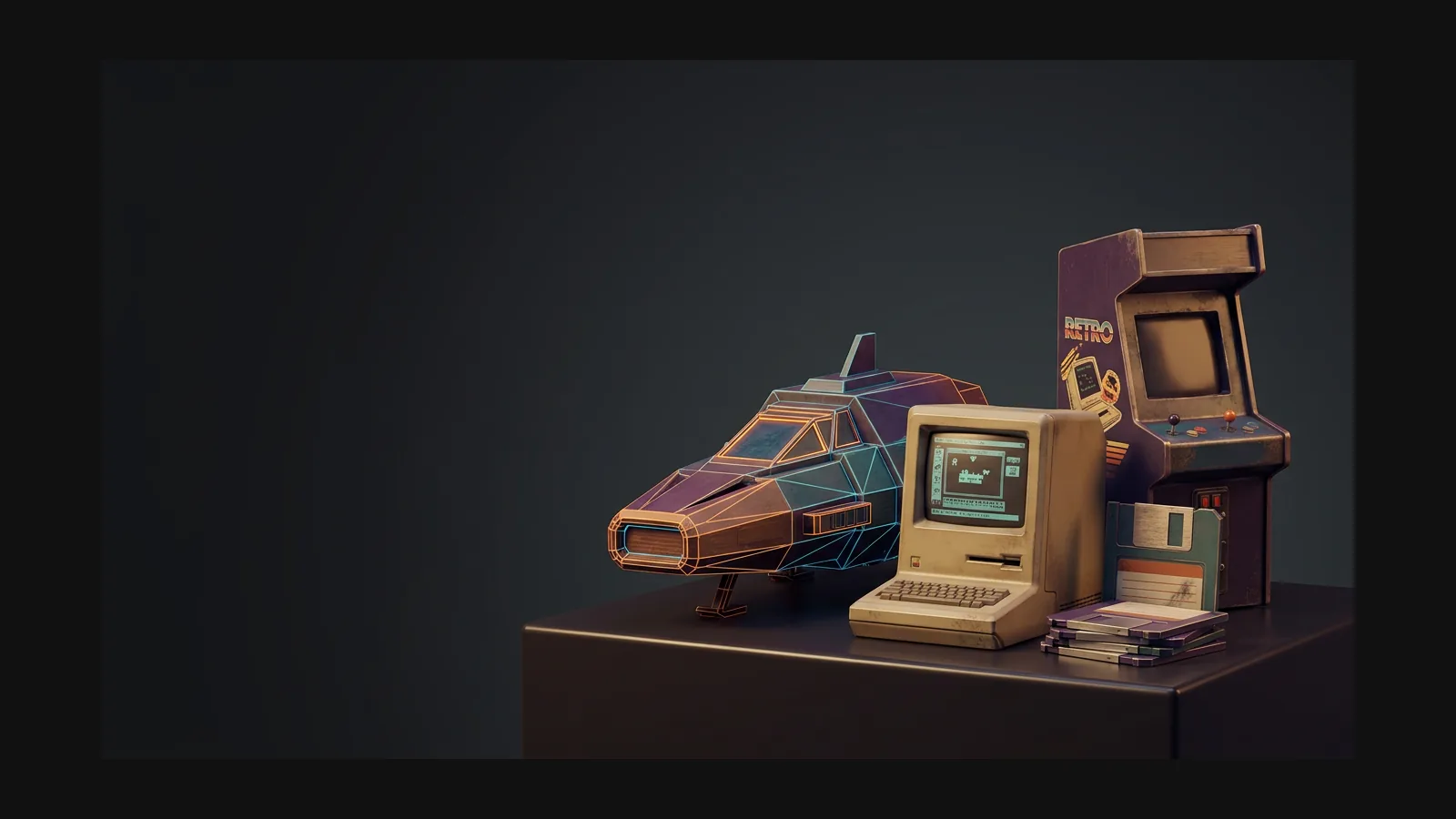


3D 모델을 레트로하게 만드는 요소
Retro is not one look — it is a stack of decades, each with its own materials and silhouettes. Pick the era first; the prompts get specific on their own.

1970년대 제품 디자인
Warm plastics, wood-grain veneer, brushed-aluminum faceplates. Prompt for rounded rectangles, chunky dials, and orange-brown palettes to nail hi-fi gear and kitchen appliances from the decade.

1980년대 테크와 장난감
Beige computer shells, neon accents, angular wedges. Ask for visible screws, vent slots, and two-tone injection-molded plastic to get convincing 80s hardware and action-figure looks.

1990년대 콘솔 시대
Translucent shells, blobby ergonomics, early-3D chunkiness. Pair these cues with a hard polycount cap from the low-poly style and props read like they shipped on a fifth-gen console.

레트로 퓨처리즘
Atomic-age chrome, tail fins, bubble canopies, cassette-futurism panels. Describe the imagined future — “a 1960s vision of a space heater” — and let the worn textures carry the age.
바로 쓰는 레트로 프롬프트 레시피
Steal these starting points: swap the subject, keep the material and wear cues. The quoted text goes straight into text-to-3D, or rides along as a note on an image upload.
80년대 붐박스
“A 1980s boombox with dual cassette decks, chrome speaker grilles, chunky buttons, a worn carry handle, and two-tone gray plastic with subtle handled wear.” OmniCraft can optionally refine roughness for additional age and wear.
다이너 주크박스
“A 1950s chrome jukebox with bubble tubes, rounded glass top and glowing amber buttons, polished steel and enamel.” A retro-futurist hero prop — keep it clean and let the chrome do the talking.
90년대 CRT 모니터
“A beige 1990s CRT computer monitor with curved glass screen, ventilation slots and yellowed plastic, slightly grimy.” The yellowed-plastic cue does more era work than any decade label.
텍스처로 세월을 표현
Rodin can generate vintage materials with roughness variation, aged plastics, faded printing, and surface wear; OmniCraft is a separate, optional tool for creating additional texture variants.
레트로 3D 모델 만드는 방법
Three passes take a reference from “found in a thrift store” to “sitting in my scene”. No sculpting seat time required.
시대 레퍼런스로 시작
Upload a photo — an old catalog scan, an auction listing, a toy on your desk — or write a prompt that names the decade, the material, and the wear.

생성 후 여러 버전 비교
Rodin is designed for strong first-pass results.

깔끔한 토폴로지, 풍부한 텍스처, 유연한 내보내기
Generate a textured retro asset in Rodin, then optionally tune polygon density or materials in OmniCraft before flexible export to web, game, DCC, rendering, or 3D-printing workflows.

레트로 3D 모델 생성기 FAQ
Era cues, polycounts, formats, and how retro differs from its blockier neighbors.