




AI 복셀 3D 모델 생성기
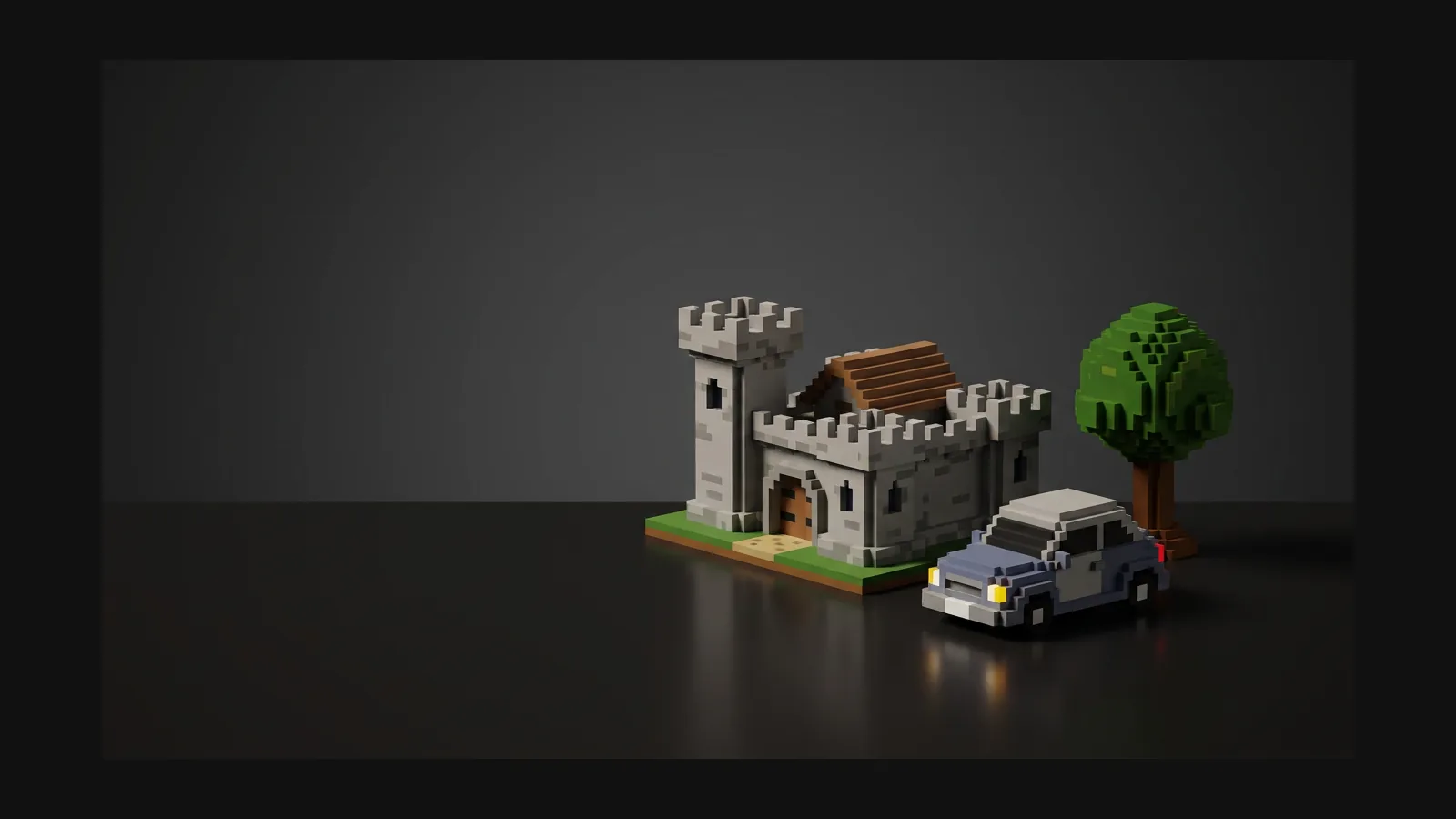
Prompt the blocky, cube-built look of MagicaVoxel and Minecraft, generate a textured 3D model in seconds, and export GLB, OBJ, or FBX for your game or diorama.


큐브로 쌓는 미학, 방법도 솔직하게
Rodin directly generates voxel-style 3D assets from prompts or reference images, combining clean blocky geometry with a focused palette; OmniCraft voxel remeshing is an optional refinement tool.
복셀 3D 모델 만드는 법
From a prompt or image to a clean, high-quality voxel-style asset in Rodin, nearly ready for an engine; OmniCraft remeshing remains an optional creative control.
1
구조를 묘사하고 블록을 지정
Write a prompt that names the style outright — 'voxel style, built from unit cubes, stair-stepped edges, 16-color palette' — or upload a screenshot of a MagicaVoxel-style piece you like as an image reference.

2
생성 후 블록 느낌 확인
Rodin generates textured, watertight voxel-style meshes with clean topology, nearly ready for common 3D, engine, and slicing workflows.

3
깔끔한 복셀 스타일 토폴로지 및 유연한 내보내기 기능
Rodin directly generates voxel-style assets with clean blocky geometry. OmniCraft's optional voxel-remeshing controls let users fine-tune cube scale and silhouette before flexible export.

복셀 프롬프트 레시피와 세트 요령
The words that matter: 'unit cubes', 'stair-stepped', a named palette size, and a style anchor like MagicaVoxel. Copy a recipe, swap the subject, keep the style words.
디오라마 건물
디오라마 건물
"voxel corner bakery, three floors, unit cube construction, stair-stepped awning, warm 16-color palette, MagicaVoxel diorama style" — buildings are where voxel reads strongest; keep one cube size throughout.
청키 캐릭터
청키 캐릭터
"voxel knight, cube head and blocky limbs, stair-stepped chainmail, flat colors, no smooth curves, Minecraft-adjacent proportions" — big head, short limbs: exaggerated proportions survive the cube grid best.
일관성 있는 소품 세트를 만드세요
일관성 있는 소품 세트를 만드세요
Start with: “voxel treasure chest, oak planks and gold trim, 8-color palette.” Keep a fixed seed and reuse the same reference and style controls when creating matching lantern, barrel, and cart assets.
복셀 3D 모델 생성기 FAQ
Straight answers on .vox export, blocky remesh, and where voxel style works best.