




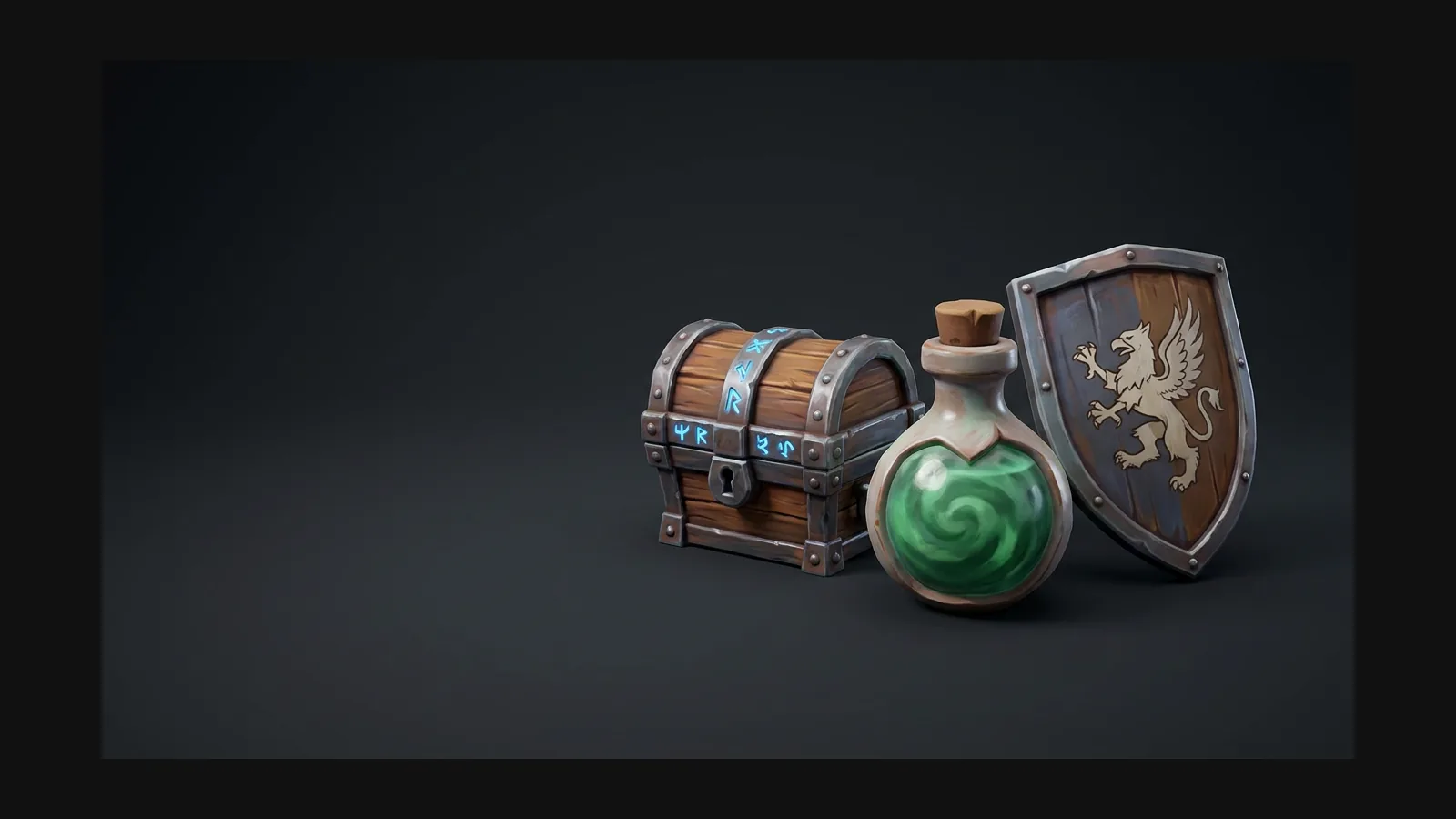
핸드페인팅 3D 모델 생성기
Rodin은 텍스트 또는 참조 이미지에서 손으로 그린 듯한 텍스처와 완전한 PBR 재질을 갖춘 3D 에셋을 생성할 수 있습니다.


메시만이 아니라 텍스처를 칠하세요
Rodin generates nearly ready-to-use 3D models. OmniCraft is a separate, optional toolkit for editing compatible 3D assets and creating workflow-specific variations.
핸드페인팅으로 보이는 조건
Three rules from the WoW and Dota 2 texture tradition. Bake them into your prompts and reference images and the style follows.

Light lives in the diffuse map
Rodin can generate a hand-painted look while delivering 3D assets with full PBR texture channels.

Exaggerated, chunky forms
Rodin can directly generate hand-painted-style assets at the desired proportions; more exaggerated silhouette descriptions and OmniCraft remeshing are optional creative controls.

Visible brushwork, no noise
Hand-painted surfaces shift hue inside a single material — wood that drifts from ochre to violet in the shadows. Ask for gradient ramps and hue shifts instead of photo grain or procedural noise.
핸드페인팅 3D 모델 만드는 법
Rodin generates high-quality hand-painted-style 3D assets with ready-to-use UVs, PBR materials, and clean topology.
1
Prompt or drop a painterly reference
Describe the prop with style words — "stylized, hand-painted, chunky proportions" — or drop a concept painting. A single strong reference beats five conflicting ones.

2
Generate the mesh with Rodin
Rodin is designed for strong first-pass results.

3
High-Quality Textures, Clean Topology, Flexible Export
Rodin generates clean topology across supported workflows. OmniCraft separately provides optional retopology, voxel remeshing, decimation, and smoothing controls for creative changes or destination-specific optimization.

페인터리 에셋 프롬프트 레시피
Copy these into Rodin as-is, then swap the subject. The style vocabulary is what does the work.
Tavern prop
"Hand-painted fantasy tavern mug, WoW style, chunky silhouette, painted diffuse only, warm ochre wood with violet shadow tints, exaggerated wear on the rim, no photorealism"
Stylized weapon
Stylized hand-painted battle axe, oversized head, thick bevels, blue-grey painted metal, gold trim, visible brushwork, strong silhouette.
Environment piece
"Hand-painted mossy stone archway, stylized MMO environment asset, soft painted gradients from teal shadow to warm sunlit top, chunky cracked blocks, low detail noise, tileable feel"
핸드페인팅 3D 모델 FAQ
Style rules, texture workflow, polycounts, and export formats for painterly assets.