
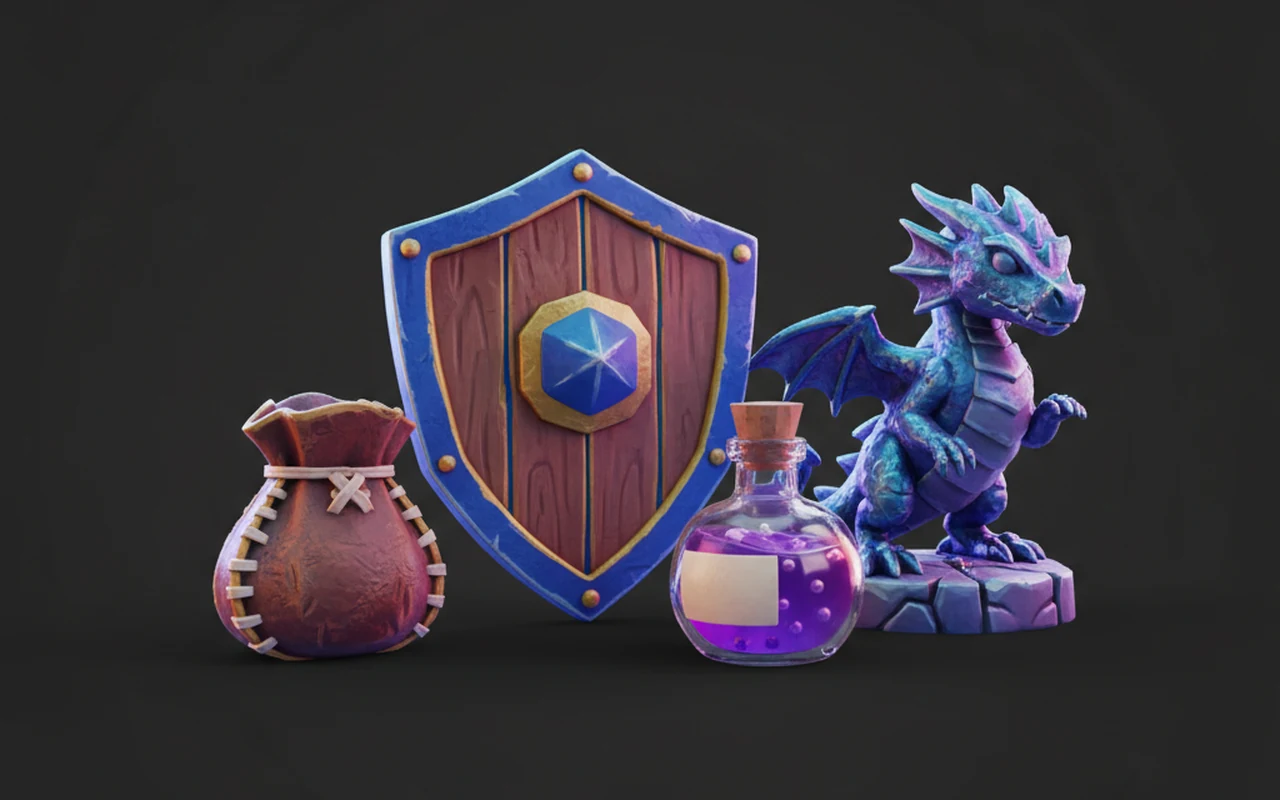
AI 스타일라이즈 3D 모델 생성기

One generator, every stylized direction. Steer Rodin with prompts and reference images toward anime, cartoon, cel-shaded, low-poly or hand-painted looks.
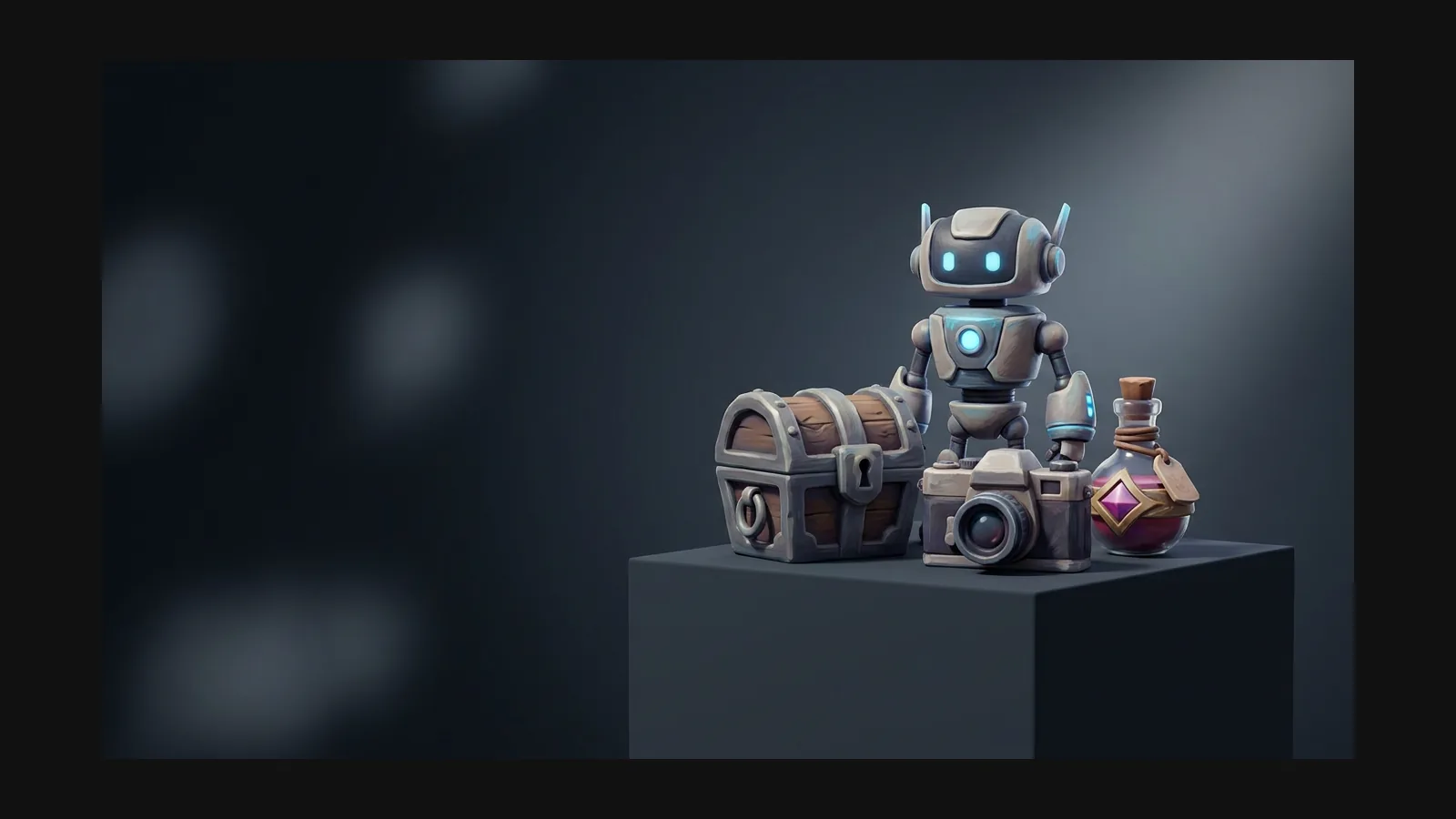
스타일라이즈 3D model generator hero image

스타일라이즈 방향 고르기

“Stylized” is the umbrella — under it live distinct looks with their own rules. Each guide below goes deep on one; this page covers what they share.

Anime

Anime

Character-first: readable silhouettes, chunky hair blocks, flat-leaning palettes. The go-to for figures, VTuber bases and JRPG-flavored casts.

Cartoon

Cartoon

A shape language: rounded, exaggerated, one gag per asset. Best for props, mascots and worlds that read instantly at any size.

Cel-shaded

Cel-shaded

A shading technique, not a subject: flat color zones and banded light, verified in the viewer’s Toon mode before your engine takes over.

Low poly

Low poly

The facets are the style: hard polygon budgets, visible planes, flat shading. Remesh aggressively and let the geometry do the talking.

스타일라이즈드가 리얼리즘을 이길 때

Stylized assets read at small scale, forgive lower texture budgets, and age far better than yesterday’s photorealism. Realism wins when the object must match a physical product. Deciding per project? Compare with the realistic guide — the generation workflow is identical, only the reference and prompts change.

Compare: realistic 3D models

프롬프트 레시피 셋, 방향 셋

The same subject lands differently depending on the style words. Steal these starting points and swap the noun.

Hand-painted fantasy prop

“stylized potion bottle, hand-painted texture look, chunky cork, swirling teal liquid, warm painterly highlights, game prop, white background” — painterly texture carries this one; the mesh stays simple.
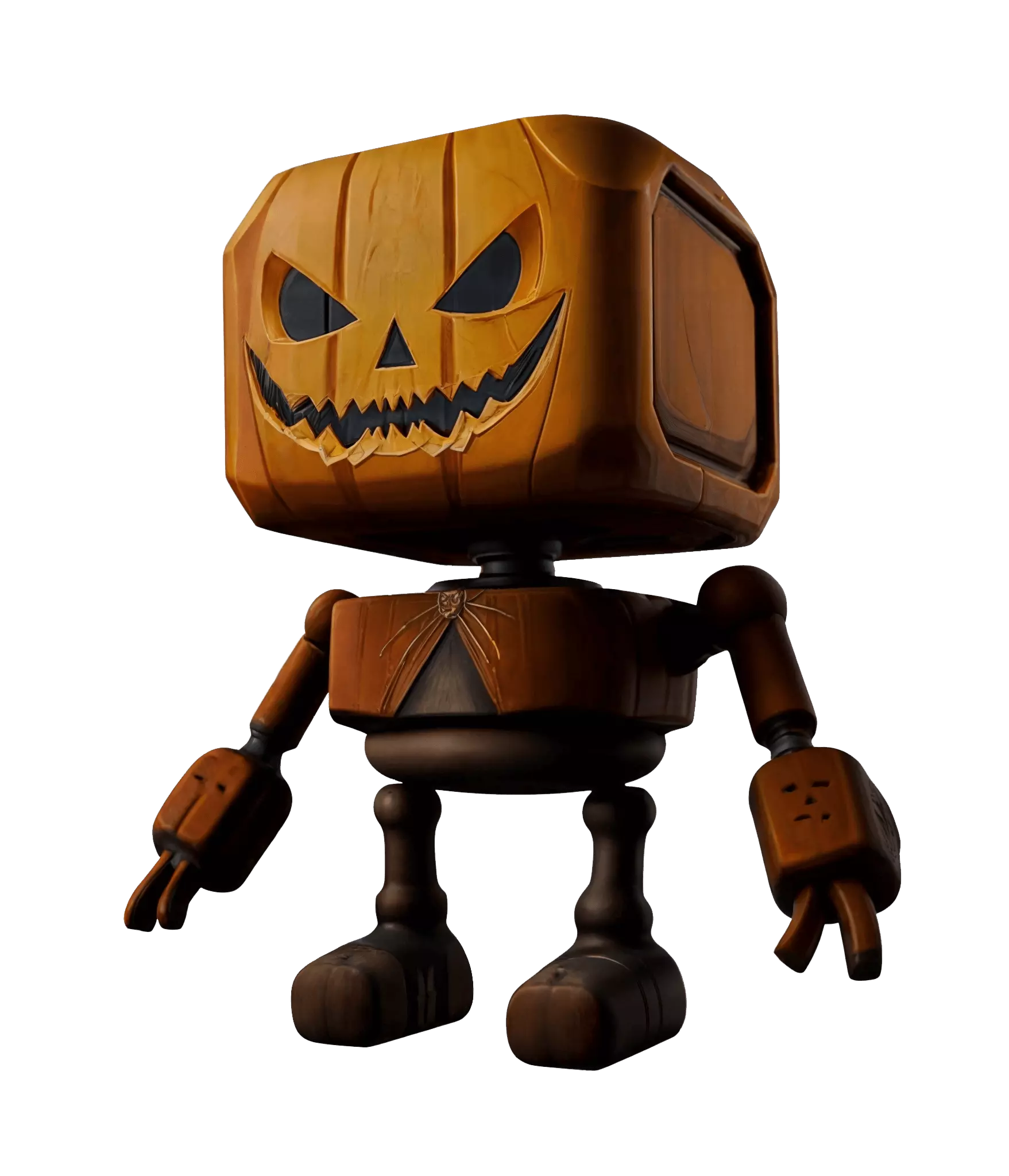
Hand-painted style stylized 3D prop generated with Hyper3D

Painterly environment piece

“stylized desert ruin tower, simplified rock shapes, painterly sand palette, soft edge wear, isometric-friendly proportions, white background” — simplified forms plus a tight palette keep whole scenes coherent.

Painterly stylized 3D environment assets with a consistent palette

Clean stylized sci-fi

“stylized sci-fi scout drone, smooth rounded shell, two-tone slate and orange palette, minimal surface noise, floating, white background” — restraint is the style here: two colors, calm surfaces, strong silhouette.
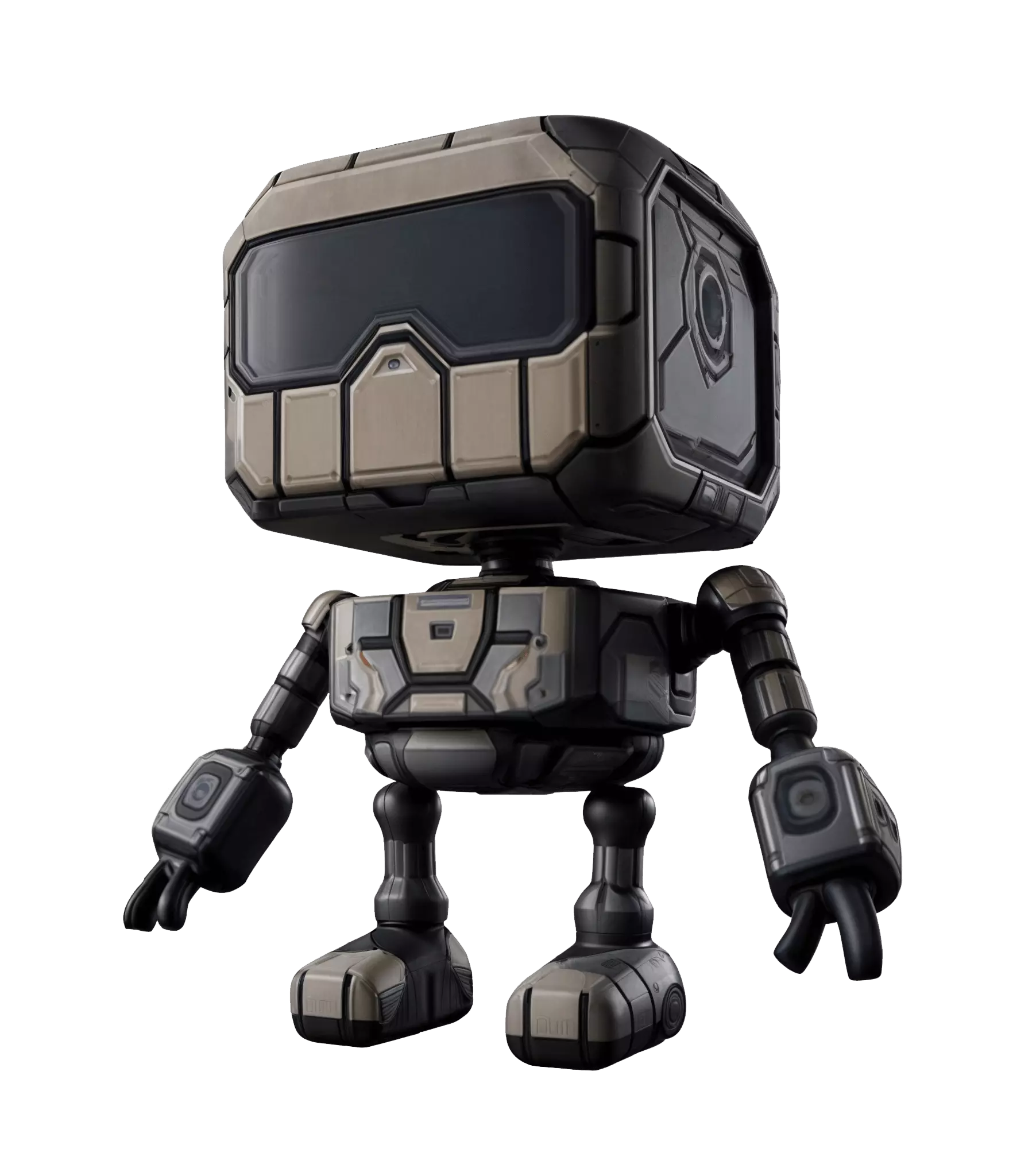
Clean stylized sci-fi 3D model with a two-tone palette

스타일라이즈드 3D 모델 생성기 FAQ

Definitions, consistency tricks and the stylized-versus-realistic call — settled here.

What counts as a stylized 3D model?

Anything that deliberately departs from photorealism: anime, cartoon, cel-shaded, low poly, hand-painted, voxel. The common thread is intent — simplified forms and a designed palette instead of measured reality.

Stylized or realistic — how do I decide?

Ask what the asset must survive. Product pages and digital twins need realistic fidelity. Games, avatars and brand worlds usually gain from stylization: smaller textures, clearer reads, longer shelf life. Nothing stops you generating both from the same prompt and comparing.

How do I keep one style consistent across a whole set?

Freeze the style words and reuse the same reference. Keep a fixed prompt suffix — palette, shading, proportions — and only swap the subject noun. For textures, feed the AI texture generator the same reference image on every asset in the batch.

Does stylized mean low poly or low quality?

No. A hand-painted hero prop can carry more polygons than a photoreal bolt. Style sets the look; density is a separate dial you control with remesh in the mesh editor. Low poly is one stylized direction, not the definition.

Can I mix two references into one style?

Yes — that is what the multi-image presets in [OmniCraft Remix](https://hyper3d.ai/workspace/omnicraft/remix) are for. Fuse combines subjects, Style transfers the look of one image onto another. Blend your subject photo with a style plate, then send the result to Image to 3D.

How do I make the same prop in several styles?

Keep the subject phrase, rotate the style suffix: “…, hand-painted fantasy look” / “…, cartoon chunky proportions” / “…, low poly flat shading”. Useful for A/B-ing an art direction before committing a whole environment set to it.

Which formats do stylized pipelines use?

The same as everyone else: GLB for web and quick previews, FBX for Unity and Unreal, OBJ for DCC round-trips, STL when a stylized design heads to the printer, USDZ for iOS AR. Style changes the maps and mesh, not the container.

실제 3D assets를 만드는 크리에이터가 신뢰

크리에이터는 Hyper3D로 스타일라이즈 레퍼런스와 프롬프트를 편집 및 내보내기 가능한 3D 모델로 바꿉니다.

AI 3D just hit a new threshold. Rodin Gen-2.5: Geometry in ~4s, full model in ~5s, 10M+ polygons, clean structure, production-ready outputs. This is the moment AI 3D becomes an actual pipeline tool.

Sabir Hussain

Sabir Hussain

AI & Tech Enthusiast

Tested Rodin Gen-2.5 from Hyper 3D. Cleaner meshes, sharper surface detail, stronger multi-angle coherence. The results feel much closer to something you’d actually keep iterating on inside a real workflow.

BubbleBrain

BubbleBrain

AI Enthusiast

Rodin Gen 2.5 is a game-changer. 10M+ polygons, 3D-native textures, and seriously good results on complex high-poly models. Production-ready assets just got a lot closer.

Lagerskoy

Lagerskoy

Hunter & Builder

방향은 바꿔도 파이프라인은 그대로

Anime today, hand-painted tomorrow — the prompt changes, the workflow doesn’t. Generate your first stylized 3D model and take it to export.