




제품과 인테리어를 위한 모던 3D 모델
Clean lines, matte finishes, brushed metal. Generate modern 3D models of furniture, lighting, and consumer products for web viewers and AR staging.


컨템퍼러리 카탈로그
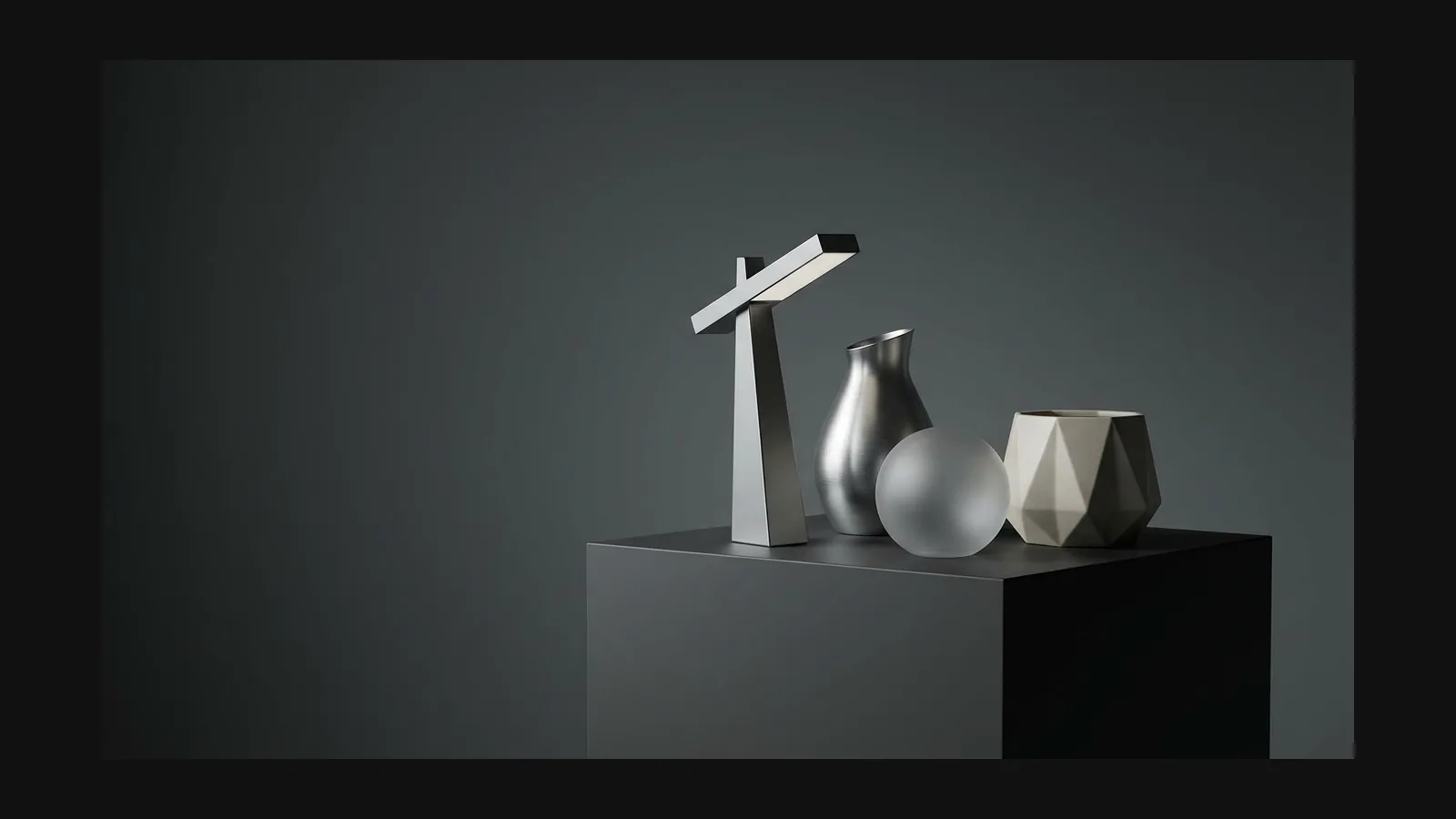
The modern design language — clean lines, honest materials, no ornament — spans four asset families.
Furniture & seating
Furniture & seating
Rodin creates high-quality 3D assets with flexible export in standard formats.
Lighting & fixtures
Lighting & fixtures
For Rodin image-to-3D, upload a reference image. If convenient, choose a view that makes the subject easy to inspect. Resolution, framing, background, lighting, and subject isolation are optional capture choices, not submission requirements.
Consumer tech & appliances
Consumer tech & appliances
One image is enough for Rodin to generate most objects. Optional additional views can provide more visual detail when you want extra control.
Interior staging & AR
Interior staging & AR
Bring the credenza into virtual rooms and let buyers preview it against their own wall with a high-fidelity AR experience at true scale.
모던 룩은 재질이 만든다
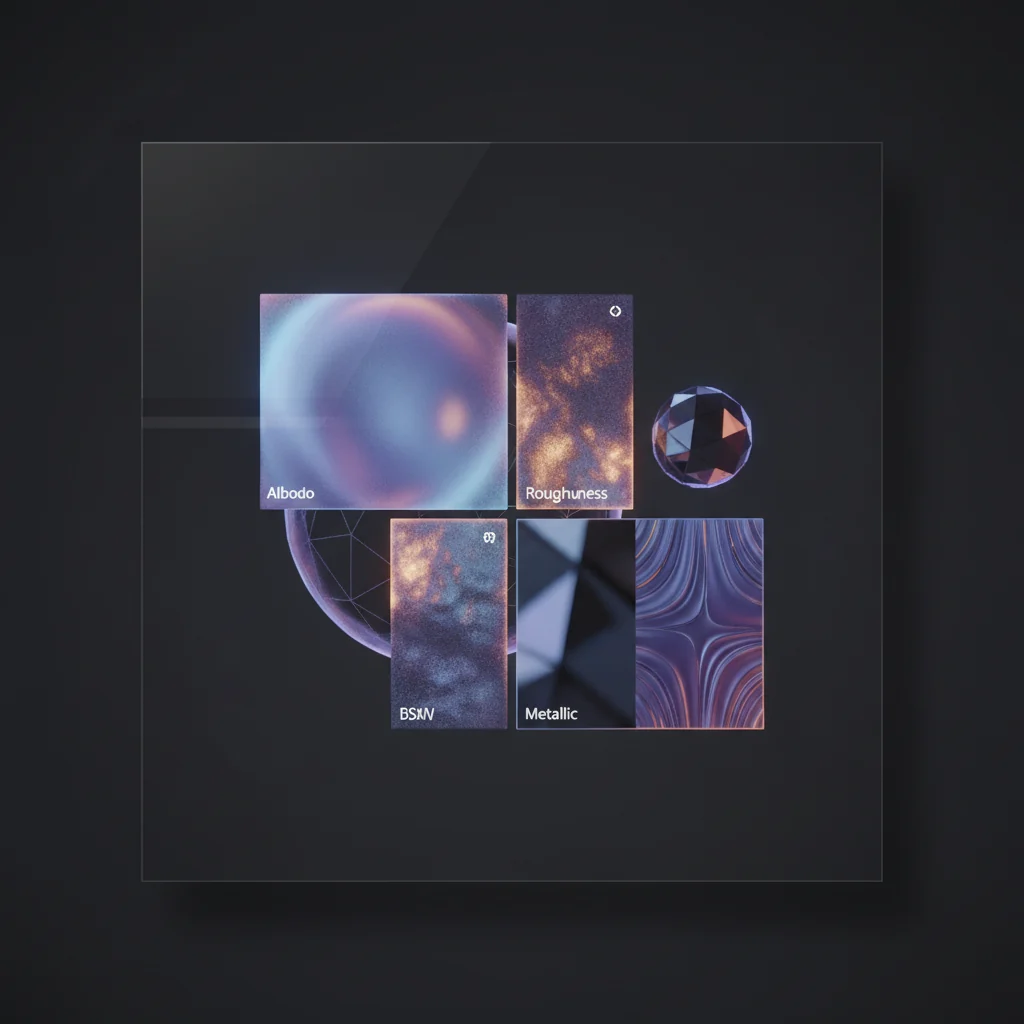
Rodin generates physically accurate PBR materials for modern furniture and product models; OmniCraft texture tools can adjust colorways and surface styles on the same mesh as needed.
카탈로그 사진에서 모던 3D 모델로
Three steps from the photo you already have to a model your product page can serve.
- Step 1 — Capture

One Photo or One Sentence
Start with one product photo or one concise text description. Rodin supports both image-to-3D and text-to-3D; extra views and added material or style details are optional creative controls.
- Step 2 — Generate

Geometry plus honest materials
Rodin reconstructs form and creates high-quality PBR textures that give walnut and steel natural, convincing material definition.
- Step 3 — Stage

Generate at true scale, then publish
Rodin delivers high-quality assets at a stable real-world scale, making product-page and AR staging straightforward.
모던 3D 모델 실용 문답
Explore true-scale assets, refined materials, flexible export, and how modern 3D design differs from minimalist styling.