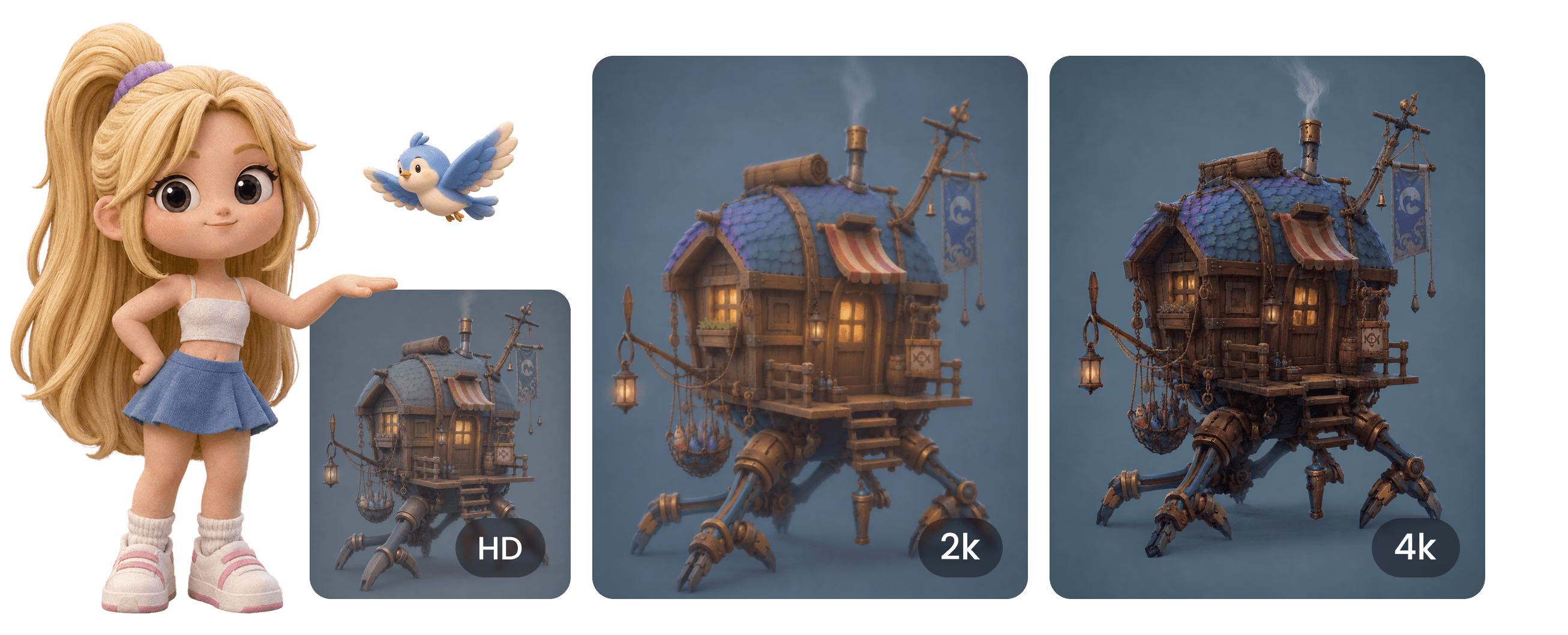
무료 AI 이미지 향상 도구
브라우저에서 4K로 업스케일

사진, 렌더링, 콘셉트 이미지를 디테일을 되살려 선명한 HD·2K·4K로 향상하세요. 무료로 시작하고 설치 없이 브라우저에서 바로 실행됩니다.

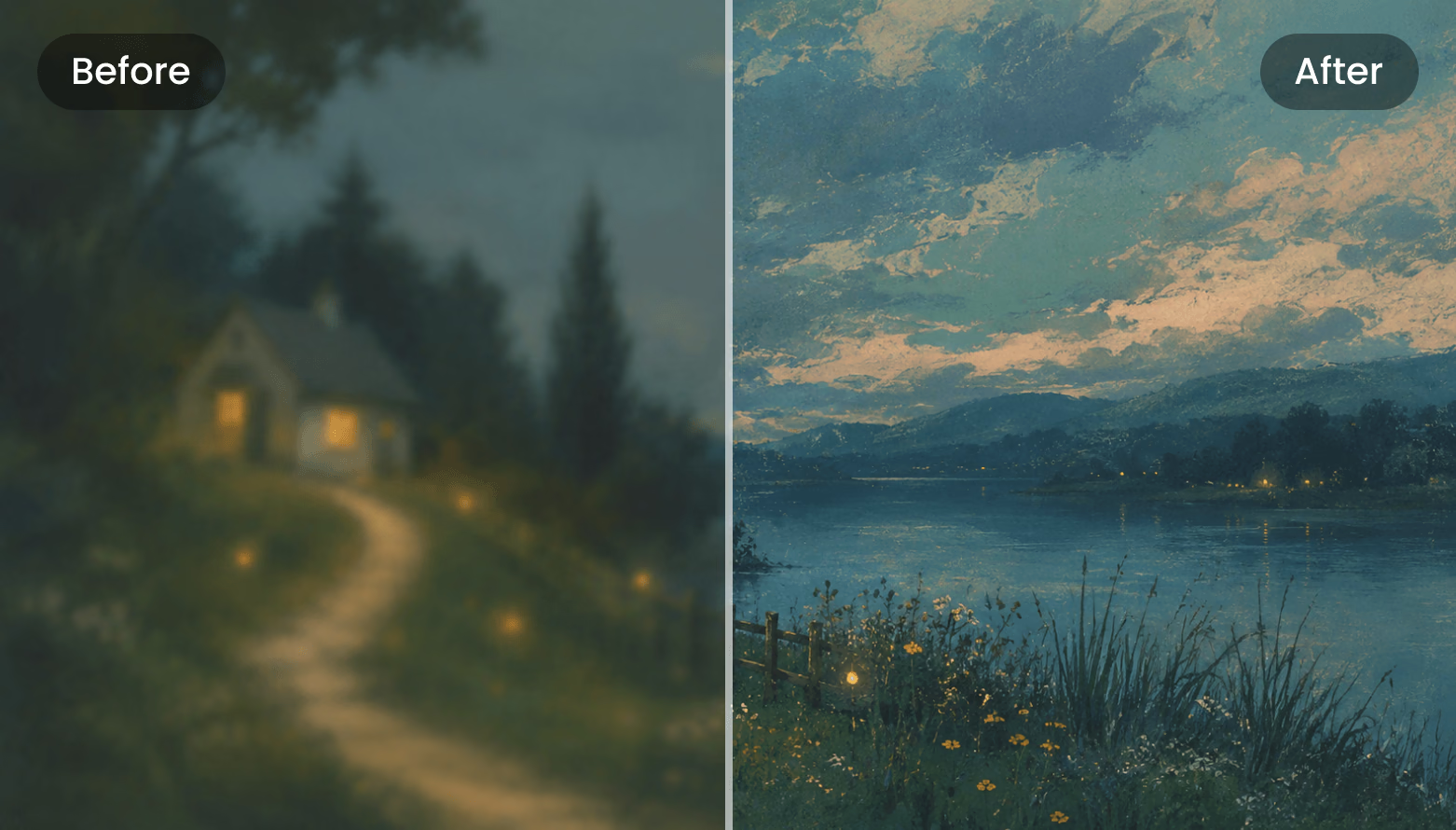
AI Enhancer Before / After
Drag the divider
Before After
Upscale HD 2K 4K JPG · PNG · WebP input

3단계로 이미지 향상

Enhancer 도구의 실제 워크플로: 업로드, 조정, 비교, 다운로드. 모두 브라우저에서 실행됩니다.

  1. Step 1 — Upload
    Enhancer upload dropzone: click or drag your image here

    Upload Your Image

    Click or drop an image into the dashed upload zone. Add several images to the sidebar queue and switch between them at any time.

    JPG · PNG · WebP · ≤3 MB · ≥128 px
  2. Step 2 — Tune
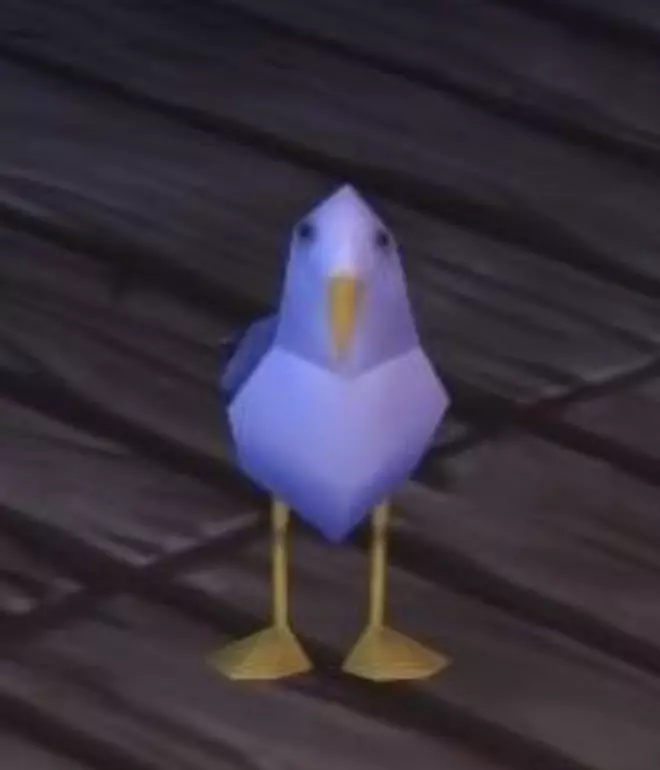
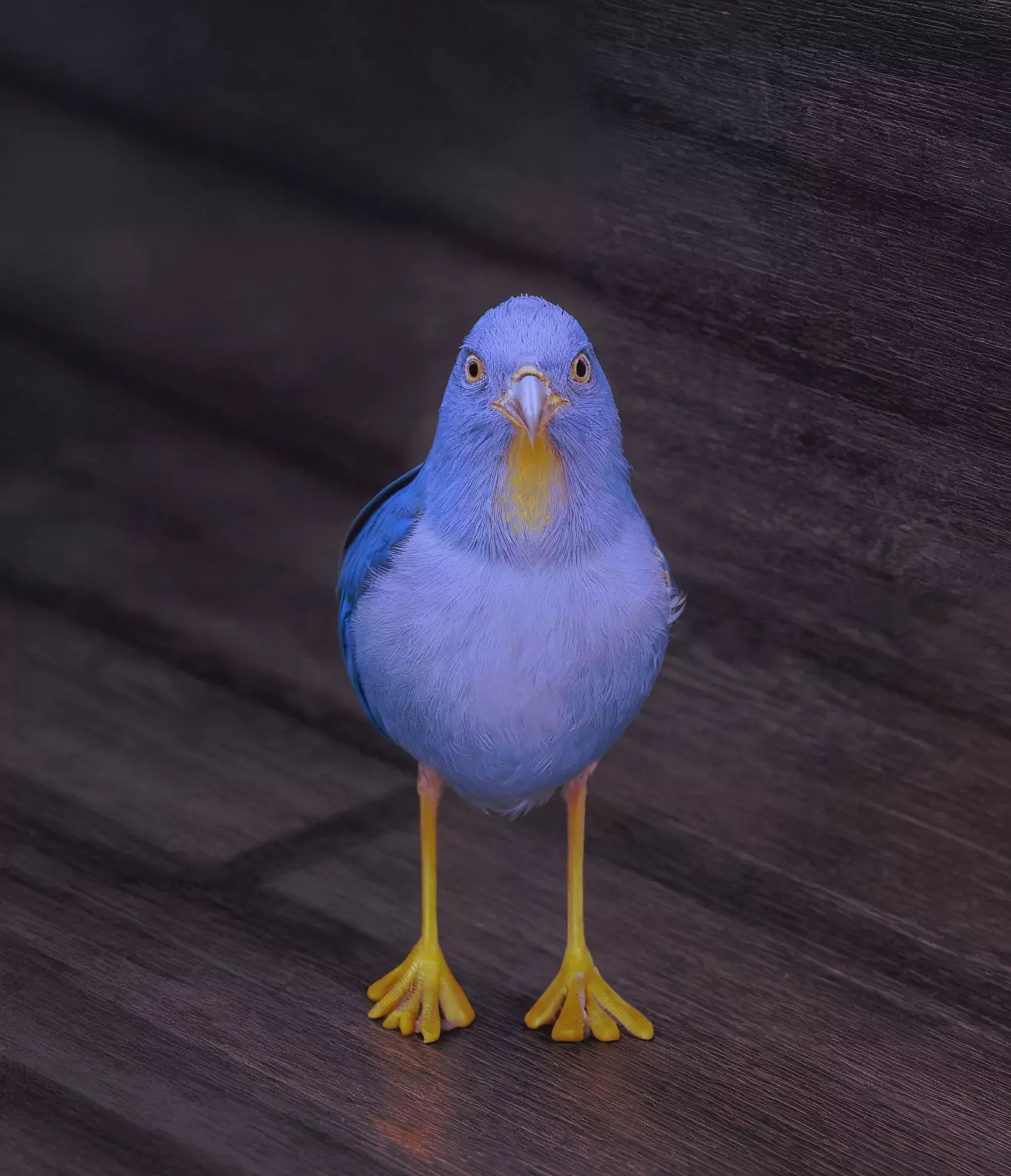
    Blurry low-resolution bird photo beside its AI-enhanced version with feather-level detail

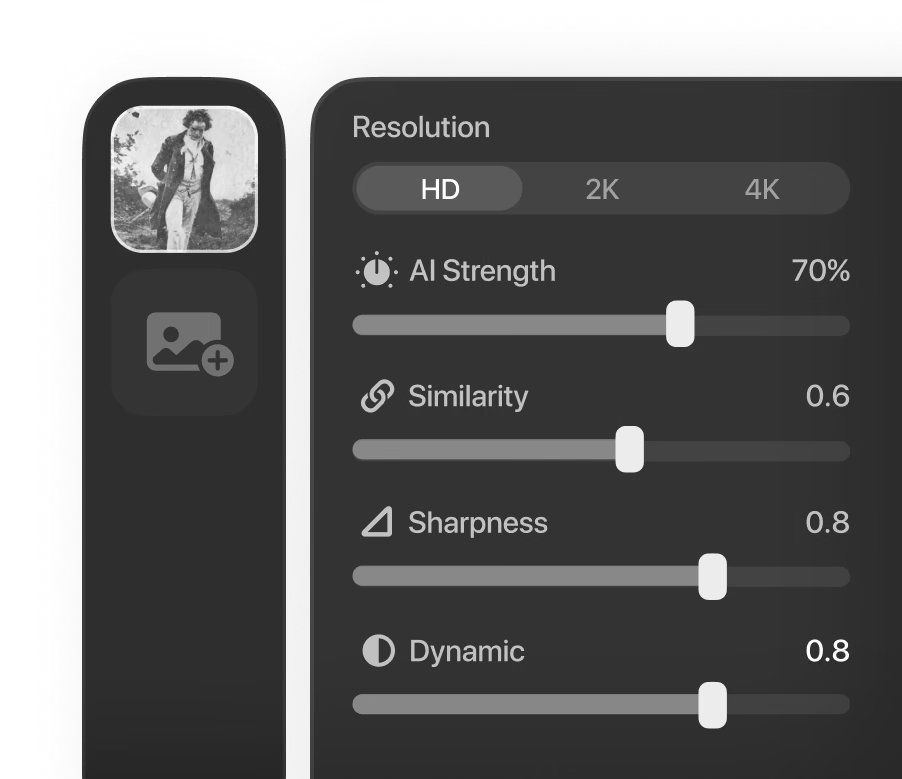
    Pick a Resolution and Tune

    Choose HD, 2K, or 4K output, then balance the AI Strength, Similarity, Dynamic, and Sharpness sliders until the enhancement fits the image.

    HD · 2K · 4K · prompt & seed
  3. Step 3 — Compare
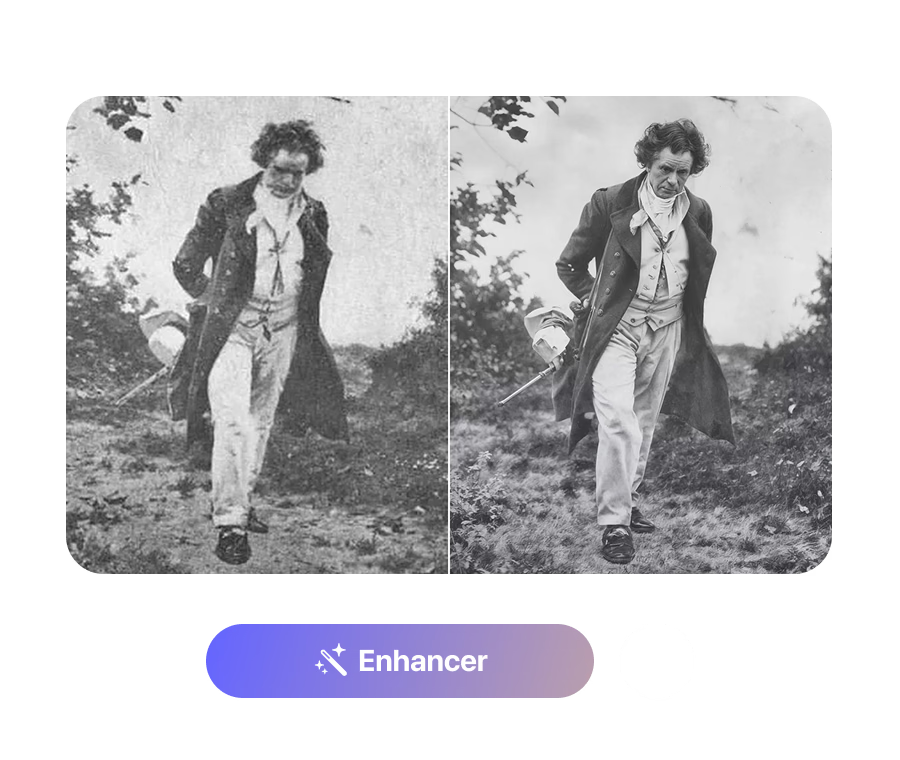
    Grainy vintage portrait next to its restored, sharpened version in a before/after split

    Compare and Download

    Drag the divider across the before/after view, zoom in to inspect fine detail, then download the enhanced image as a PNG.

    0.2×–2.5× zoom · PNG

Real Detail Recovery, Not Just Resizing

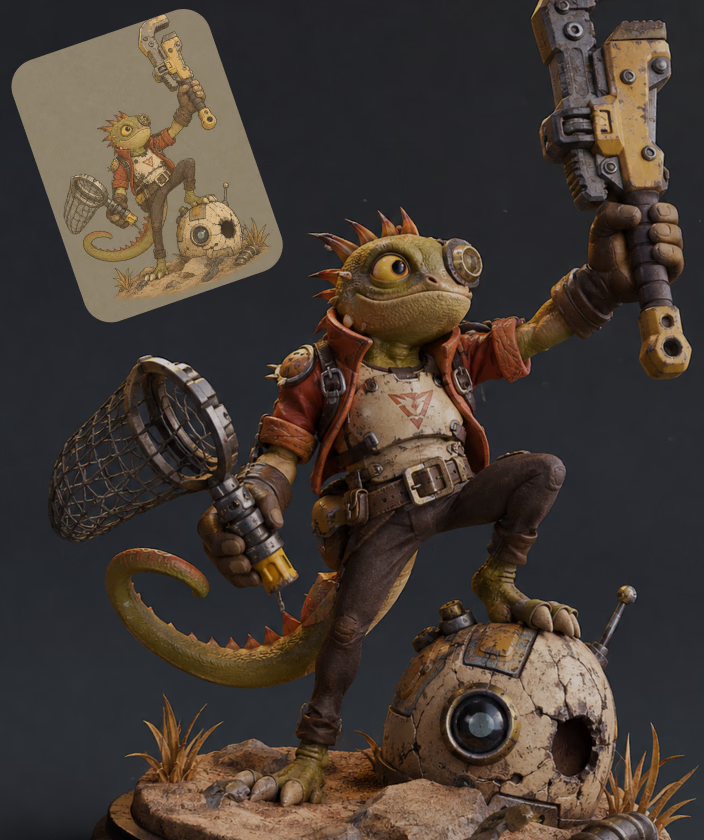
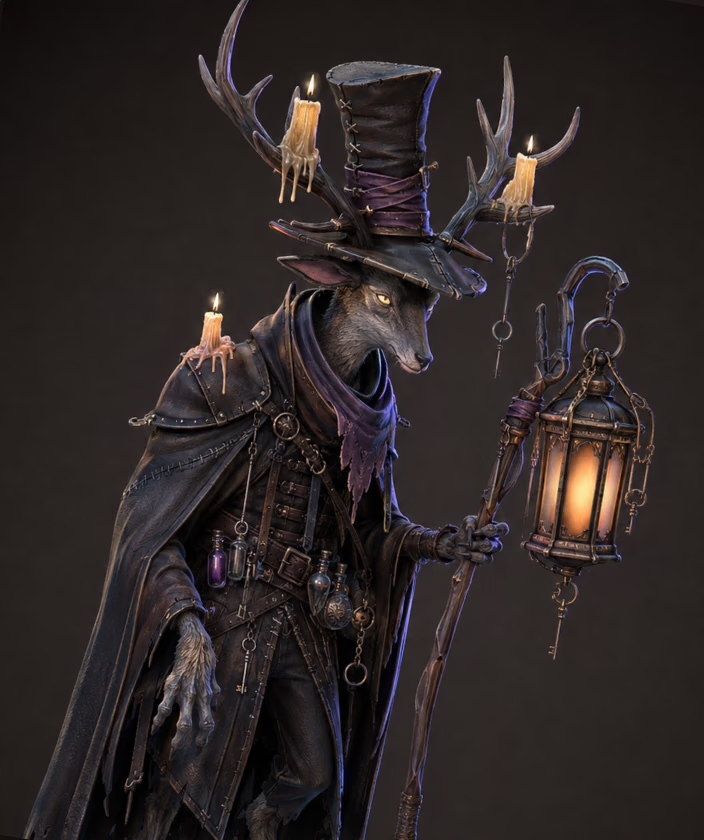
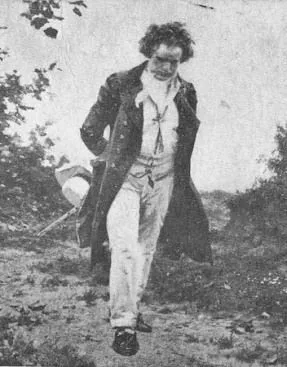
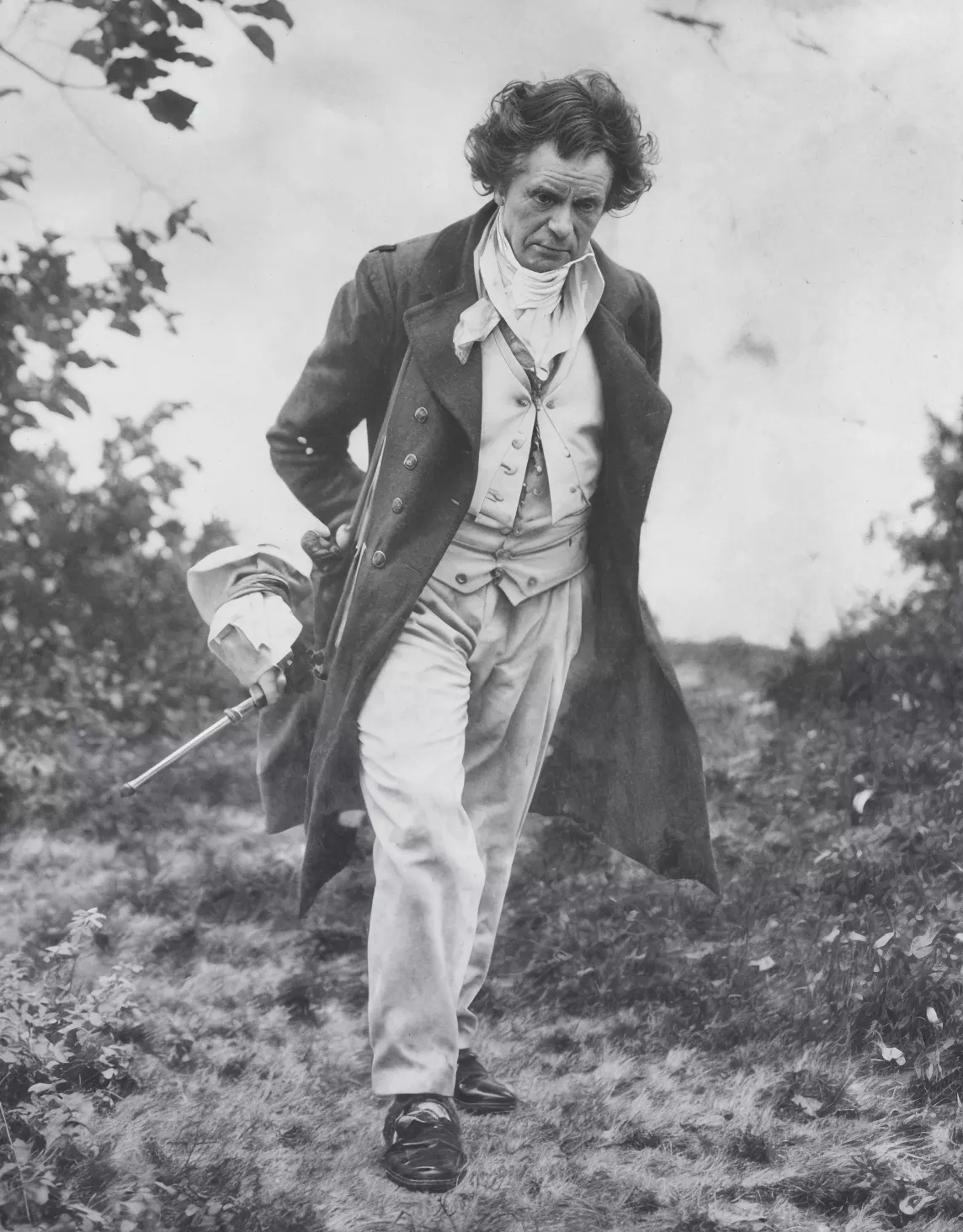
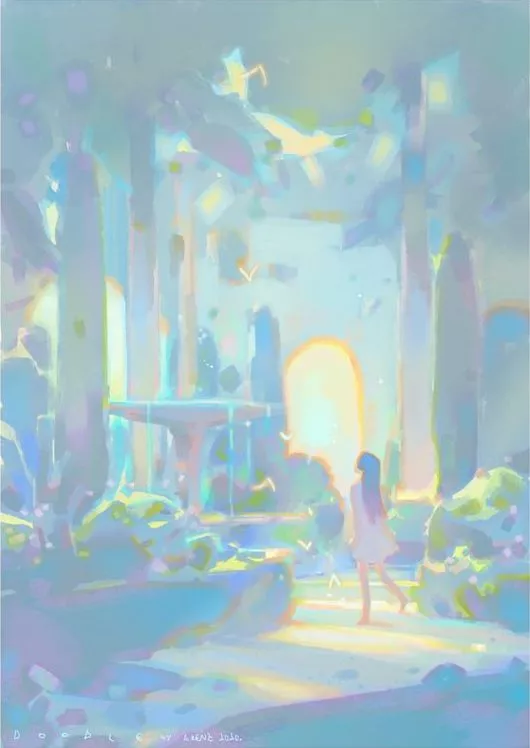
Enhancer는 픽셀을 늘리는 대신 실제 디테일을 재구성합니다. 데모 페어는 287×367 스캔을 1144×1464로 복원하고 콘셉트 아트를 4배 확대합니다.

Try It on Your Own Image

Three Output Tiers

HD (1K) enhancement is free with a Hyper3D account. When you need bigger output, the 2K and 4K tiers unlock with a subscription.

Three Output Tiers visual

더 선명한 이미지가 여는 가능성

원본 품질이 작업을 가로막는 곳 어디서든 향상된 이미지를 사용하세요.

Image to 3D

Image to 3D

Sharpen reference photos before Rodin image-to-3D. Cleaner edges, materials, and silhouettes give the generator a stronger signal to work from.

Product Visuals

Product Visuals

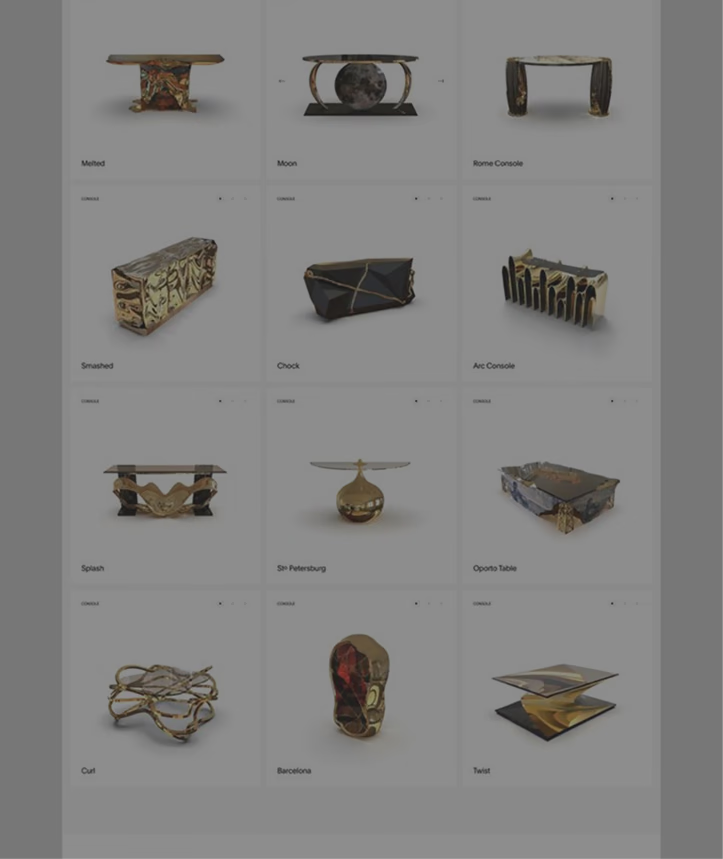
Turn small, compressed product shots into crisp 2K–4K images for listings, mockups, and 3D product visualization work.

Game Art

Game Art

Upscale concept art and old low-resolution renders into sharp references for modeling, texturing, and pitch decks.

Photo Restoration

Photo Restoration

Recover old photos and scanned artwork. A high Similarity setting keeps the result faithful while clarity and detail improve.

자주 묻는 질문

Enhancer가 실제로 동작하는 방식에 근거한 답변: 형식, 제한, 컨트롤, 가격.

What does the AI Image Enhancer actually do?

It upscales and enhances an uploaded image to HD (1K), 2K, or 4K resolution, recovering detail, color, and clarity with a generative AI model. You control how aggressive the enhancement is, compare before and after on a slider, and download the result as a PNG.

Which file types and sizes can I upload?

JPEG, PNG, and WebP images are accepted, by click-to-browse or drag and drop. Files must be under 3 MB after automatic compression, and the shortest side of the image must be at least 128 pixels.

Is the Image Enhancer free to use?

Yes — the tool is labeled 'Free to all' in OmniCraft. You need a free Hyper3D account to upload, HD (1K) enhancement is free, and the 2K and 4K output tiers unlock with a subscription.

What do AI Strength and Similarity control?

AI Strength (0–100%, default 25%) sets how much new detail the model may generate — its creativity. Similarity (0–2, default 1.0) controls resemblance to the source: higher values stay closer to the original. Dynamic (0–10, default 6) and Sharpness (0–10, default 0) fine-tune contrast range and edge crispness.

Can I get repeatable, deterministic results?

Yes. Enter a positive number in the Seed field and the same image with the same settings will produce the same result. Leave the seed at its default (-1) for a fresh variation on every run.

Do I need to write a prompt?

No. The prompt box is optional — a short description of what's in the image (up to 255 characters) can guide the model, but the Enhancer works without any text input.

How do I check the result before downloading?

The result opens in a before/after viewer with a draggable divider. You can zoom from 0.2x to 2.5x with the mouse wheel and pan by dragging, so you can inspect edges, textures, and fine detail at pixel level.

What format is the downloaded result?

Enhanced images download as PNG files with a timestamped filename, ready to drop into image-to-3D, texture, or design workflows without further conversion.

궁금한 점이 있나요? 팀에 문의하세요.

실제 3D 에셋을 만드는 크리에이터가 신뢰합니다

제작 팀은 Hyper3D로 이미지 레퍼런스와 프롬프트를 편집 및 내보내기 가능한 3D 모델로 더 빠르게 전환합니다.

AI 3D가 새로운 기준에 도달했습니다. Rodin Gen-2.5는 빠른 지오메트리, 하이폴리 지원, 깔끔한 구조, 제작 가능한 결과를 제공합니다.

Sabir Hussain

Sabir Hussain

AI 및 기술 애호가

더 깔끔한 메시, 선명한 표면 디테일, 더 강한 다각도 일관성. 실제 워크플로우에서 계속 다듬고 싶은 결과입니다.

BubbleBrain

BubbleBrain

AI 애호가

AI 3D가 새로운 기준에 도달했습니다. Rodin Gen-2.5는 빠른 지오메트리, 하이폴리 지원, 깔끔한 구조, 제작 가능한 결과를 제공합니다.

Sabir Hussain

Sabir Hussain

AI 및 기술 애호가

더 깔끔한 메시, 선명한 표면 디테일, 더 강한 다각도 일관성. 실제 워크플로우에서 계속 다듬고 싶은 결과입니다.

BubbleBrain

BubbleBrain

AI 애호가

AI 3D가 새로운 기준에 도달했습니다. Rodin Gen-2.5는 빠른 지오메트리, 하이폴리 지원, 깔끔한 구조, 제작 가능한 결과를 제공합니다.

Sabir Hussain

Sabir Hussain

AI 및 기술 애호가

지금 첫 이미지를 업스케일하세요

무료로 시작하고 브라우저에서 실행됩니다. 결과는 깔끔한 PNG로 다운로드되어 다음 3D 워크플로에 바로 사용할 수 있습니다.