AI 3D가 새로운 기준에 도달했습니다. Rodin Gen-2.5는 빠른 지오메트리, 하이폴리 지원, 깔끔한 구조, 제작 가능한 결과를 제공합니다.
무료 AI 텍스처 생성기
3D 모델 텍스처링
3D 모델을 업로드하고 레퍼런스 이미지 한 장을 추가하면 AI가 메시에 맞는 PBR 텍스처를 입혀줍니다. 브라우저에서 무료로 시작하고 몇 초 만에 결과를 확인하세요.
3단계로 모델 텍스처링
From gray mesh to engine-ready asset — no UV painting, no plugins, just your model and one reference image.
- Step 1 — Upload

Upload Your 3D Model
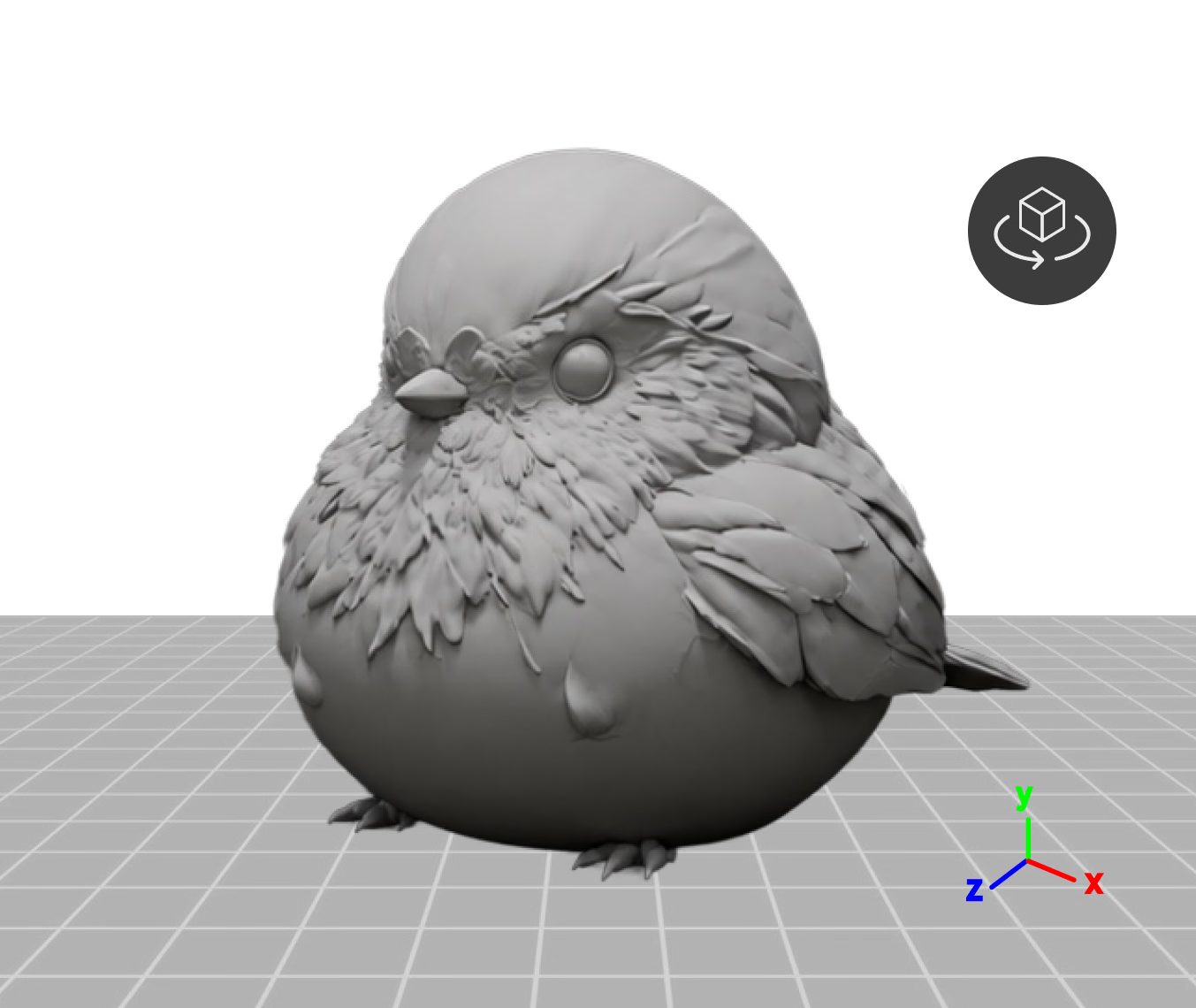
Drop in a mesh up to 150MB and check it in a live 3D preview — rotate on the X, Y, or Z axis to set the orientation before texturing.
- Step 2 — Reference

Add a Reference Image
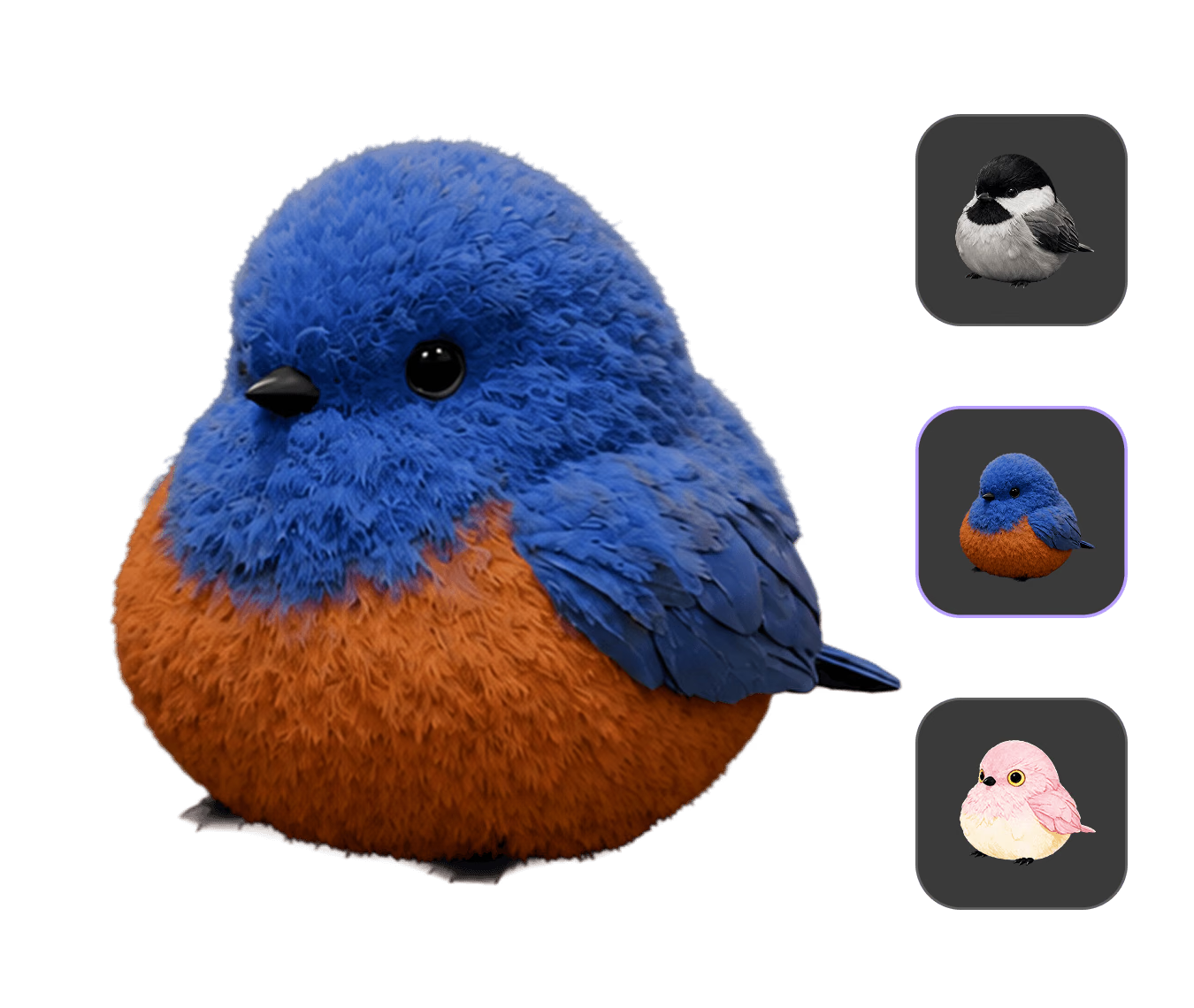
One image sets the direction — its material, colors, and mood drive the texture. Attach up to three references, each with its own history.
- Step 3 — Generate

Generate & Export PBR
Pick a Gen-2.5 speed preset (~4–40s), compare takes in PBR, Shaded, or Toon view, then export as OBJ, FBX, GLB, USDZ, or STL.
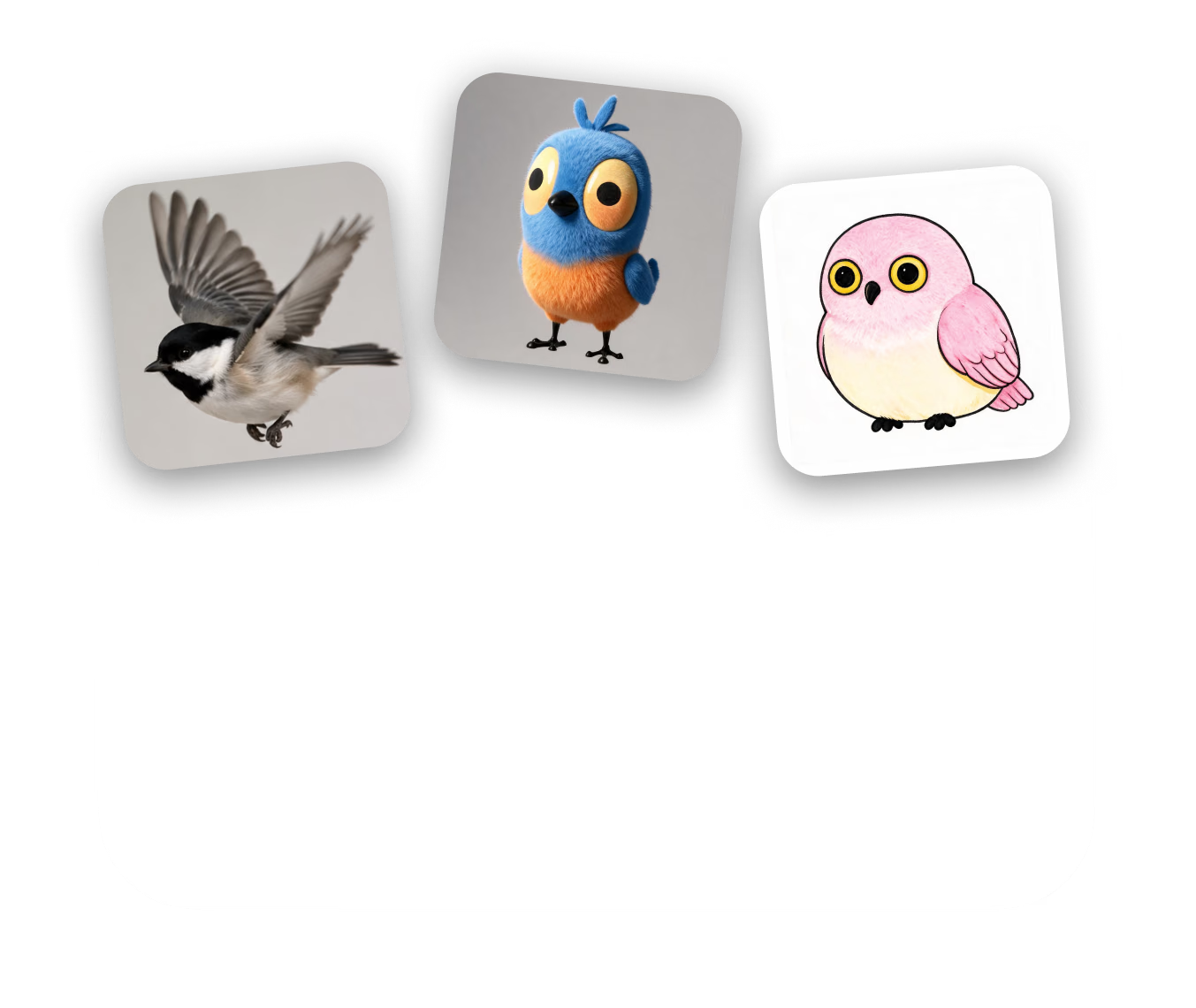
하나의 모델, 어떤 소재 방향이든
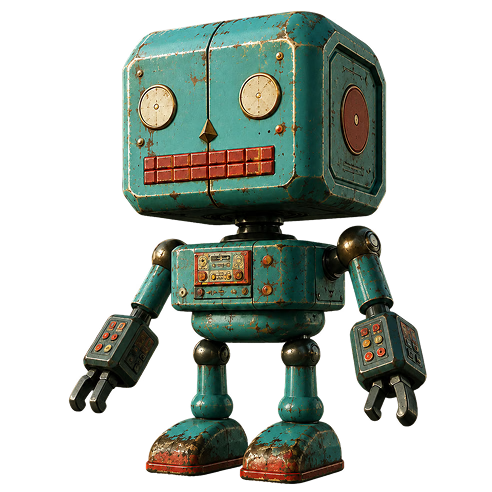
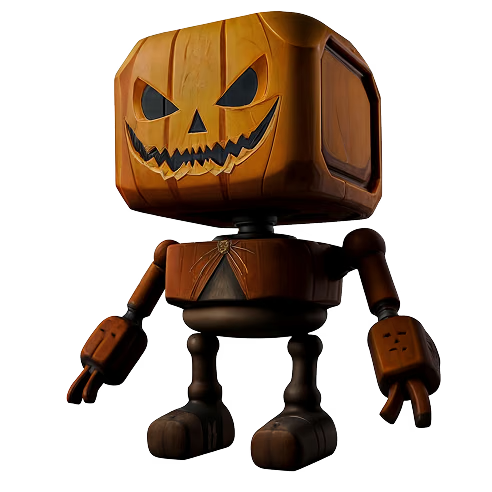
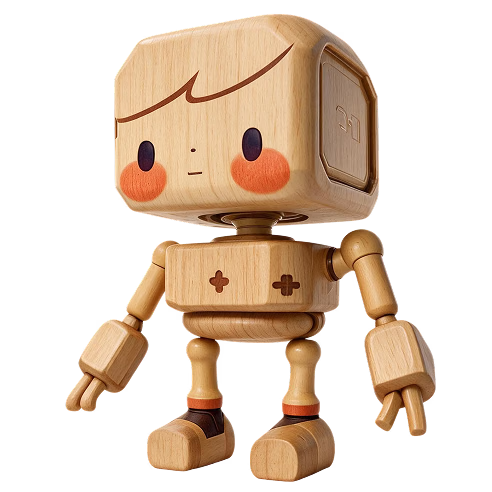
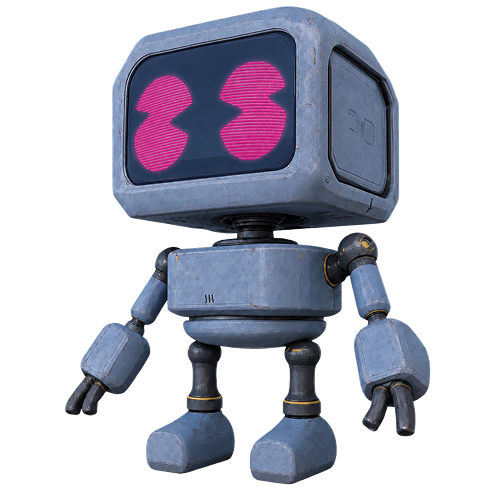
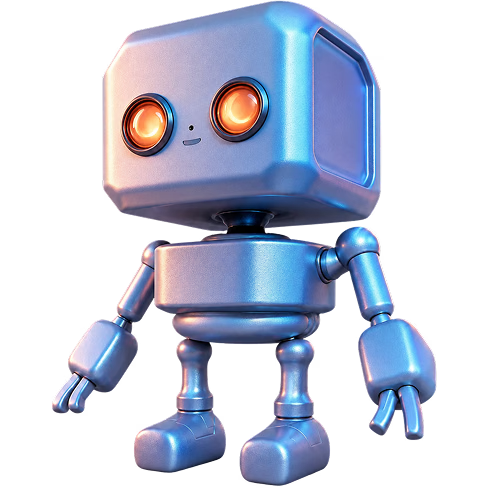
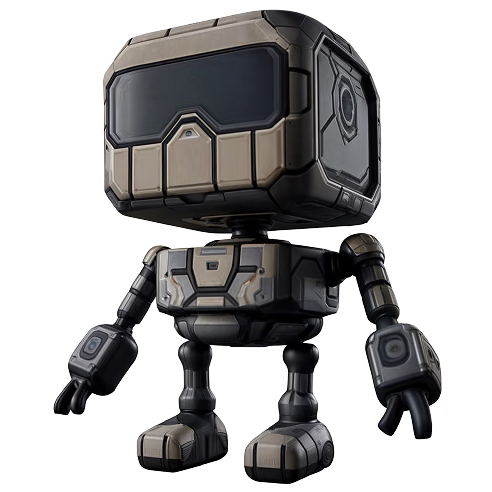
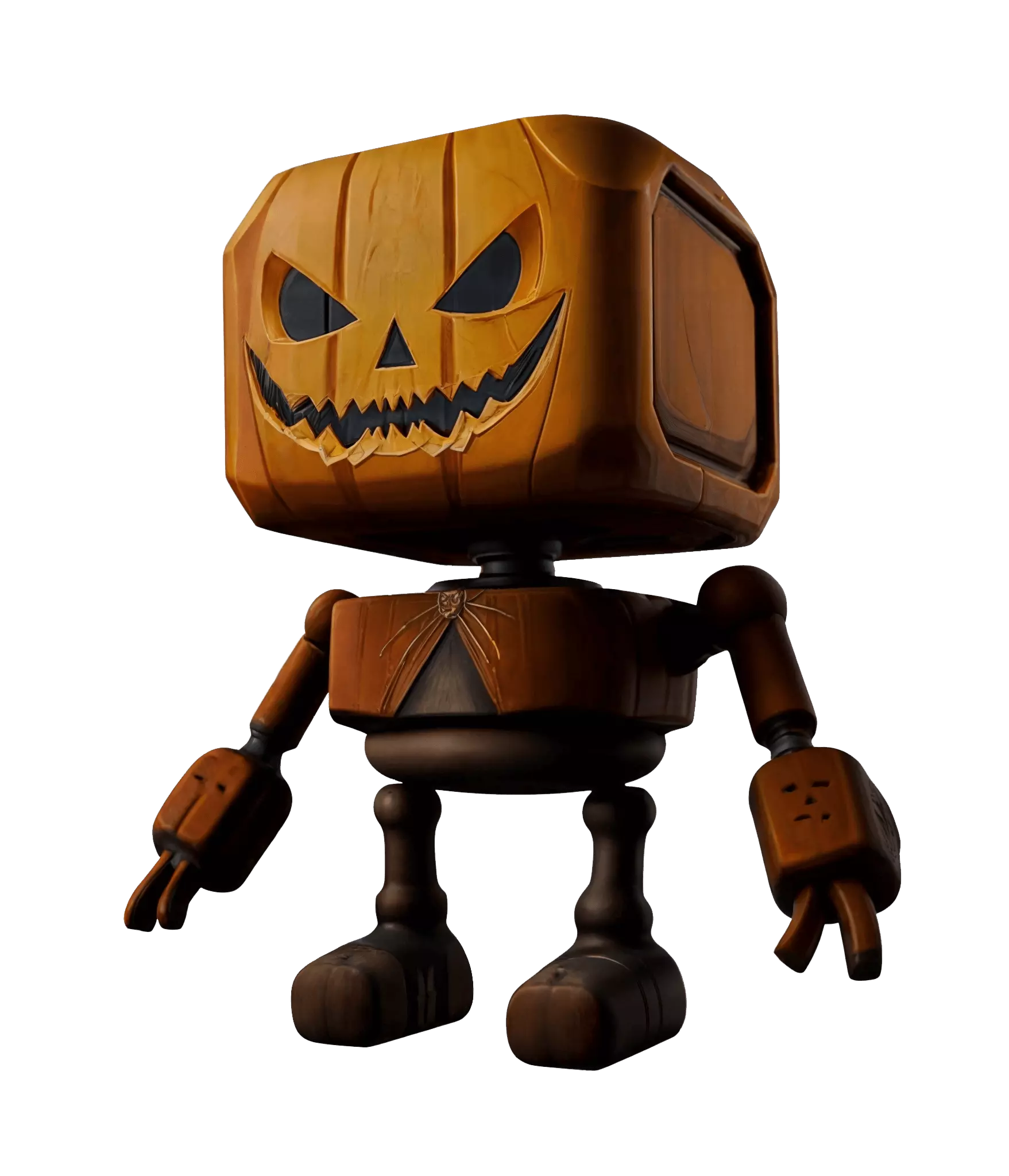
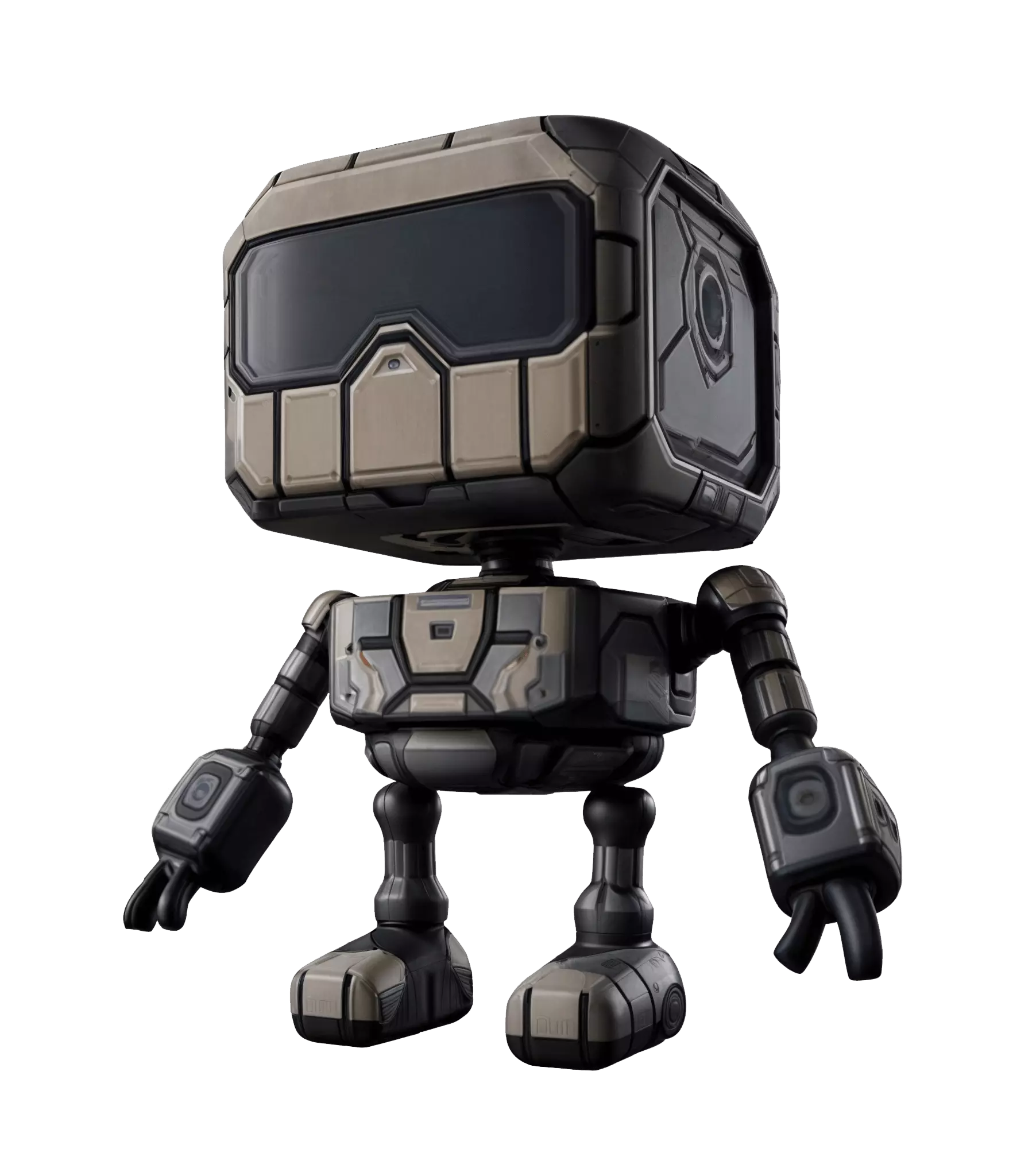
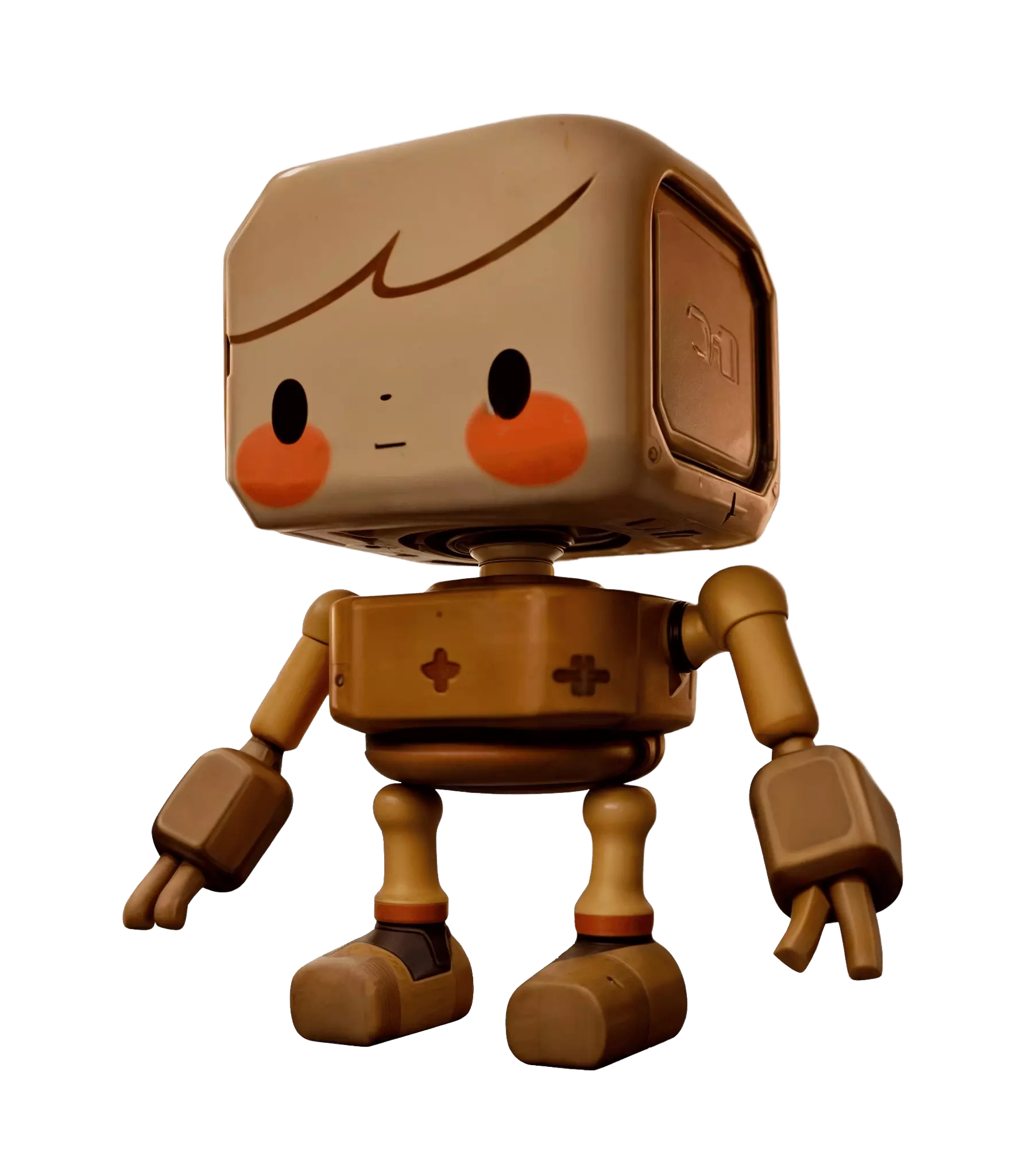
The same untextured robot, retextured three ways by swapping only the reference image — real inputs and outputs from the OmniCraft Texture tool.
Photo Reference → Carved Pumpkin
A jack-o-lantern photo turns the plain robot into a carved-pumpkin character, with the wood grain and glossy carving carried across the whole mesh.
Concept Art → Sci-Fi Armor
A stylized armor illustration maps panel lines, visor glass, and worn metal onto the same base mesh — ready for a game-ready look pass.
Toy Photo → Painted Wood
A wooden doll photo restyles the robot as a hand-painted wooden toy, keeping the friendly face and warm lacquered finish consistent from head to feet.
블랙박스가 아닌 프로덕션 컨트롤
Every option below exists in the tool today — speed presets, sliders, version history, and pack settings, all reachable from the same screen.
Native Gen-2.5 Speed Presets
Choose how much compute each pass gets: Extreme-Low (~4s), Low (~9s), Medium (~20s), or High (~40s) — or switch to the Legacy pipeline when you want the previous texture behavior.
Fine-Tune Every Generation
Dial in PBR Temperature (0–10) to control material response and Creativity (0–1) to balance the reference against invention. Keep the seed to iterate on a look you like, and flip the HD toggle for super-resolution texture output.
Version History Built In
Every generation renders onto your mesh with diffuse, normal, and PBR maps applied, then lands in a history rail with thumbnails — jump back to any earlier take at any time.
Pack Exactly What You Need
Choose Shaded and/or PBR material sets at 1K — or 4K on the Business plan. Multi-set downloads arrive as a tidy zip with separate PBR and Shaded folders; a single GLB comes as one file.
모든 3D 워크플로우를 위한 AI 텍스처
From game props to AR product previews, textured assets slot straight into the pipelines teams already use.
Game Assets
Texture props, characters, and modular kits with engine-friendly exports — FBX and GLB drop straight into Unity or Unreal with PBR or stylized Shaded looks.
Product Visualization
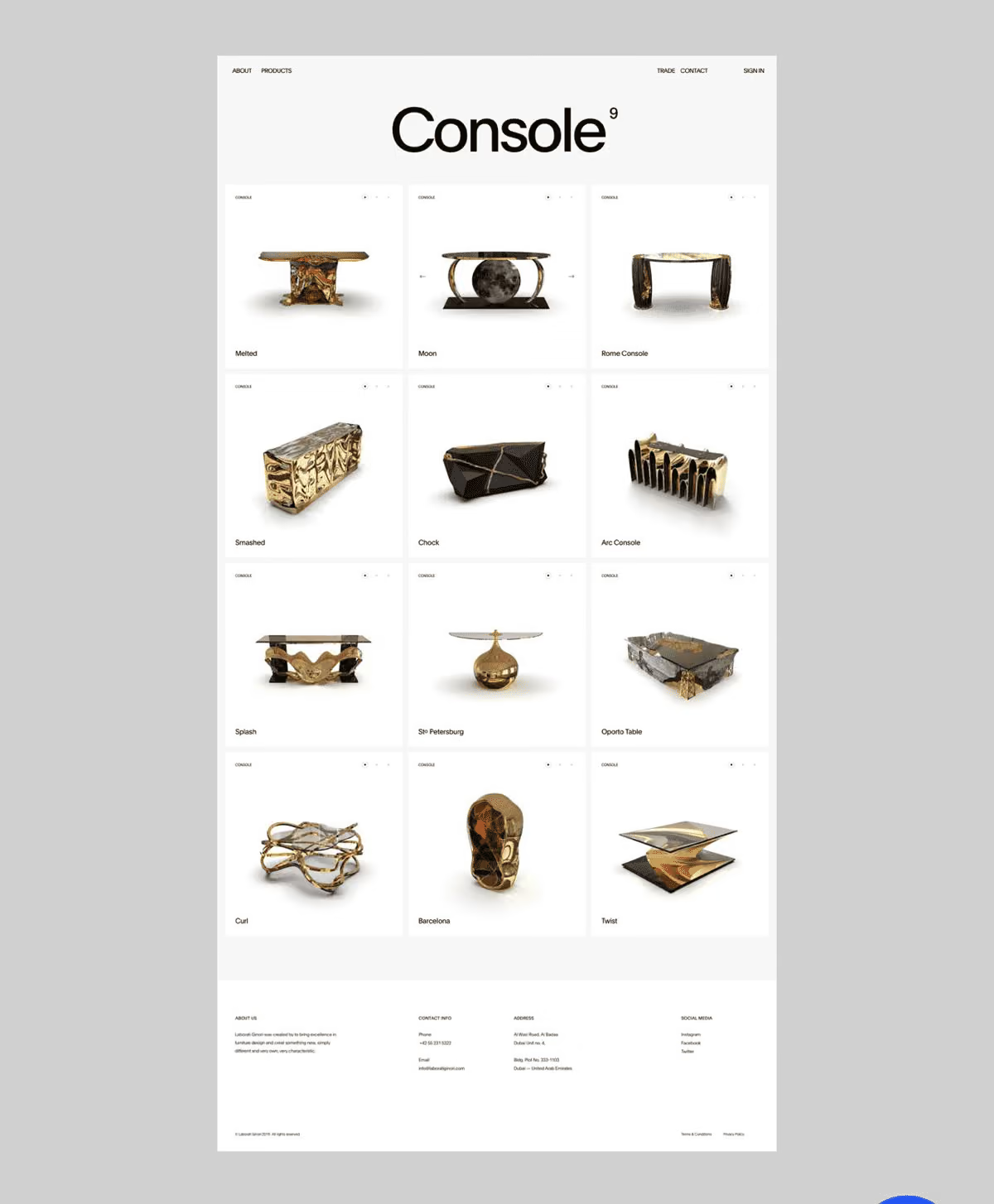
Explore colorways and material finishes on one product mesh — swap a reference photo to test leather, metal, or fabric directions before committing to a studio render.
Stylized 3D Art
Feed in illustrations or hand-painted references and get toon-friendly surfaces back — then check them in the dedicated Toon view mode before export.
AR, VR, and Web 3D
USDZ export makes assets ready for iOS AR Quick Look, while GLB keeps web viewers and headset pipelines lightweight — textures included, no rework needed.
자주 묻는 질문
실제 3D 에셋을 만드는 크리에이터가 신뢰합니다
제작 팀은 Hyper3D로 이미지 레퍼런스와 프롬프트를 편집 및 내보내기 가능한 3D 모델로 더 빠르게 전환합니다.
더 깔끔한 메시, 선명한 표면 디테일, 더 강한 다각도 일관성. 실제 워크플로우에서 계속 다듬고 싶은 결과입니다.
AI 3D가 새로운 기준에 도달했습니다. Rodin Gen-2.5는 빠른 지오메트리, 하이폴리 지원, 깔끔한 구조, 제작 가능한 결과를 제공합니다.
더 깔끔한 메시, 선명한 표면 디테일, 더 강한 다각도 일관성. 실제 워크플로우에서 계속 다듬고 싶은 결과입니다.
AI 3D가 새로운 기준에 도달했습니다. Rodin Gen-2.5는 빠른 지오메트리, 하이폴리 지원, 깔끔한 구조, 제작 가능한 결과를 제공합니다.
다음 3D 모델을 몇 분 만에 텍스처링하세요
Upload a model, drop in a reference image, and watch OmniCraft paint your mesh — free to start, right in the browser.