
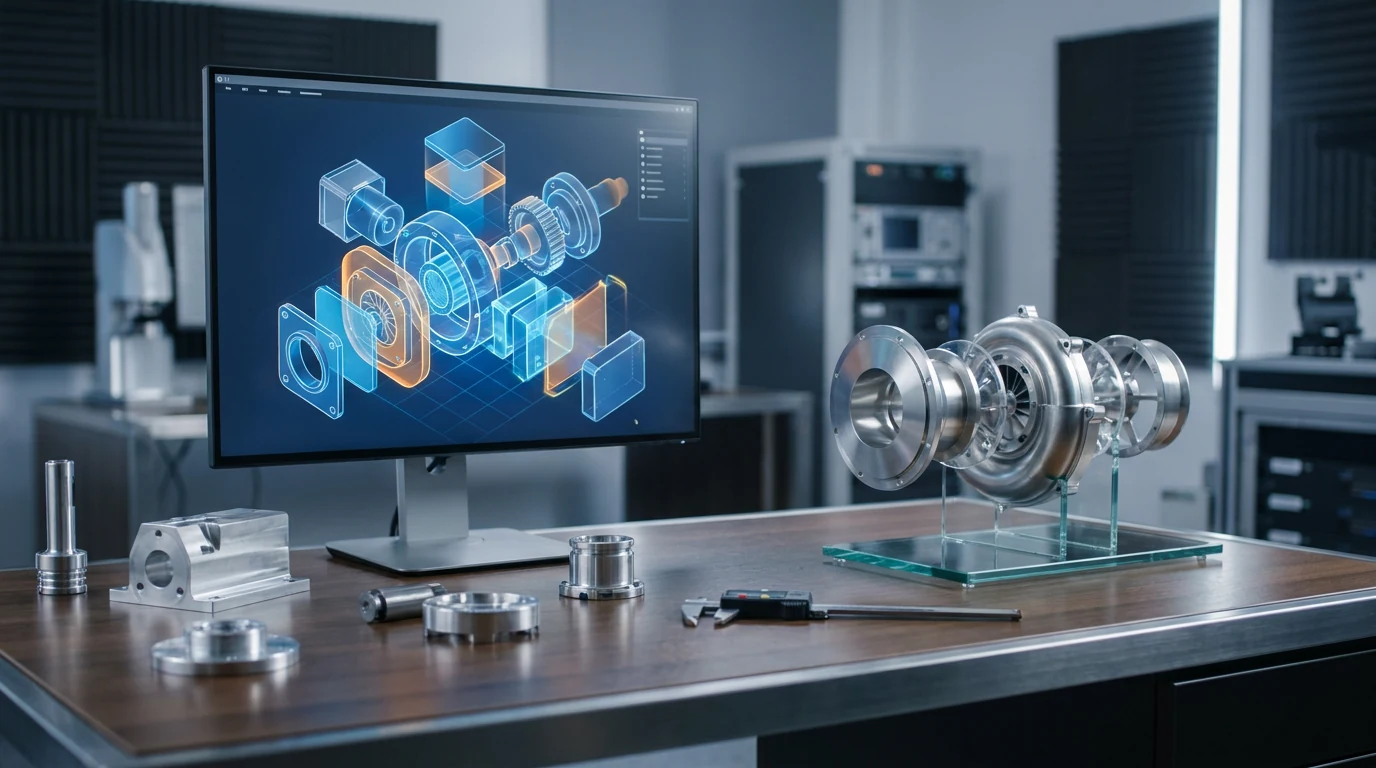
고품질 엔지니어링 컨셉 모델 제작을 위한 AI 3D 모델 생성기

부품 사진, 스케치 또는 간단한 설명을 고품질 텍스처가 적용된 3D 에셋으로 변환하세요. 컨셉을 시각화하고, 디자인 검토를 지원하며, 3D 프린팅에 바로 사용할 수 있는 프로토타입을 제작할 수 있습니다.

AI-generated textured 3D mechanical part concept on a dark turntable

스펙 시트부터

See what the generator creates and choose flexible output formats for high-quality engineering 3D workflows.

Output: high-quality, nearly production-ready textured 3D asset

Rodin-generated assets include a complete PBR texture set—Base Color, Normal, Metallic, Roughness, AO, Opacity, Emissive, and Height—with native textures up to 12K for high-quality, physically accurate material appearance.
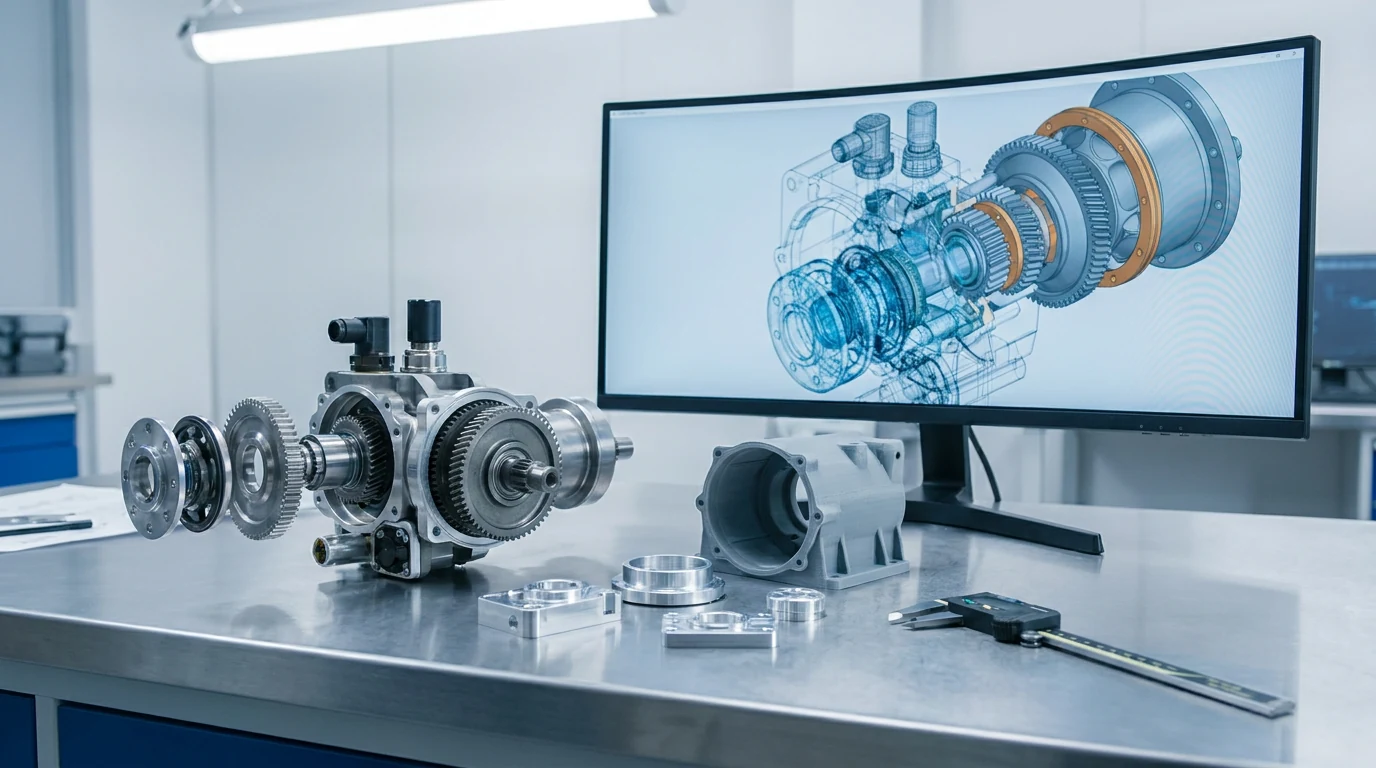
OBJ / FBX — into your DCC

Create high-quality 3D assets for polished renders and compelling technical presentations.

STL — watertight for the slicer

Rodin generates watertight, high-quality, 3D-printing-ready assets for prototyping workflows.

GLB — reviews in the browser

Rodin creates high-quality mechanical visualization assets with flexible export in standard 3D formats.

USDZ — AR on the bench

Open the file on an iPad and stand the concept on the bench or machine it will bolt to. A thirty-second AR look settles most size-and-placement debates.

High-Quality Assets for Product Concepting

Rodin delivers high-quality, nearly production-ready 3D assets for product concepting and visualization.

아이디어에서 고품질 3D 컨셉까지

Rodin turns a photo, sketch, or text prompt into a high-quality 3D asset for product concepting and visualization, making design ideas easier to review and compare.

How image to 3D works

부품 사진에서 검증 출력까지

Rodin generates near-print-ready 3D assets for common slicers.

  1. Step 1 — Capture
    Uploading a machine part photo to the AI 3D model generator for engineering

    Photograph or describe the part

    .jpg / .png photo · sketch · text prompt
  2. Step 2 — Generate
    AI generating a high-quality textured 3D part for engineering concept visualization

    High-Quality Textured 3D Asset

    high-quality 3D asset · complete PBR materials · native textures up to 12K
  3. Step 3 — Export
    Export the generated high-quality 3D part as STL for 3D printing or GLB for design review.

    Watertight Model, Ready for Handoff

    STL to slicer · OBJ / FBX to DCC · GLB to review

메시가 제 몫을 하는 곳

Four ways engineering teams can bring high-quality generated 3D assets into established workflows.

Engineering design exploration

Engineering design exploration

Explore and compare three enclosure directions on a turntable, then advance the strongest concept with confidence.

Design reviews that end on time

Design reviews that end on time

Create a high-quality 3D model from a text prompt and inspect its real-world scale interactively in the browser.

Check prints & ergonomics

Check prints & ergonomics

Rodin generates watertight, closed, manifold meshes with consistent normals for high-quality downstream workflows. OmniCraft is a separate, optional toolkit for creative editing and destination-specific optimization.

Manuals, training, trade shows

Manuals, training, trade shows

Re-texture the same mesh for a clean studio look or a worn-in-service finish, then render exploded views and hero shots for documentation.

FAQ: 엔지니어링용 AI 3D 모델 생성기

Straight answers on export options, high-fidelity results, and 3D-printing-ready workflows.

How does Rodin support consistent scale for engineering visualization?

Rodin maintains a stable real-world scale for engineering visualization and prototyping workflows. Sim Ready, available now, preserves real-world scale and physical properties for supported simulation-ready assets.

Can I 3D print the result?

Yes. Rodin generates watertight, 3D-printing-ready assets for common slicing workflows, making high-quality prototypes easy to create.

What reference photos work best for machine parts?

One image is enough for Rodin to generate most objects. Optional additional views can provide more visual detail when you want extra control.

Text prompt or photo — which should I start with?

Use a reference image when you want the closest visual match, or a text prompt to explore a new concept. Rodin delivers high reference fidelity, strong silhouette and proportion preservation, and coherent detail across views.

How do I keep a review file light enough for the browser?

Rodin generates clean topology across supported workflows. OmniCraft separately provides optional retopology, voxel remeshing, decimation, and smoothing controls for creative changes or destination-specific optimization.

Can I use generated models in commercial work?

Yes — proposals, manuals, pitch decks, and marketing renders are typical uses. Check your plan terms and the rights on your source images before anything ships client-facing.

차세대 엔지니어링 설계를 3D 로 구현해 보세요.


